MacDive 2.6.5
MacDive is your digital logbook for downloading and logging your dives right from your dive computer! Supporting over 50 models of computer from Atomic Aquatics, Aeris, Mares, Oceanic, Suunto, and more, it's back for version 2!
Version 2 provides a brand-new interface, bringing with it smart divelogs, iOS syncing, improved gear management, maps, and hundreds more updates to make it better than ever.
WHAT’S NEW
Version 2.6.5:
New Features:
- Added export to UDDF.
- Added a flag for Ascension Island.
- Loosened auto merge time matching.
- Improved statistics graphs.
- Improved DM4 database import.
- Minor performance optimisations.
Bug Fixes:
- Fixed issue where alarms from an EON Steel weren’t added correctly.
- Fixed a crash displaying statistics graphs when unexpected data was encountered.
- Fixed issue where NDT wouldn’t display in some cases.
- Fixed reading CNS from some devices.
- Misc minor bug fixes.
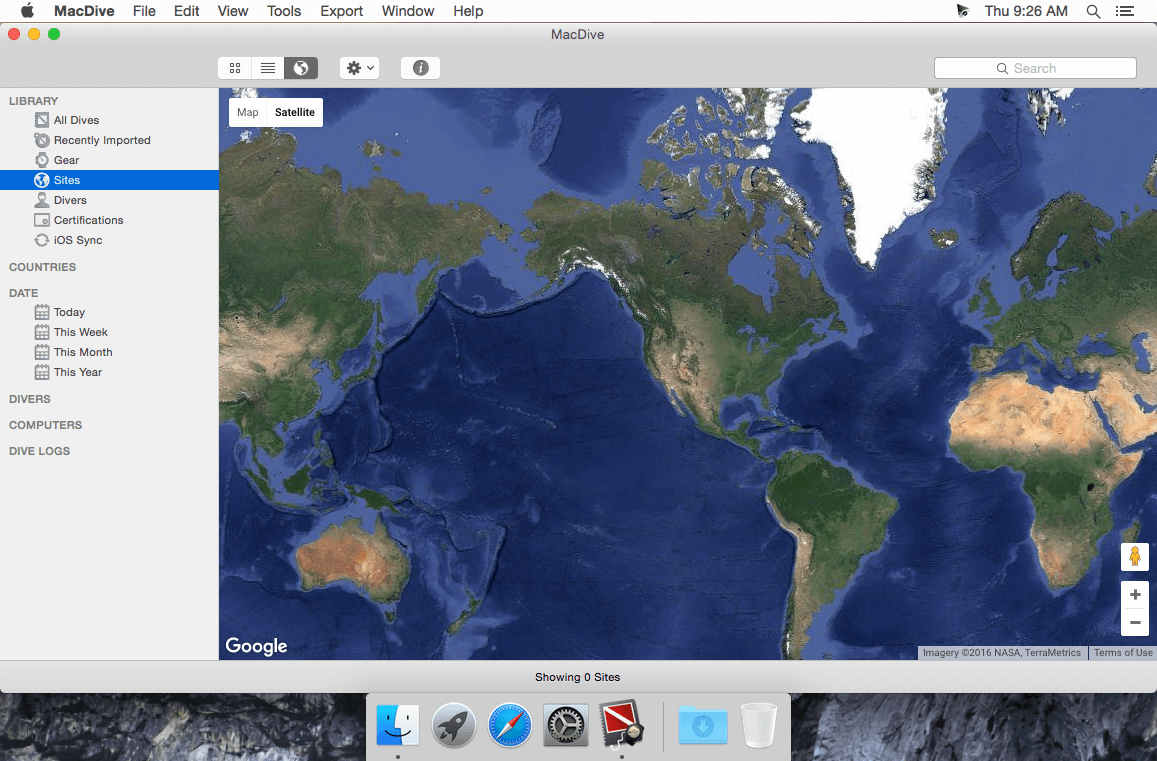
Screenshots
Frequently asked questions
How do I install the app?
Mount the image, drag the app into the "Applications" folder and launch it. If the system blocks the launch, allow it in "System Settings → Privacy & Security".
The app is damaged or won't launch
Reinstalling from a fresh image usually helps. Make sure your macOS version matches the one listed in the compatibility specs.
How do I update?
Download the new version from the site and install it over the current one — your settings will be preserved.
The download link doesn't work
Try a mirror or a download manager. For large files the browser often drops the connection.
How do I completely remove the app?
Use an uninstaller utility — it cleans up the service files that remain after moving the app to the trash.
VersionMacDive 2.6.5
DeveloperNick Shore
CompatibilityOS X 10.6 or later
LanguageEnglish
IncludesSpecial K





Information
Visitors in the group Guests cannot leave comments on this publication.
Choose a download source
MacDive 2.6.5 · 15.37 MB