
TechSmith Snagit 3.3.4 - Screen capture utility
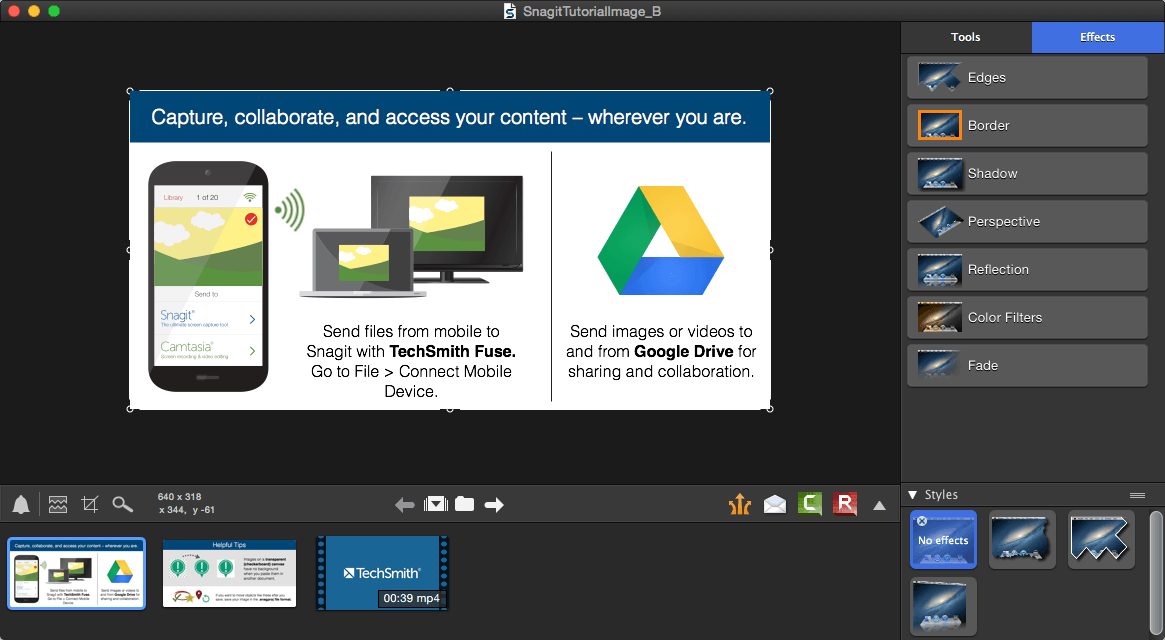
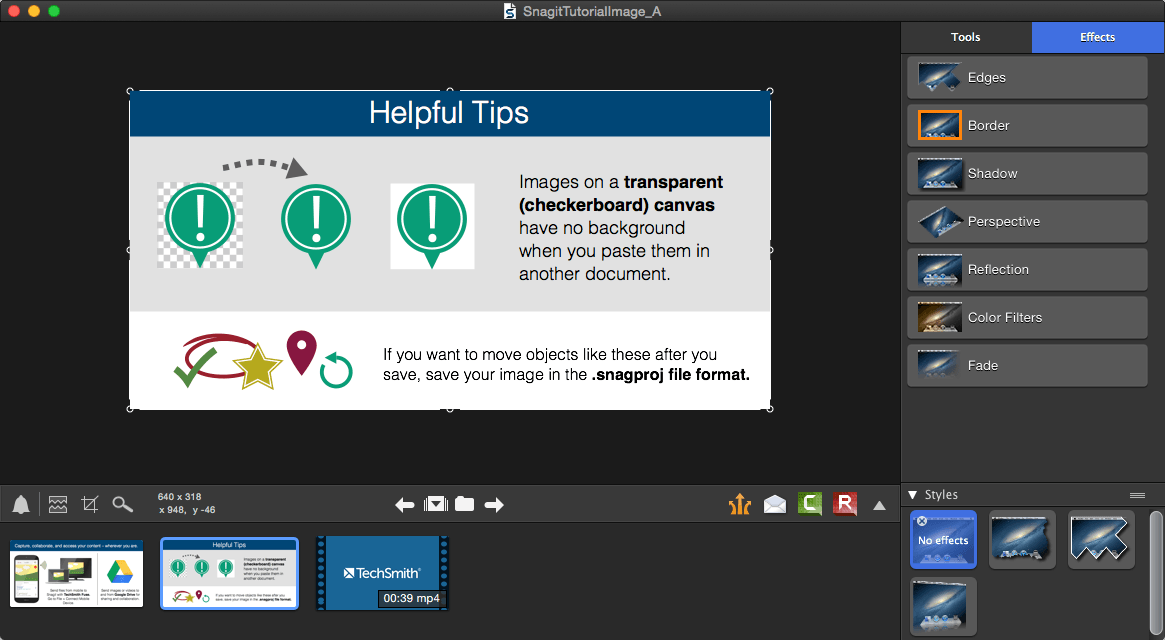
Sometimes words aren’t enough. Use images and videos to show people exactly what you’re seeing. Snagit gives you an easy way to quickly provide better feedback, create clear documentation, and change the way you work together.
- Capture Anything
Make sure to capture exactly what you need. Click and drag anywhere on your screen to select a region with pixel perfect accuracy. - Scrolling Capture
Quickly capture everything on the page even if it's not showing on the screen. Grab the horizontal, vertical, or entire scrolling area with just a click. - Video Capture
Sometimes it's easier to talk things through. Create, narrate and trim quick videos of your screen for demos, feedback, reviews, and more. - Look Great
Drop the confusion from your conversations. Snagit comes stocked with customizable arrows, blur, colorful speech bubbles, and more to mark up your screen captures. - Video Trimming
Quickly get rid of any unwanted sections from your screen recordings. Remove ums, ahs, coughs, extra time from the beginning, middle, end or any mistakes you want to correct. - Step Tool
Quickly highlight a series of steps in Snagit. Each click applies the next number in the series. Your sizes and styles stay the same so you can easily keep a consistent look to your projects. - Stamps
Personalize your images with graphics specifically designed for screen captures. Get them straight from Snagit - Special Effects
Add effects like border, shadow and perspective to your entire screen capture. Or, create your own custom style.
WHAT’S NEW
- Improvements to scrolling window capture
Screenshots
Frequently asked questions
How do I install the app?
Mount the image, drag the app into the "Applications" folder and launch it. If the system blocks the launch, allow it in "System Settings → Privacy & Security".
The app is damaged or won't launch
Reinstalling from a fresh image usually helps. Make sure your macOS version matches the one listed in the compatibility specs.
How do I update?
Download the new version from the site and install it over the current one — your settings will be preserved.
The download link doesn't work
Try a mirror or a download manager. For large files the browser often drops the connection.
How do I completely remove the app?
Use an uninstaller utility — it cleans up the service files that remain after moving the app to the trash.
VersionTechSmith Snagit
DeveloperTechSmith Corporation
CompatibilityOSX 10.9 or higher
LanguageEnglish
IncludesSerial





Information
Visitors in the group Guests cannot leave comments on this publication.
Choose a download source
TechSmith Snagit 3.3.4 - Screen capture utility · 63.13 MB