
TechSmith Snagit 2019.1.6
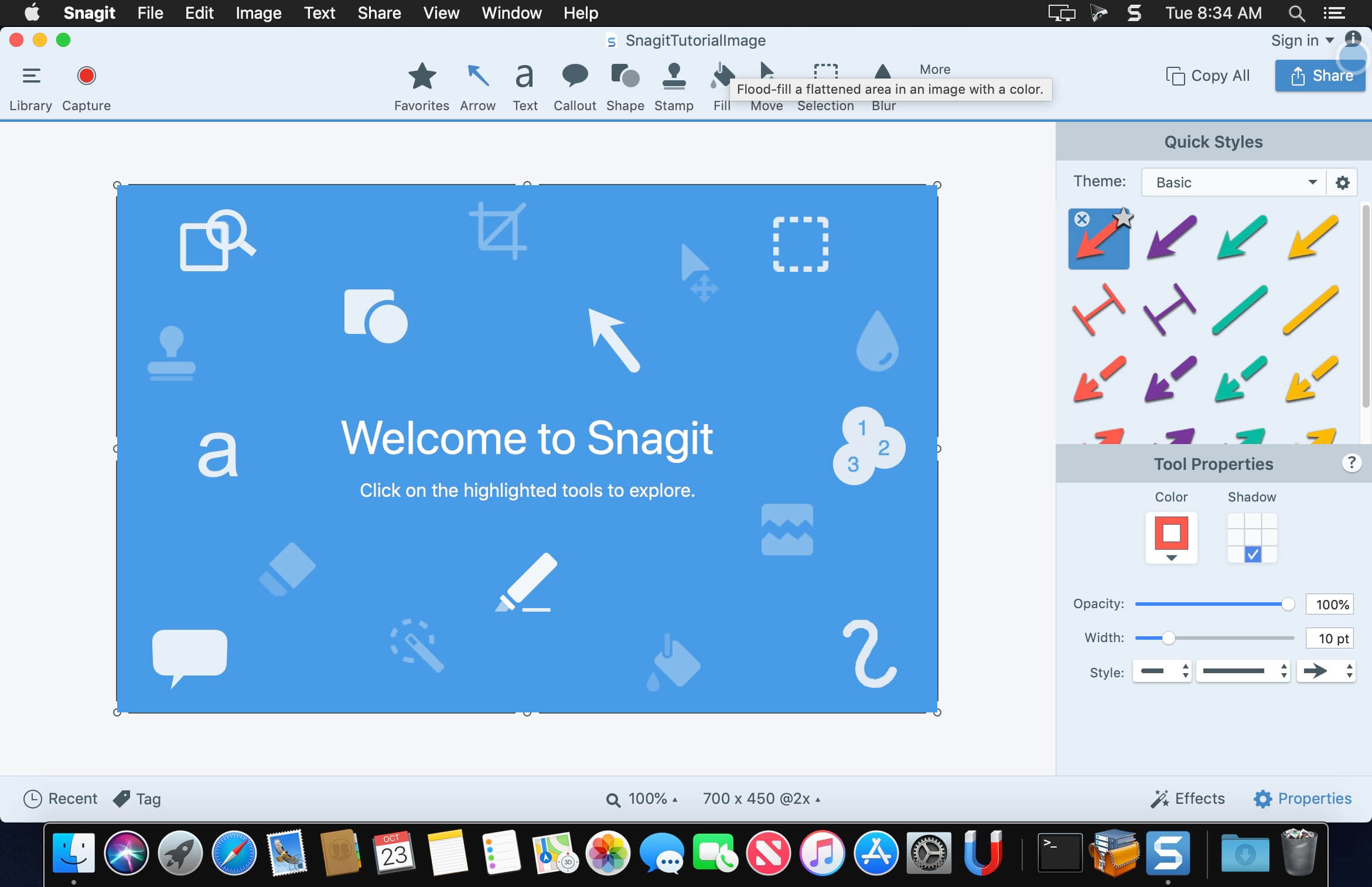
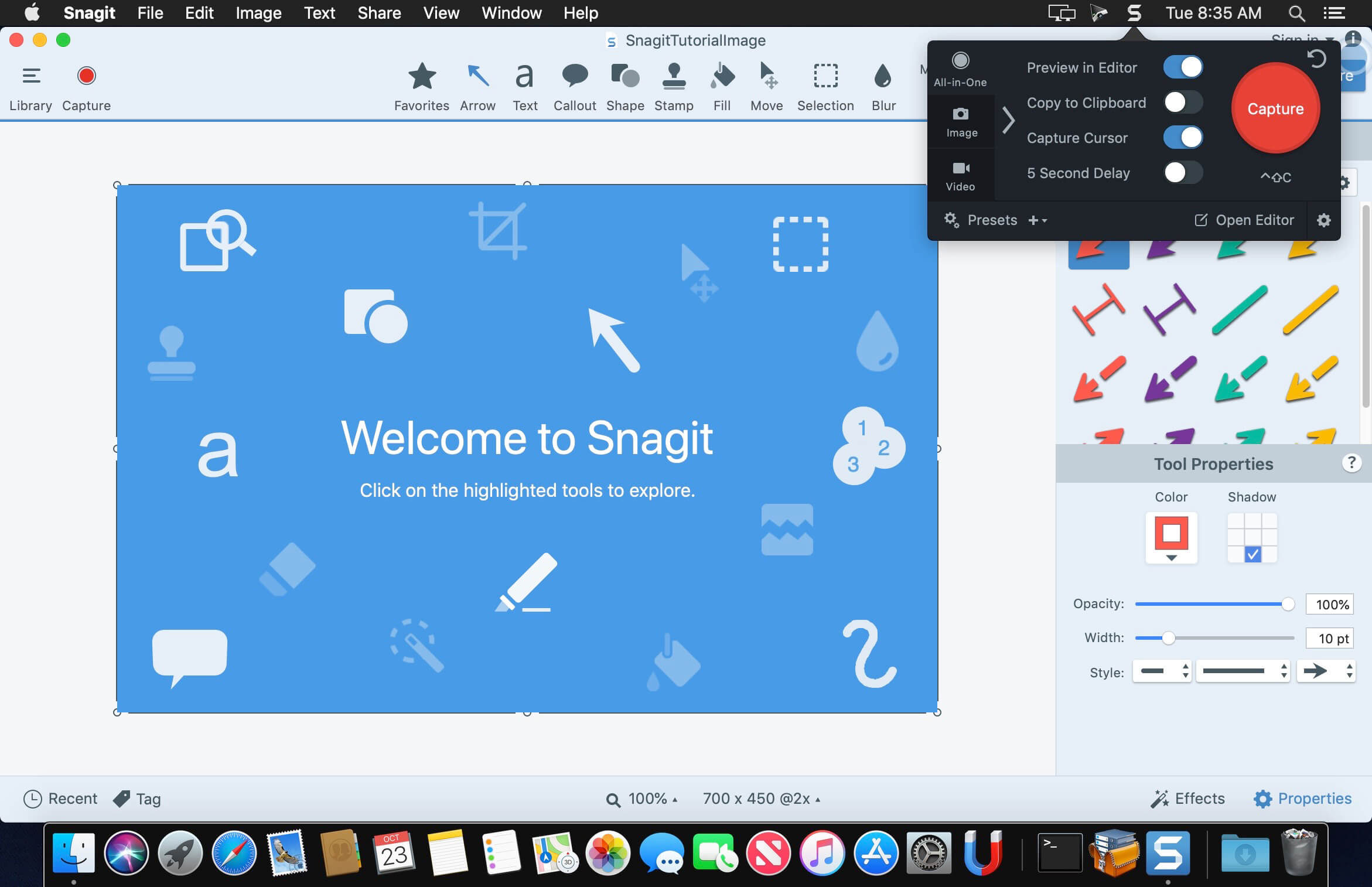
TechSmith Snagit 2019 brings screenshots to life in an incredibly powerful way. … Create remarkable visuals. Reduce wasted time. Share important information. Visuals help clarify your message and get you hours back in your work day. Snagit is the premium tool for screen capture and screen recording on Windows and Mac. Combining traditional screenshots, videos, and image editing to help you share important information with the people who need it most.
Use SnagIt's built-in editors to modify, annotate, and enhance your images and the Catalog Browser to organize your files. Increase your productivity while quickly creating professional presentations and flawless documentation. With powerful new features that allow you to edit previously placed objects, capture embedded links and add interactivity to your captures,SnagIt 8 makes it easier than ever before to capture, edit, and share anything on your screen.
Features of SnagIt:
- Capture - if you can see it, you can snag it!
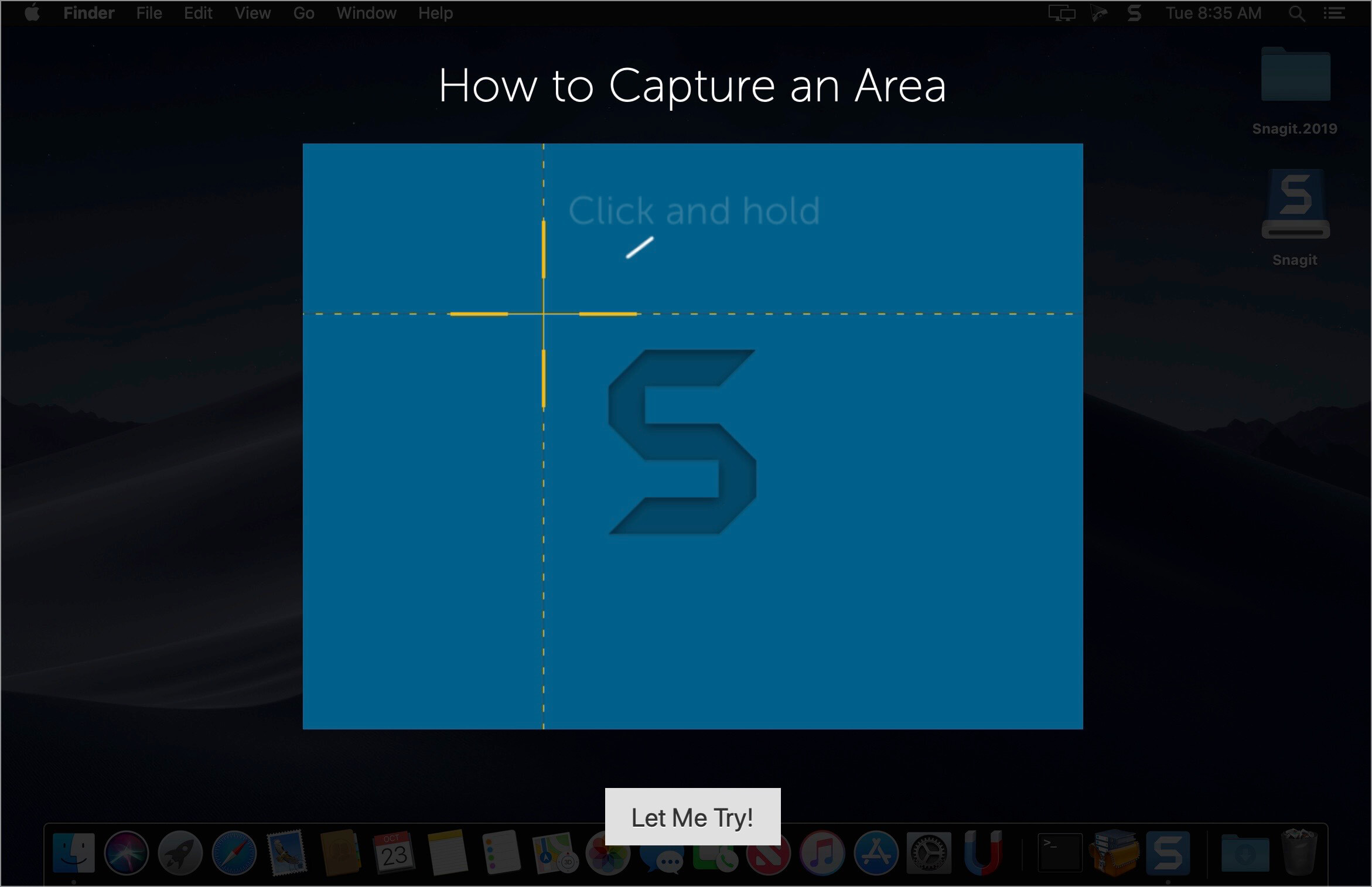
- Don't waste time cropping your captures. Snag exactly what you need, with just a click.
- Profiles make it easy. SnagIt comes with eleven preset buttons that make screen capture a cinch! Capture a region of your screen, text from a window, the contents of a tall page that scrolls, all the images on a Web page, you get the idea.
- Custom suits you. Don't feel limited by the eleven profiles—create your own combinations for nearly unlimited capture possibilites. What's that? You want to set up a keystroke that captures a menu along with the mouse pointer…adds a drop shadow…and sends the image directly to your ***** dot com blog? Sure, no problem!
Snagit 2019.0.0
Combine Images
Combine Images
- Quickly and painlessly explain a series of steps by combining multiple screenshots into a single image.
- Automatically create simplified versions of your captures that requires fewer updates over time, focuses your viewers’ attention to the most important part, and reduce your localization costs.
- When the automatic method doesn’t give you the exact results you need, refine your simplified image with our specialized manual tools. Still enormously speeding up the process. Cutting a multi-hour project down to a few minutes.
- Favorite your most used Quick Styles across tools. Keep your favorite tool styles a single click away. No more unnecessary tool switching.
- Use search terms to quickly find and select the right stamp you need among the vast number of stamps that come with Snagit.
- [ and ] keys can be used to change eraser size
- Hotkeys added for changing Z order of objects
- Blur objects can be made using the freeform polygon shape
- Blur tool supports quick styles to save your favorite shapes
- Can now use Smart Move on floating images on the canvas, not just the background image.
- Resolved numerous bugs and added other workflow improvements.
Frequently asked questions
How do I install the app?
Mount the image, drag the app into the "Applications" folder and launch it. If the system blocks the launch, allow it in "System Settings → Privacy & Security".
The app is damaged or won't launch
Reinstalling from a fresh image usually helps. Make sure your macOS version matches the one listed in the compatibility specs.
How do I update?
Download the new version from the site and install it over the current one — your settings will be preserved.
The download link doesn't work
Try a mirror or a download manager. For large files the browser often drops the connection.
How do I completely remove the app?
Use an uninstaller utility — it cleans up the service files that remain after moving the app to the trash.
VersionTechSmith Snagit 2019.1.6
DeveloperTechSmith Corporation
CompatibilityOS X 10.11 or later, 64-bit processor
LanguageEnglish
IncludesSerial (block outbound connections)





Choose a download source
TechSmith Snagit 2019.1.6 · 370.01 MB
Previous versions
TechSmith Snagit 2019.1.6
Previous versions are available to registered users.
Comments 3