Memory Cleaner 5.1
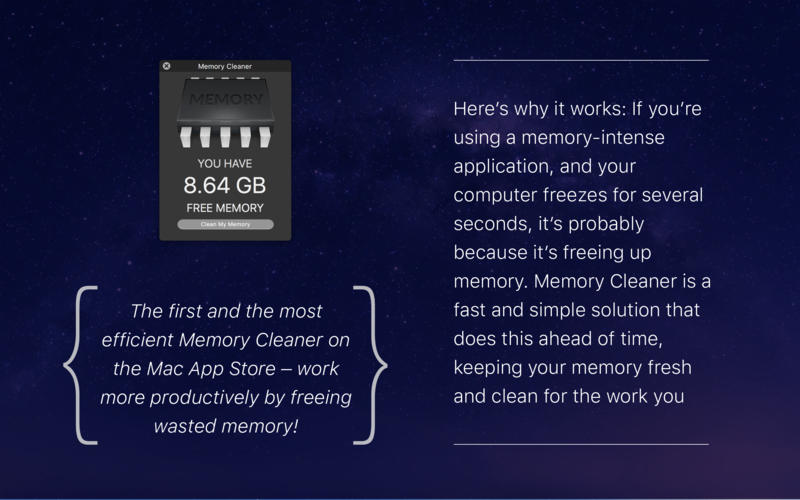
The first and the most efficient Memory Cleaner on the Mac App Store. Don't waste your memory; clean it. Don't waste your time; be productive.
Features:
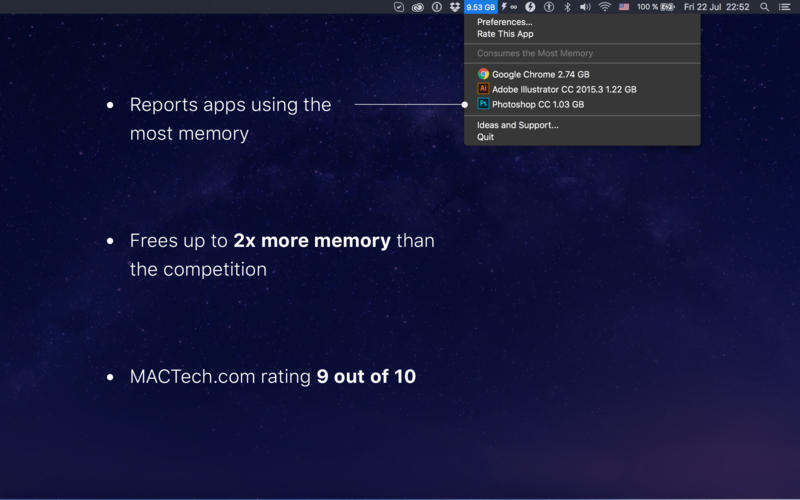
- Frees up to 2x more memory than the competition
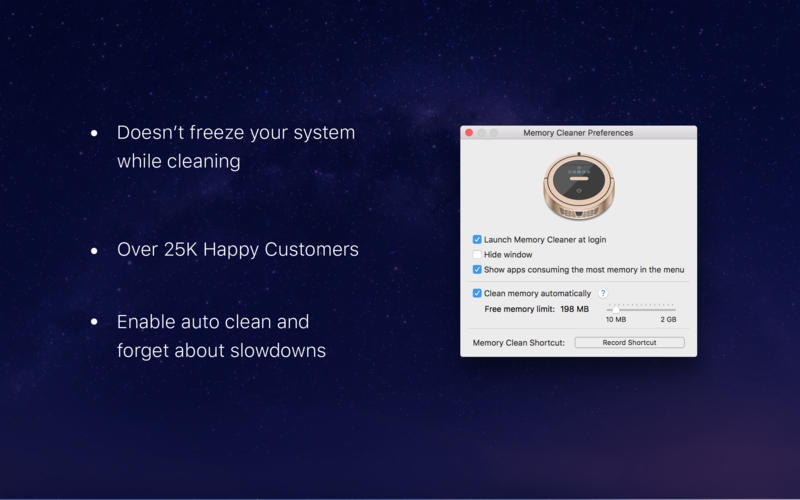
- Doesn’t freeze your system while cleaning
- Enable auto clean and forget about slowdowns
- -Tracks the most memory-consuming apps
Recognition:
- MACTech.com rating of 9 out of 10
- Over 25,000 happy customers
How it works:
Problem: Launching a memory-intense application, your computer freezes for several seconds. This is probably because the computer is trying to free some memory to run it.
Solution: Memory Cleaner frees the memory ahead of time, keeping your memory fresh and clean.
WHAT’S NEW
Version 5.1
- macOS Sierra comaptibility
- Shallow cleaning mode
- Frees up to 2x more memory than the competition
SCREENSHOTS
Frequently asked questions
How do I install the app?
Mount the image, drag the app into the "Applications" folder and launch it. If the system blocks the launch, allow it in "System Settings → Privacy & Security".
The app is damaged or won't launch
Reinstalling from a fresh image usually helps. Make sure your macOS version matches the one listed in the compatibility specs.
How do I update?
Download the new version from the site and install it over the current one — your settings will be preserved.
The download link doesn't work
Try a mirror or a download manager. For large files the browser often drops the connection.
How do I completely remove the app?
Use an uninstaller utility — it cleans up the service files that remain after moving the app to the trash.
VersionMemory Cleaner 5.1
DeveloperYevgeniy Muravyev © ZipZapMac
CompatibilityOS X 10.7 or later, 64-bit processor
LanguageEnglish, Dutch, French, German, Italian, Japanese, Korean, Polish, Russian, Simplified Chinese, Spanish, Traditional Chinese
IncludesPre-K'ed


Information
Visitors in the group Guests cannot leave comments on this publication.
Choose a download source
Memory Cleaner 5.1 · 2.99 MB