

Keyboard Maestro 11.0.2
Screenshots
Click to enlarge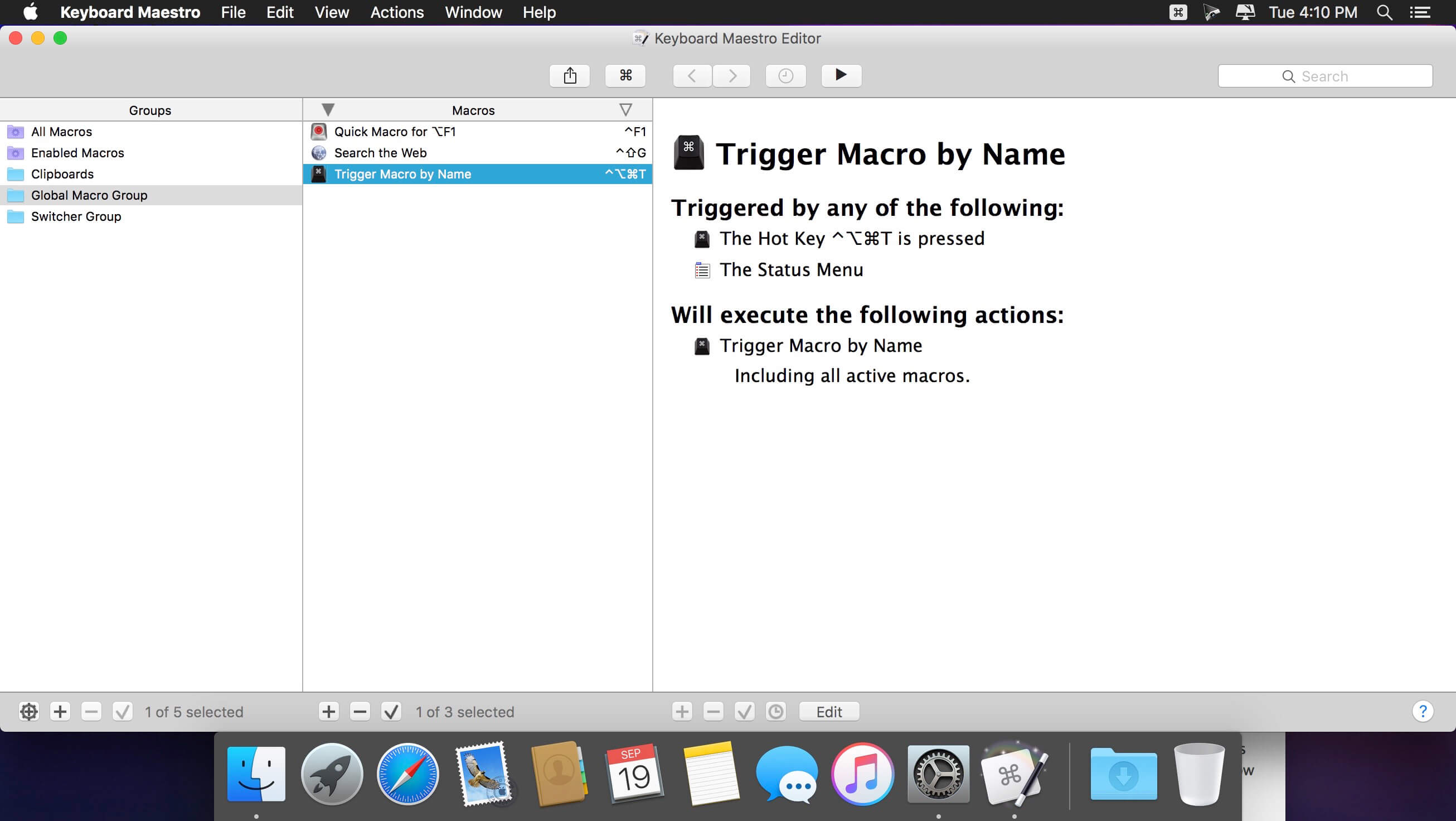
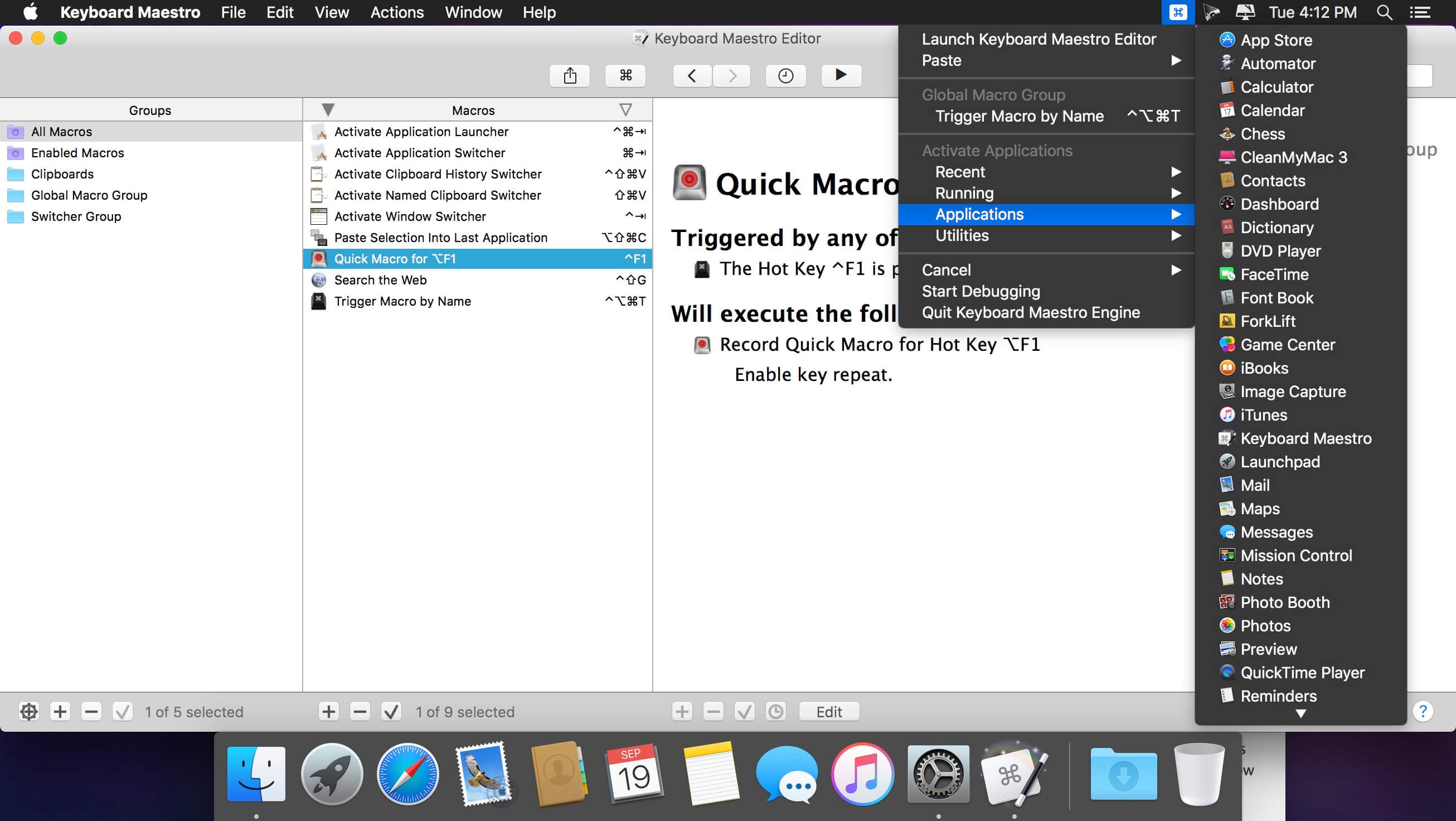
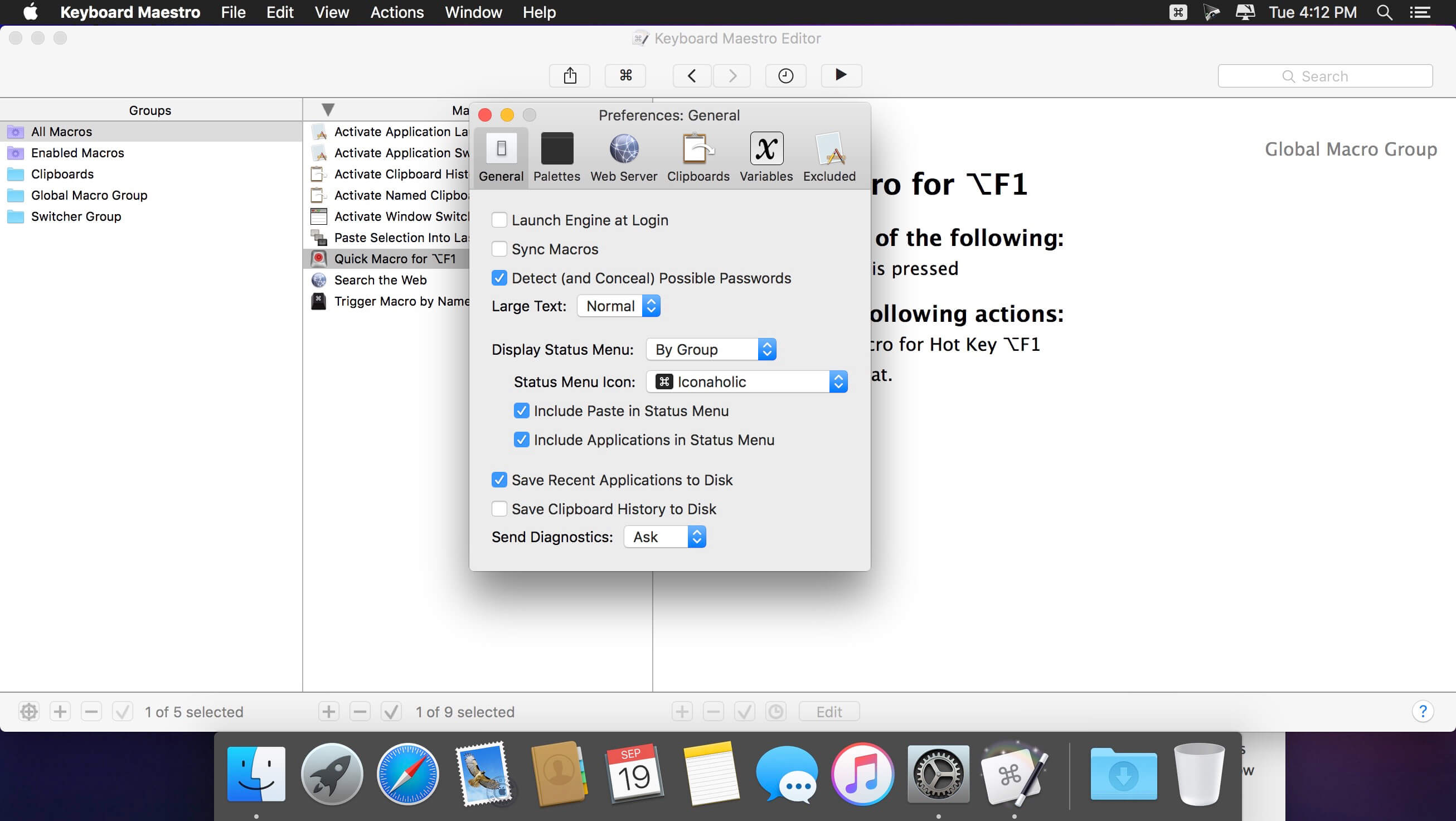
Keyboard Maestro is your hot-key solution that allows you to perform a multitude of tasks simply by pressing a keystroke! It also incorporates the wildly popular macOS Classic utility Program Switcher, which allows you to launch, switch, and quit applications with a simple keystroke.
Features:
- Macro
- Program and window switcher
- Clipboard switcher
- Clipboard history switcher
Version 11.0:
- Request Calendar permission when using the Create Calendar Event action.
- Fixed an issue with Press a Button and other actions when it fails but does not abort the macro.
- Fixed some issues with the Select Menu by Name action.
- Fixed Search and Replace action to fail when the source cannot be read.
- Mitigate issue with 1Password corrupted bookmarks causing a crash/lag.
- Fixed an issue with Show Palette of Macros action not using the default theme initially. (forum)
- Fixed the %TriggerBase% token for the Periodic, Time of Day and other triggers. (forum)
- Fixed an issue with %FinderSelections% and other tokens on pre-Ventura systems.
- Added a TokenTimeout and ForceSynchronousTokens preference. (forum)
- Fixed some false positives with modifier only Typed String triggers.
- Fixed an issue with Find Image & Click Mouse With Found Image actions when Waiting For Match.
- Resolved an issue with the macro group Toggle window stealing focus in Sonoma.
- Fixed a possible issue with some Wireless Network trigger names.
- Fixed a minor issue with the non-Edit display of Smart Groups.
Comments
No comments yet. Be the first.
Information
Visitors in the group Guests cannot leave comments on this publication.