
Moom 4.6
Moom: Professional window manager with custom layouts and templates
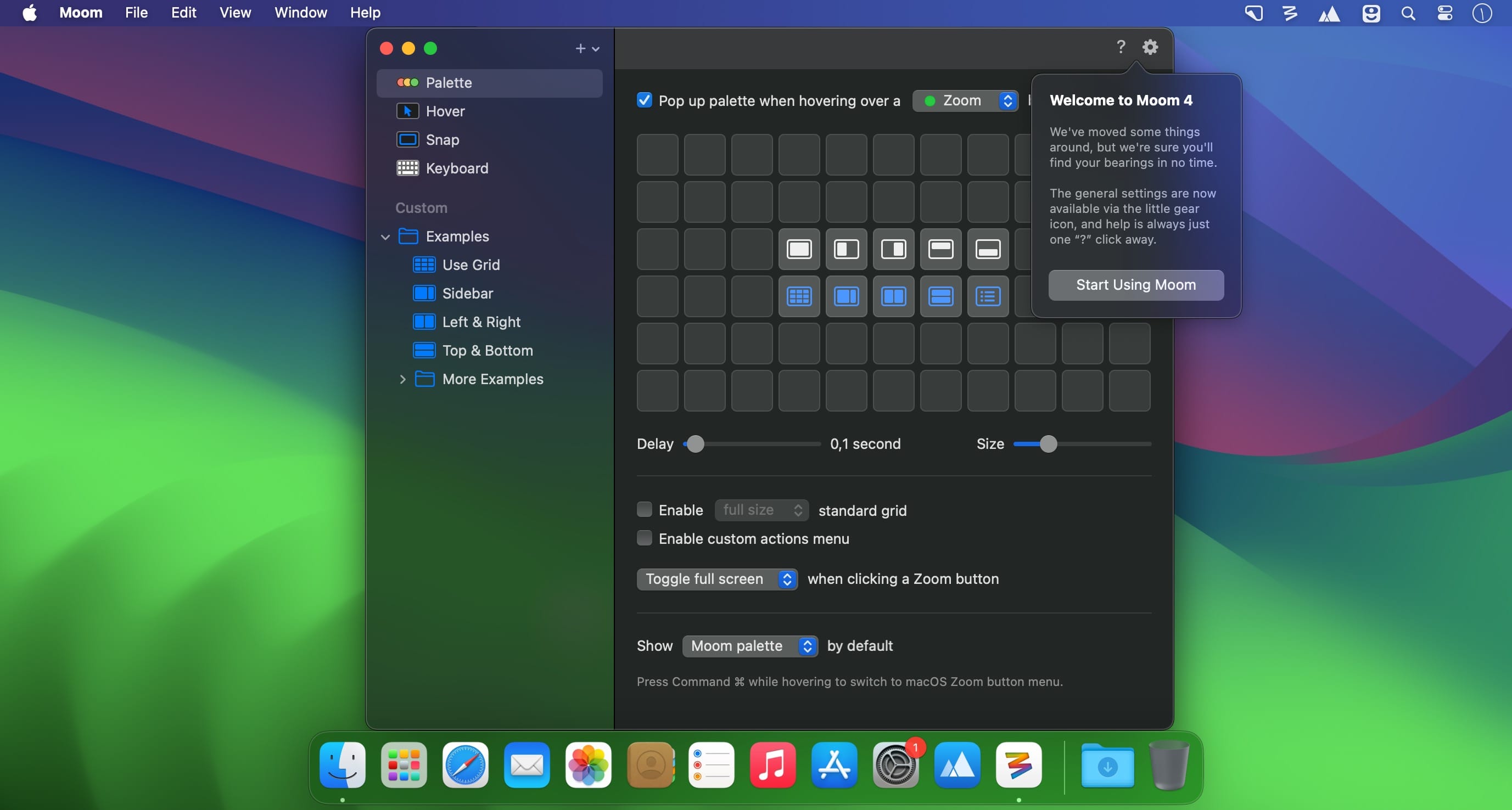
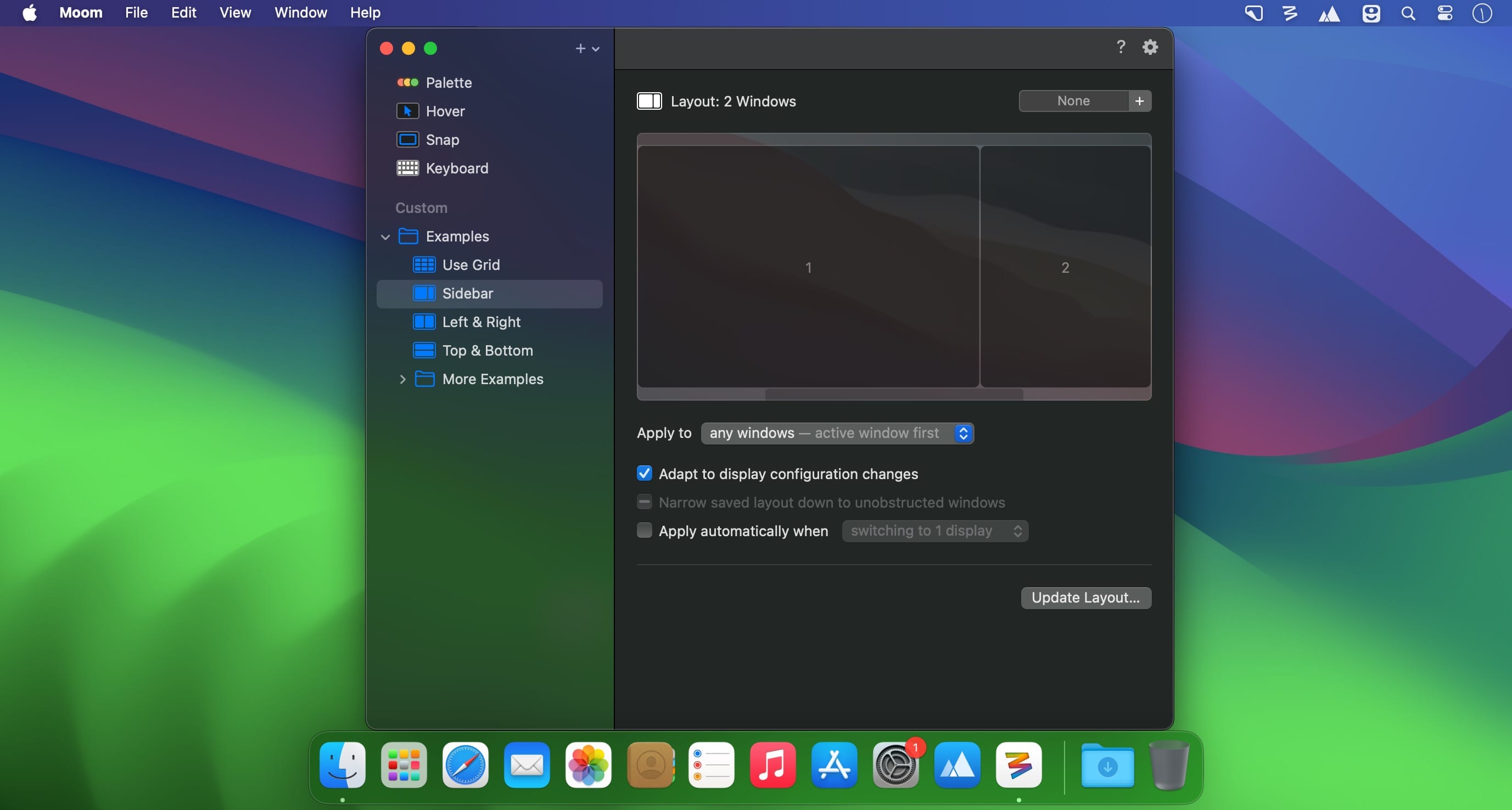
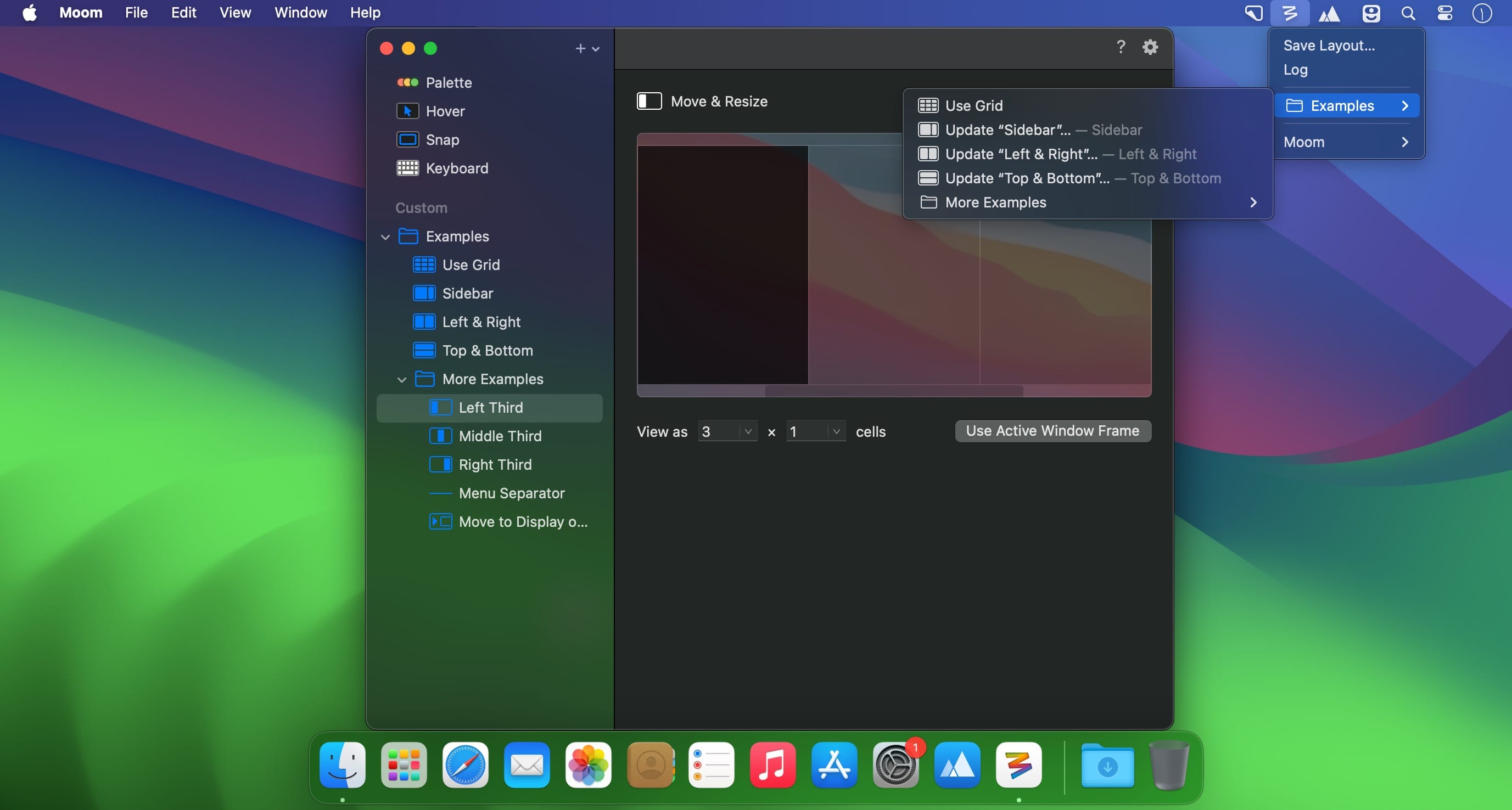
Moom is a simple Mac app that can help you take advantage of all your desktop space without having to waste time manually resizing or arranging windows. The app allows you to move your window by using predefined templates, and then enables you to save the current layout for later use.
By default, Moom is running as a standard application (you can find its icon in the Dock), but via the Preferences window, you can choose to switch to the menu bar app, or decide to hide its menus altogether (the app tools can be activated with a hotkey).
Moom comes with a collection of predefined window movement patterns that can be accessed by hovering the pointer over the maximizing button of any window. You can move windows by using the arrow keys, or resize them by making use of the Moom windows grid.
The best part is that you must work on creating a specific window arrangement only once: Moom is able to save the current windows position and then allows you to activate the layout any time you need. This function is extremely useful because you can define layouts suitable for specific tasks, and then toggle between them in no time.
Noteworthy is that, via the Moom Preferences window, you get to define your own custom windows controls, activate useful functions (the window grid), or define your own keyboard shortcuts. Exploring the Preferences is very important to learn everything Moom has to offer.
Moom is a great tool to have around if you want to make the most out of your desktop space: you can use efficient tools to move the windows around, or resize them until you find the suitable layout for the current task. The best part is that you can save the arrangement, and use it any time you like.
Version 4.6:
New Features
- In addition to picking live windows based on the respective best matches in the saved layout or based on frontmost window order (formerly known as "any windows"), Moom can now also assign windows to spots in a saved layout based on either proximity among the appropriate number of frontmost windows, or proximity alone. (Hat tip to Brian N.)
Bug Fixes and Improvements
- Layouts that are configured to apply only to windows on the active display now skip hidden apps and minimized windows. (If this is a problem for you, ask us about the Terminal command that reverts this change.)
- Worked around a macOS issue where layouts didn't position hidden apps' windows correctly. (Hat tip to Anton F.)
- Improved window matching logic for app-specific layouts.
- Updated the palette's optional custom actions icon on macOS 11 and newer to match the more abstract user icon Apple uses elsewhere.
Frequently asked questions
How do I install the app?
Mount the image, drag the app into the "Applications" folder and launch it. If the system blocks the launch, allow it in "System Settings → Privacy & Security".
The app is damaged or won't launch
Reinstalling from a fresh image usually helps. Make sure your macOS version matches the one listed in the compatibility specs.
How do I update?
Download the new version from the site and install it over the current one — your settings will be preserved.
The download link doesn't work
Try a mirror or a download manager. For large files the browser often drops the connection.
How do I completely remove the app?
Use an uninstaller utility — it cleans up the service files that remain after moving the app to the trash.





Choose a download source
Moom 4.6 · 12.9 MB
Previous versions
Moom 4.6
Previous versions are available to registered users.