SizeUp 1.7.4
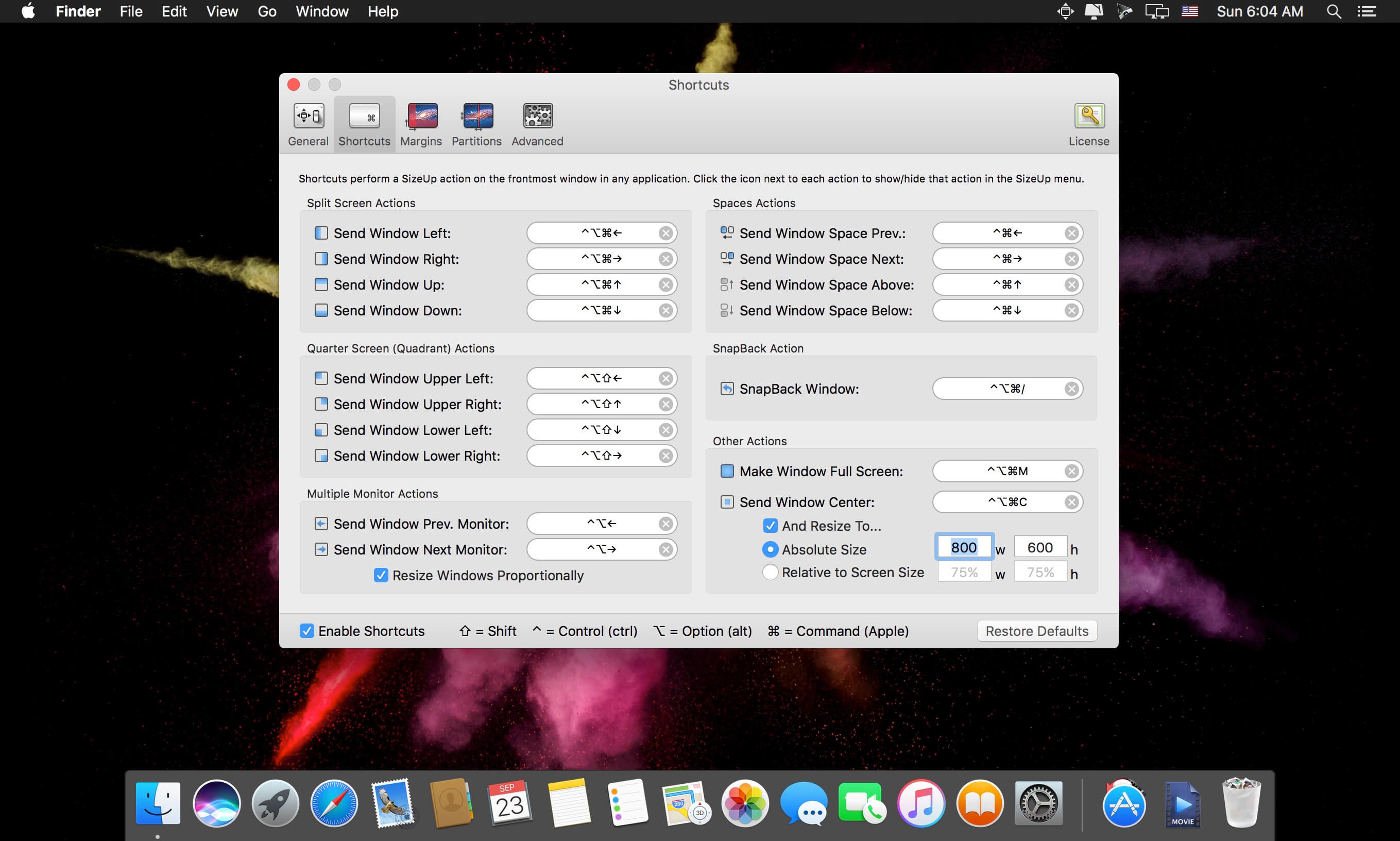
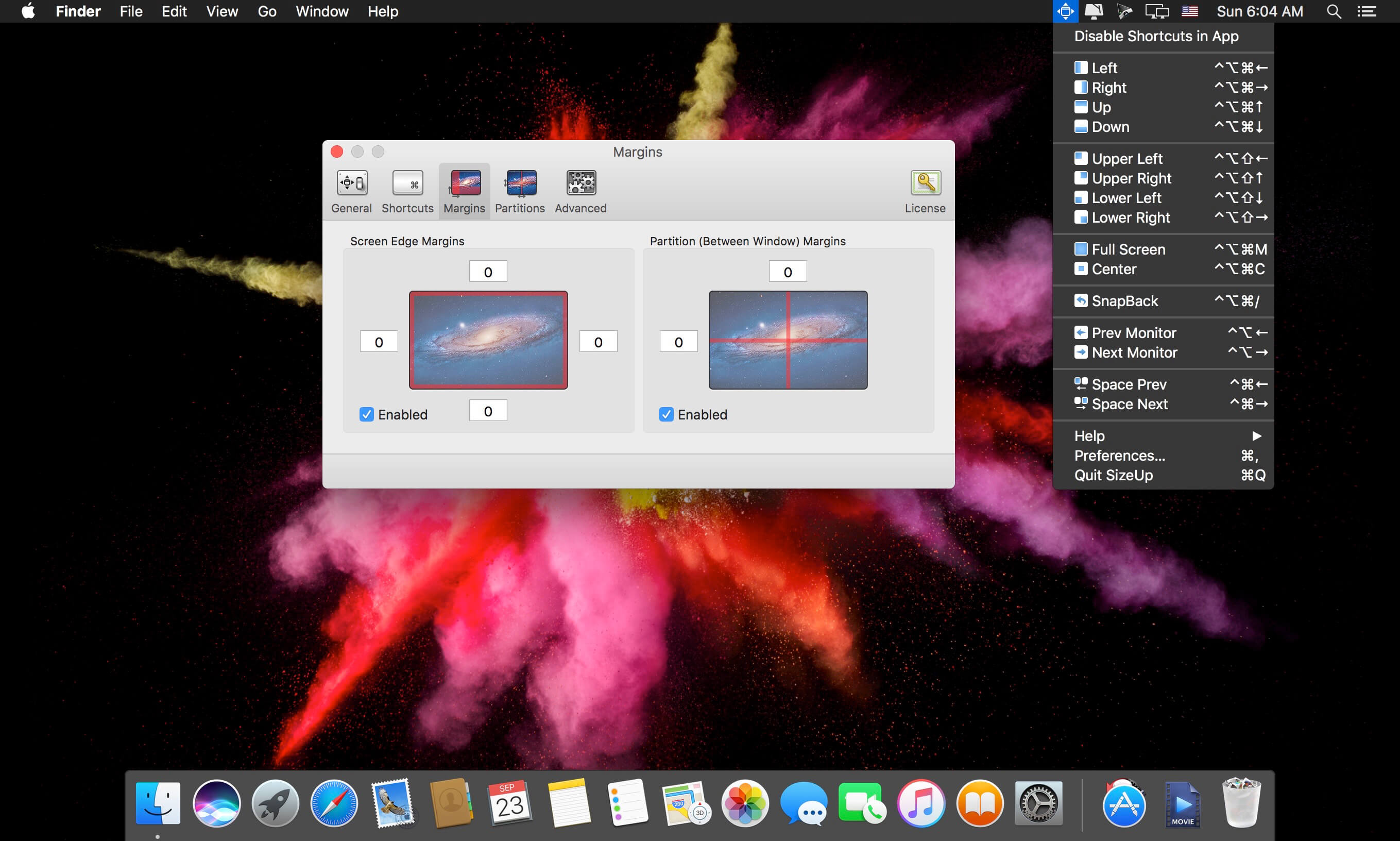
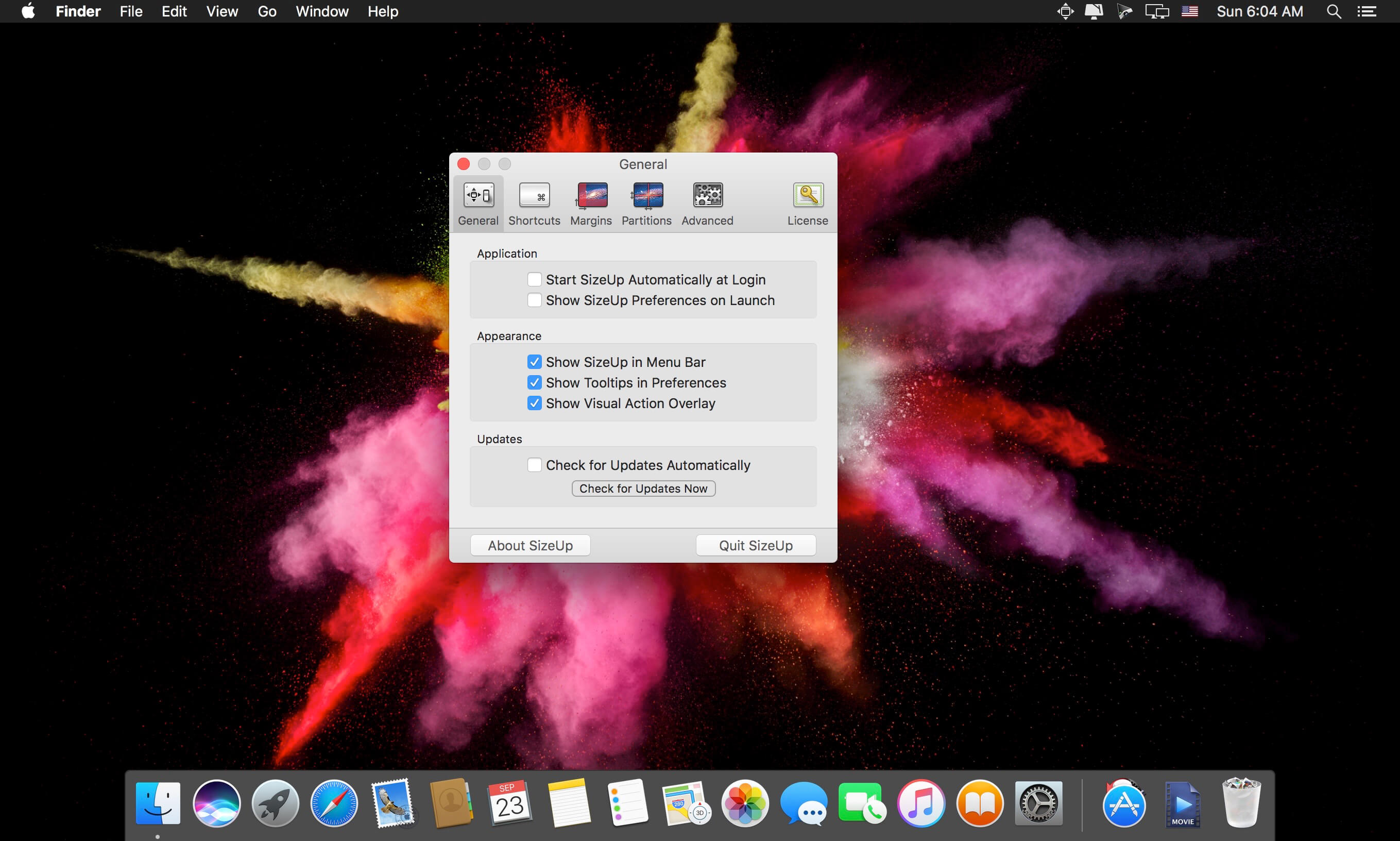
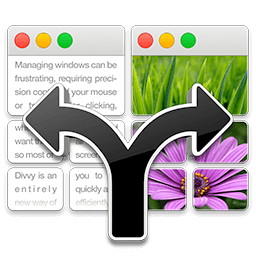
SizeUp allows you to quickly position a window to fill exactly half the screen (splitscreen), a quarter of the screen (quadrant), full screen, or centered via the menu bar or configurable system-wide shortcuts (hotkeys). Similar to "tiled windows" functionality available on other operating systems.
Additional features include moving windows from one monitor to another, from one Space to another, and restoring a window to its original size and position (SnapBack).
Split Screen Actions
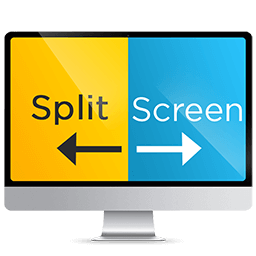
Move and resize a window to fill the Left, Right, Top (Up), or Bottom (Down) half of the screen. Great for putting two windows side by side for comparison.
Quarter Screen Actions
Move and resize a window to fill a quarter of the screen (quadrant). Great for managing files in Finder.
Multi-Monitor & Spaces Actions
Move a window from one monitor to another and optionally resize the window to fit. Move a window from one Space to another.
Other Actions
My favorite, Full Screen maximizes a window to fill your screen, unlike that annoying green button. SnapBack restores a window to its original size/position before SizeUp touched it.
Version 1.7.4
- IMPROVED: Support for macOS 10.14 Mojave.
- IMPROVED: Check for systems with broken AppleScript.
- FIXED: Microsoft Office windows not moving between Spaces.
- FIXED: "Third Lower" AppleScript action not working.
Frequently asked questions
How do I install the app?
Mount the image, drag the app into the "Applications" folder and launch it. If the system blocks the launch, allow it in "System Settings → Privacy & Security".
The app is damaged or won't launch
Reinstalling from a fresh image usually helps. Make sure your macOS version matches the one listed in the compatibility specs.
How do I update?
Download the new version from the site and install it over the current one — your settings will be preserved.
The download link doesn't work
Try a mirror or a download manager. For large files the browser often drops the connection.
How do I completely remove the app?
Use an uninstaller utility — it cleans up the service files that remain after moving the app to the trash.
VersionSizeUp 1.7.4
DeveloperIrradiated Software
CompatibilityOS X 10.9 or later, 64-bit processor
LanguageEnglish
IncludesK'ed by TNT
Information
Visitors in the group Guests cannot leave comments on this publication.
Choose a download source
SizeUp 1.7.4 · 5.76 MB