
Smooze Pro 2.2.9
Smooze: Smooth scrolling app with mouse gestures for Mac
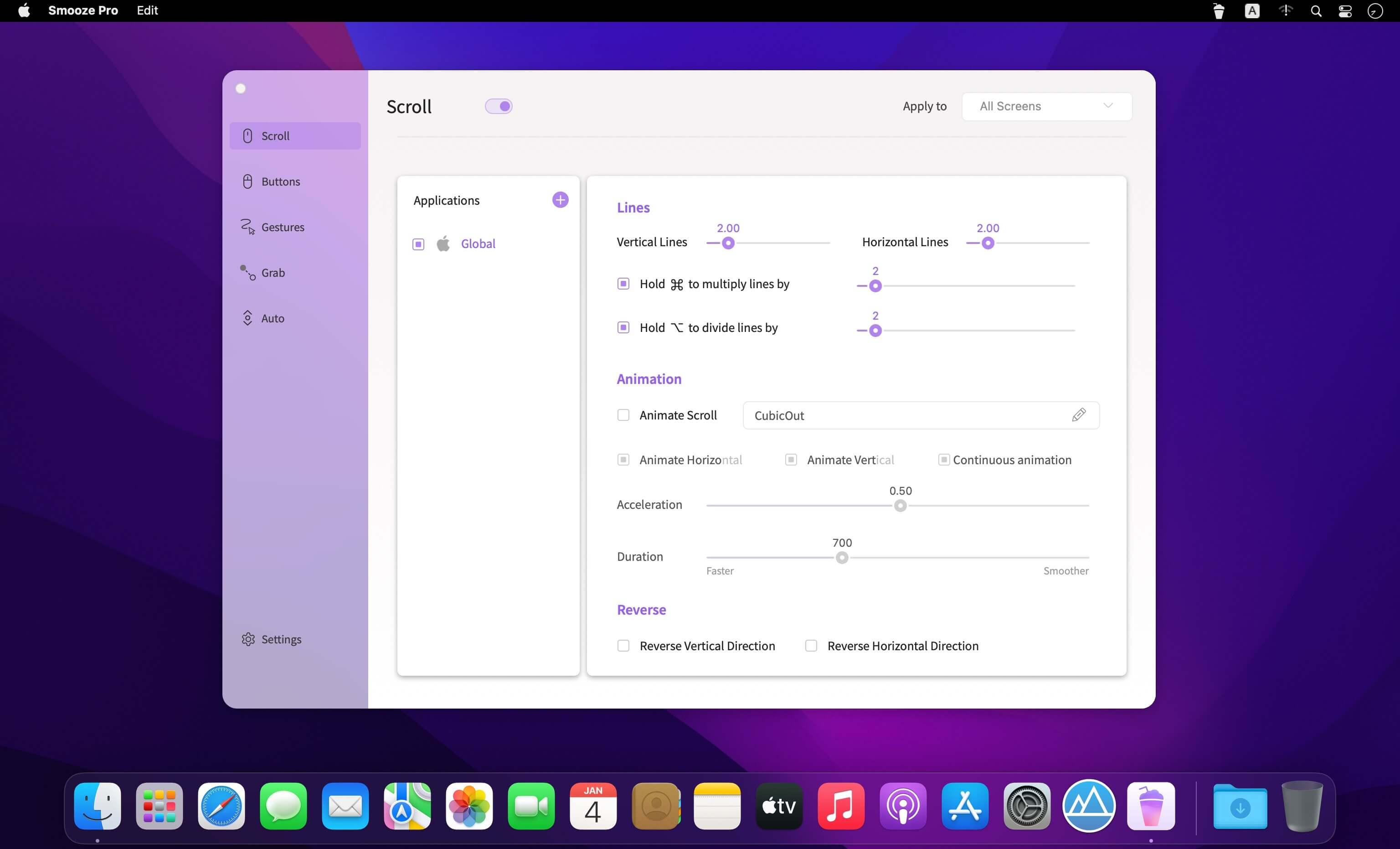
Smooze gives you smoother scrolling and more control over your mouse on Mac.
macOS offers only limited options for customizing scrolling, mouse buttons, and gestures. Smooze expands those controls with smooth animated scrolling, custom actions, gestures, and app-specific settings—all from a simple menu bar app.
Smooth Scrolling
Enjoy fluid, animated scrolling across your apps. Adjust scroll speed, disable acceleration, and choose how many lines move with each scroll tick.
Custom Mouse Actions
Assign mouse buttons to shortcuts and actions to save time and work more efficiently.
Mouse Gestures
Create gestures and rocker gestures for buttons, keyboard shortcuts, apps, and more.
Auto-Scroll
Scroll hands-free anywhere on the screen with animated, adjustable motion.
Grab, Drag, and Throw
Grab content and scroll naturally. Throw to continue scrolling with a trackpad-style animation.
Built for Performance
Smooze is optimized to use minimal CPU resources and synchronizes animations with your display’s refresh rate for smooth performance.
Per-App and Per-Display Settings
Configure scrolling, buttons, and gestures differently for individual apps and displays.
Simple to Configure
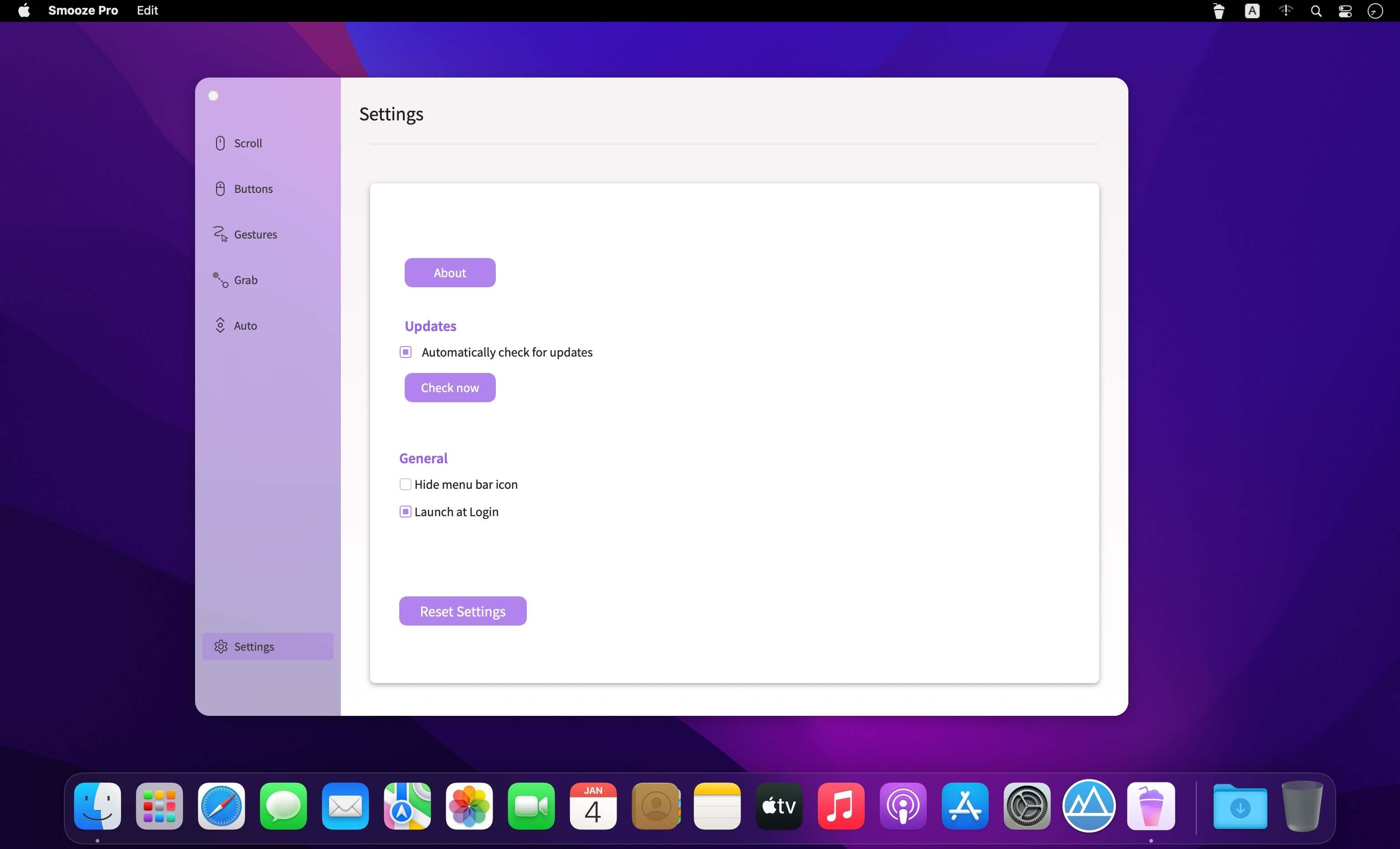
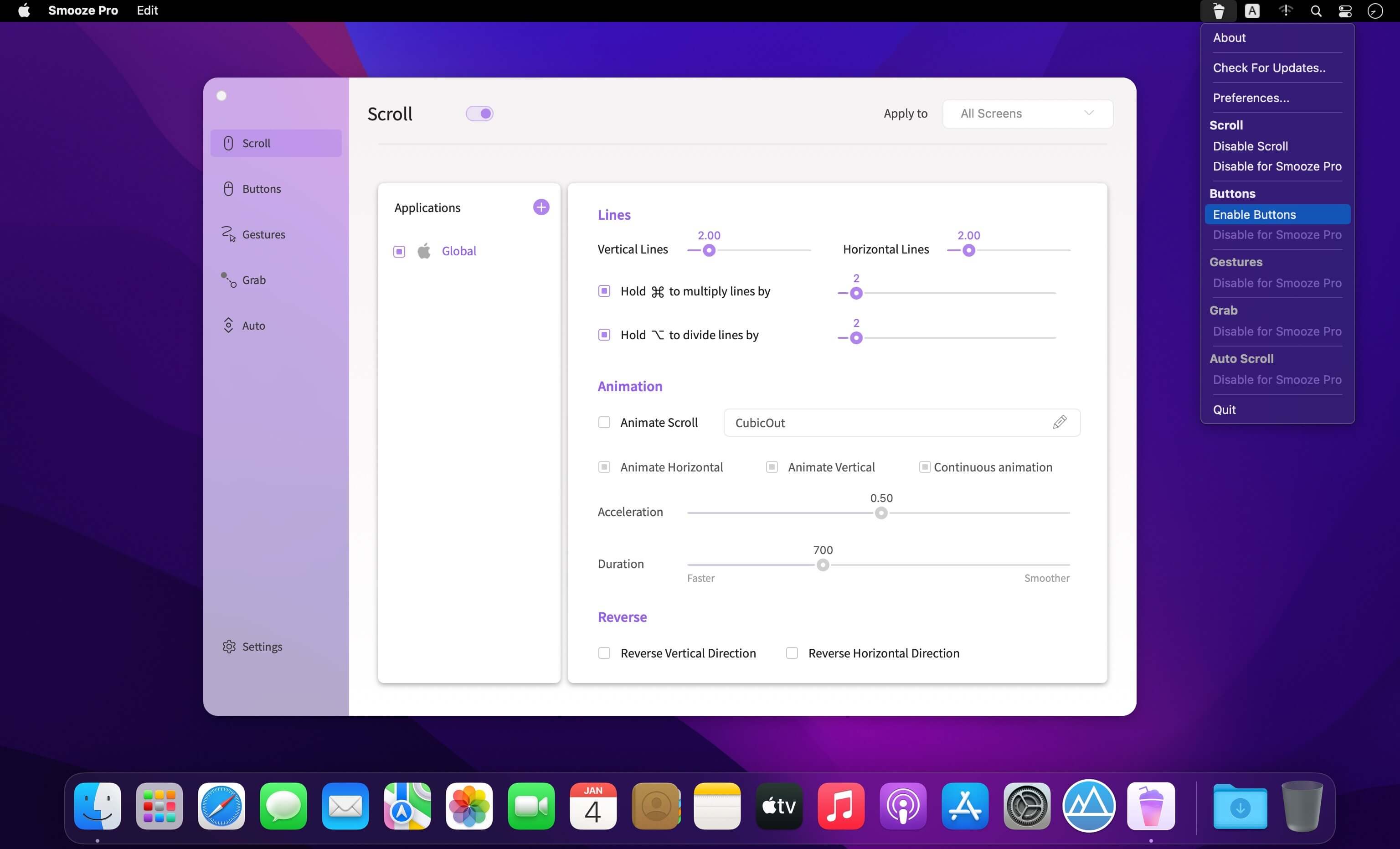
Access Smooze from the menu bar, launch it automatically at login, enable or disable features, and customize its behavior from one intuitive interface.
And yes, Smooze includes a professional moustache.
Version 2.2.9:
- Release notes were unavailable when this listing was updated.
Frequently asked questions
How do I install the app?
Mount the image, drag the app into the "Applications" folder and launch it. If the system blocks the launch, allow it in "System Settings → Privacy & Security".
The app is damaged or won't launch
Reinstalling from a fresh image usually helps. Make sure your macOS version matches the one listed in the compatibility specs.
How do I update?
Download the new version from the site and install it over the current one — your settings will be preserved.
The download link doesn't work
Try a mirror or a download manager. For large files the browser often drops the connection.
How do I completely remove the app?
Use an uninstaller utility — it cleans up the service files that remain after moving the app to the trash.




Choose a download source
Smooze Pro 2.2.9 · 9.62 MB
Previous versions
Smooze Pro 2.2.9
Previous versions are available to registered users.