

EndNote 2025.4
From reference search to finished bibliography, stay in flow
Screenshots
Click to enlarge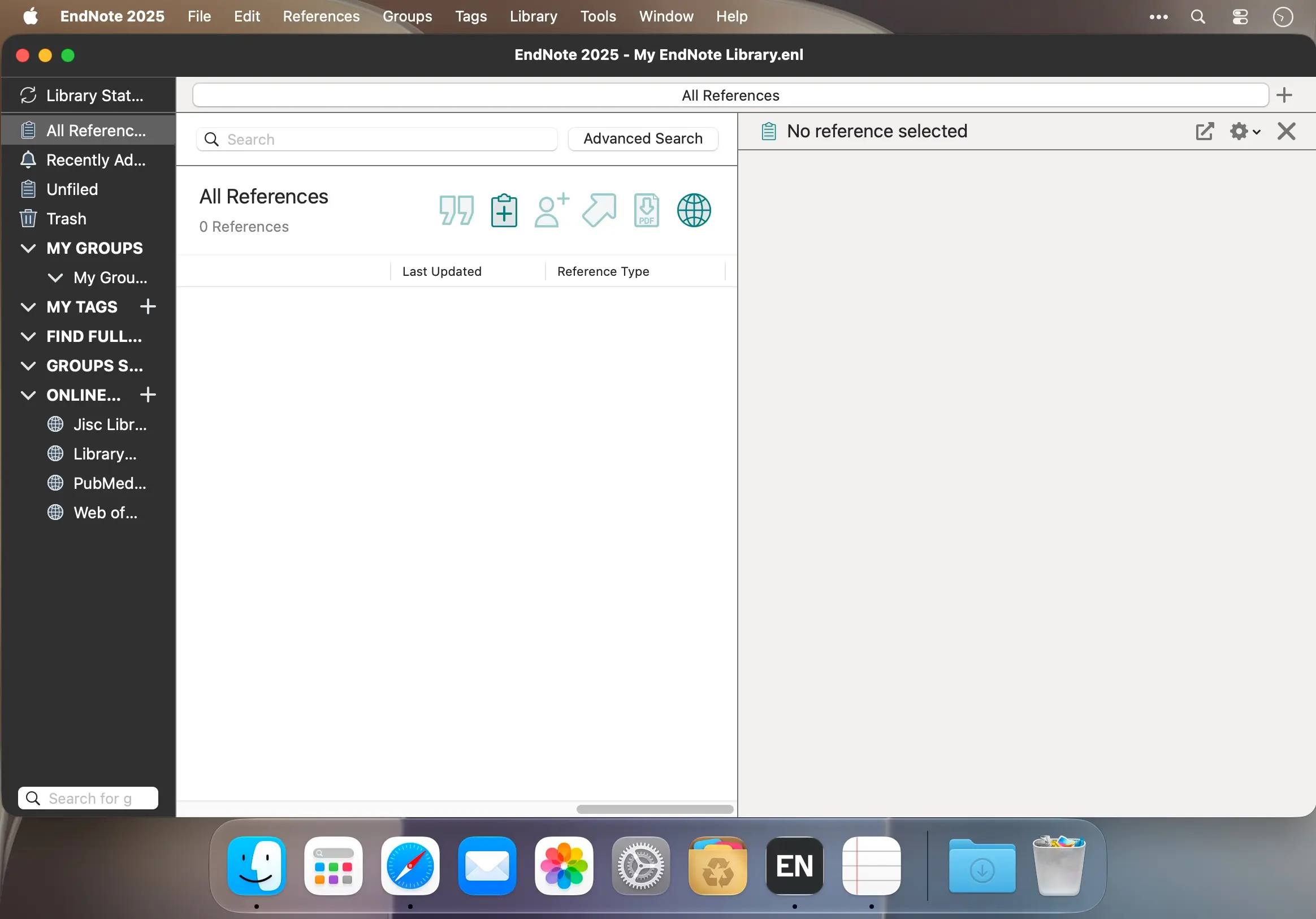
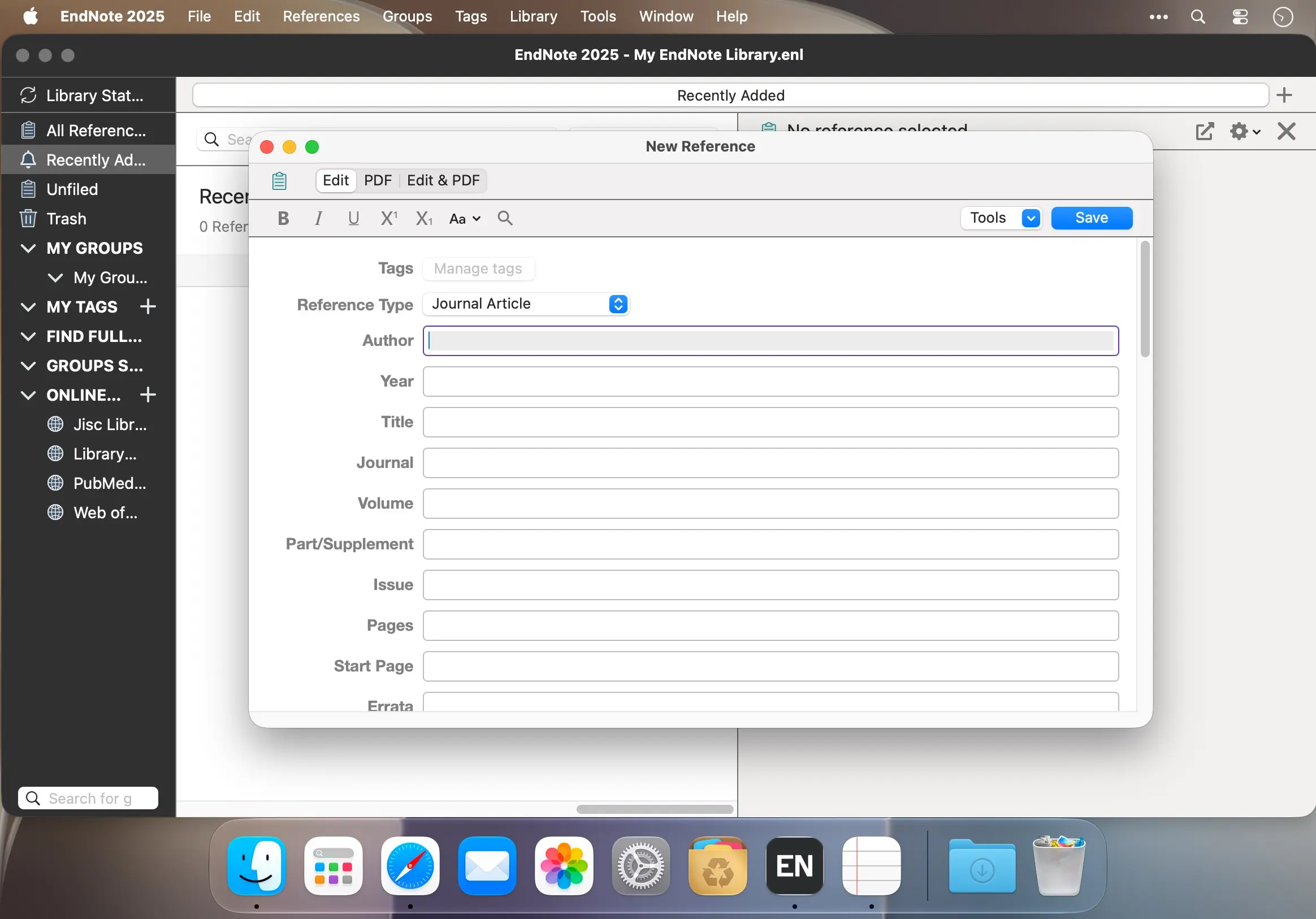
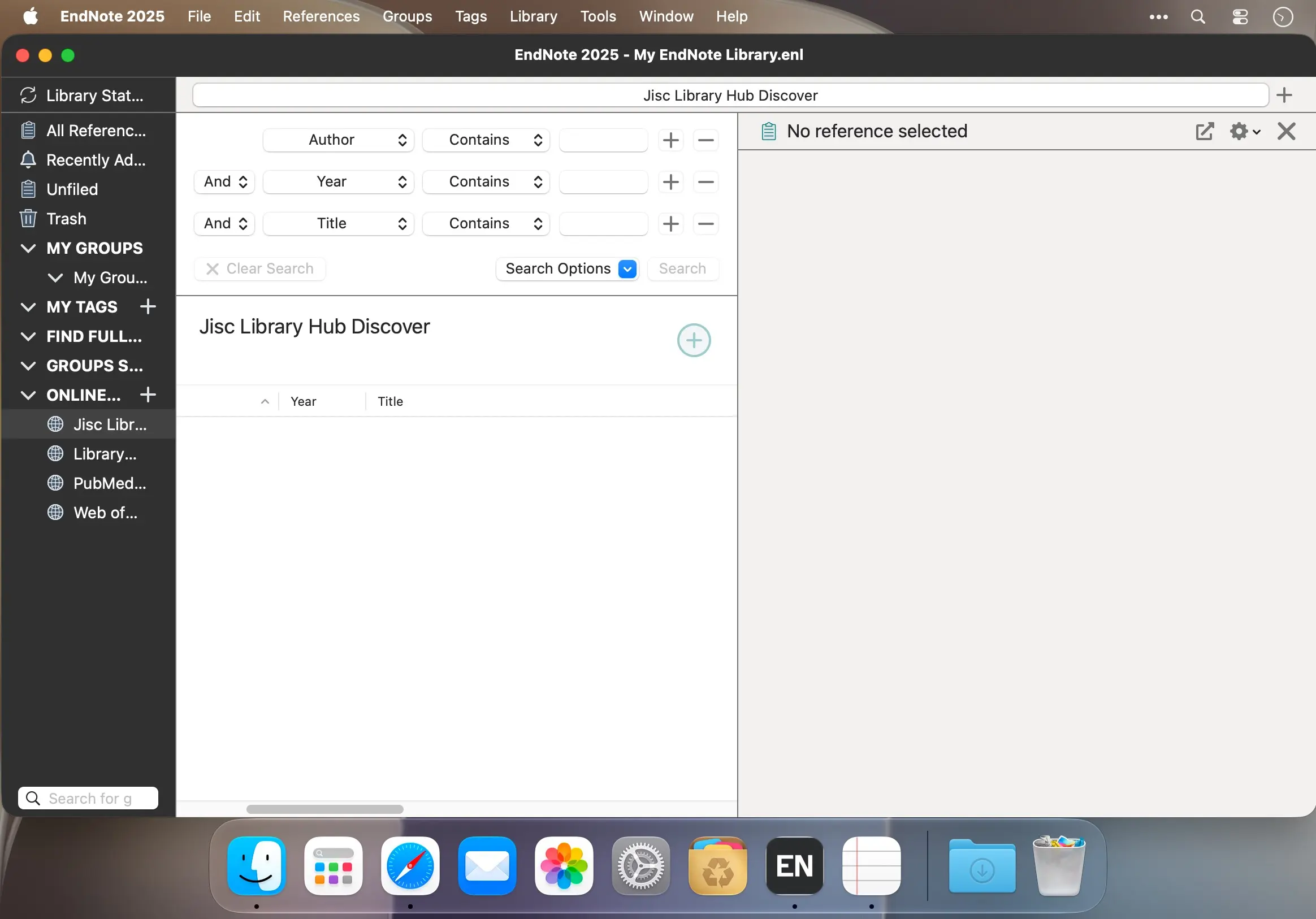
Keep your research organized and your writing moving with EndNote 2025 for macOS. Collect references, format citations, and build bibliographies—all in one research workflow.
From first reference to final draft
Bring your sources together, find full text with one click, and stay focused as you write. EndNote helps you manage your library, collaborate with others, and prepare your work for publication.
- Reference management: Store and organize an unlimited number of references in one place.
- Online search: Search hundreds of online resources and find full text in one click.
- Tags and rules: Label references and set rules to organize your library as you write.
- Citations and bibliographies: Use Cite While You Write to add citations and create a bibliography as you work.
- Library sharing: Share some or all of your library with up to 1,000 people, with access and editing permissions.
- Manuscript Matcher: Find journals that may be a good fit for your manuscript.
- Research safeguards: Use retraction alerts, reference restoration, and built-in tools that support accuracy.
- Google Docs tools: Create documents and work with citations using integrated tools for Google Docs.
Spend less time managing references and more time developing your ideas. Get started with EndNote 2025 for macOS.
Version 2025.4
- Fixed the inability to drag and drop records between library windows.
- Fixed Find Full Text compatibility with PubMed Central (URLs only).
- Fixed or improved Find Full Text compatibility with ScienceDirect (URLs only), American Phytopathological Society (APS Journals), Health Affairs, IET (Institution of Engineering and Technology), RSNA, and SLACK Journals (Healio).
- Added Find Full Text support for ASCO Publications (American Society of Clinical Oncology).
- Improved Find Full Text’s use of OpenURL resolvers.
- Improved sync performance.
- Various bug fixes.
Comments
No comments yet. Be the first.
Information
Visitors in the group Guests cannot leave comments on this publication.