Bookends 15.4.3
Bookends reference manager for citations, PDFs, and manuscripts
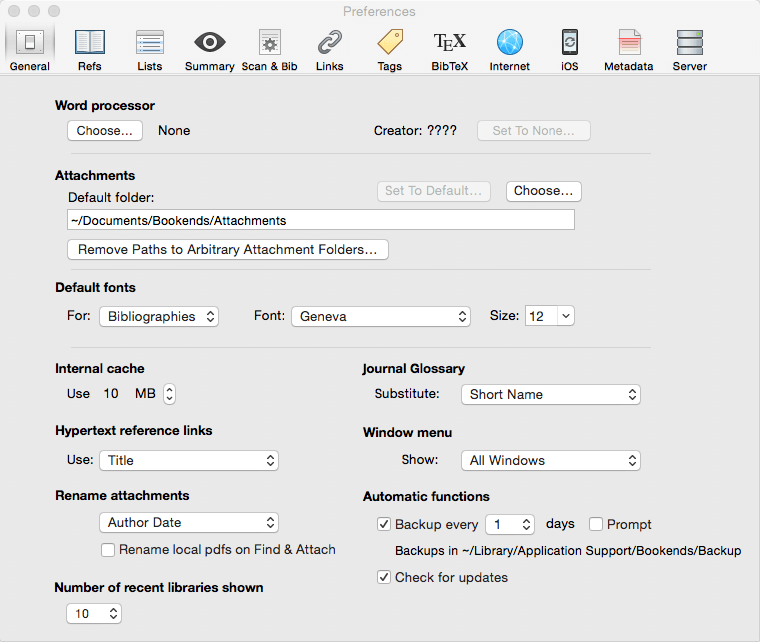
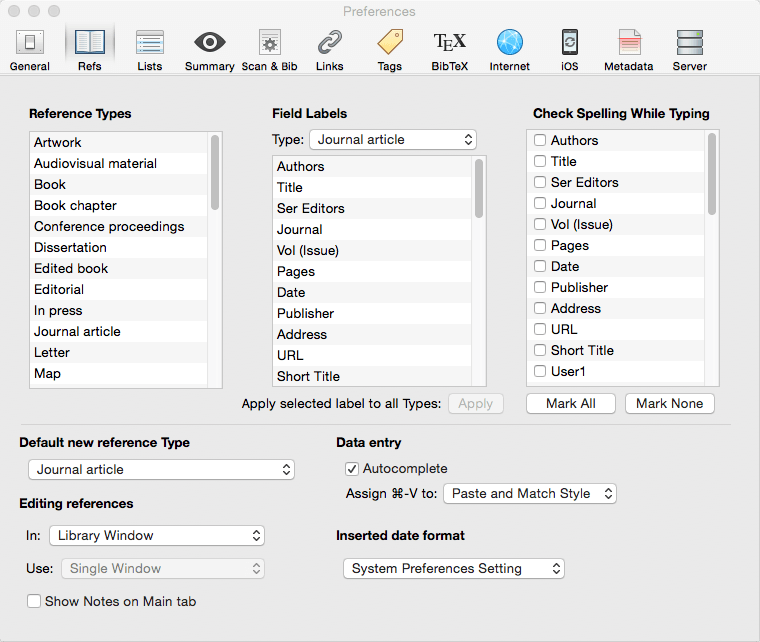
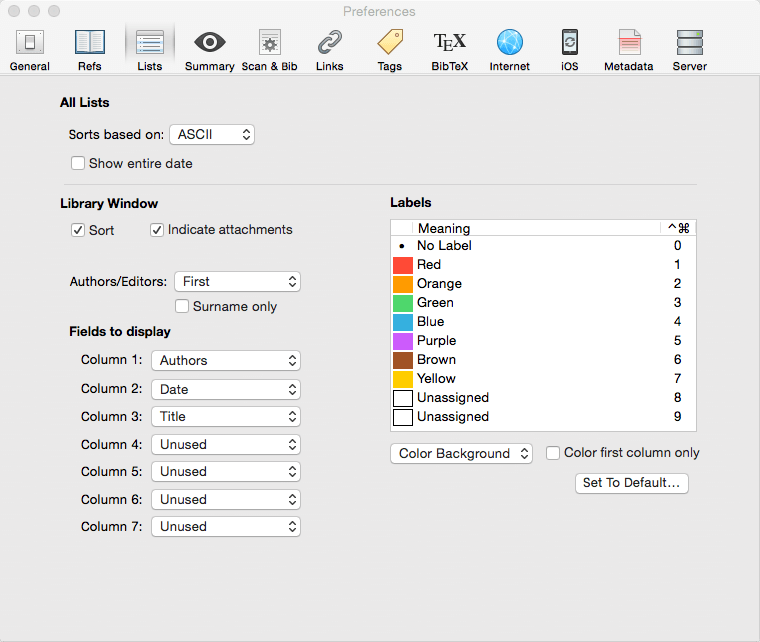
Bookends is a full-featured bibliography/reference and information-management system for students and professionals.
Bookends uses the cloud to sync reference libraries on all the Macs you use. Access the power of Bookends directly from Mellel, Nisus Writer Pro, or MS Word (including Word 2016): Bookends allows you to scan your existing word-processor files and automatically generate finished manuscripts with properly formatted bibliographies. You can also scan Apple Pages '08, '09, and 5, and OpenOffice 3 files, or RTF files saved from any word processor.
Bookends allows you to share your references over the Internet with anyone, on any platform. And with Bookends, you can directly search and import references from numerous sources:
- PubMed
- Web of Science
- JSTOR
- Google Scholar
- Amazon
- Library of Congress
- arXiv
- and hundreds of other online sources.
Or use a built-in browser to download references with PDF's and/or Web pages. Also, with automatic searches of PubMed, you can discover articles as soon as they're published. Bookends allows for powerful group-based searches, with static, smart, virtual groups, and smart folders that make hierarchical searches easy.
Bookends also offers a robust assortment of file attachment features:
- Attach any file (such as a PDF) to a reference and view or open it instantly.
- Automatically rename and organize PDF files on-the-fly.
- Automatically download and attach the PDF of an article from the Internet if you have access permission.
- Automatically locate and attach PDF's on your hard drive.
Easily migrate references and attachments from other reference managers to Bookends.
Sync your library with Bookends On Tap on your iPad, iPhone, or iPod touch, so that you have your references and PDF's with you, wherever you are.
Annotate and markup PDFs and have the information instantly accessible in notecards.
Version 15.4.3:
Frequently asked questions
How do I install the app?
Mount the image, drag the app into the "Applications" folder and launch it. If the system blocks the launch, allow it in "System Settings → Privacy & Security".
The app is damaged or won't launch
Reinstalling from a fresh image usually helps. Make sure your macOS version matches the one listed in the compatibility specs.
How do I update?
Download the new version from the site and install it over the current one — your settings will be preserved.
The download link doesn't work
Try a mirror or a download manager. For large files the browser often drops the connection.
How do I completely remove the app?
Use an uninstaller utility — it cleans up the service files that remain after moving the app to the trash.

Choose a download source
Bookends 15.4.3 · 136.92 MB
Previous versions
Bookends 15.4.3
Previous versions are available to registered users.