
Radiccio 1.5.2
Radiccio: music player for local files, streaming services, media servers
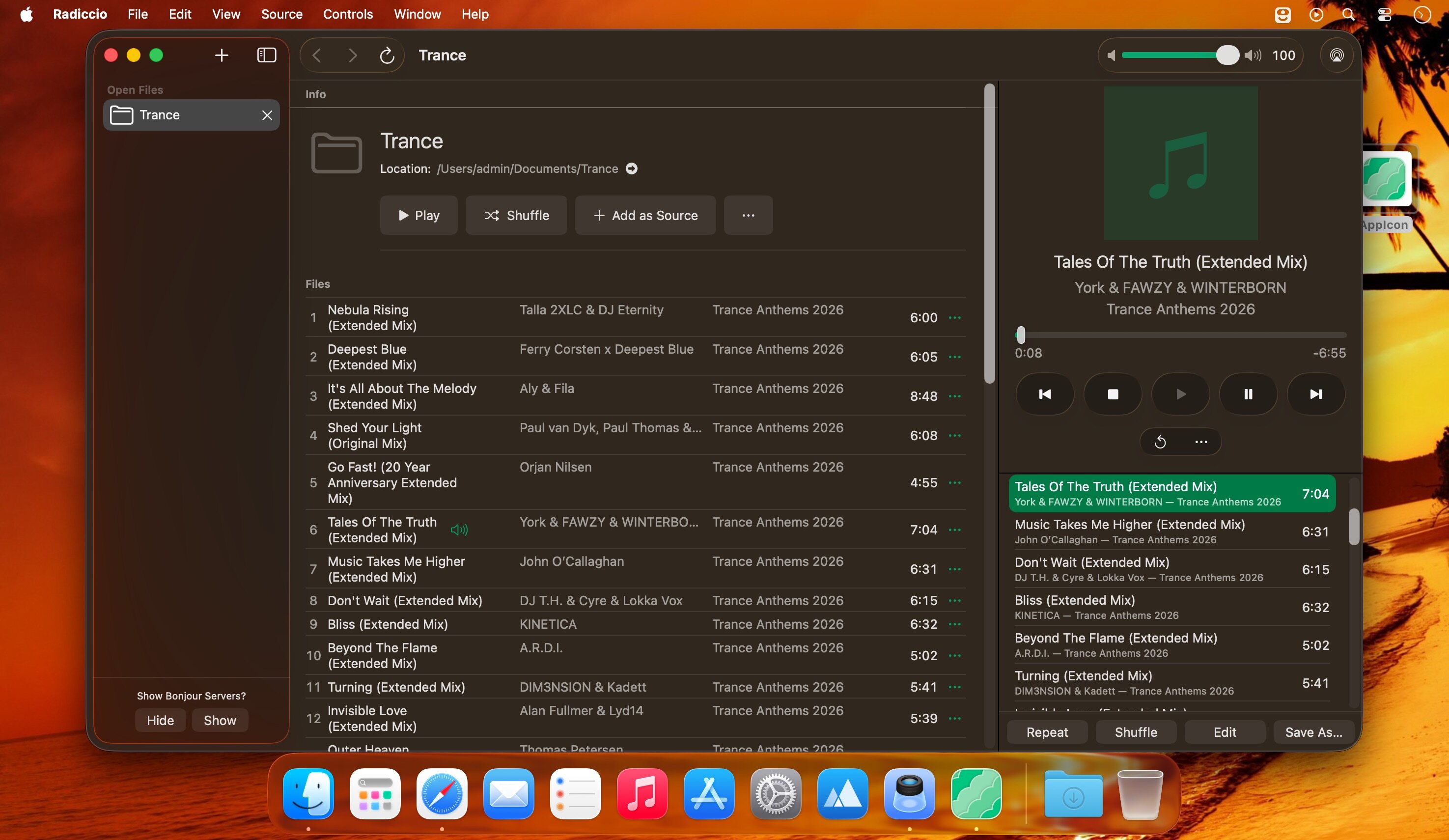
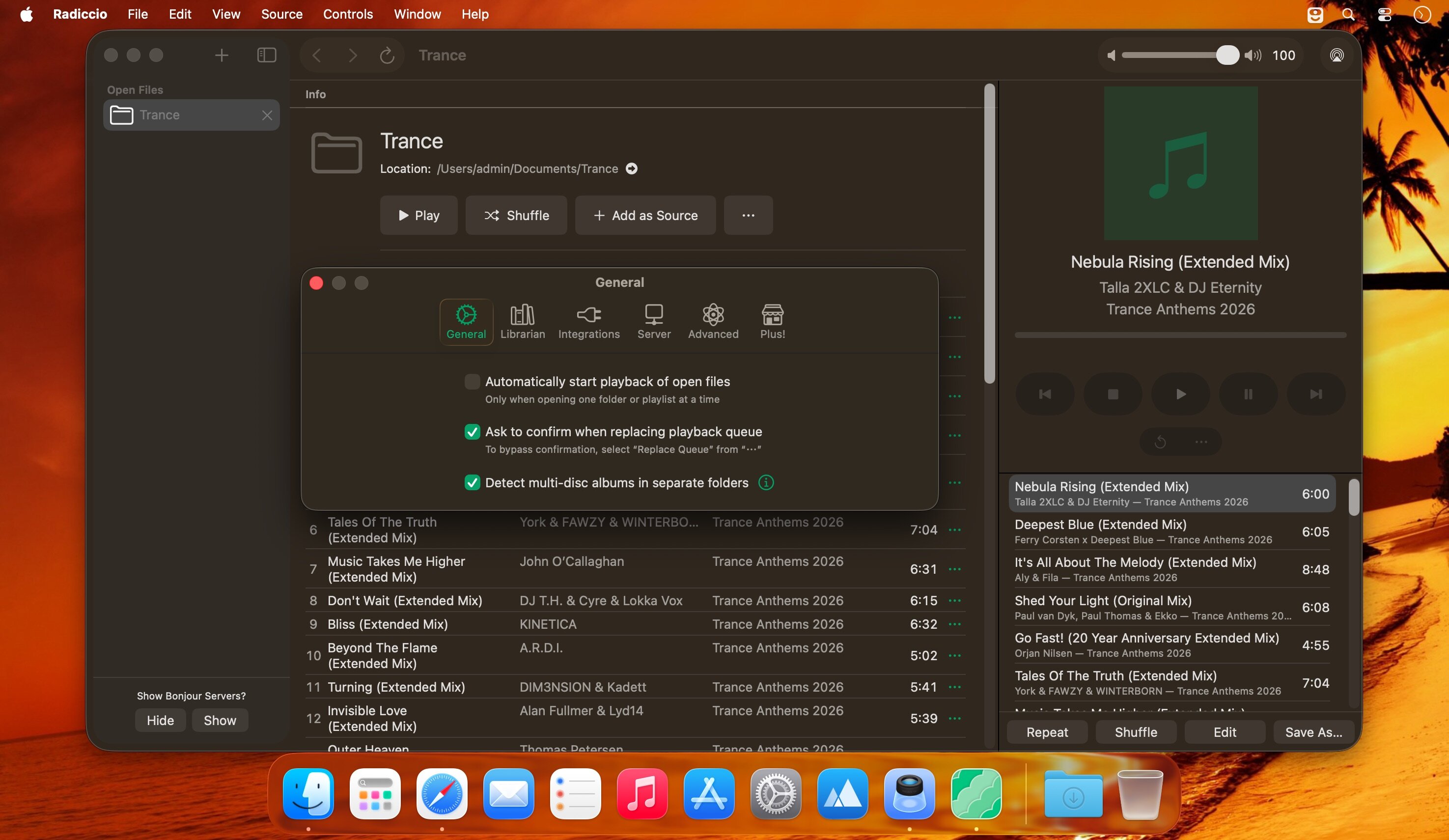
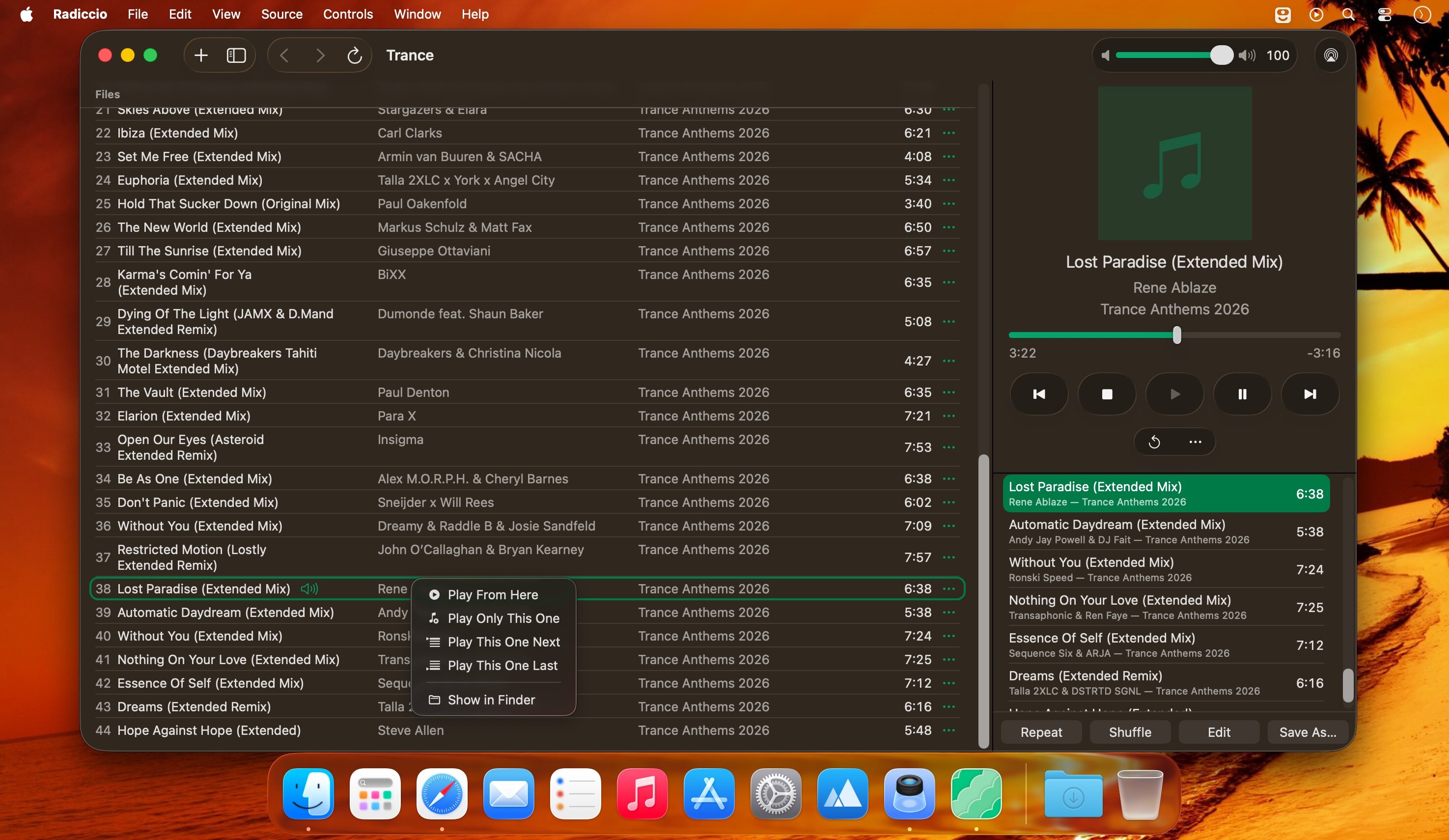
Radiccio is an elegant native music player that brings together local files, streaming services, and media servers in a single interface—with a focus on mindful listening, privacy, and respect for your music collection.
Instead of switching between different apps, Radiccio lets you add multiple music sources and manage them from a single window—like a file manager, but for audio.
Key features:
Support for multiple sources:
- Local files: Support for MP3, AAC, FLAC, Opus, AIFF, WAV, MP4 (including Spatial Audio)
- Apple Music: Catalog, personal library, radio (Apple subscription required)
- Media servers: Plex, Jellyfin, Navidrome, OpenSubsonic
Librarian (optional):
- Scans your local collection and creates a database alongside your files
- Browse by artists, albums, tracks, and playlists
- “Overview” tab with recently added and played items — no algorithms, just sorting
Smart playlist management:
- Pin your favorite albums/artists to the top of the list
- Mark your favorite tracks and filter playback to include only those
- Automatically skip tracks you don’t want to hear (unless you explicitly select them)
Journal — a diary of impressions:
- Instead of stars: rate “how much you liked it” and “what emotions it evoked”
- Ability to add notes and custom emojis
- Your entry history is saved — see how your attitude toward music has changed over time
Additional features:
- AirPlay: Stream to compatible devices, including support for Spatial Audio
- Undoable Shuffle: Shuffle with the ability to undo
- Save the queue as a playlist
- Open files from Finder without first adding the source
- Interface customization: move the control panel, dark theme, adaptation to the latest versions of macOS
Version 1.5.2:
- Fixed: Playback controls and some other buttons were nonfunctional when running on macOS 27 Golden Gate
- In order to make these buttons functional again, they have been temporarily reverted to their pre-Liquid Glass design, as also seen on macOS 15 Sequoia.
- This is a result of an apparent bug in macOS 27, which we have reported to Apple. We plan to bring back the Liquid Glass design if or when Apple fixes it.
- macOS 26 retains the Liquid Glass appearance. Radiccio continues to support all three macOS versions.
-
Fixed: Incorrect sidebar icon appearance on macOS 27
-
Fixed: Apple Music album artwork did not appear on macOS 27
- Fixed: When viewing an album on macOS 27, artwork and controls at the top of the screen were sometimes partially hidden
Frequently asked questions
How do I install the app?
Mount the image, drag the app into the "Applications" folder and launch it. If the system blocks the launch, allow it in "System Settings → Privacy & Security".
The app is damaged or won't launch
Reinstalling from a fresh image usually helps. Make sure your macOS version matches the one listed in the compatibility specs.
How do I update?
Download the new version from the site and install it over the current one — your settings will be preserved.
The download link doesn't work
Try a mirror or a download manager. For large files the browser often drops the connection.
How do I completely remove the app?
Use an uninstaller utility — it cleans up the service files that remain after moving the app to the trash.





Choose a download source
Radiccio 1.5.2 · 20.6 MB
Previous versions
Radiccio 1.5.2
Previous versions are available to registered users.