MountMate 5.19
MountMate: A lightweight drive manager for Mac to mount external drives.

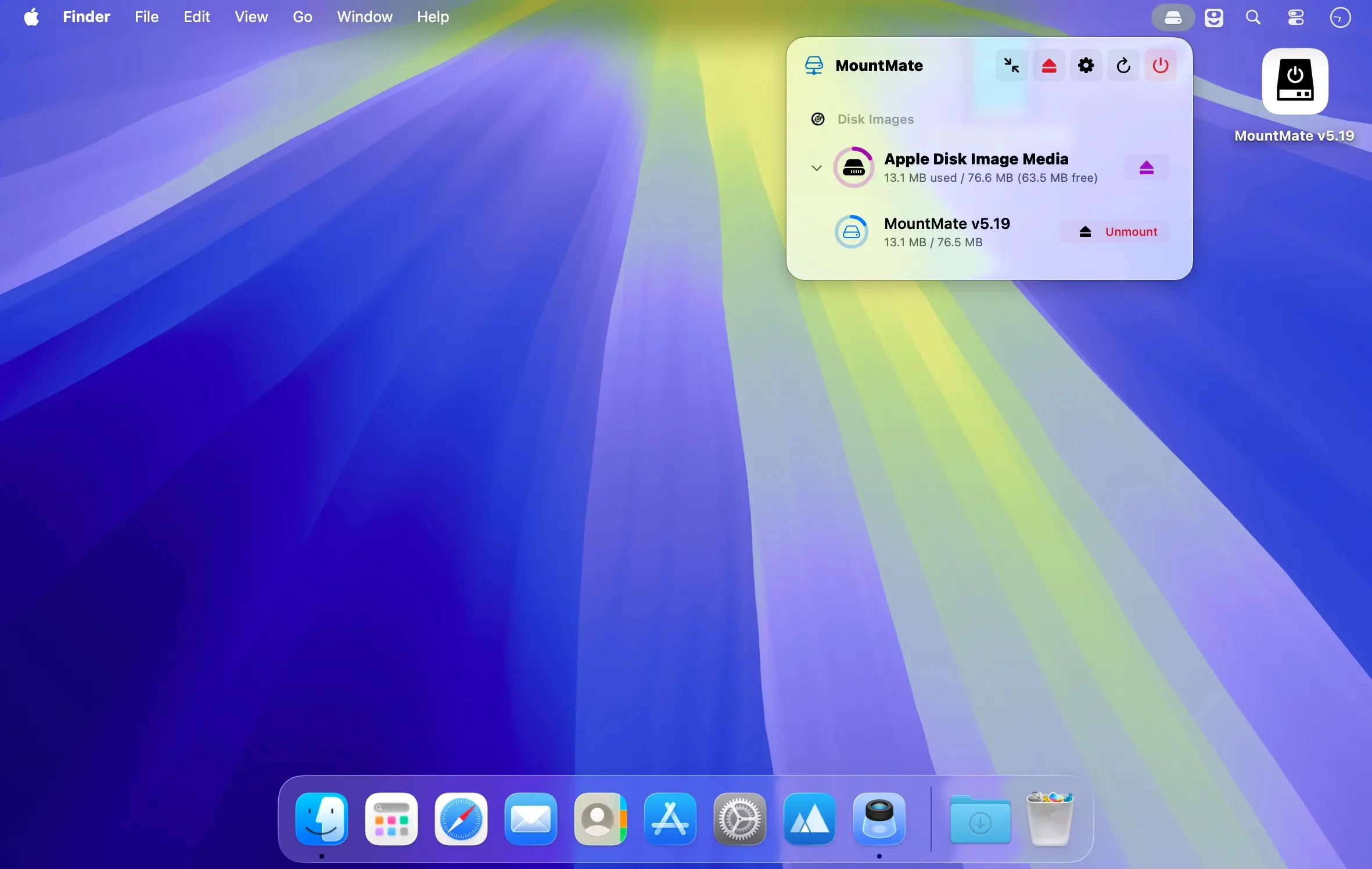
Manage your external drives and disk images directly from your Mac’s menu bar.
MountMate gives you quick, convenient control over connected storage without opening Terminal or Disk Utility. Unmount drives with a single click, then remount them whenever you need them—all from a lightweight menu bar app.
Key features
- Mount and unmount external drives from the menu bar
- Remount previously ejected drives without unplugging them
- Manage disk images, including mounting, opening, and removing them
- Optionally disable automatic mounting for USB devices
- Eject all connected drives and disk images instantly
- Refresh the device list whenever you connect new storage
- Runs quietly in the menu bar with minimal resource usage
MountMate is ideal for external HDDs and other storage devices you don’t need mounted all the time. Keep connected drives from spinning up unnecessarily and access them only when you need them—without physically unplugging them.
Version 5.19:
Added:
- Runtime Auto-Mount Blocking: Blocked volumes are persisted in MountMate and rejected by Disk Arbitration while the app is running. This avoids modifying /etc/fstab, which is protected on recent macOS versions.
- Startup Unmount Sweep: When MountMate launches and finds a blocked volume already mounted because it was mounted before the app started, it unmounts it automatically, retrying briefly if the volume is still busy.
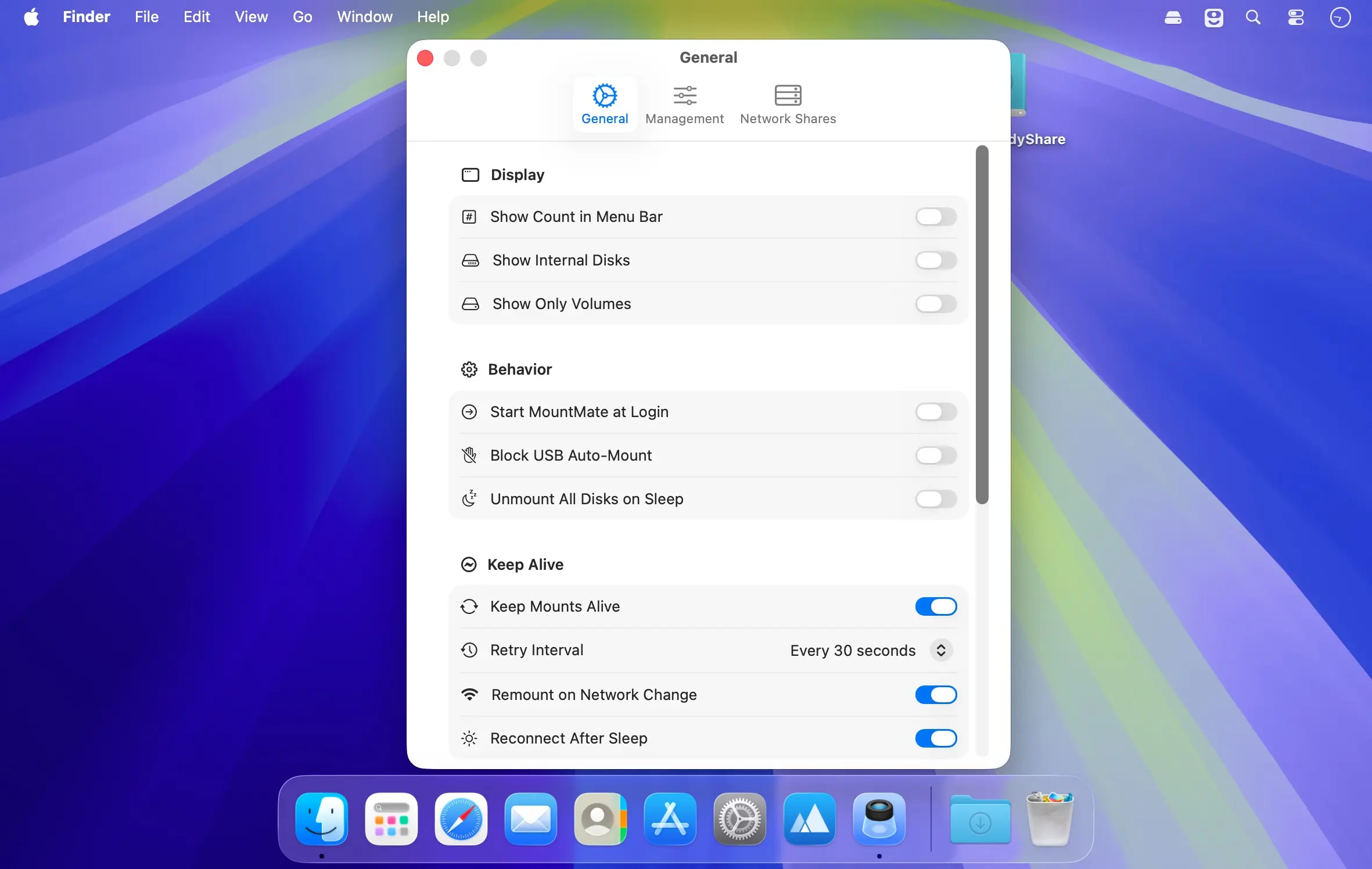
- Keep Alive (Auto-Reconnect): MountMate can now keep mounts alive automatically. Network shares and volumes marked "Keep Mounted" are remounted when they drop unexpectedly, with retry attempts at a configurable interval and exponential backoff.
- Network Change Handling: MountMate watches the network path and remounts active shares through the new primary interface when Wi-Fi/Ethernet changes, then reconnects dropped shares as soon as connectivity recovers.
- Mount on Login & Wake: Keep-alive shares and volumes mount at login and reconnect promptly after the Mac wakes from sleep. Volumes unmounted by "Unmount All Disks on Sleep" come back on wake.
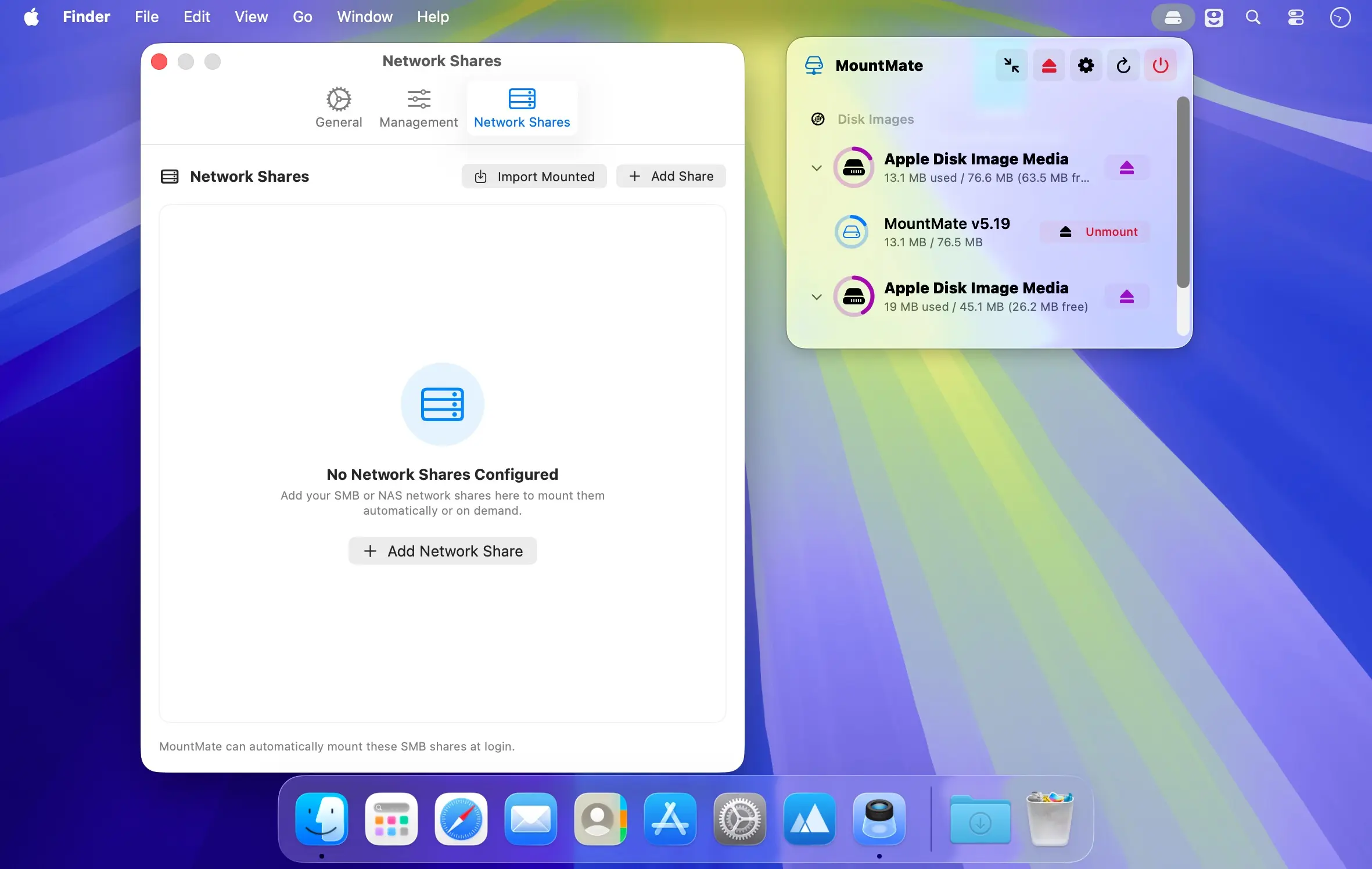
- NFS & AFP Shares: Network shares now support the NFS and AFP protocols in addition to SMB, including import of manually mounted NFS/AFP shares.
- Keep Mounted for Volumes: Right-click any local or external volume and choose "Keep Mounted (Auto-Reconnect)" to have MountMate remount it whenever it drops while the disk is connected.
Changed:
- Manual Mounts of Blocked Volumes: MountMate can still mount a blocked volume through its own controls. Automatic reconnects and mount requests not initiated by MountMate remain blocked while the app is running.
- Keyboard Shortcut Permission Flow: Keyboard shortcuts are disabled by default. Accessibility checks no longer prompt during launch; a warning appears only when shortcuts are enabled without Accessibility access.
- Custom Keyboard Shortcuts: Configure separate shortcuts for mounting and unmounting all volumes in Settings. The default unmount shortcut now includes Option to avoid Finder's ⌘⇧U conflict.
- Custom Mount Points and Blocked Volumes: A custom mount point can no longer be assigned to a volume that is blocked from auto-mounting, since the two settings contradict each other.
- Never Fights the User: Shares and volumes unmounted explicitly through MountMate are not auto-remounted until you mount them again; automatic reconnect failures no longer pop error dialogs.
- Fixed:
- Ghost "Disk Images" Entries: Bare OS-internal devices (e.g. cryptex RAM disks used for Siri/PKI assets on macOS 26) no longer appear as anonymous unmounted rows under "Disk Images".
- Duplicate Boot Volume Row: Sealed APFS system snapshot volumes (e.g. disk5s1s1 mirroring disk5s1) are no longer listed as a second row with the same name, and no longer double-count used space in the parent disk header.
- EFI in Bulk Actions: EFI partitions are now categorized as system volumes, so "Mount All Volumes" no longer fails with the "EFI cannot be mounted directly" error and "Unmount All" no longer counts them.
- Blocked Volume Startup Cleanup: Volumes that are already unmounted are no longer retried or reported as failed during MountMate's startup cleanup.
- Shell Process Diagnostics: Large but fast diskutil plist responses are no longer mislabeled as slow processes. Shell output handling now avoids pipe-draining races and consolidates timeout termination into a single diagnostic.
Frequently asked questions
How do I install the app?
Mount the image, drag the app into the "Applications" folder and launch it. If the system blocks the launch, allow it in "System Settings → Privacy & Security".
The app is damaged or won't launch
Reinstalling from a fresh image usually helps. Make sure your macOS version matches the one listed in the compatibility specs.
How do I update?
Download the new version from the site and install it over the current one — your settings will be preserved.
The download link doesn't work
Try a mirror or a download manager. For large files the browser often drops the connection.
How do I completely remove the app?
Use an uninstaller utility — it cleans up the service files that remain after moving the app to the trash.
Choose a download source
MountMate 5.19 · 4.09 MB