
DropDMG 3.7.2
Create macOS disk images with a simple drag and drop
Screenshots
Click to enlarge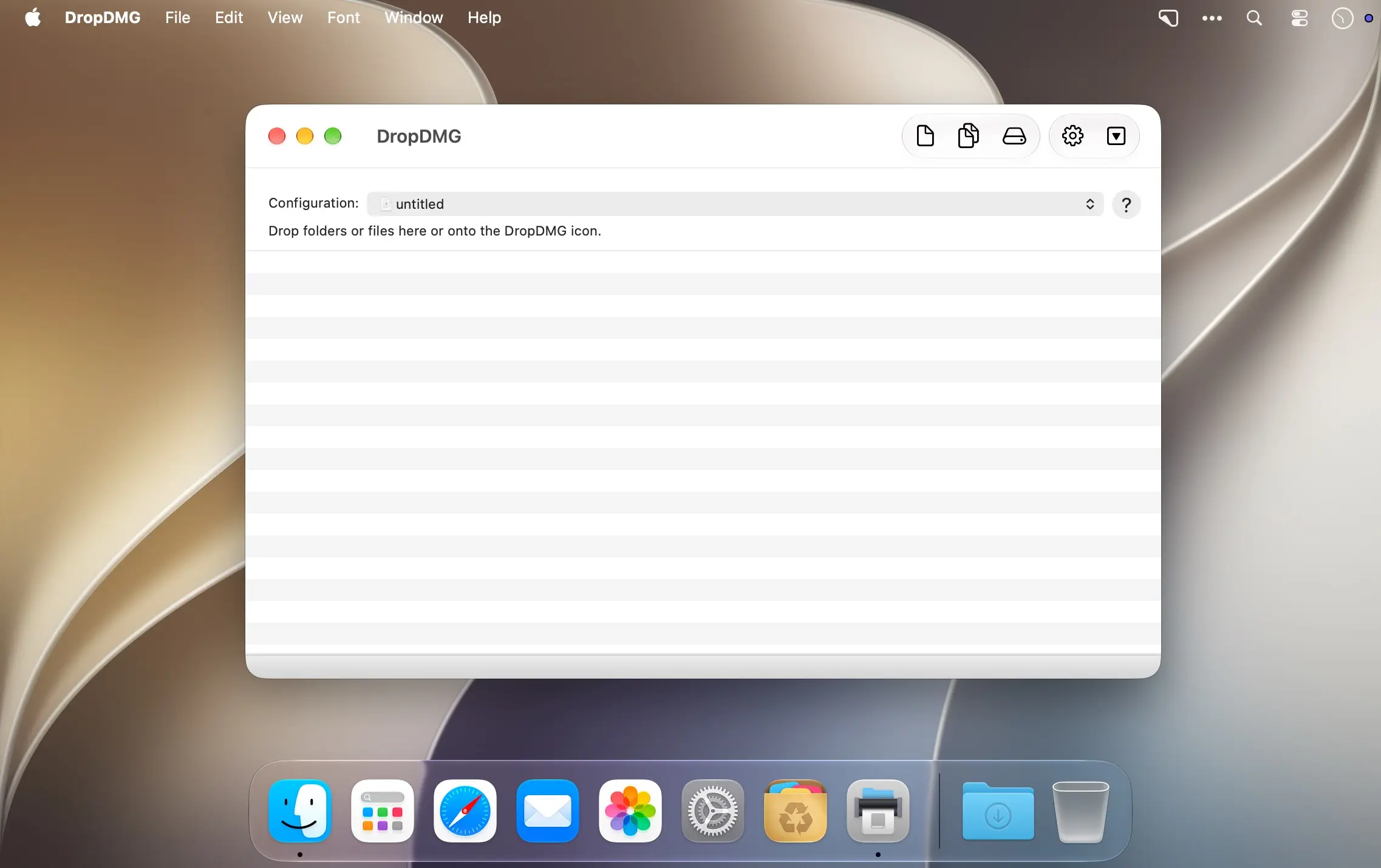
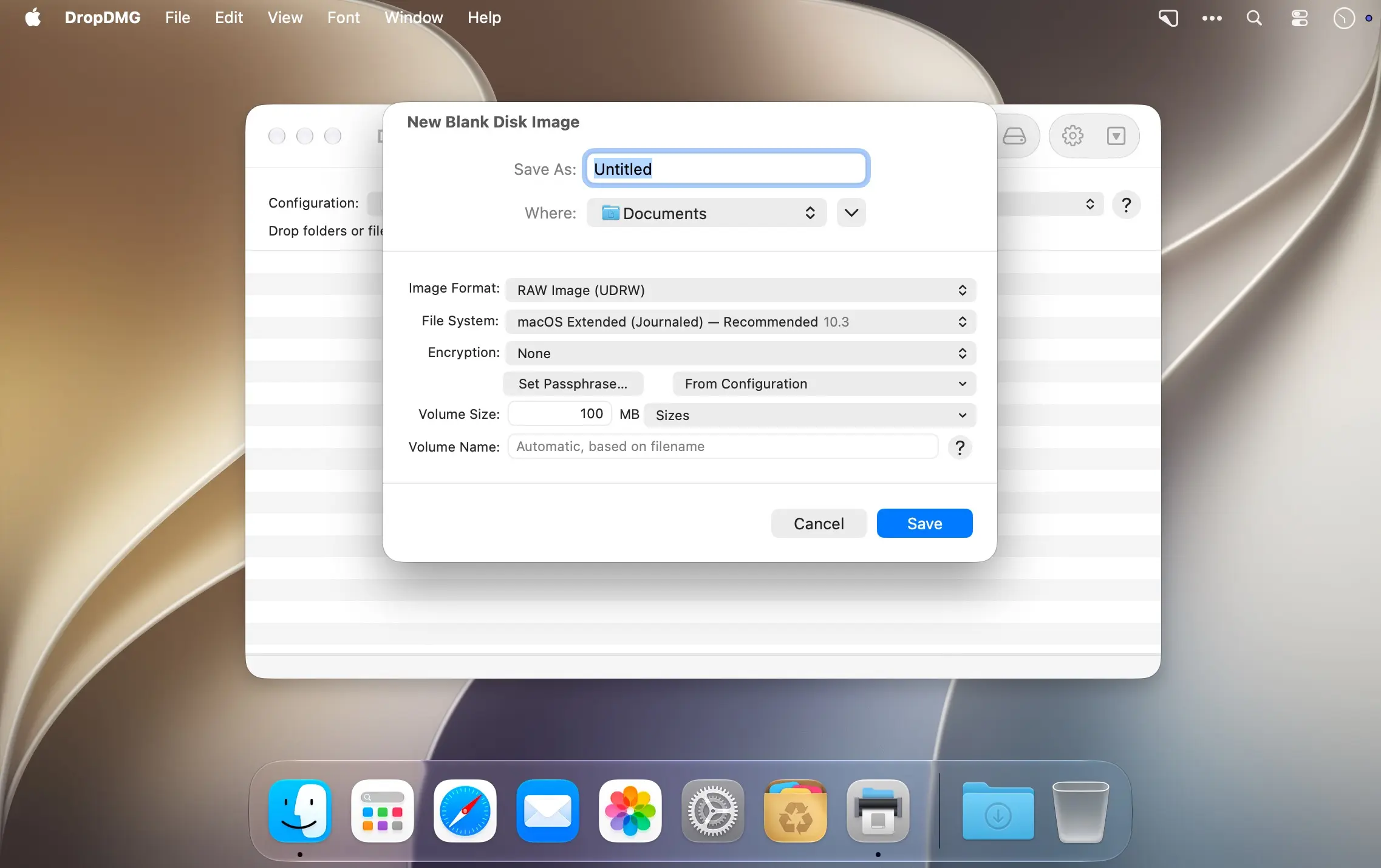
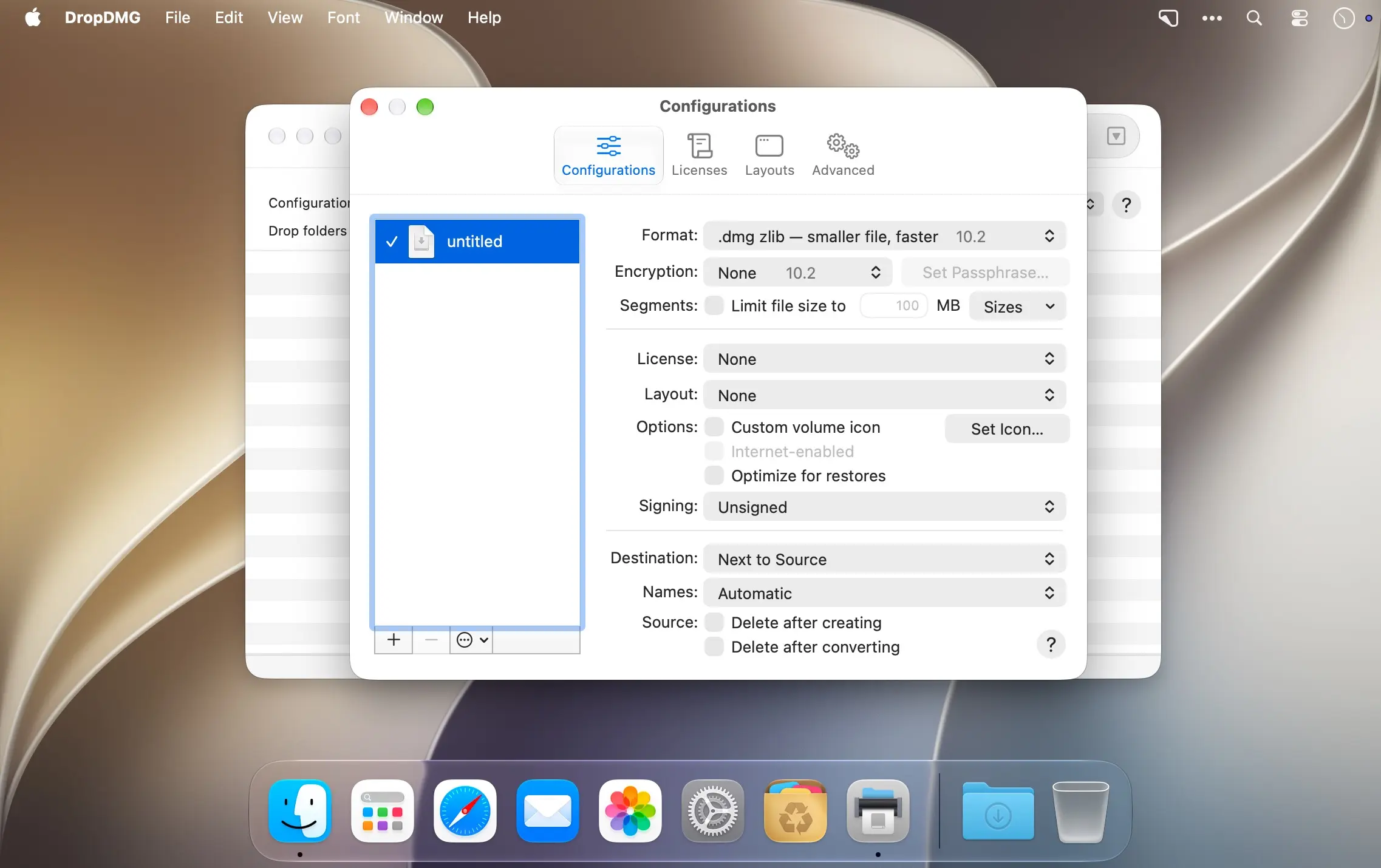
DropDMG lets you create macOS disk images and cross-platform archives in seconds, simply by dragging a folder or file onto the app. There's no complicated setup — the whole process takes just a single drag-and-drop action.
why disk images
Disk images pack an entire folder or disk into one compressed file, making them ideal for sending files over the internet or keeping backups. They're Apple's preferred format for distributing Mac software, and they're the only archive format whose contents can be opened and browsed directly in the Finder.
- Drag-and-drop creation: turn any folder or file into a disk image instantly by dropping it onto DropDMG.
- Format conversion: drag an existing disk image or archive onto DropDMG to convert it to another supported format.
- CD/DVD burning: burn disk images or archives directly to CD or DVD.
- Encrypted and segmented images: protect sensitive content and split large images into smaller segments.
- WYSIWYG layout: design disk image windows with background pictures and custom volume icons.
- Rich-text license agreements: attach license agreements in multiple languages to your disk images.
- Automation support: script repetitive tasks with AppleScript, the command line, or Automator.
Download DropDMG and start creating macOS disk images in just a few clicks.
Version 3.7.2
- The Finder window size for disk images is now optimized for the version of macOS running DropDMG. On modern versions of macOS, this allows the entire background picture to be displayed without the bottom being scrolled out of view.
- To create a disk image optimized for an older or newer version of macOS, specify the desired title bar height using the esoteric preference
LayoutTitleBarHeight. - Made various updates for Xcode 27 and macOS 27.
- Improved the following manual sections:
- Format
- Troubleshooting Privacy Access
- Help links once again open in the system Help Viewer on recent versions of macOS.
- Help menu commands and the Quit command are now available after the trial period ends, rather than only as buttons in the modal window.
- Worked around a macOS bug that could truncate license agreement names in the outline view.
- Worked around a macOS 27 bug that could cause a crash when editing an Arabic license agreement.
- Worked around a macOS 27 bug that could cause text to be deleted when building a disk image with an Arabic license agreement.
- Updated the crash reporter layout.
- Fixed a bug that could cause DropDMG to report that the window size did not match the layout when it was off by only a fraction of a pixel.
- Fixed a bug that could cause disk image creation with a layout to fail on macOS 10.13 or 10.14.
- Fixed a bug that prevented replacing an old diagnostic report with a new one.
Comments1
Information
Visitors in the group Guests cannot leave comments on this publication.