Viaduct 1.1.5
Viaduct: Chrome to Safari Extension Converter — Automatic, No Coding
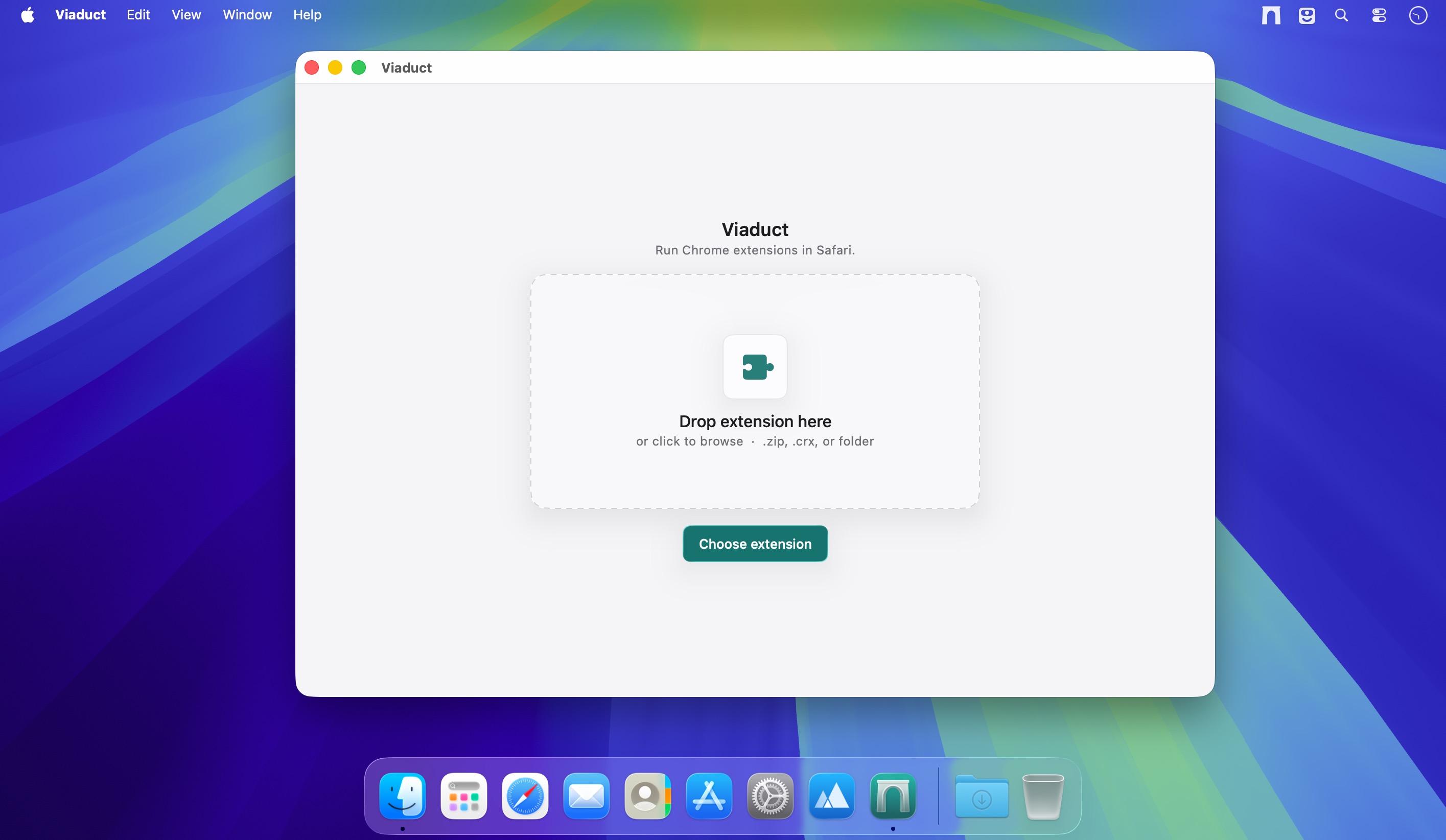
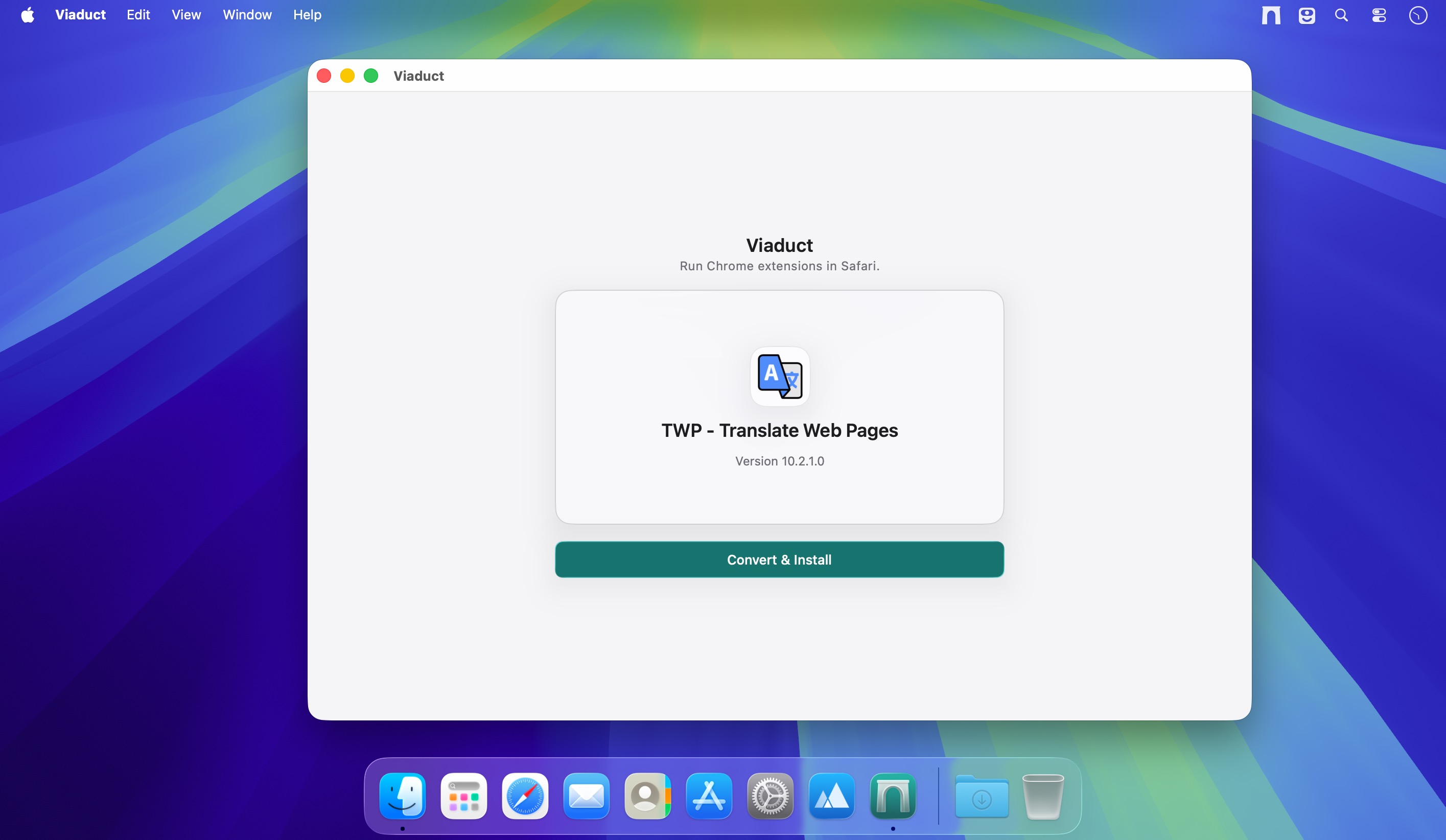
Convert Chrome extensions to Safari in seconds. Viaduct takes your favorite Chrome tools and turns them into native Safari extensions—no Xcode, no Terminal, no manual signing.
What it accepts
- CRX files and ZIP archives
- Unpacked extension folders
- Direct Chrome Web Store links
What it does
- Handles all the signing and installation automatically
- Supports both Manifest V2 and V3 extensions
- Normalizes incompatible Chrome APIs so extensions work in Safari
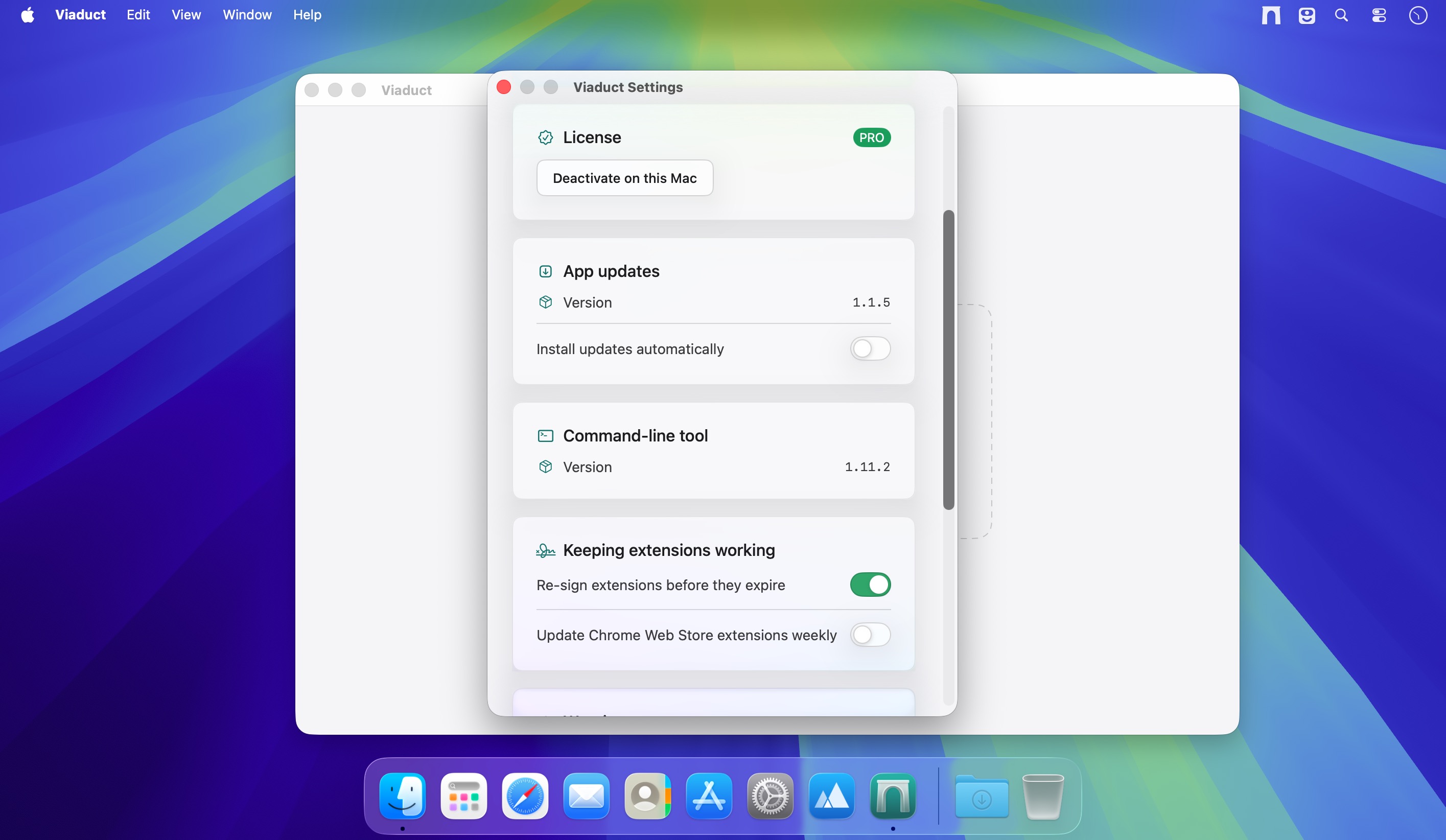
- Renews signatures automatically so extensions stay active
For developers
- Developer controls and live logs for troubleshooting
- Detailed diagnostics and conversion reports
- Open-source conversion engine if you want to automate it yourself
Frequently asked questions
How do I install the app?
Mount the image, drag the app into the "Applications" folder and launch it. If the system blocks the launch, allow it in "System Settings → Privacy & Security".
The app is damaged or won't launch
Reinstalling from a fresh image usually helps. Make sure your macOS version matches the one listed in the compatibility specs.
How do I update?
Download the new version from the site and install it over the current one — your settings will be preserved.
The download link doesn't work
Try a mirror or a download manager. For large files the browser often drops the connection.
How do I completely remove the app?
Use an uninstaller utility — it cleans up the service files that remain after moving the app to the trash.





Choose a download source
Viaduct 1.1.5 · 49.83 MB