
Tab Space 3.8.2
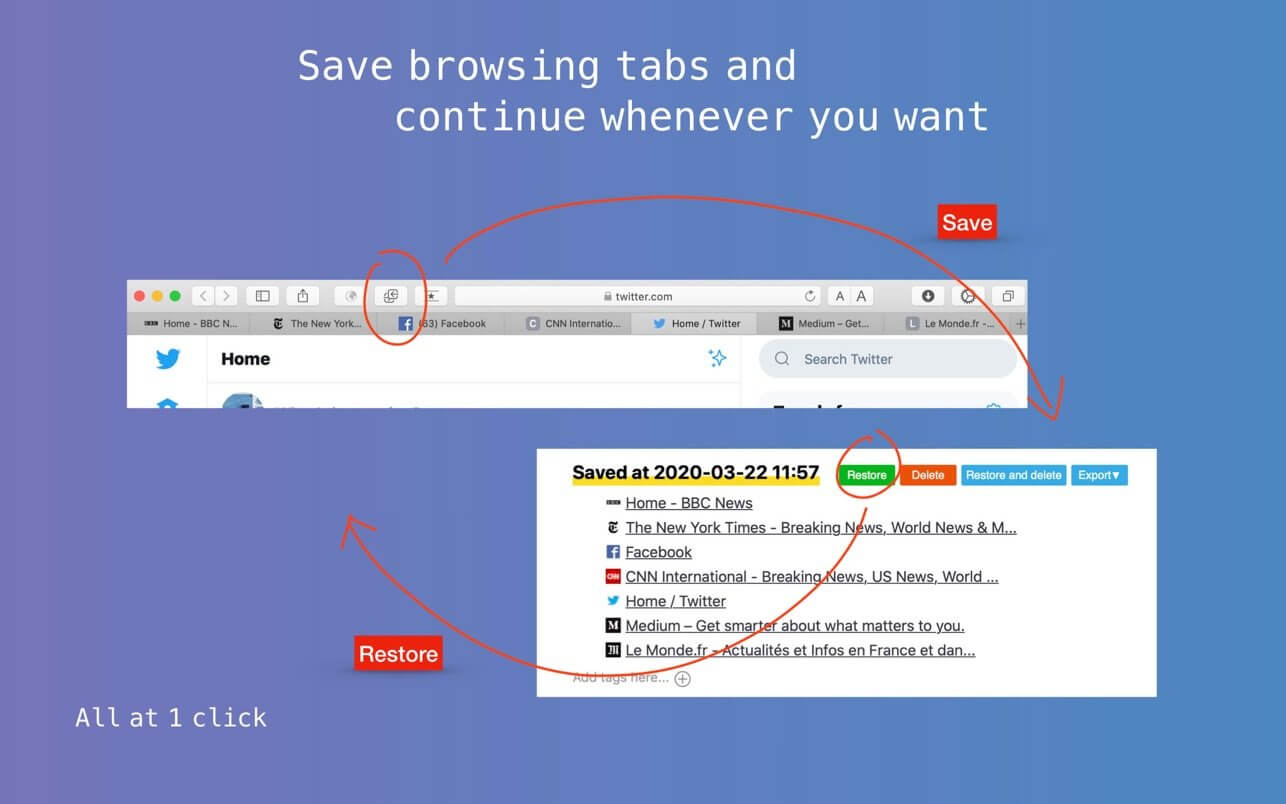
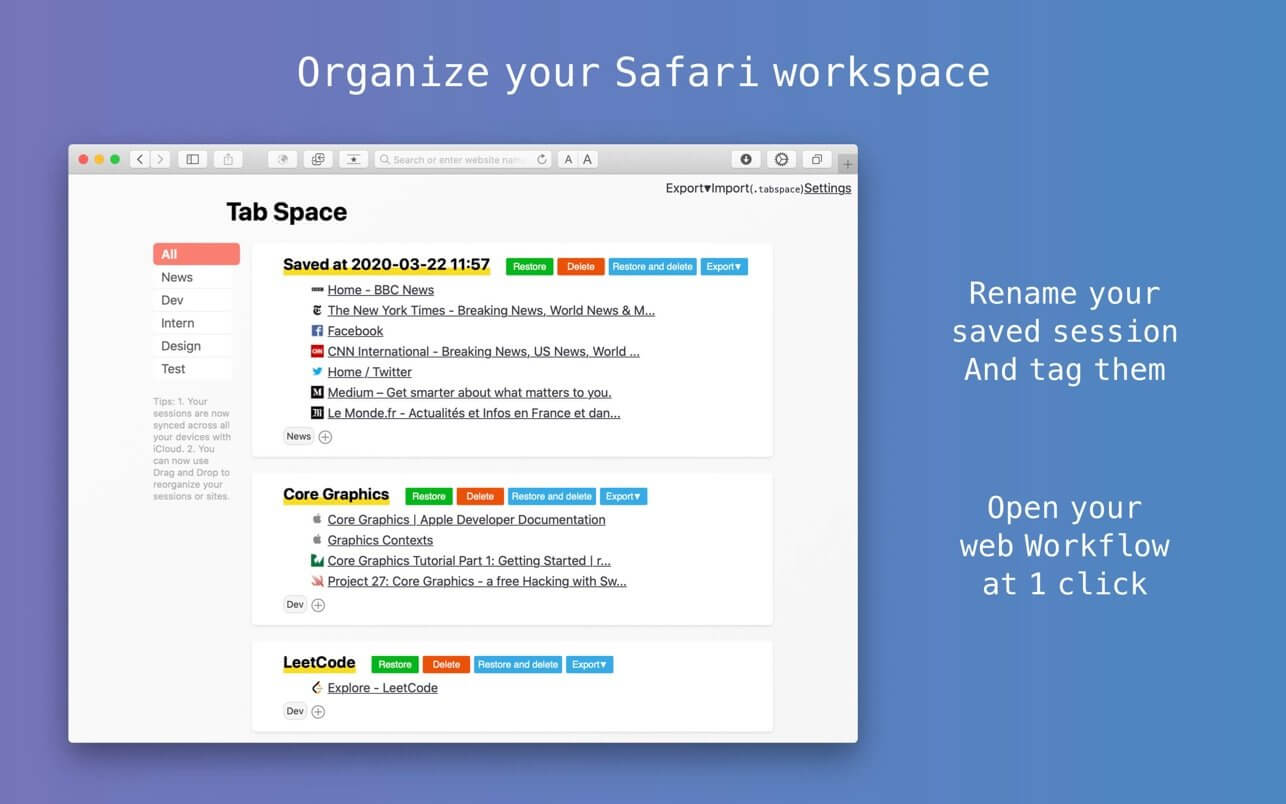

Tab Space is a Safari extension app which is born for improving web browsing productivity.Now you can export your saved sessions as text, markdown or HTML!
It mainly includes the following functions:
1. Save your browsing tabs at 1 click (just like OneTab in Chrome), and restore these tabs whenever you want.
2. Tag system. You can mark your saved sessions with custom tags and use this app as a web browsing workflow launcher. For example, under my tag “Reading”, I can launch my “News” workflow by opening all my favorite news websites at 1 click.
3. Shortcuts for Safari which offer the long missing function:
- Ctrl + L — Close left tabs
- Ctrl + R — Close right tabs
- Ctrl + Q — Close all other tabs
- Ctrl + D — Duplicate current tab
- Ctrl + C — Open in Chrome
- Ctrl + F — Open in Firefox
- Ctrl + T — Open Tab Space
- Ctrl + B — Save selected text to Bear, finally you have a Web Clipper for Safari
Version 3.8.2
- Add support for Japanese.
- Fix a bug that sometimes the moving session action will not save.
Frequently asked questions
How do I install the app?
Mount the image, drag the app into the "Applications" folder and launch it. If the system blocks the launch, allow it in "System Settings → Privacy & Security".
The app is damaged or won't launch
Reinstalling from a fresh image usually helps. Make sure your macOS version matches the one listed in the compatibility specs.
How do I update?
Download the new version from the site and install it over the current one — your settings will be preserved.
The download link doesn't work
Try a mirror or a download manager. For large files the browser often drops the connection.
How do I completely remove the app?
Use an uninstaller utility — it cleans up the service files that remain after moving the app to the trash.
VersionTab Space 3.8.2
DeveloperYuan
CompatibilitymacOS 10.13 or later
LanguageMultilangual
IncludesK'ed by HCiSO




Information
Visitors in the group Guests cannot leave comments on this publication.
Choose a download source
Tab Space 3.8.2 · 6.69 MB