
Nik Collection by DxO 9.1.0
Nik Collection by DxO — photo editing plugins for color grading and selective adjustments
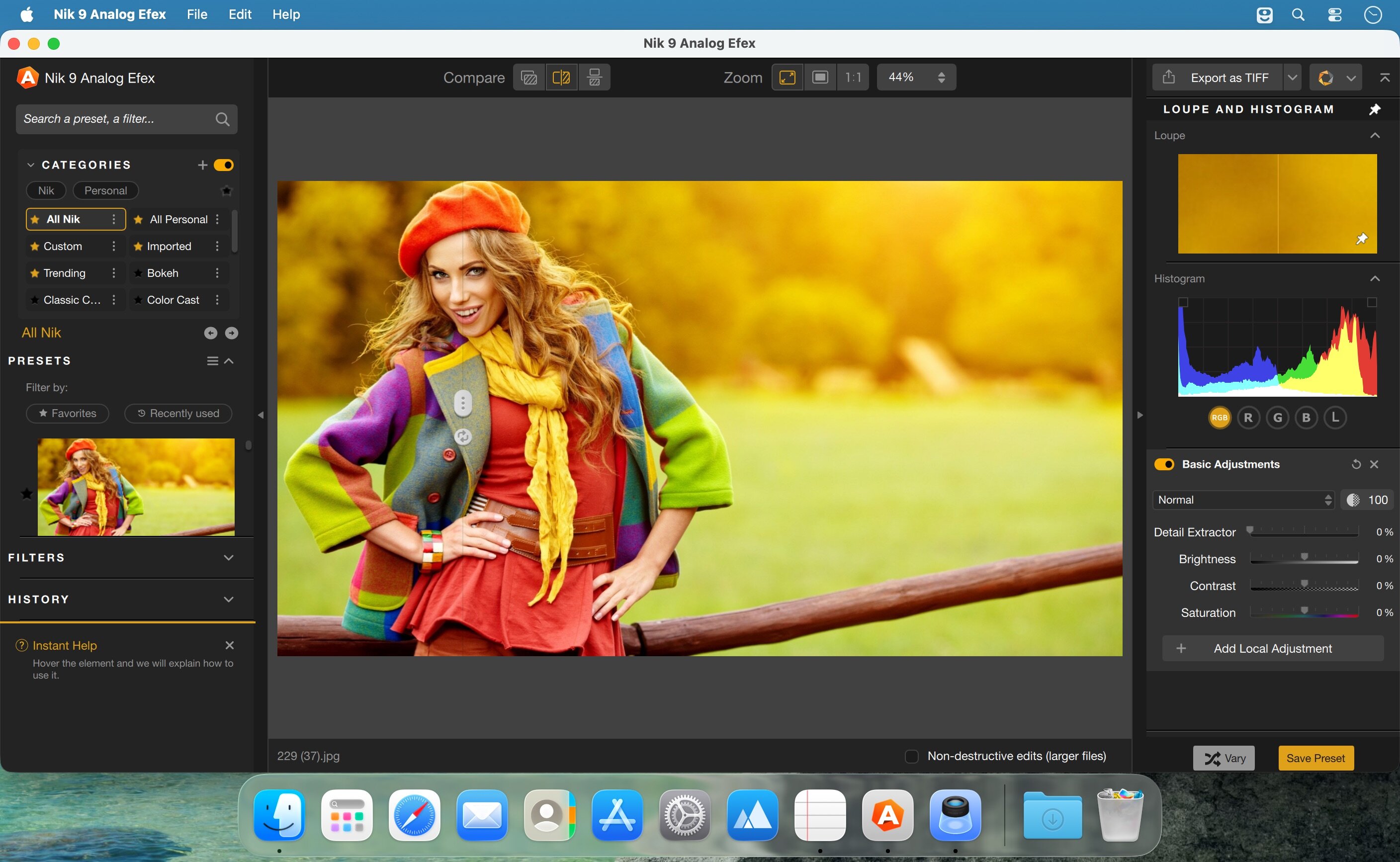
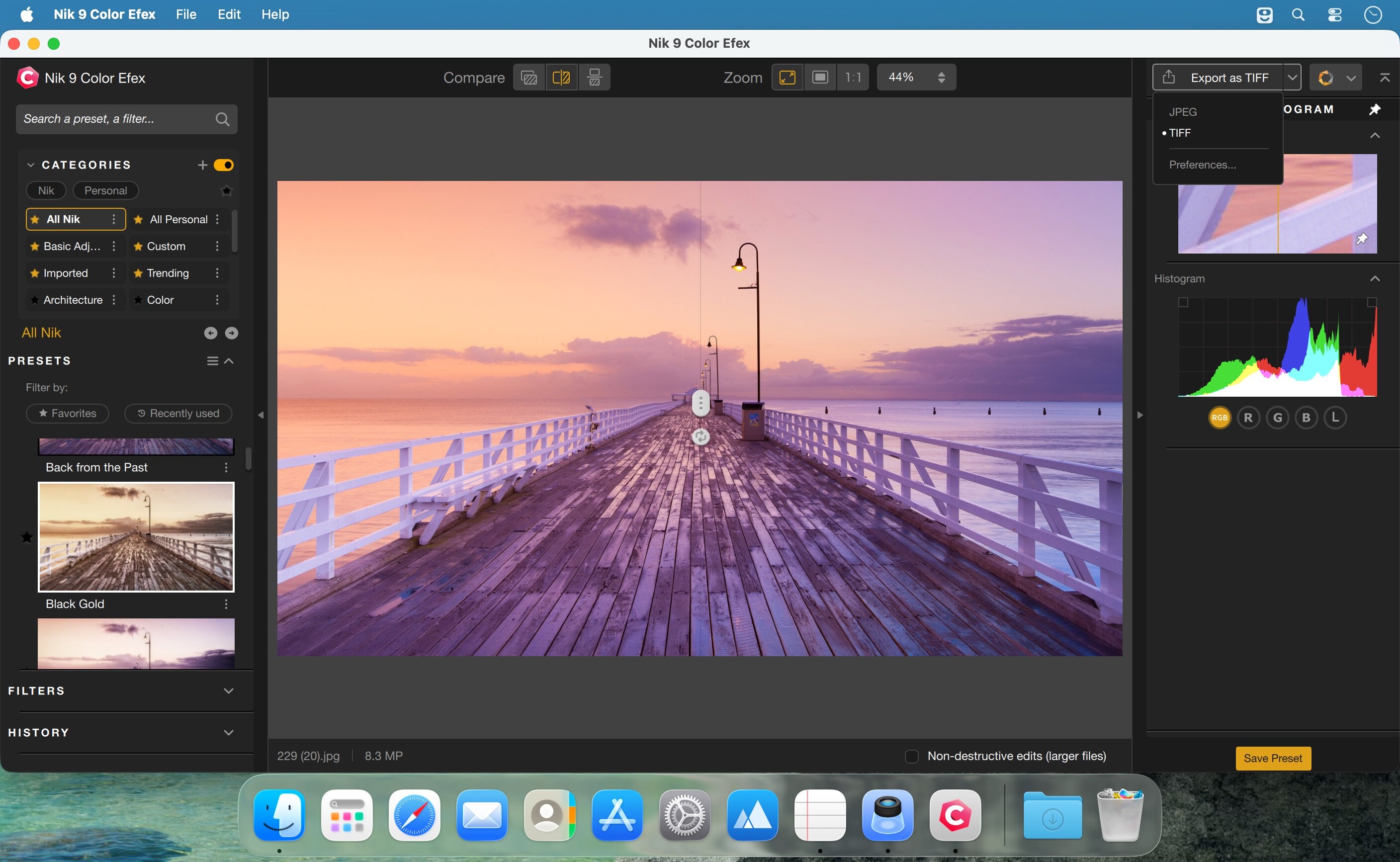
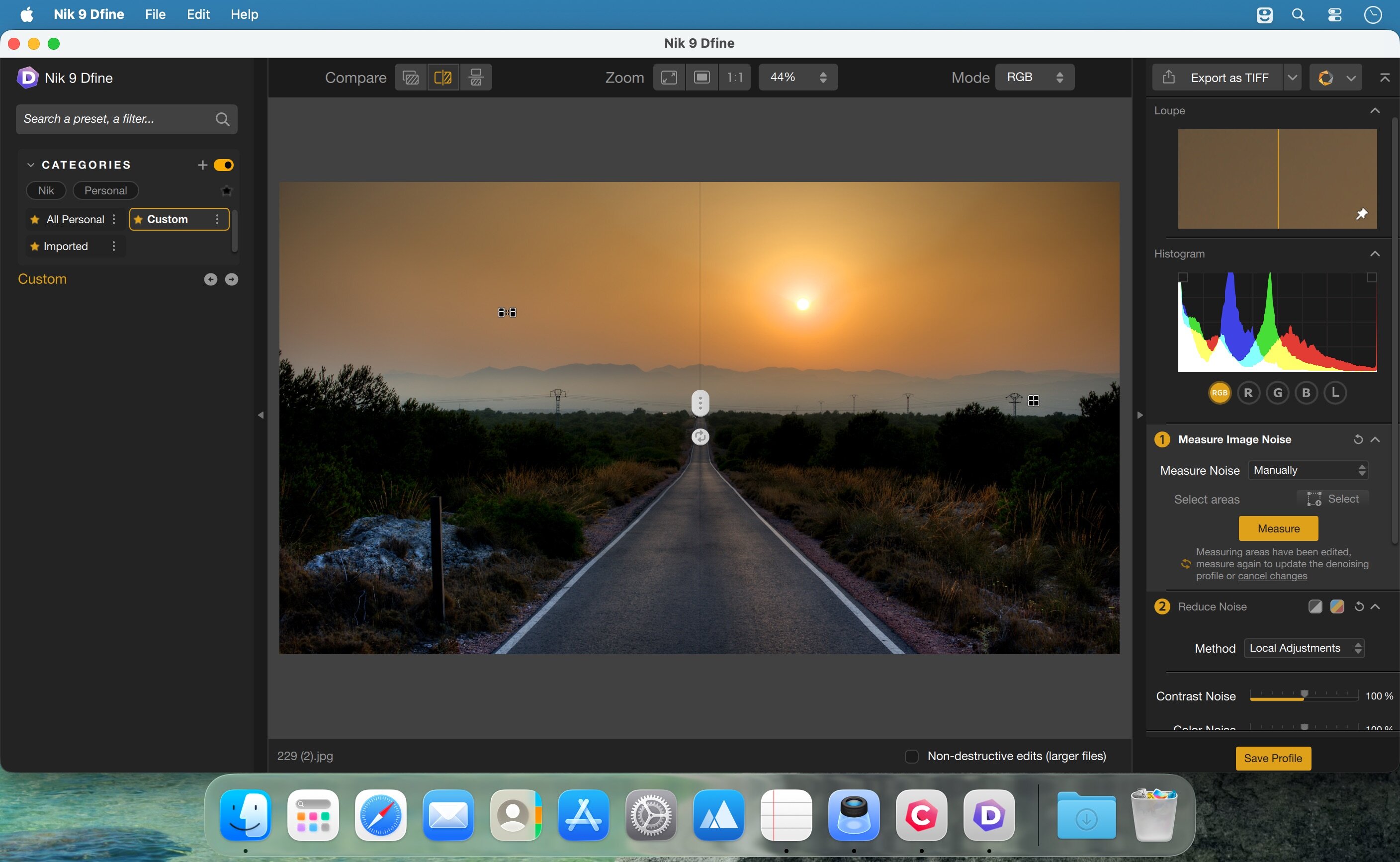
Nik Collection by DxO is a professional suite of photo-editing plugins for photographers, designers, and digital artists. It brings together creative effects, black-and-white conversion, color grading, selective editing, noise reduction, sharpening, and HDR tools in one streamlined workflow. Compatible with Adobe Photoshop, Lightroom Classic, Affinity Photo, and DxO PhotoLab, it helps you create polished, high-impact images with speed and precision.
Key features:
- Advanced creative effects with hundreds of filters and presets
- AI-powered masking and intelligent selections for precise local edits
- Renowned black-and-white editing with Silver Efex
- Professional color grading for shadows, midtones, highlights, and more
- U Point technology for easy selective adjustments without complex masks
- Noise reduction and sharpening tools for cleaner, sharper images
- Seamless integration as both a plugin and standalone app
Frequently asked questions
How do I install the app?
Mount the image, drag the app into the "Applications" folder and launch it. If the system blocks the launch, allow it in "System Settings → Privacy & Security".
The app is damaged or won't launch
Reinstalling from a fresh image usually helps. Make sure your macOS version matches the one listed in the compatibility specs.
How do I update?
Download the new version from the site and install it over the current one — your settings will be preserved.
The download link doesn't work
Try a mirror or a download manager. For large files the browser often drops the connection.
How do I completely remove the app?
Use an uninstaller utility — it cleans up the service files that remain after moving the app to the trash.





Choose a download source
Nik Collection by DxO 9.1.0 · 3.41 GB