
Nik Collection by DxO 6.13.0
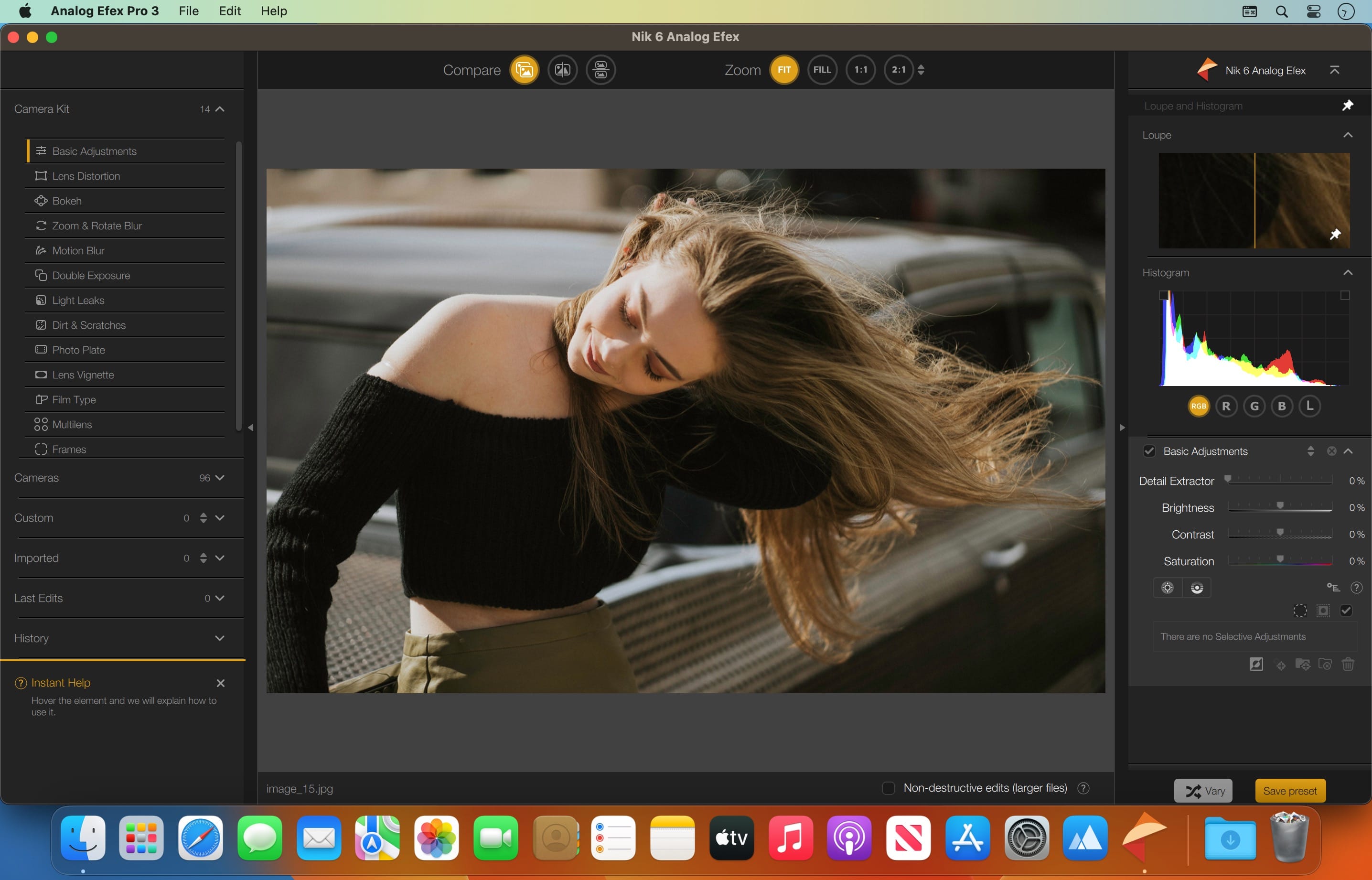
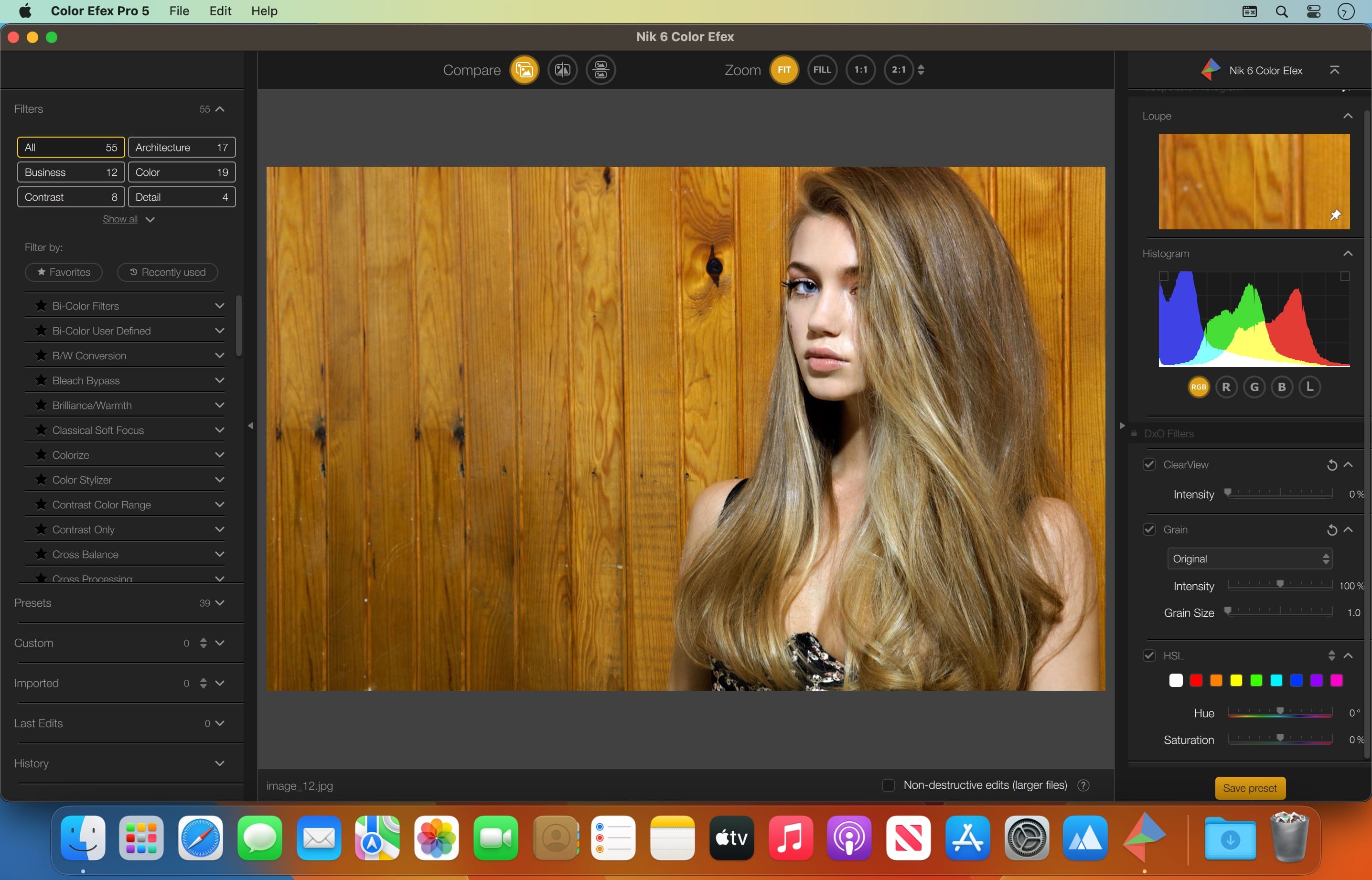
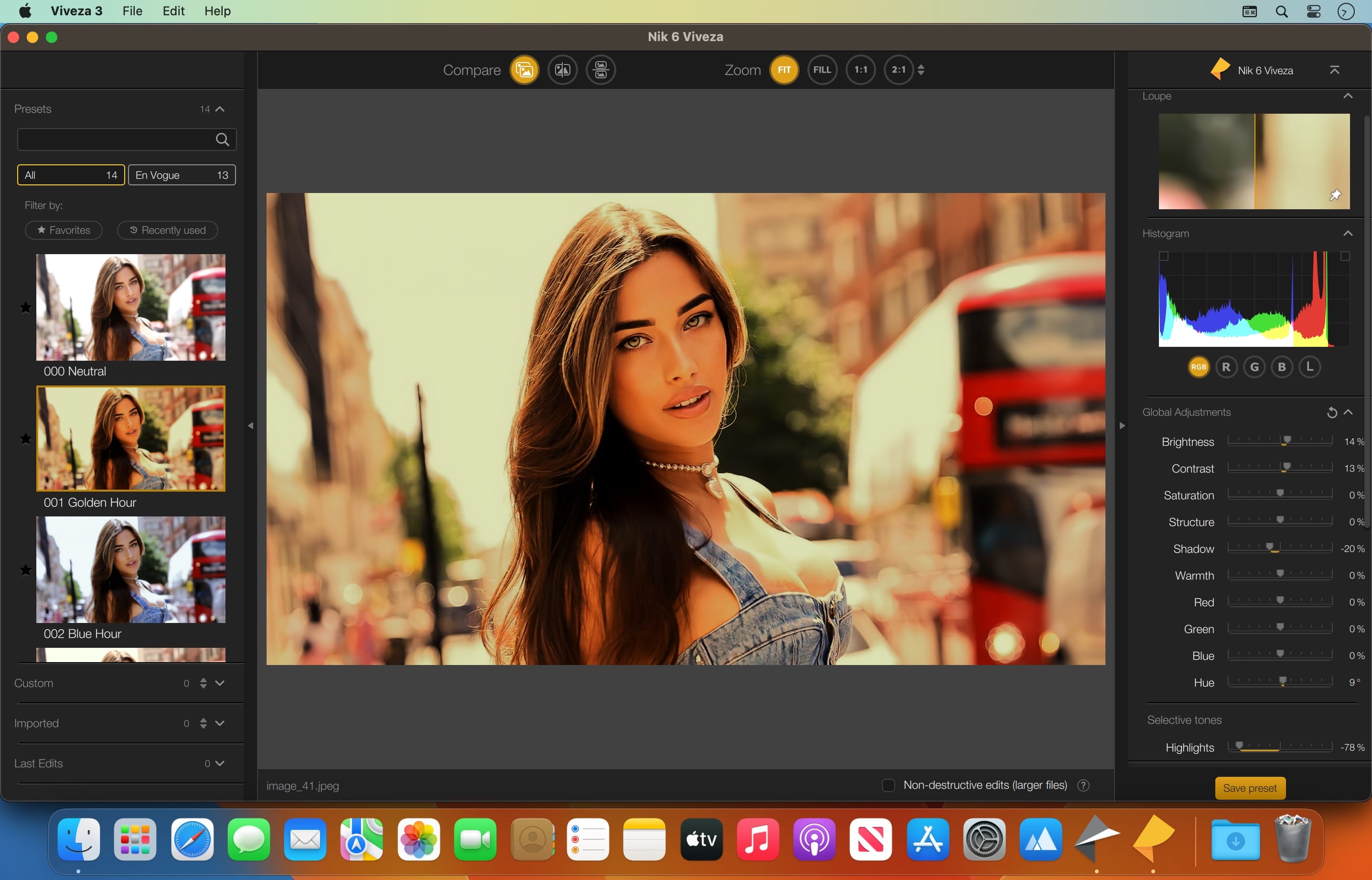
The creative photo-editing software designed by photographers, for photographers. The ideal solution for addressing every aspect of creative photography—from color and white-and-black photography to analog simulation. Add the power of the Nik Collection by DxO to your workflow today and create stunning images faster.
The most complete collection of plug-ins from Nik Collection by DxO companies using proprietary U Point, which allows you to subtly adjust the brightness, contrast, color saturation and other parameters of individual objects or areas of the photograph.
8 Premium Plugins for Photoshop and Lightroom Classic to Supercharge Your Photos
- Nik Color Efex
Countless striking filters for color, tone, contrast, and more - Nik Silver Efex
Darkroom-inspired controls for the ultimate in black-and-white photo editing - Nik Analog Efex
Dive into history and discover endless analog effects to give your photos a vintage feel - Nik Viveza
Shape color, manipulate tones, be bold, and inject passion - Nik Dfine
Remove digital noise exactly where required, without destroying the detail - Nik Sharpener
Enhance images with perfect sharpness, exactly where you need it - Nik HDR Efex
Harmonize intense highlights and shadows for photos with a gorgeous dynamic range - Nik Perspective
Fix perspectives and distortion for geometric perfection or creative effect
Version 6.0:
Frequently asked questions
How do I install the app?
Mount the image, drag the app into the "Applications" folder and launch it. If the system blocks the launch, allow it in "System Settings → Privacy & Security".
The app is damaged or won't launch
Reinstalling from a fresh image usually helps. Make sure your macOS version matches the one listed in the compatibility specs.
How do I update?
Download the new version from the site and install it over the current one — your settings will be preserved.
The download link doesn't work
Try a mirror or a download manager. For large files the browser often drops the connection.
How do I completely remove the app?
Use an uninstaller utility — it cleans up the service files that remain after moving the app to the trash.





Choose a download source
Nik Collection by DxO 6.13.0 · 2.03 GB