
ON1 Photo RAW 2017.7 v11.7.0
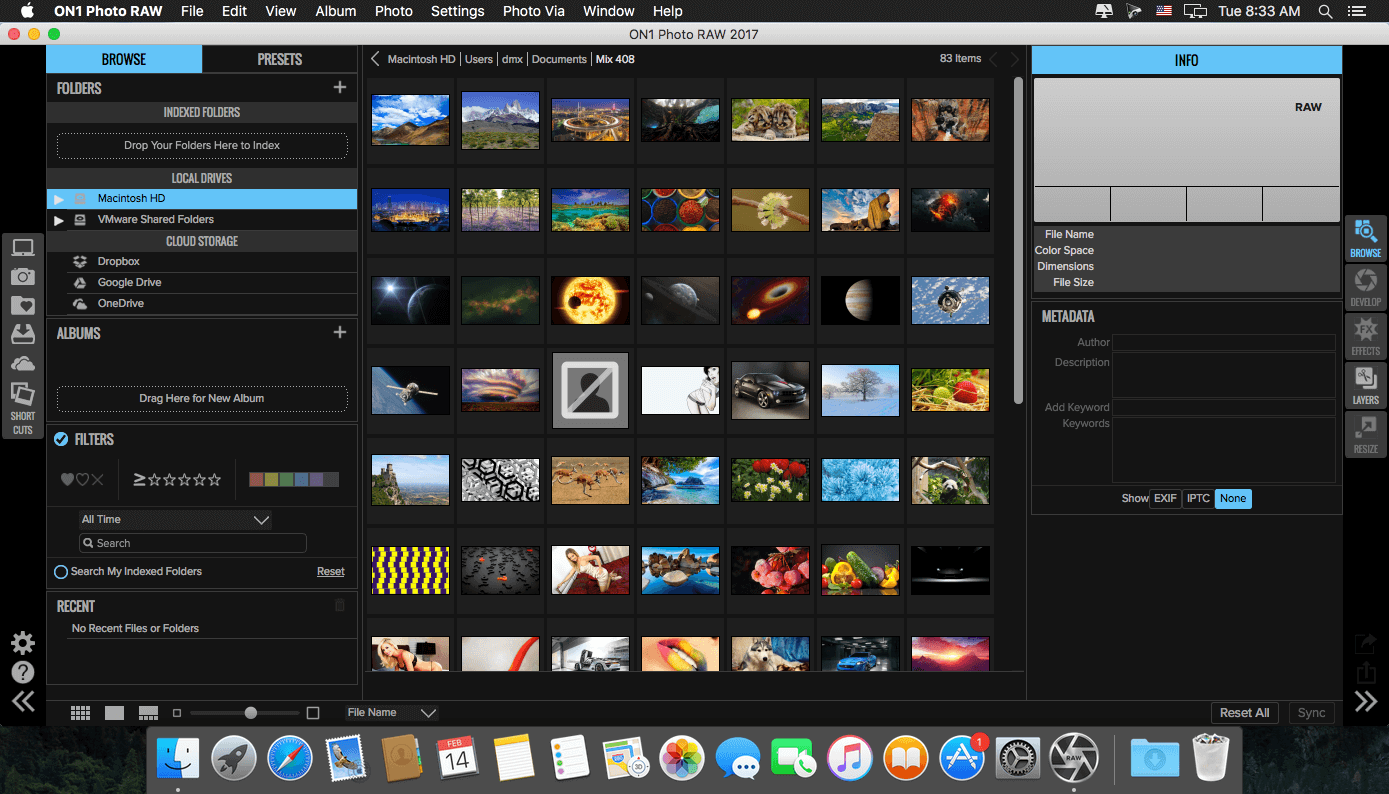
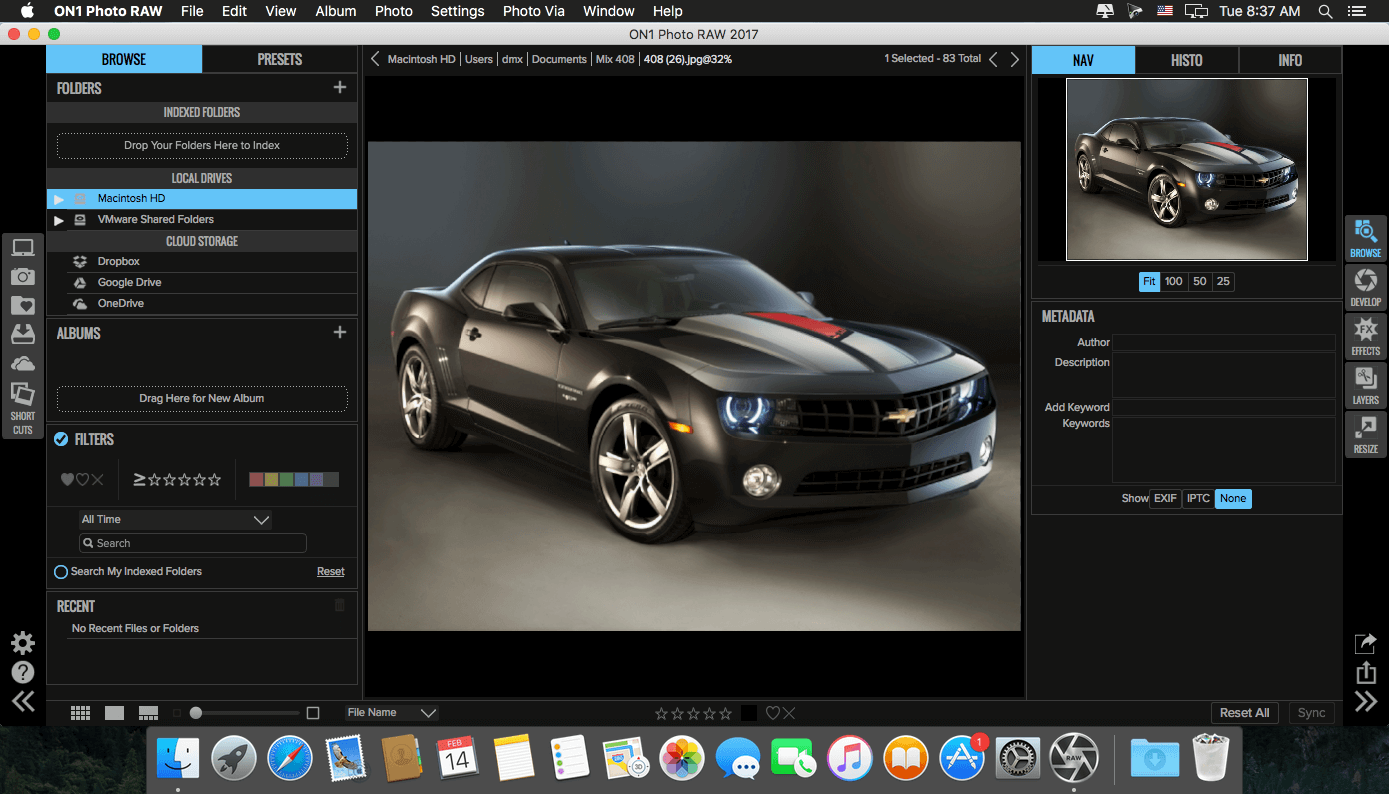
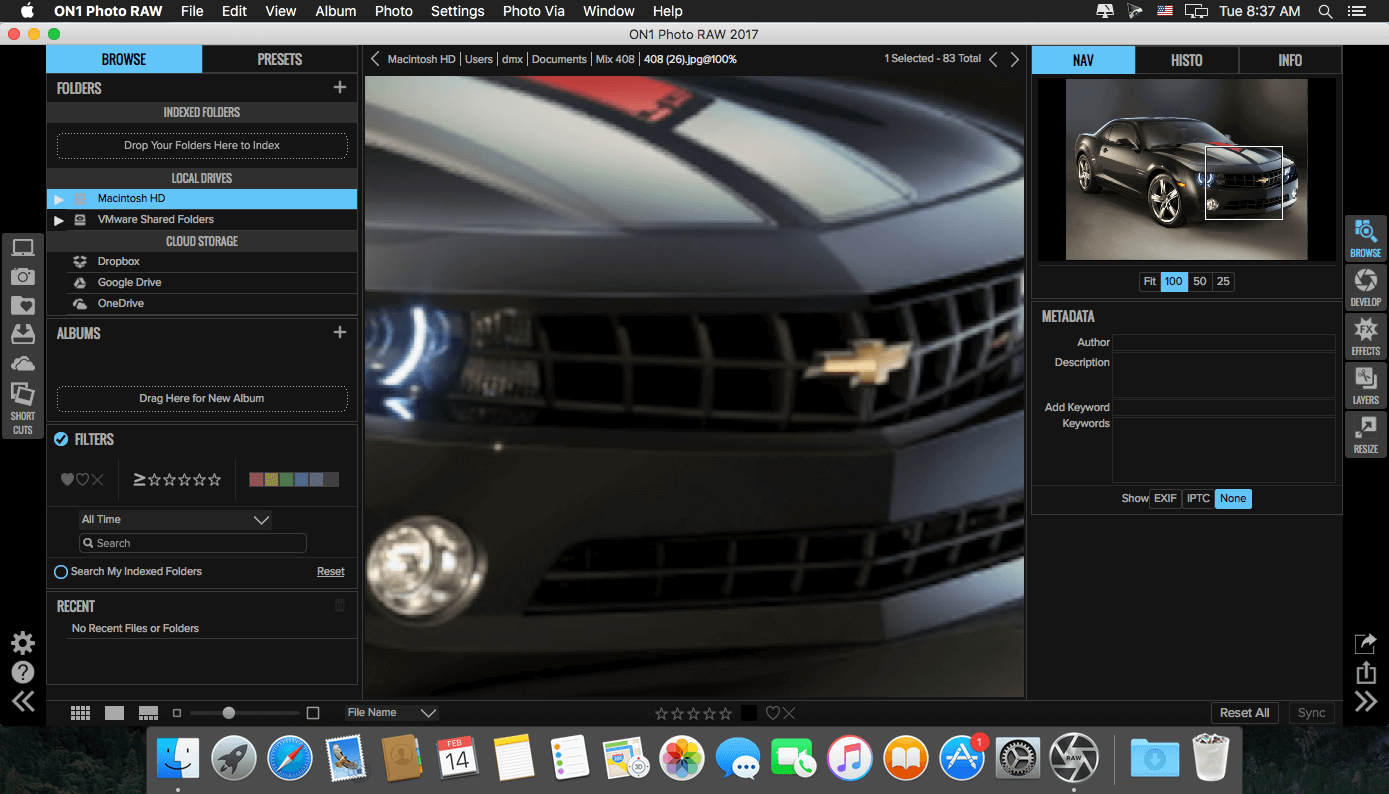

ON1 Photo RAW (was ON1 Photo) is the lightning fast raw processor, photo editor, and plug-in collection all in one app photographers have been asking for. Unlike the current class of raw-based photo editors requiring catalogs, bouncing between apps for editing, and a subscription ecosystem, ON1 Photo RAW features a new, modern raw processing engine, tuned for today's sensors and graphics chips. Combined with our current set of tools, the next generation of ON1 Photo 10, will continue to work where you want, as a standalone app, a plug-in for Adobe Photoshop and Lightroom, or a host app for other editing apps.
Photo RAW is a must have plug-in for Lightroom and Photoshop. At the heart lies Develop and Effects which include everything you could possibly need for creating any look you want. The hundreds of filters and presets are stackable, allowing for endless creativity. You don't need 10 different plug-ins when you can do it all with one. It's one of the best collections of filters for stacking and creating your own signature looks along with the perfect tools for selectively applying effects, local adjustments, adjustable gradients, adjustment brushes, masking, and retouching.
- Adjustable Gradient
- Adjustment Brush
- Antique
- Black and White
- Bleach Bypass
- Blur
- Borders
- Color Enhancer
- Cross Process
- Dynamic Contrast
- Glow
- Grunge
- HDR Look
- Lens Blur
- Lens Flare
- Noise Reduction
- Photo Filter
- Portrait Enhancer
- Sharpening
- Split Tone
- Sunshine
- Texturizer
- Tone Enhancer
- Vignette
- Vintage
Requirements
- Intel, 64-bit processor
- OS X 10.8 or later
Optional:
- Photoshop CS6 or CC
- Elements 13 or 14
- Lightroom 5 or CC
- Apple Photos
Frequently asked questions
How do I install the app?
Mount the image, drag the app into the "Applications" folder and launch it. If the system blocks the launch, allow it in "System Settings → Privacy & Security".
The app is damaged or won't launch
Reinstalling from a fresh image usually helps. Make sure your macOS version matches the one listed in the compatibility specs.
How do I update?
Download the new version from the site and install it over the current one — your settings will be preserved.
The download link doesn't work
Try a mirror or a download manager. For large files the browser often drops the connection.
How do I completely remove the app?
Use an uninstaller utility — it cleans up the service files that remain after moving the app to the trash.
VersionON1 Photo RAW 2017.7 v11.7.0
DeveloperON1, Inc.
CompatibilityOS X 10.8 or later, 64-bit processor
LanguageEnglish
Includesserial




Information
Visitors in the group Guests cannot leave comments on this publication.
Choose a download source
ON1 Photo RAW 2017.7 v11.7.0 · 798.87 MB