
DxO FilmPack 8.8.0
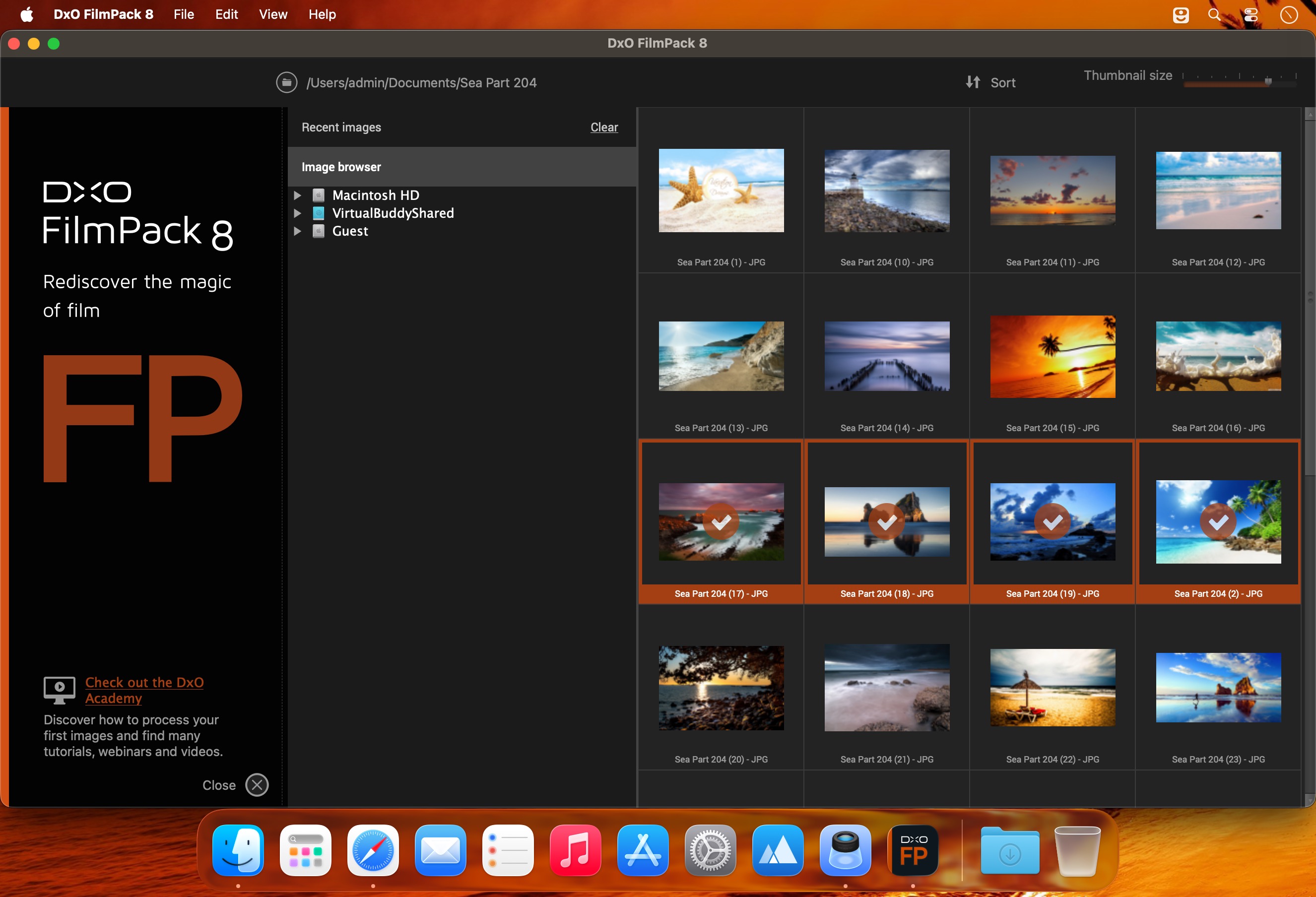
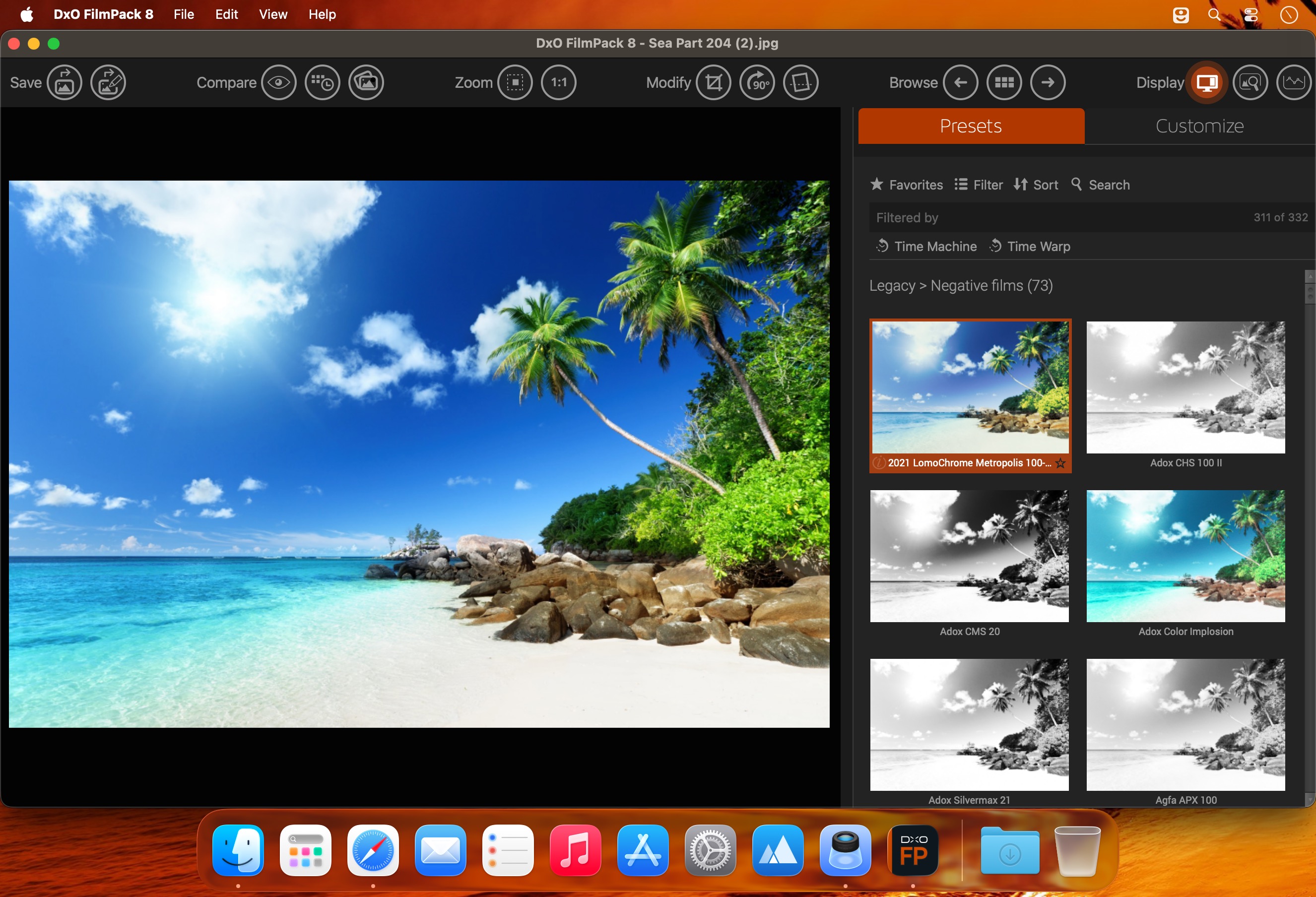
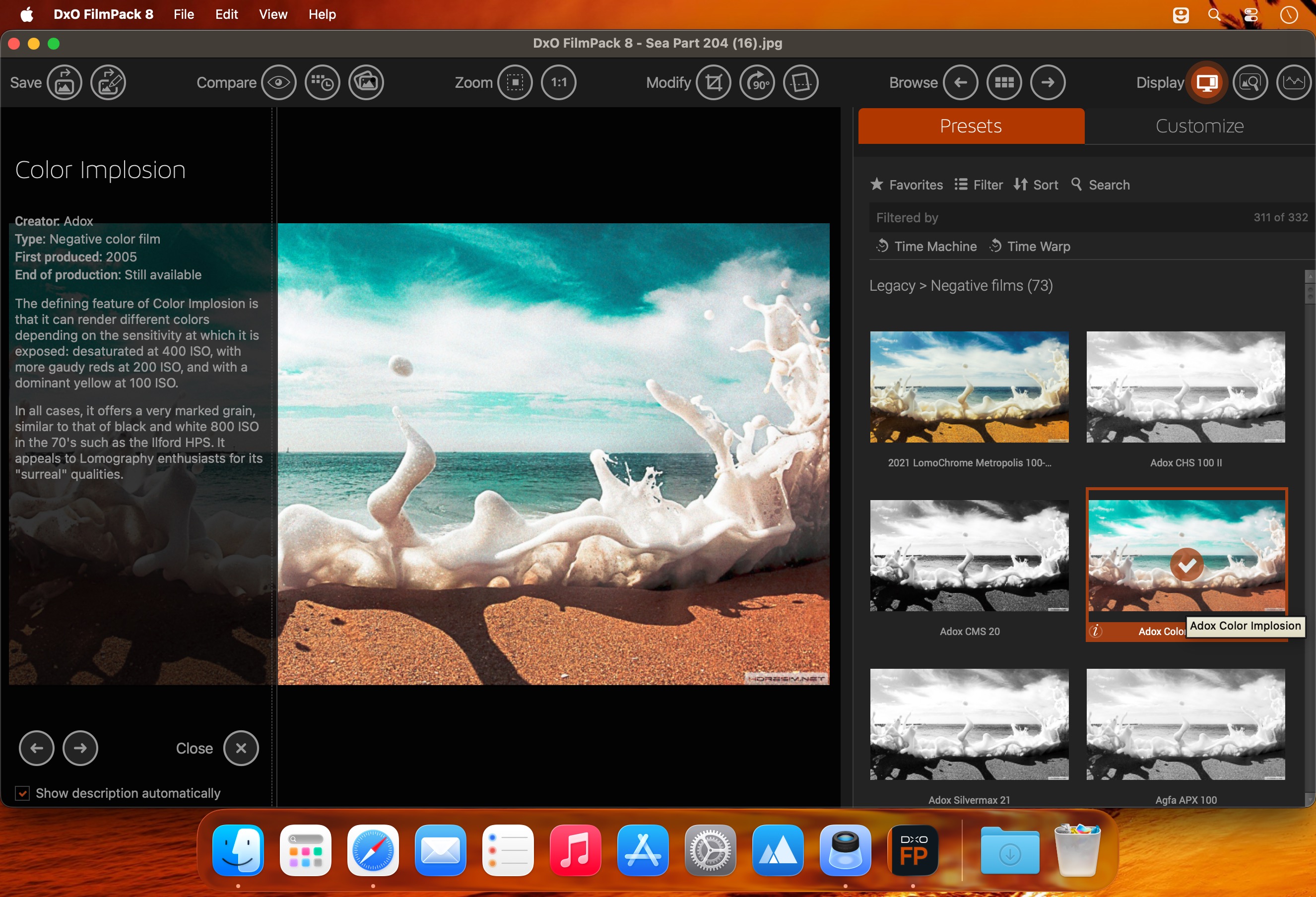
DxO FilmPack 8 — authentic film looks with modern control.
Recreate classic film stocks and add analog character to digital photos with scientifically accurate emulations, grain and texture controls, and darkroom-inspired color grading. FilmPack 8 turns RAW files into expressive, print-ready images with easy integration into PhotoLab, Photoshop, and Lightroom.
Highlights
- True-to-life film emulations: faithful reproductions of legendary film stocks for authentic color and tonality.
- Analog textures: customizable grain, vignettes, light leaks, scratches, and film bases for vintage or artistic finishes.
- Advanced color grading: precise tools for mood, contrast, and split-toning.
- Darkroom-inspired effects: film-base adjustments and creative processing that echo traditional techniques.
- Time Machine: curated historical images paired with the film that produced them.
- RAW-to-print workflow: optimized output for high-quality prints.
- Easy integration: works with DxO PhotoLab 9, Photoshop, and Lightroom for a seamless editing pipeline.
Frequently asked questions
How do I install the app?
Mount the image, drag the app into the "Applications" folder and launch it. If the system blocks the launch, allow it in "System Settings → Privacy & Security".
The app is damaged or won't launch
Reinstalling from a fresh image usually helps. Make sure your macOS version matches the one listed in the compatibility specs.
How do I update?
Download the new version from the site and install it over the current one — your settings will be preserved.
The download link doesn't work
Try a mirror or a download manager. For large files the browser often drops the connection.
How do I completely remove the app?
Use an uninstaller utility — it cleans up the service files that remain after moving the app to the trash.
Related posts
-
 DxO FilmPack 7.4.0.508
Photography1020.23 MB
DxO FilmPack 7.4.0.508
Photography1020.23 MB
-
 DxO FilmPack 5.5.27.605 ELITE Edition
Graphic Design303.48 MB
DxO FilmPack 5.5.27.605 ELITE Edition
Graphic Design303.48 MB
-
 DxO FilmPack 6 ELITE Edition 6.15.0.55
Photography808.78 MB
DxO FilmPack 6 ELITE Edition 6.15.0.55
Photography808.78 MB
-
 WidsMob FilmPack 2.9
Photography15.63 MB
WidsMob FilmPack 2.9
Photography15.63 MB
-
 Imagenomic Plug-in for Photoshop, Aperture 3 and Lightroom (update 15.09.2019)
Photography26.31 MB
Imagenomic Plug-in for Photoshop, Aperture 3 and Lightroom (update 15.09.2019)
Photography26.31 MB
Choose a download source
DxO FilmPack 8.8.0 · 1.57 GB