
DxO PhotoLab 9.10.0 Elite
DxO PhotoLab — edit smarter, recover detail, control color
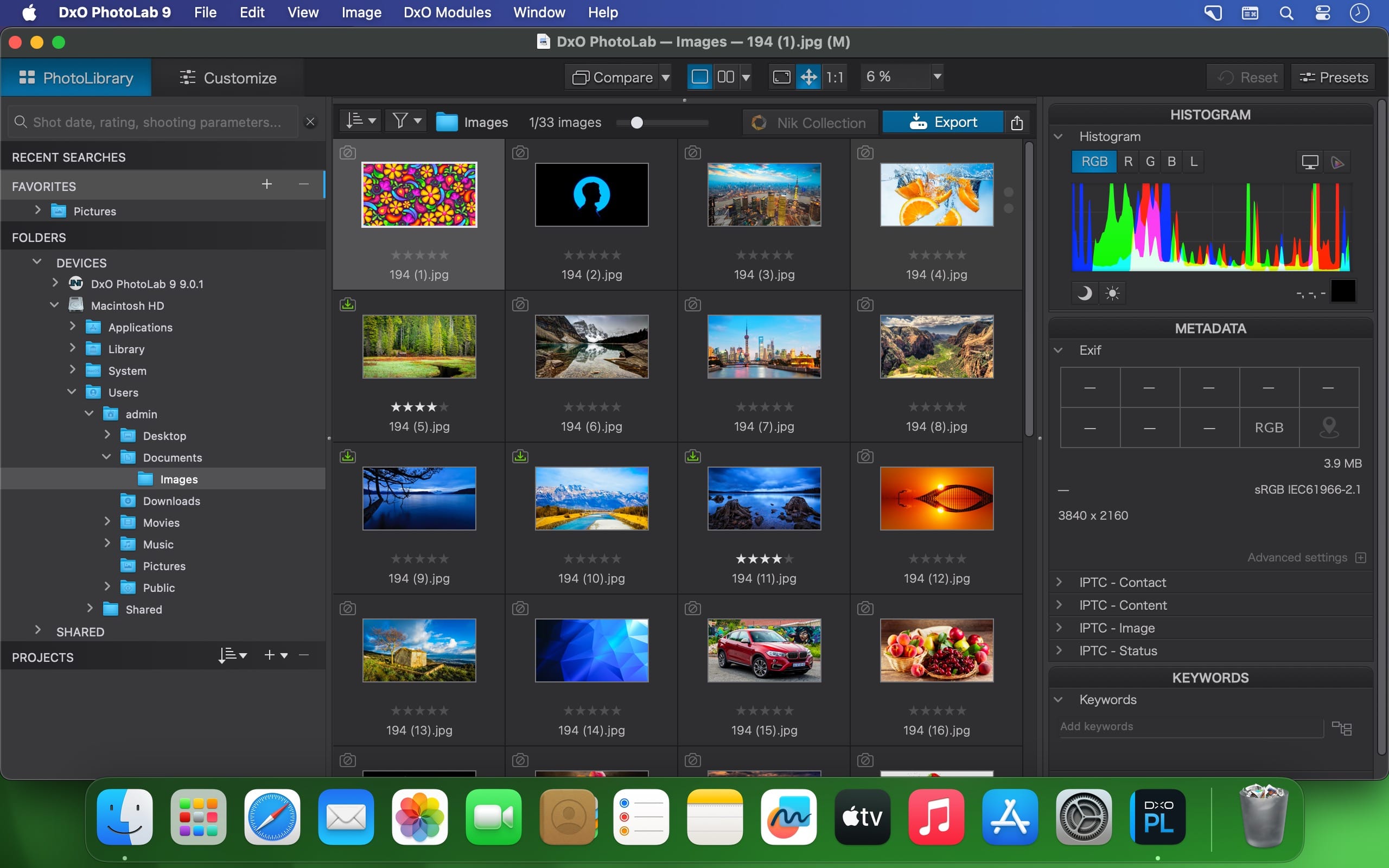
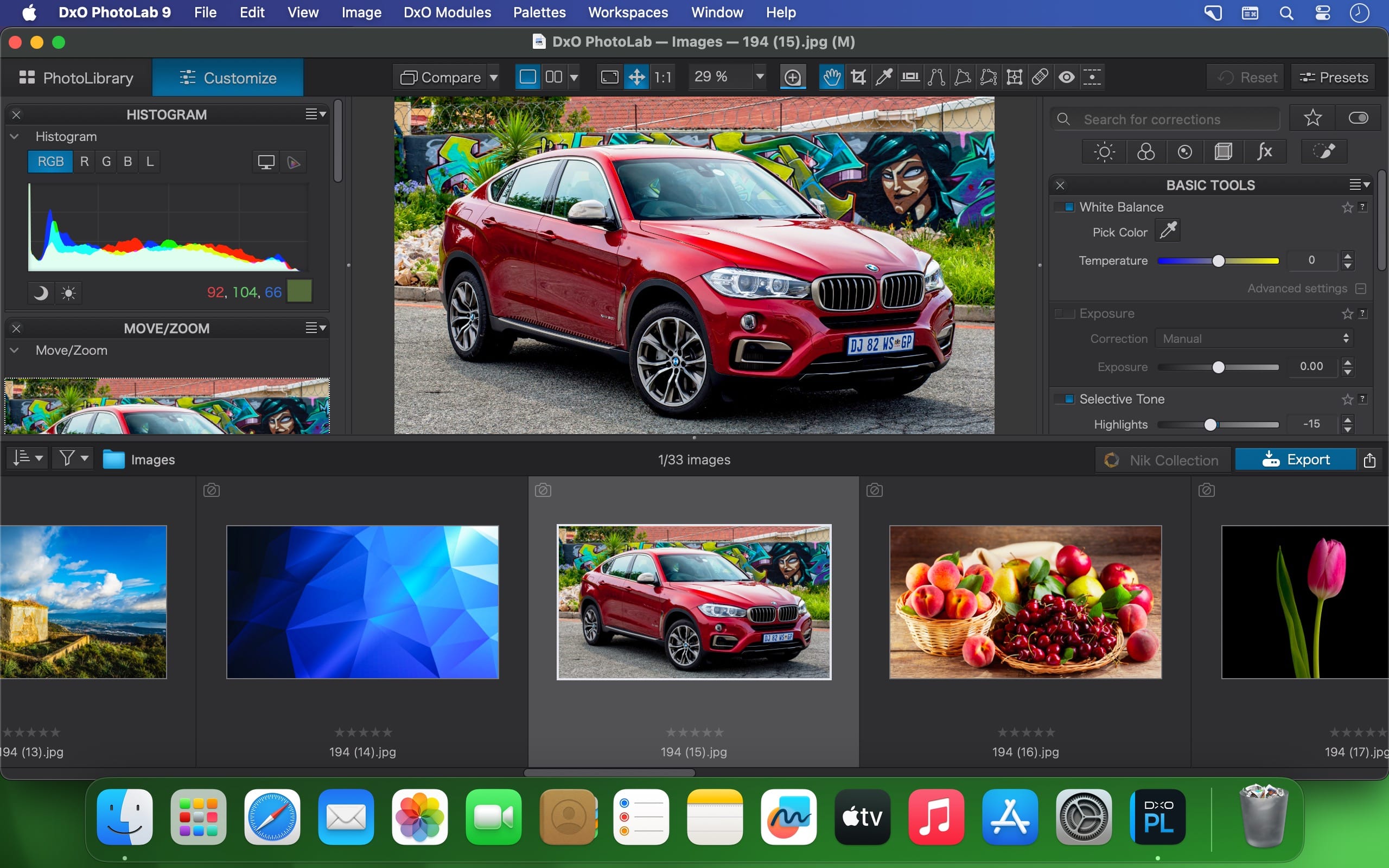
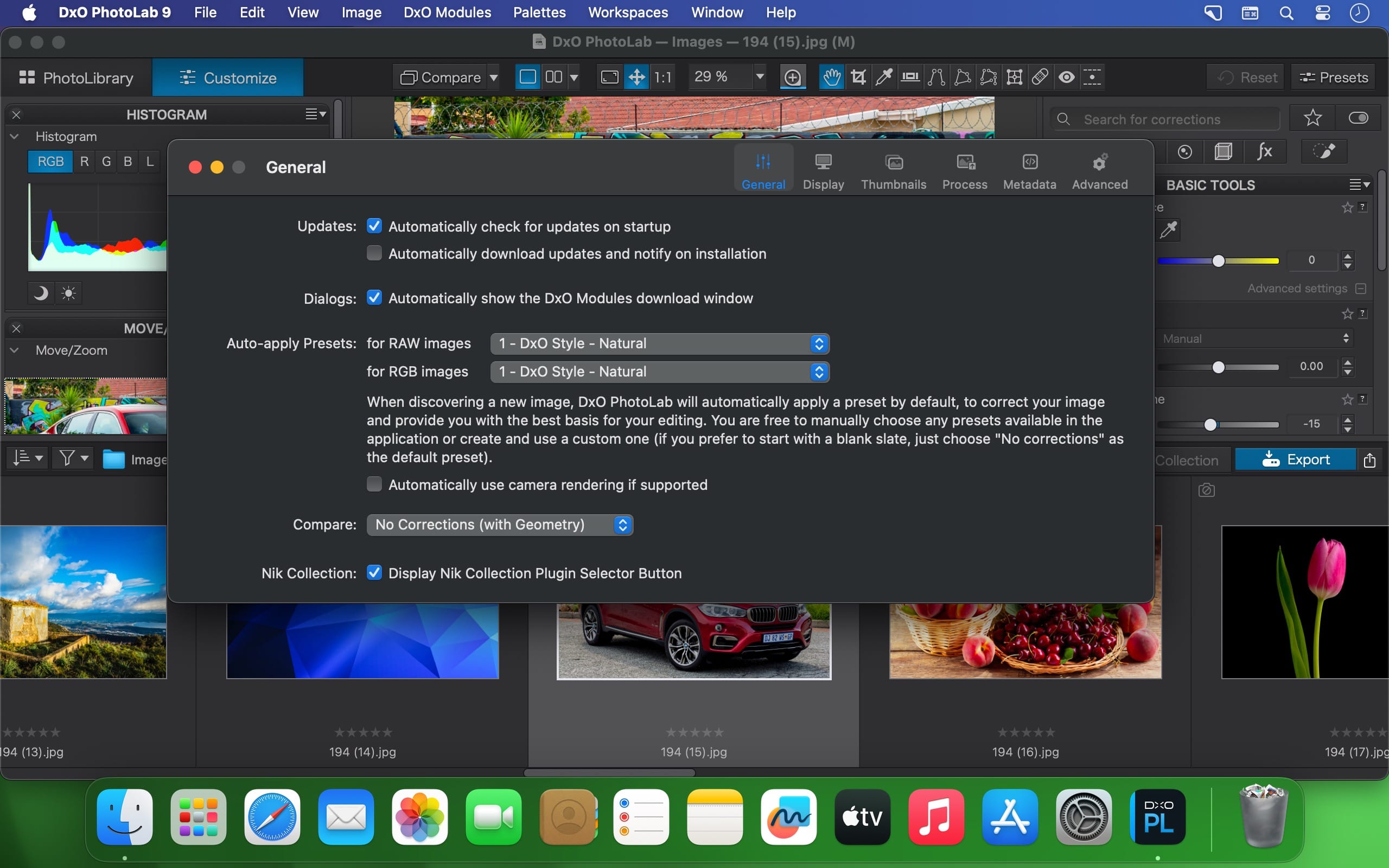
DxO PhotoLab provides a complete set of smart assisted corrections that you can manually fine-tune at any time. Take control on every aspect of your photos: effectively remove noise, get rid of light constraints, recover color details, apply sophisticated optical corrections, and enhance details.
DxO's pioneering Optics Modules are renowned for giving photographers the best possible performance from their gear, and are applied automatically depending on metadata. Lens softness adjustments are tailored according to the idiosyncrasies of individual lenses. They don't simply sharpen uniformly across the entire image like in other software.
Noise reduction powered by machine learning. DeepPRIME, DeepPRIME XD, and DeepPRIME XD2s eliminate noise, recover detail, and improve color reproduction. Two legacy technologies — PRIME and High Quality — are included when speed is crucial. Choose the automatic settings or dial them in manually. Use the new large live preview magnifier to see the impact of denoising — plus all of your other edits.
Extra-wide gamut working color space (DxO Wide Gamut) ensures accurate rendering throughout the workflow. Soft Proofing mode ensures accurate colors when preparing files for print or display. Simulate ink and paper via ICC profiles. Create calibrated color profiles using industry-standard color charts to ensure precision.
Use ColorWheel to manipulate colors and customize color channels. Adjust Exposure compensation, edit the Tone Curve, tweak Contrast and Microcontrast. Plus White Balance with color picker, Color Accentuation to set saturation/vibrancy, Black-and-white palette with channel mixer, and Selective Tone for greater control over tonal ranges.
Choose the size/location of files, set up custom export presets, create multiple parallel exports, and apply original or custom ICC profile, sRGB, or Adobe RGB profiles. Right-click to export to a specific application. Send images directly to other applications. With Nik Collection installed, you have direct access to all plugins.
Version 9.8.0
- Updates: official site does not provide any info about changes in this version
Frequently asked questions
How do I install the app?
Mount the image, drag the app into the "Applications" folder and launch it. If the system blocks the launch, allow it in "System Settings → Privacy & Security".
The app is damaged or won't launch
Reinstalling from a fresh image usually helps. Make sure your macOS version matches the one listed in the compatibility specs.
How do I update?
Download the new version from the site and install it over the current one — your settings will be preserved.
The download link doesn't work
Try a mirror or a download manager. For large files the browser often drops the connection.
How do I completely remove the app?
Use an uninstaller utility — it cleans up the service files that remain after moving the app to the trash.
Related posts




Choose a download source
DxO PhotoLab 9.10.0 Elite · 2.29 GB