
BetterZip 6.0.6
BetterZip — archive manager for ZIP, RAR, and 30+ formats
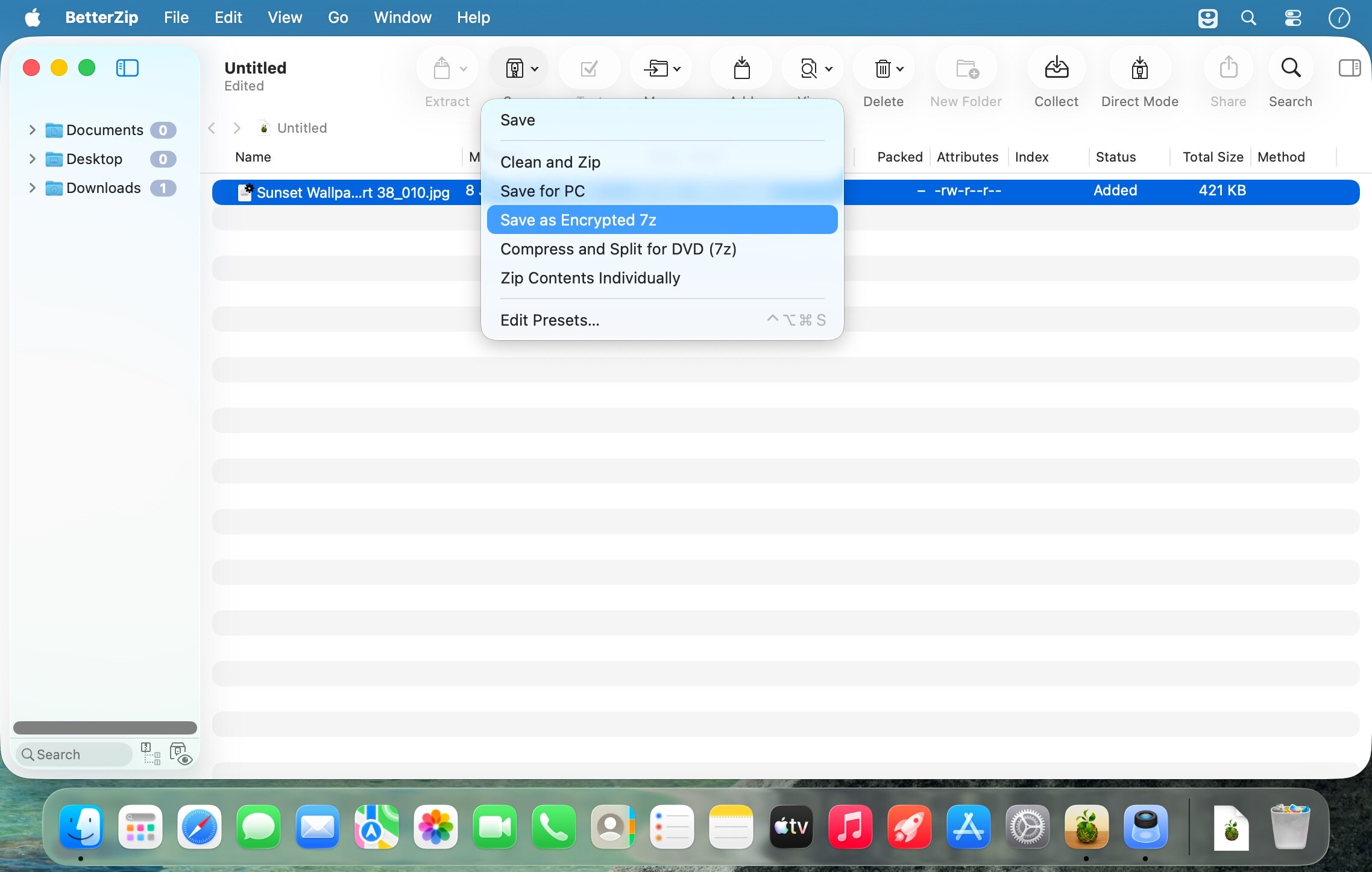
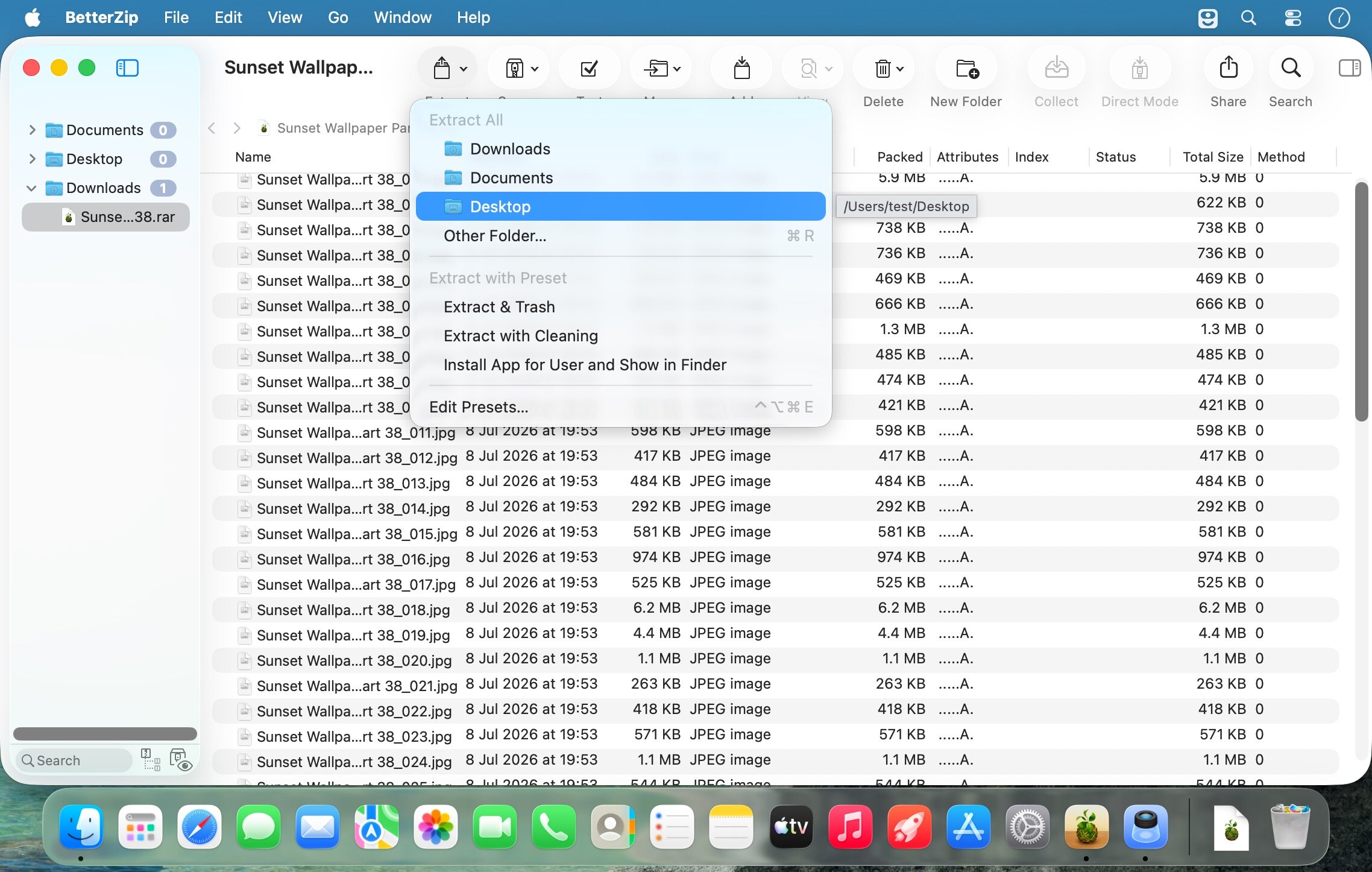
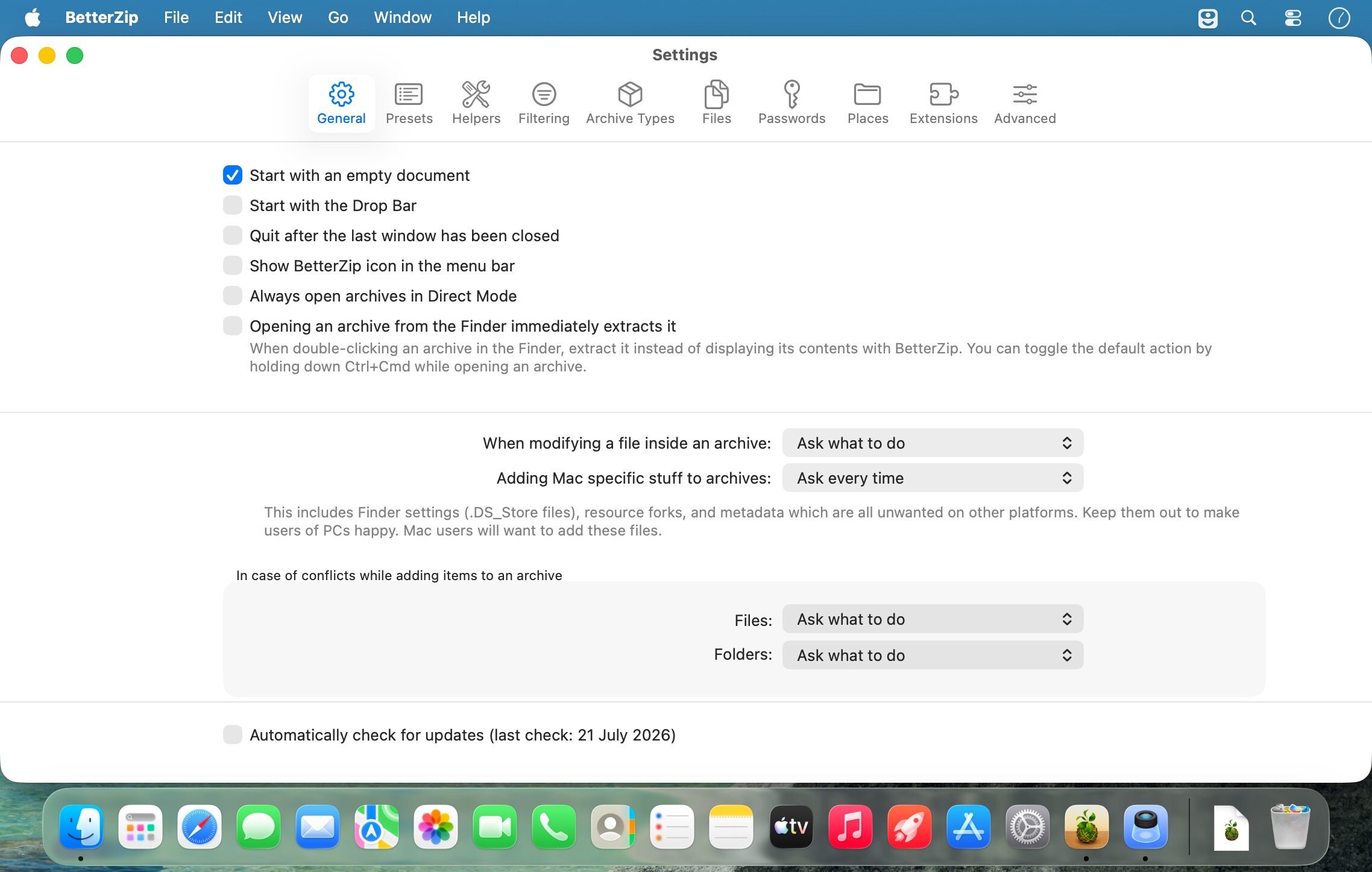
BetterZip is a powerful compression utility that lets you handle archives like a pro. Create, extract, and manage compressed files in over 30 formats—including ZIP, RAR, 7-ZIP, and ISO—all without leaving the app. Work directly inside archives to view, edit, add, delete, and rename files in seconds, with no need to unpack anything.
Why Choose BetterZip?
Effortless Archive Management
Work with your archives more efficiently. View and organize all your files in a clean, intuitive interface. Delete files directly from archives, preview them with Quick Look, and rename or move items without repacking—saving you time and storage space.
Comprehensive Format Support
Over 30 compression formats give you the flexibility to handle virtually any archive type. Whether you're working with common formats like ZIP and RAR or less familiar ones like SIT/SITX and winmail.dat files, BetterZip handles them all seamlessly. Extract ISO disk images with confidence.
Military-Grade Security
Protect sensitive files with AES-256 encryption. Automatically encrypt your archives when creating them, and use the built-in password generator to create strong, complex passwords instantly. Keep your data safe whether you're storing or sharing it.
Smart Organization Features
Add notes and comments directly to ZIP and RAR archives so you always know what's inside. Seamlessly integrate BetterZip into your workflow with AppleScript support and Finder integration, making it work exactly how you want it to.
Perfect for professionals, creators, and anyone who works with files daily. BetterZip turns archive management from a chore into a streamlined part of your workflow.
BetterZip 6.0 — Key New Features Main Capabilities
New Interface:
- Browse archives in icon and column views (like Finder)
- Modern design and reorganized settings
- Full-screen image viewer
Archive Management:
- Collect Mode — gather files into an archive directly from Finder via clipboard
- Standard copy/paste functionality (Cmd+C in Finder, Cmd+V in BetterZip)
- Powerful filters by size, age, name, and file path
- Improved conflict resolution when adding/extracting
Automation:
- Support for macOS Shortcuts and App Intents
- Run scripts after successful archive creation/extraction
- BetterTouchTool Launcher plugin
- Command-line helper tool
Security & Indexing:
- Spotlight indexing of filenames within archives
- Create and compare archive hashes
- Support for RAR recovery volumes
Enhancements
- Estimated remaining time for operations
- File renaming options during extraction (Windows compatibility)
- Flat extraction option without folder structure
- Export/import presets
- Rename archives from window title bar
- Full preview support for HTML and web archives
- Better logging system with clickable file links
- Performance/energy consumption settings
- Improved keyboard navigation and drag-and-drop for file paths
Frequently asked questions
How do I install the app?
Mount the image, drag the app into the "Applications" folder and launch it. If the system blocks the launch, allow it in "System Settings → Privacy & Security".
The app is damaged or won't launch
Reinstalling from a fresh image usually helps. Make sure your macOS version matches the one listed in the compatibility specs.
How do I update?
Download the new version from the site and install it over the current one — your settings will be preserved.
The download link doesn't work
Try a mirror or a download manager. For large files the browser often drops the connection.
How do I completely remove the app?
Use an uninstaller utility — it cleans up the service files that remain after moving the app to the trash.



Choose a download source
BetterZip 6.0.6 · 26.95 MB
Previous versions
BetterZip 6.0.6
Previous versions are available to registered users.