
Hackintool 5.0.5
GPU info, framebuffer patches, and USB port tools for macOS
Screenshots
Click to enlarge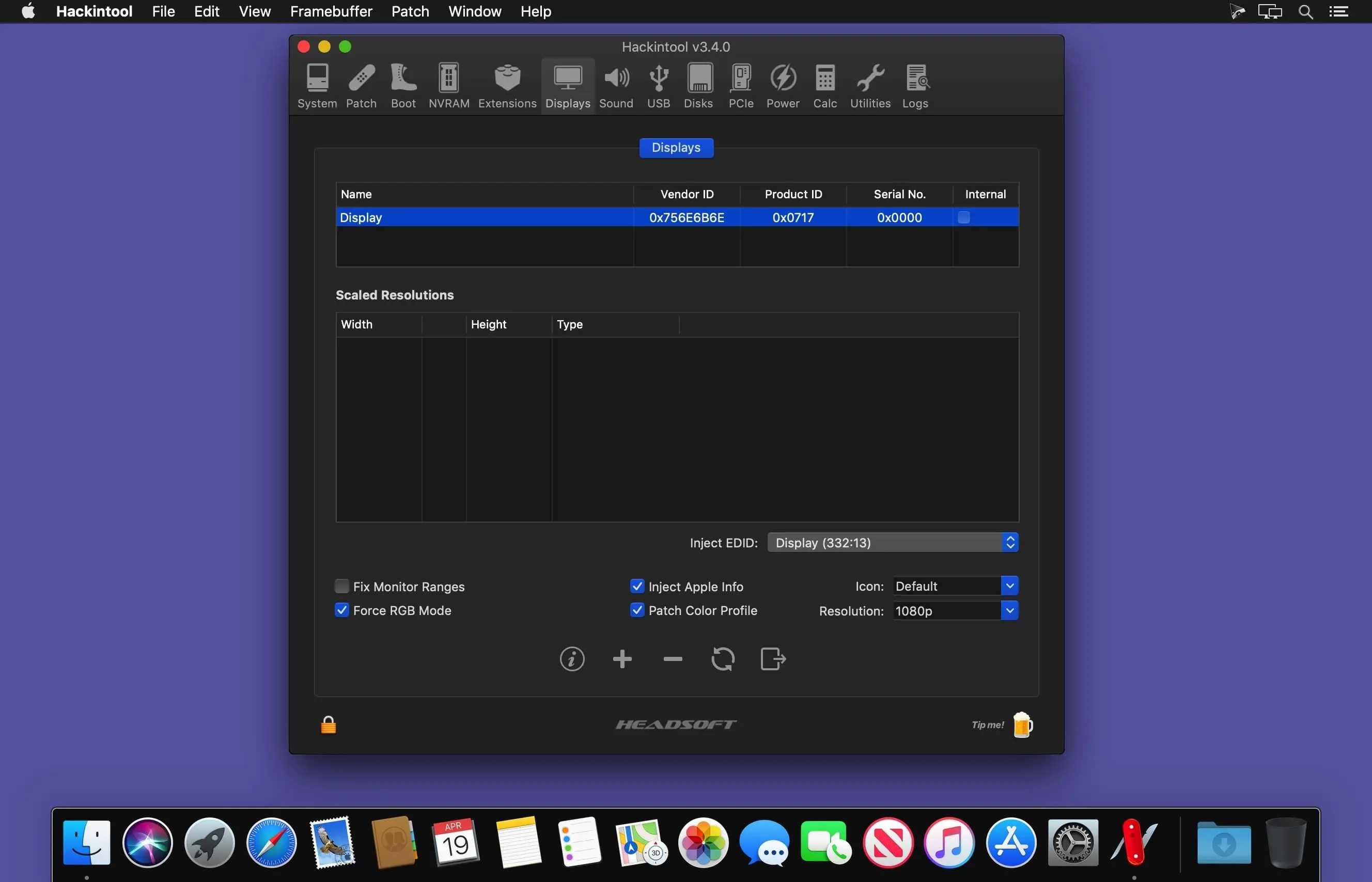
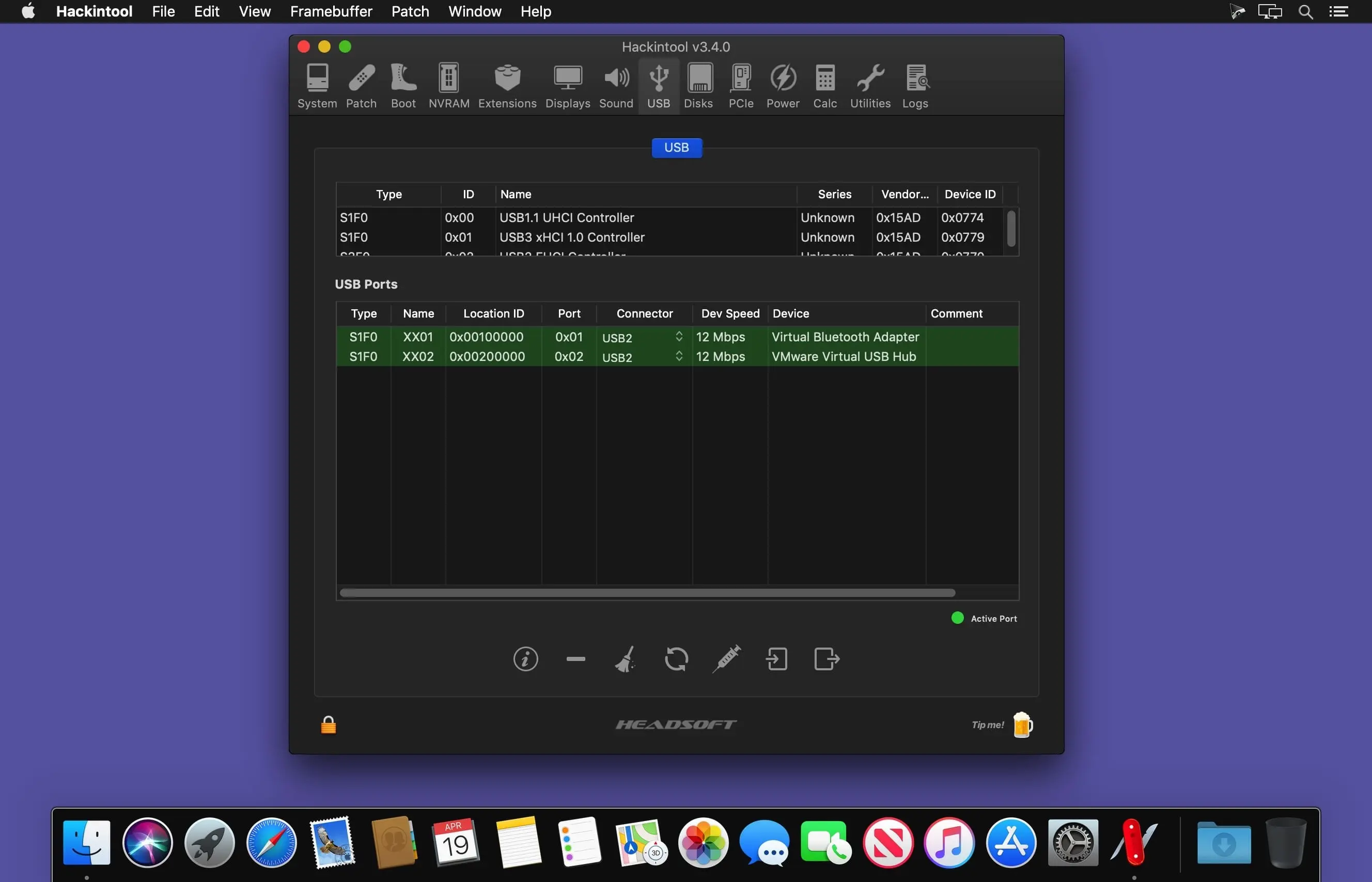
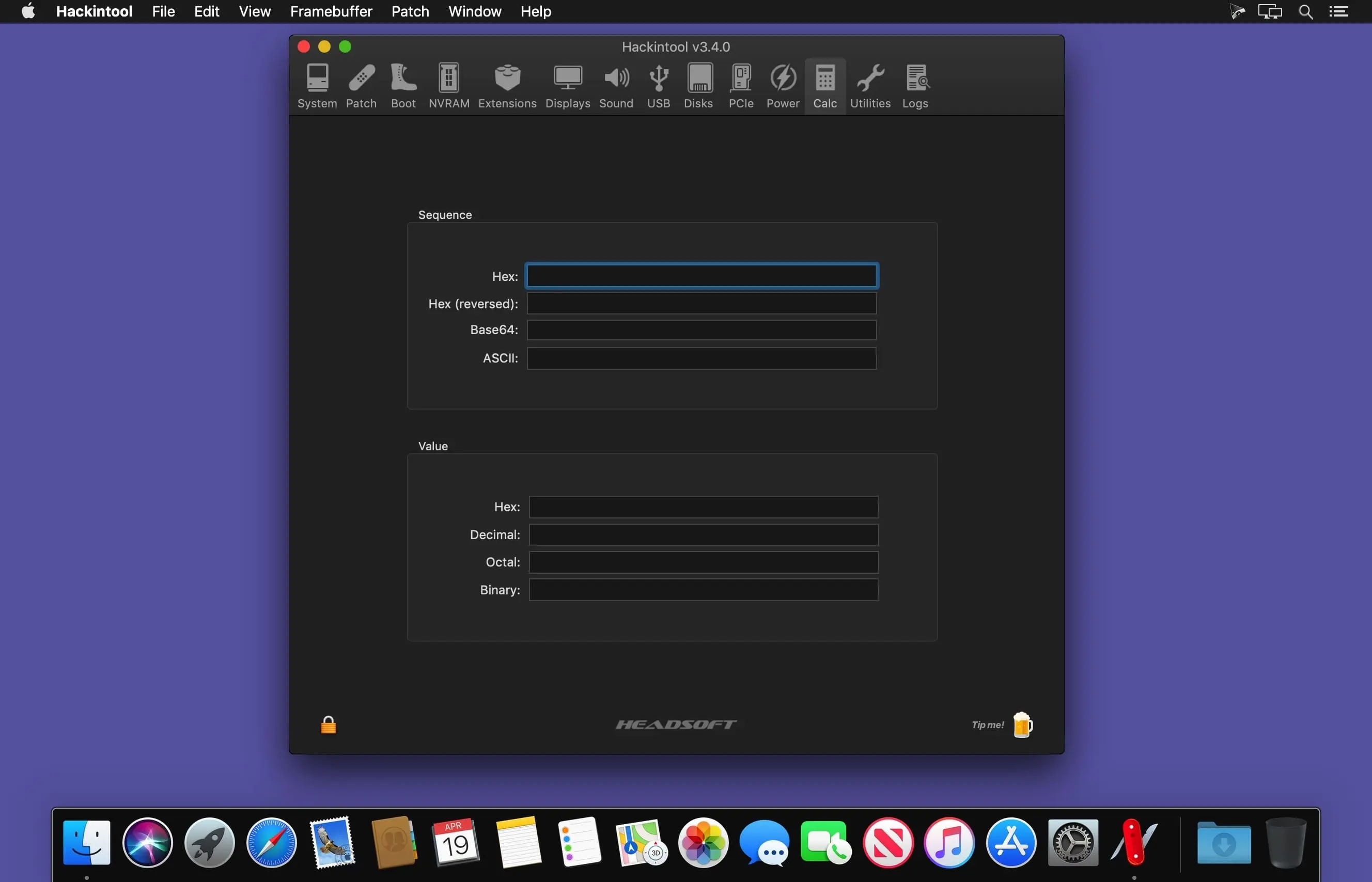
Hackintool helps you inspect graphics information and create framebuffer and USB patches on macOS. It is not an automated patching tool; knowledge of patching is required before use.
Framebuffer and patching tools
Create patches for supported Intel graphics generations, review framebuffer data, and export patches in several formats.
- Graphics generation support: Supports Sandy Bridge, Ivy Bridge, Haswell, Broadwell, Skylake, Kaby Lake, Coffee Lake, Cannon Lake, and Ice Lake.
- Framebuffer patches: Create All, Connectors, or VRAM patches, and detect changes for automatic patch creation.
- Clover patch formats: Create patches in hex, base64, or Devices/Properties formats.
- Graphics information: View native GPU and model identifiers, and display or edit memory details such as Stolen, Framebuffer, VRAM, and Cursor.
- Framebuffer dаta: Read live data directly from framebuffer kexts when available, or open a framebuffer file generated with WhateverGreen’s -igfxdump boot flag.
- File export: Export a Clover config.plist or Framebuffer.txt file.
- Audio and USB patches: Patch the audio layout ID, add a USB port limit patch, and generate a USBPorts.kext after setting USB2 and USB3 connector types.
- Advanced patching options: Includes options for DVMT pre-allocation, VRAM, eGPU, HDMI 2.0, DP to HDMI, GfxYTile, reboot, USB port and framebuffer port limits, and spoofing audio and graphics device IDs.
Review the available patching options and use Hackintool to work with your framebuffer and USB patches.
Version 5.0.5:
Plist
- XML toggle for generated plists: Swift port of LNPropertyList…
Comments
No comments yet. Be the first.
Information
Visitors in the group Guests cannot leave comments on this publication.