Watts 3.1.2
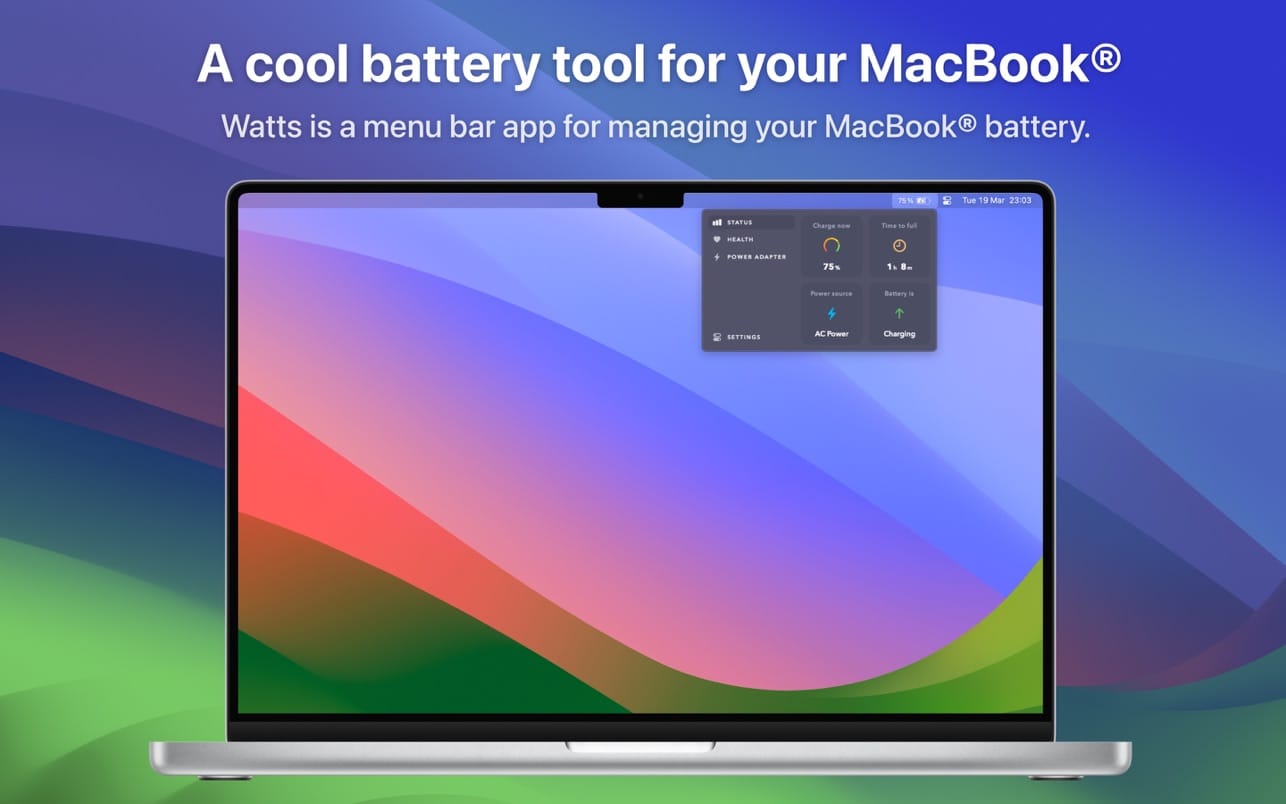
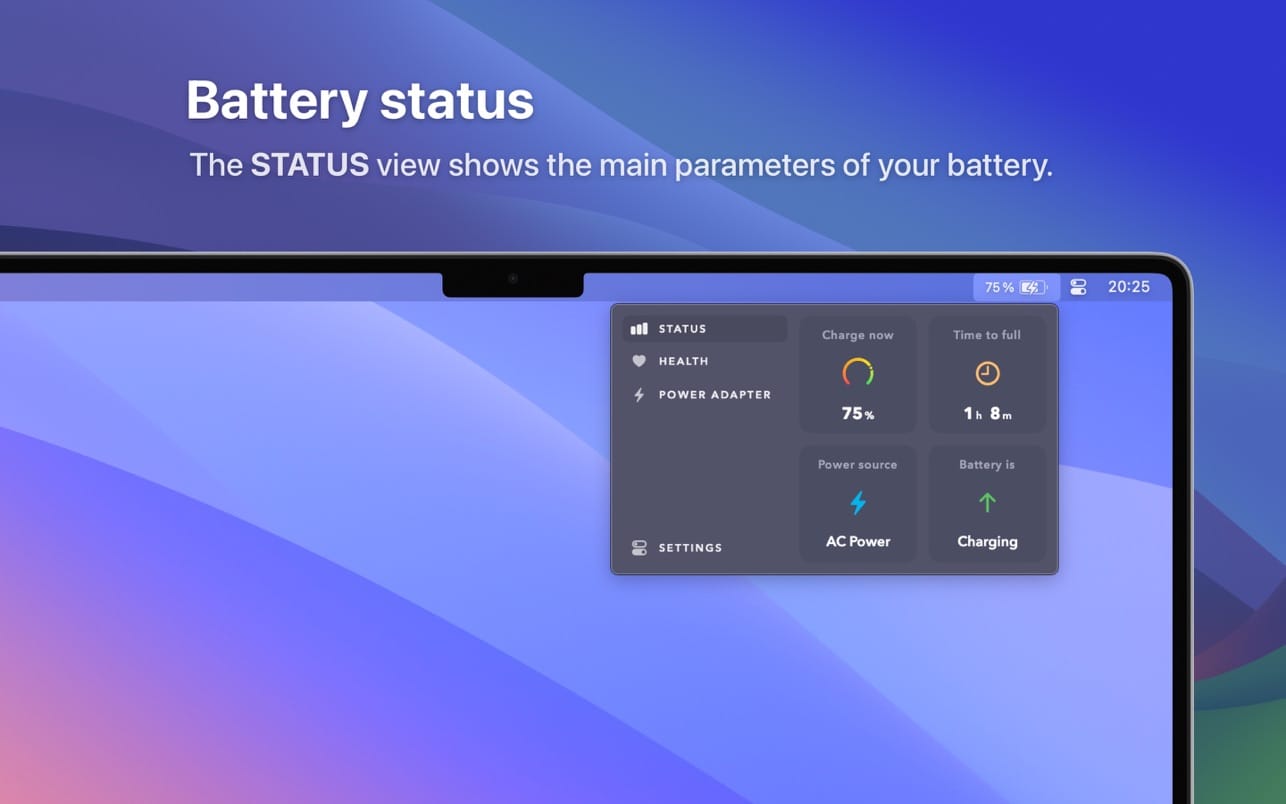
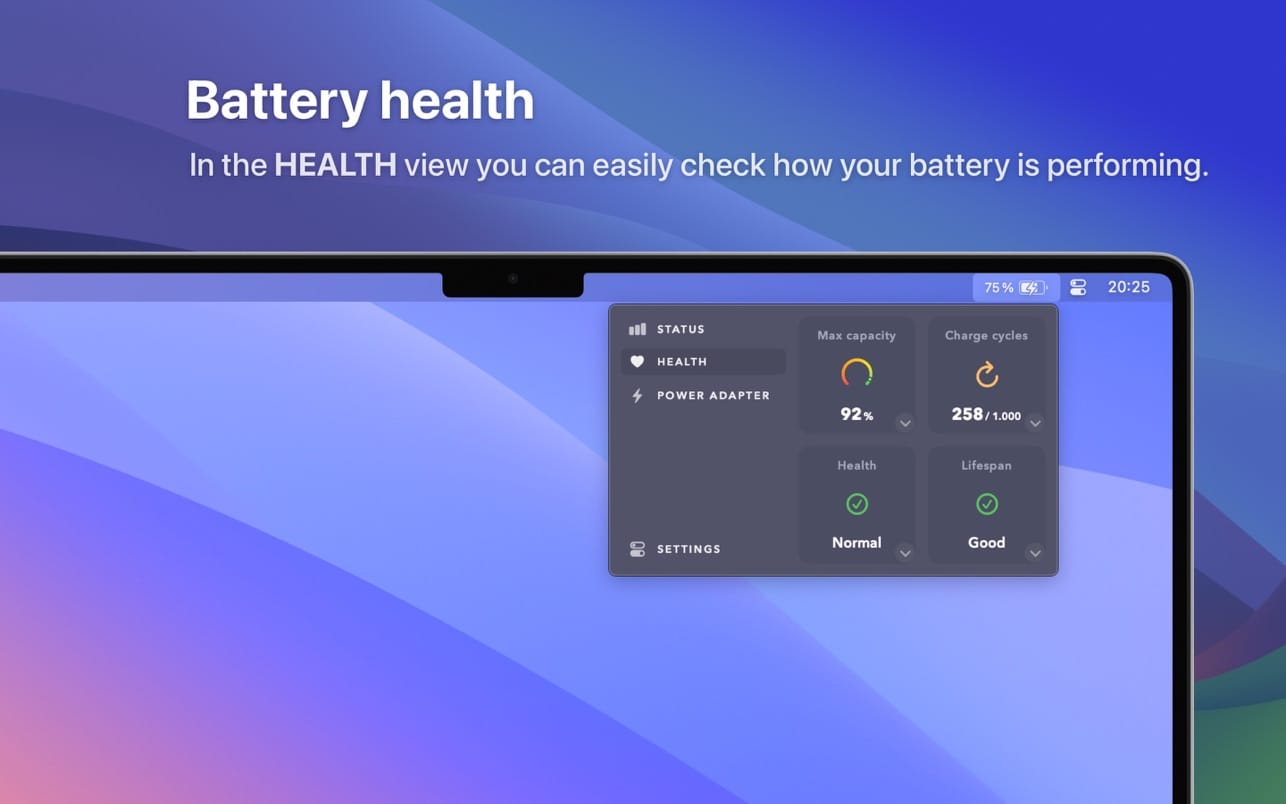
A cool battery tool. Watts is a MacBook® battery management tool. Watts sits in the menu bar, showing your battery status, battery health and power adapter connected.
It's a menu bar app that shows
- The usual battery status information (power source used, current battery charge and remaining time)
- Your battery health parameters (charge cycles, maximum, capacity, etc), super easily explained
- The power adapter information connected (brand, watts provided, voltage and current, etc)
Additionally, in Watts settings, you can fully customise the menu bar icon appearance
- Select which information data to show: show/hide icon, show/hide battery charge percentage, show/hide time remaining to full/empty
- Choose between dozens of icons, like vertical battery icons, plug icons, bolt icons…
Other features
- Supports light and dark modes
- Works on any MacBook® model (MacBook Air®, MacBook Pro®)
- Only for macOS® 14 Sonoma or later
Version 3.1.2
- Fixed menu bar icon in macOS Tahoe 26.0.1
Frequently asked questions
How do I install the app?
Mount the image, drag the app into the "Applications" folder and launch it. If the system blocks the launch, allow it in "System Settings → Privacy & Security".
The app is damaged or won't launch
Reinstalling from a fresh image usually helps. Make sure your macOS version matches the one listed in the compatibility specs.
How do I update?
Download the new version from the site and install it over the current one — your settings will be preserved.
The download link doesn't work
Try a mirror or a download manager. For large files the browser often drops the connection.
How do I completely remove the app?
Use an uninstaller utility — it cleans up the service files that remain after moving the app to the trash.

Choose a download source
Watts 3.1.2 · 4.33 MB