
Cog v3648
Cog — versatile audio player for gapless playback
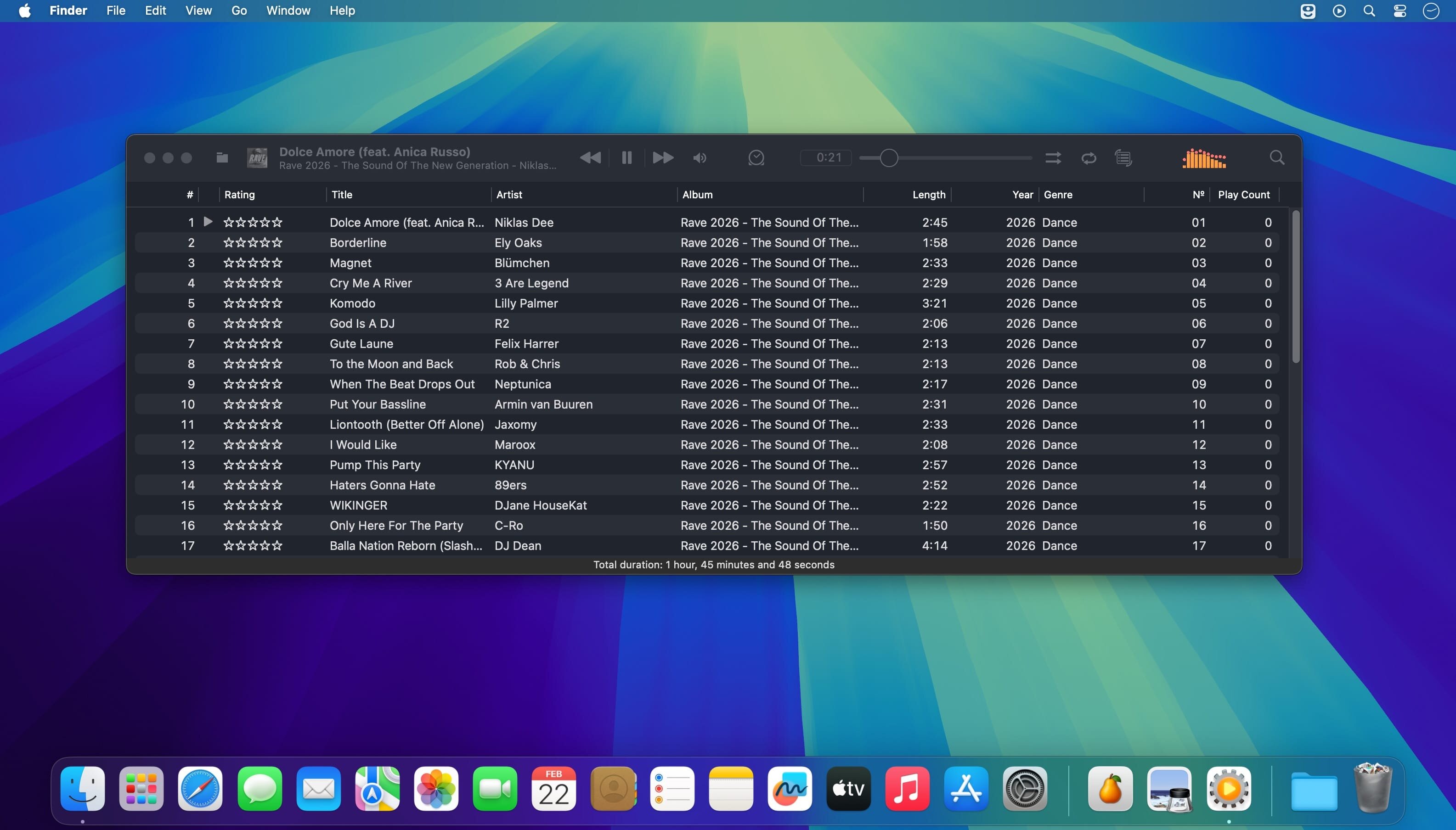
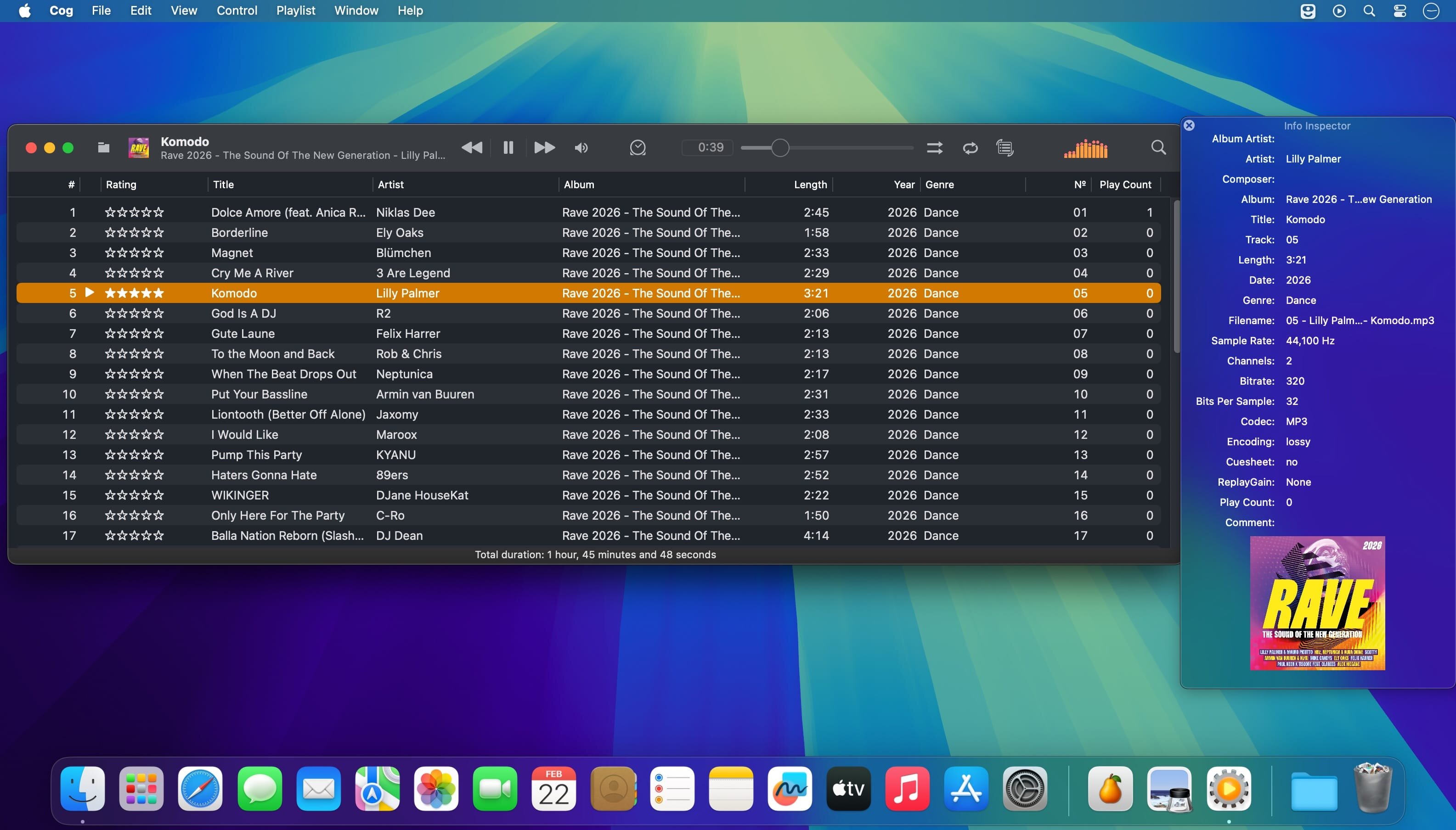
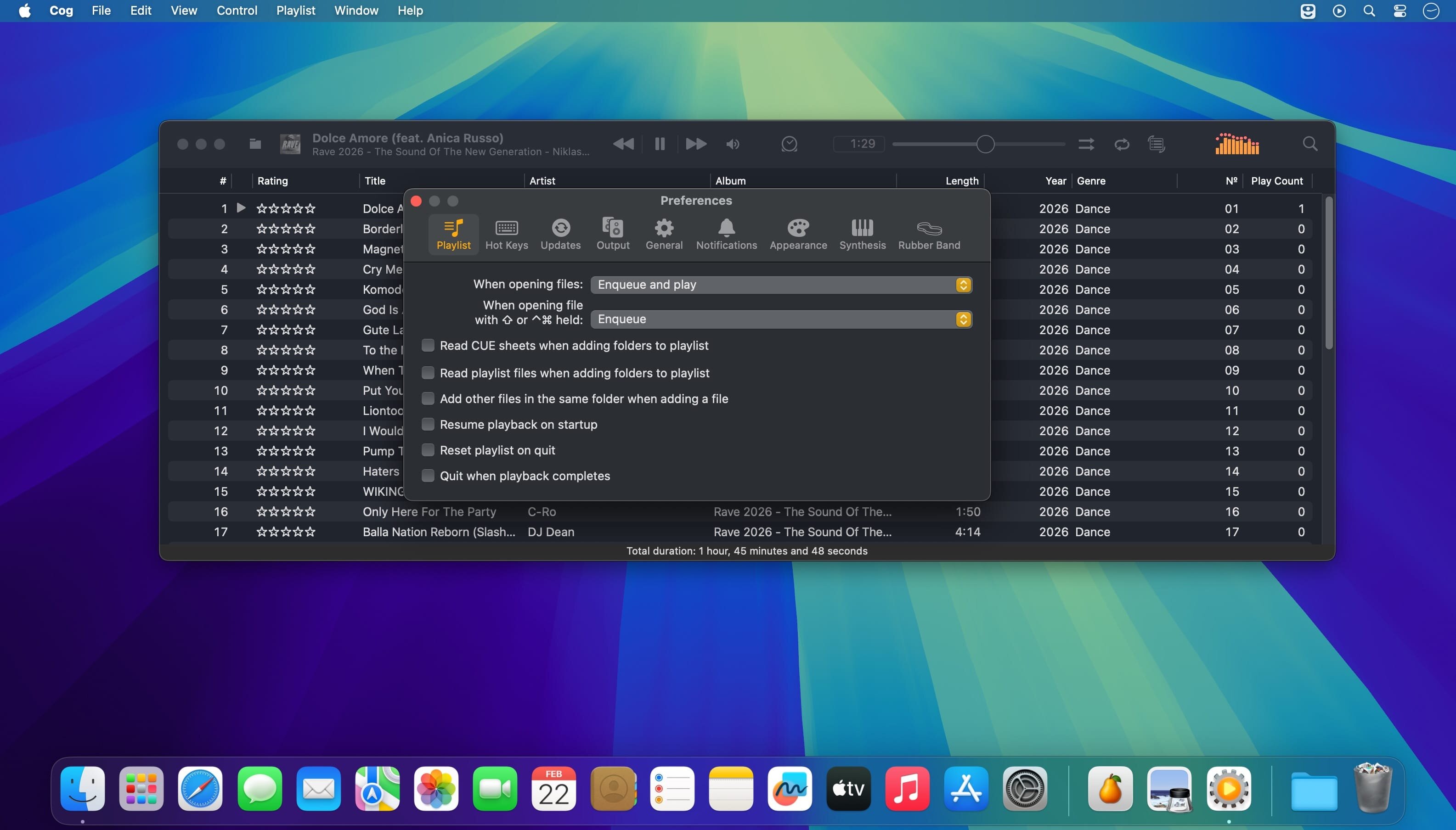
A powerful and versatile audio player built for music lovers, audiophiles, and enthusiasts of classic game and console audio formats.
Enjoy gapless playback, global hotkeys, desktop notifications, and flexible shuffle and repeat options. Play individual tracks, albums, playlists, livestreams, and hosted files from HTTP or HTTPS sources.
Key features:
- Gapless playback
- Shuffle albums or individual tracks
- Repeat a track, album, or entire playlist
- Global hotkeys and desktop notifications
- HTTP(S) playback for livestreams and hosted files
- Apple HTTP Live Streaming (HLS) support through FFmpeg
- Live metadata updates from Shoutcast, Icecast, Ogg Vorbis comments, and timed ID3v2 packets
- CUE Sheet support, including embedded CUE Sheets in multiple formats
- Album artwork per track, with support for embedded and external artwork
- Cached artwork in JPEG, PNG, GIF, WebP, HEIC, and AVIF formats
- Graphic equalizer
- Spectrum visualization in the toolbar or a dedicated window
- Spatial Audio support for compatible sound devices
- Multiple MIDI synthesizers, including the system synthesizer and BASSMIDI
- SoundFont support, as well as the system GS sound bank
- Playback support for a wide range of audio formats, including obscure game and console formats
HEIC artwork requires macOS Mojave or later. WebP artwork requires macOS Big Sur or later. BASSMIDI playback requires SoundFonts.
Version 3648
- MIDI: Updated SpessaSynth
- fix(cue): preserve per-track metadata and isolate cache variants
- fix(playback): avoid false CUE-track errors
- fix(playback): skip repeated probes for failed multi-track sources
- OpenMPT: Updated to version 0.8.9
- VGMStream: Updated to r2117-267-g09c9f40c
- GME, FFmpeg: Fix subsong reporting
- GME: Fix a memory leak
- Prepare for Xcode 27
- Handle an Audio Property deprecation
- Remove deprecated color picker implementation
- Remove @StateObject compatibility wrapper
- Remove more macOS legacy wrappers
- Remove more legacy code path checks
- Touched by Xcode
Frequently asked questions
How do I install the app?
Mount the image, drag the app into the "Applications" folder and launch it. If the system blocks the launch, allow it in "System Settings → Privacy & Security".
The app is damaged or won't launch
Reinstalling from a fresh image usually helps. Make sure your macOS version matches the one listed in the compatibility specs.
How do I update?
Download the new version from the site and install it over the current one — your settings will be preserved.
The download link doesn't work
Try a mirror or a download manager. For large files the browser often drops the connection.
How do I completely remove the app?
Use an uninstaller utility — it cleans up the service files that remain after moving the app to the trash.





Choose a download source
Cog v3648 · 47.17 MB