
CrossOver 25.1.1
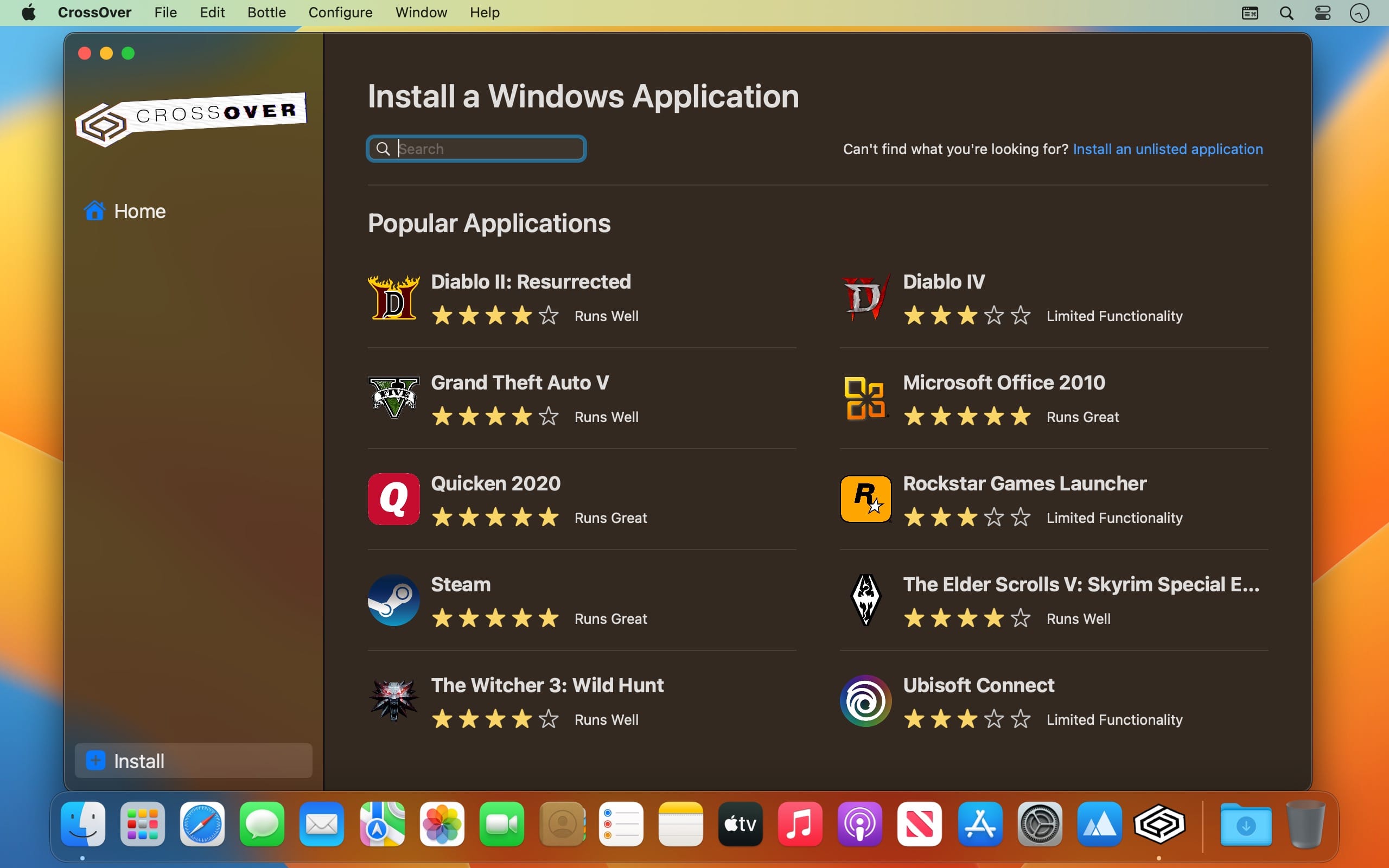
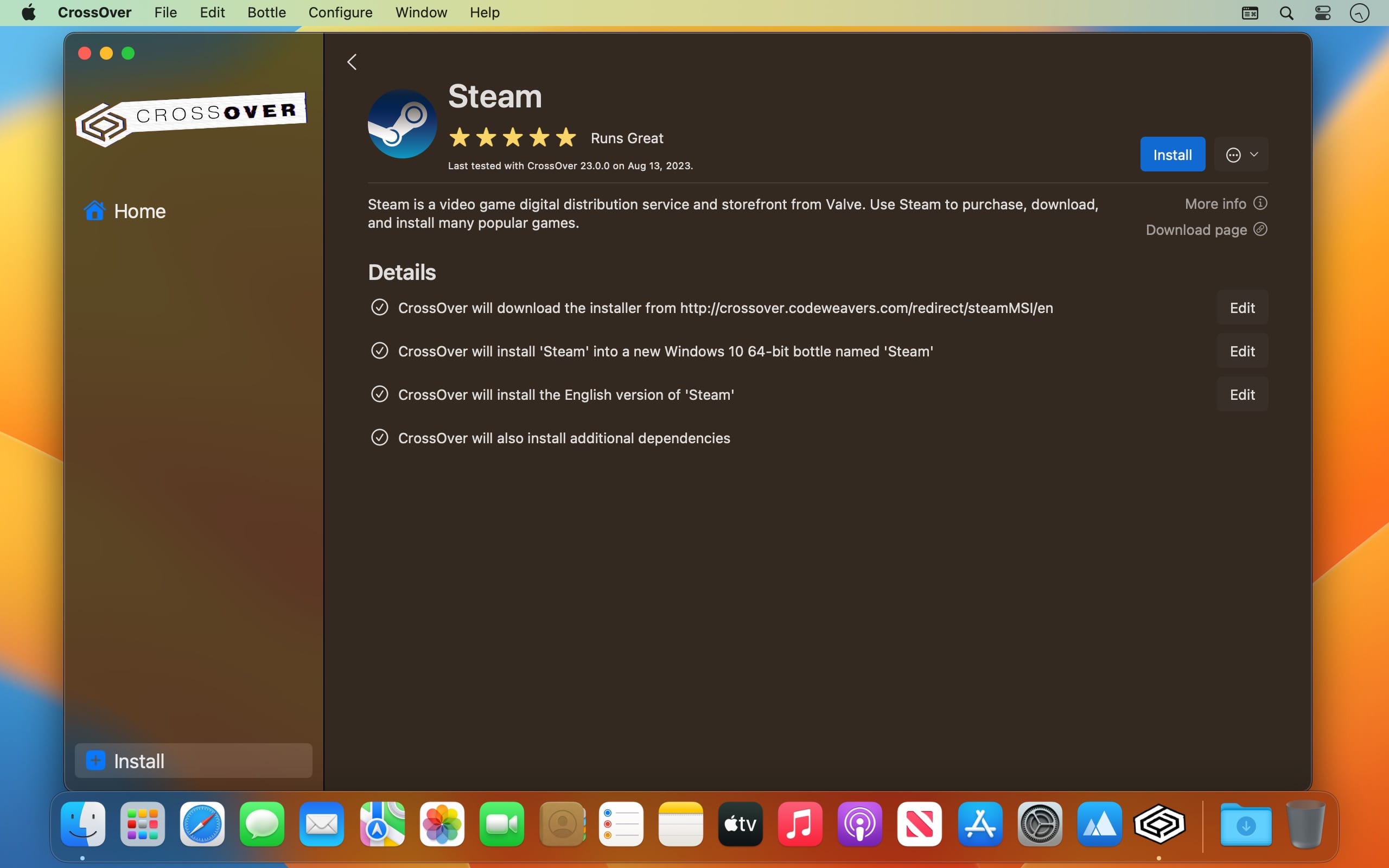
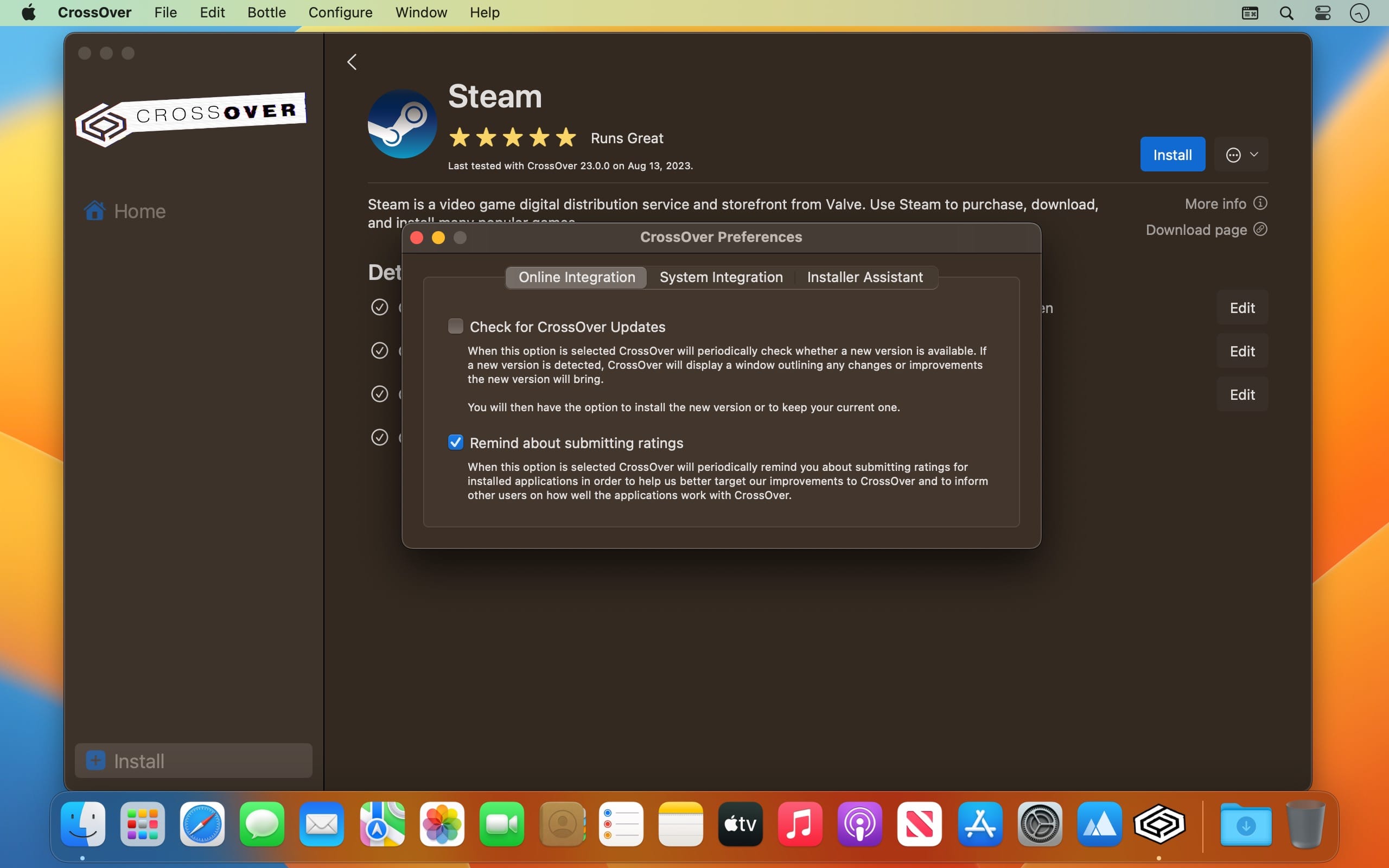
Run Microsoft Windows software on your Mac without buying a Windows license, rebooting or using a virtual machine. CrossOver Mac makes it easy to launch Windows apps natively from the dock, and integrates Mac operating system functionality like cross-platform copy & paste and shared file systems to your Windows programs.
Easy Installs! Many Windows titles can be installed using our CrossTie technology. If you have CrossOver installed, and have the installer for your Windows software, simply click the button in our Compatibility Database, and CrossOver will automatically install your application for you!
Version 25.0
Core Technology Improvements:
- CrossOver 25 includes Wine 10.0, with over 5,000 improvements and benefits to many popular applications.
- Update to Wine Mono 9.4.0.
- Update to vkd3d 1.14.
macOS:
- Update to MoltenVK 1.2.10.
- New database to automatically enable settings on a per-game basis.
- Support for Red Dead Redemption 2.
- Inclusion of DXMT, a Metal-based implementation of D3D11 on macOS.
- Support for GOG Galaxy and Epic Games Store.
- Update to D3DMetal 2.1. This adds compatibility for many games on Mac computers with Apple silicon, including Street Fighter 6, Need for
- Speed Heat, Nioh 2 - The Complete Edition, Teardown, Age of Wonders 4, Dragon's Dogma 2 and The Last of Us Part 1.
- Fixes for many other games, including Tekken 8, Age of Mythology: Retold, Path of Exile 2, Elite Dangerous, Monster Hunter Rise, Hero's Land, Manor Lords, Fallout 76 and Far Cry 6.
Frequently asked questions
How do I install the app?
Mount the image, drag the app into the "Applications" folder and launch it. If the system blocks the launch, allow it in "System Settings → Privacy & Security".
The app is damaged or won't launch
Reinstalling from a fresh image usually helps. Make sure your macOS version matches the one listed in the compatibility specs.
How do I update?
Download the new version from the site and install it over the current one — your settings will be preserved.
The download link doesn't work
Try a mirror or a download manager. For large files the browser often drops the connection.
How do I completely remove the app?
Use an uninstaller utility — it cleans up the service files that remain after moving the app to the trash.





Choose a download source
CrossOver 25.1.1 · 379.51 MB
Previous versions
CrossOver 25.1.1
Previous versions are available to registered users.