

CrossOver 17.5
Screenshots
Click to enlarge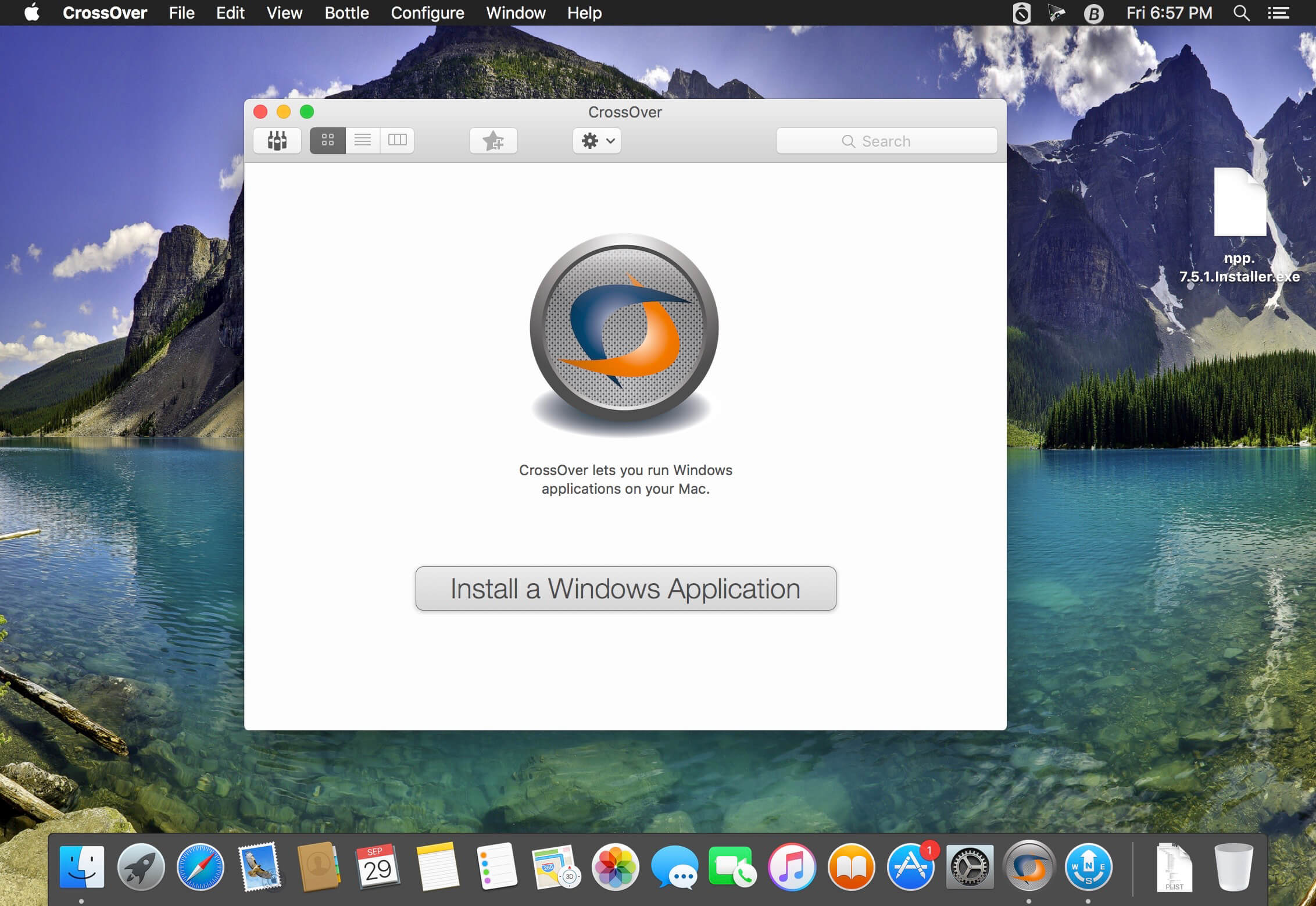
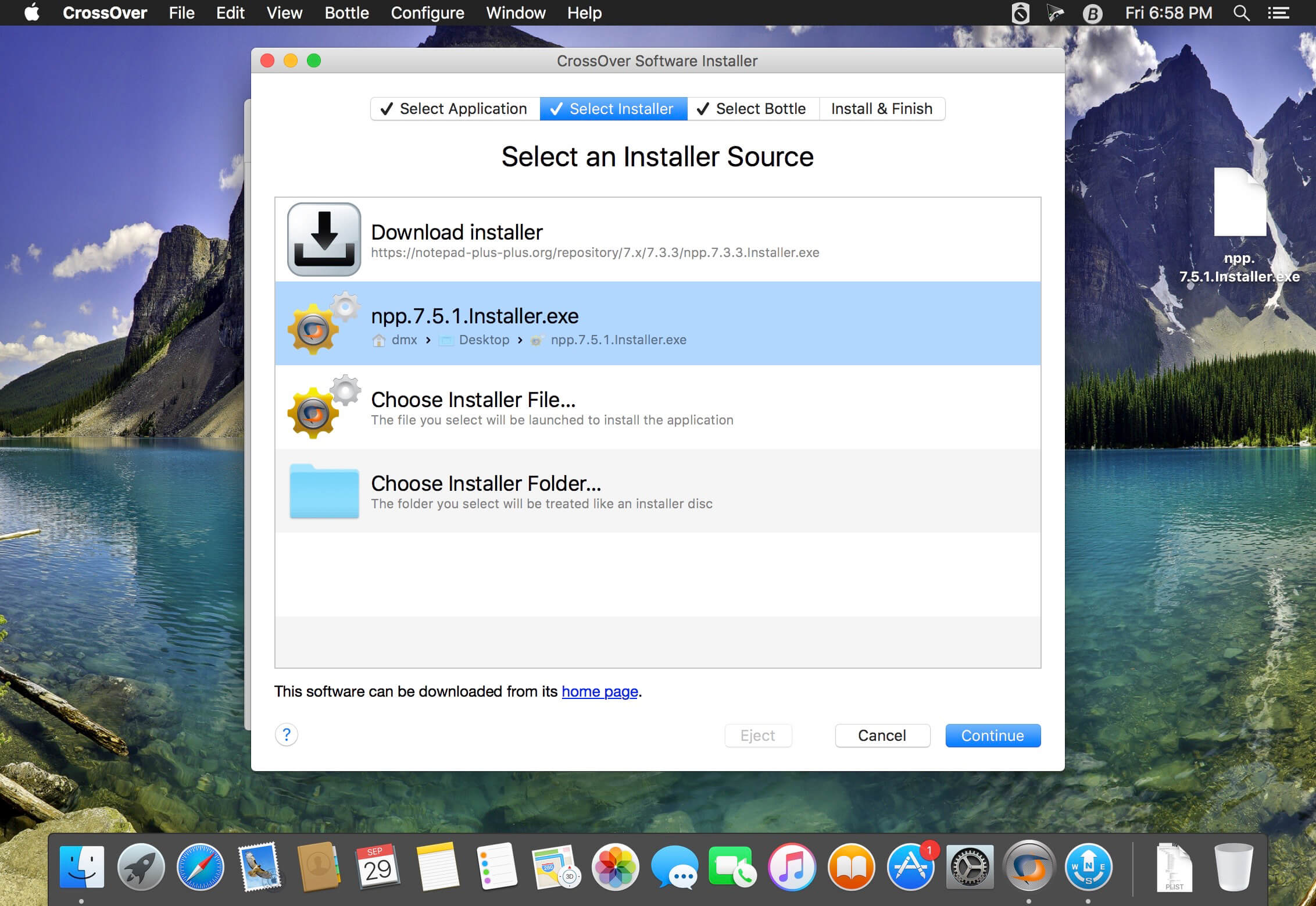
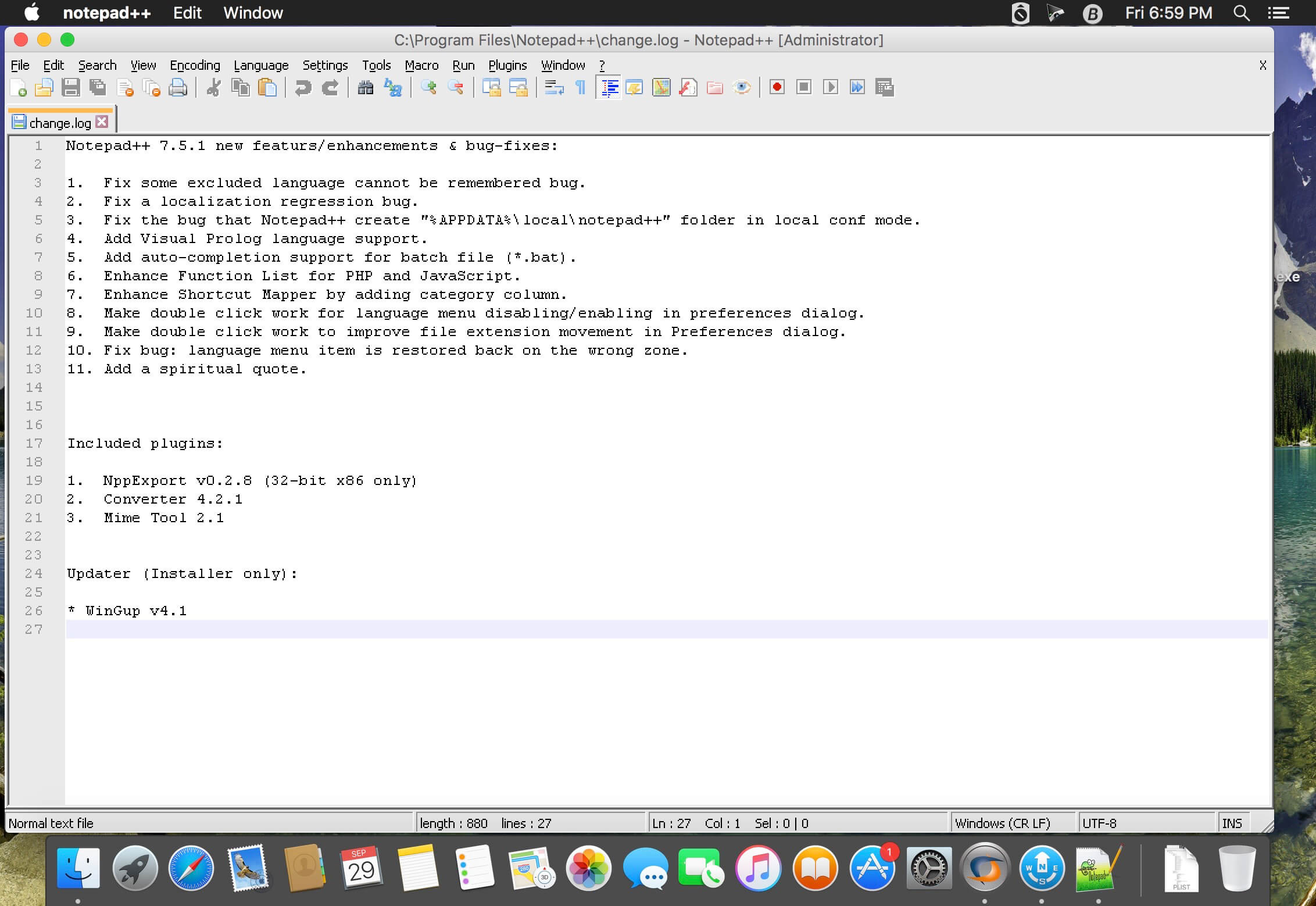
CrossOver can get your Windows productivity applications and PC games up and running on your Mac quickly and easily. CrossOver runs the Windows software that you need on Mac at home, in the office, or at school without purchasing a Windows license, without rebooting your computer, and without having to use a virtual machine. And CrossOver can run a wide range of Windows software.
Easy Installs! Many Windows titles can be installed using our CrossTie technology. If you have CrossOver installed, and have the installer for your Windows software, simply click the button in our Compatibility Database, and CrossOver will automatically install your application for you!
Compatibility Center Statistics
- 10,961 applications in database.
- 1,761 gold medal applications in database.
- 1,261 1-click install via CrossTie applications in database.
- 544,231 total CrossTie downloads to date.
- eSword is the top downloaded CrossTie with 109,071 downloads.
- Star Wars: The Old Republic is the top voted application with 319 votes.
Version 17.5:
- This update includes a variety of bug fixes to improve the behavior of Microsoft Office 2016. Users should see increased stability and encounter fewer crashes.
- As the first step towards making CrossOver fully 64-bit compatible, we have removed the Legacy X Window System. The Legacy X Window System has been a fallback display technology since CrossOver 13, used in a limited set of circumstances.
Comments
No comments yet. Be the first.
Information
Visitors in the group Guests cannot leave comments on this publication.