

Motion Creator Studio 7.0
Motion graphics software for Mac with 3D titles
Screenshots
Click to enlarge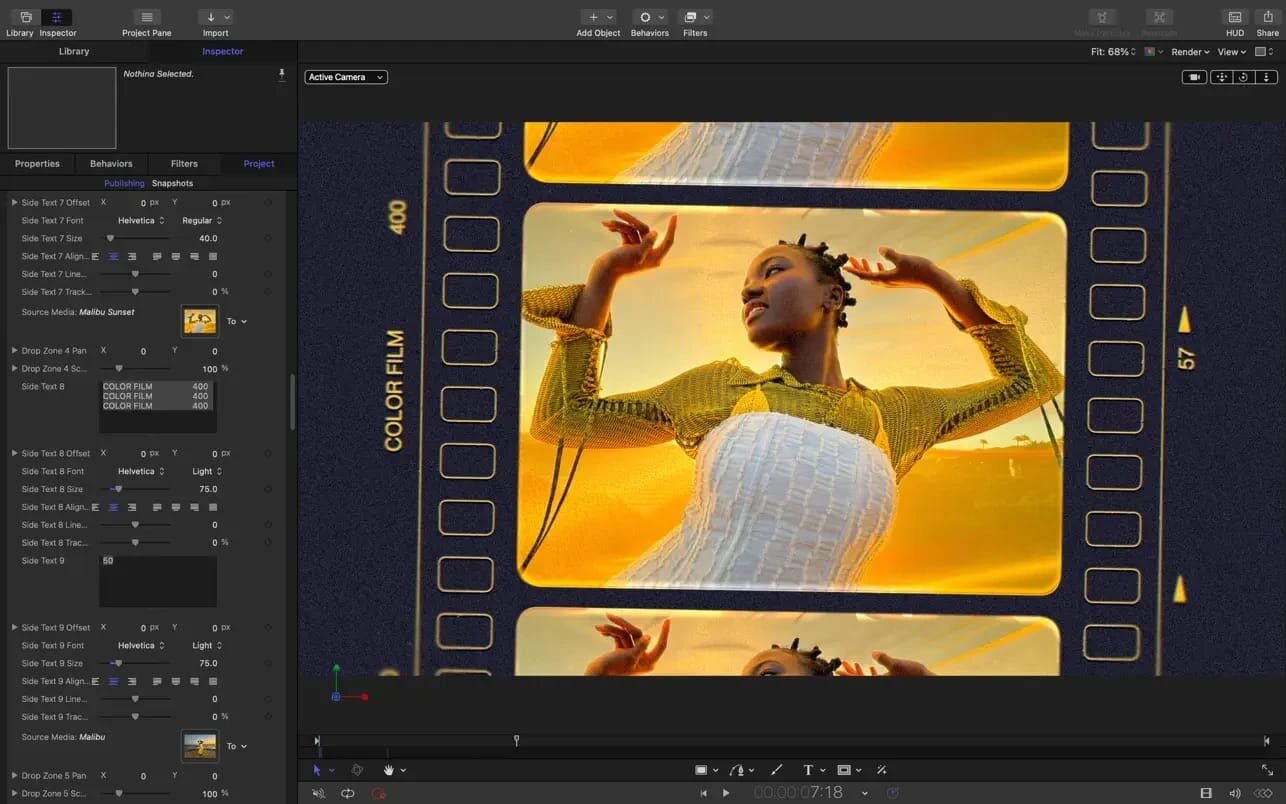
Motion Creator Studio 7 is a motion graphics app for Mac where you build animated titles, transitions, generators and effects and watch them play back in real time. You can model a 3D title from scratch or convert an existing 2D one, then save the result and use it straight from Final Cut Pro.
2D and 3D titles
Start with a blank canvas or a template, and add motion with ready-made behaviors instead of setting keyframes by hand.
- 3D titles: build them from scratch, start from a template, or convert any 2D title to 3D.
- Text animation: animate type with more than 100 drag-and-drop behaviors and dedicated text animation tools.
- 3D materials: choose from over 90 Apple-designed materials, including metal, wood and stone surfaces.
- 360° projects: import 360° media and design 360° titles, generators and effects.
Motion graphics for Final Cut Pro
Anything you make in Motion can be saved and opened from inside Final Cut Pro, and the reverse works too.
- Saving to Final Cut Pro: save any title, effect, transition or generator and access it directly in Final Cut Pro.
- Editing existing items: open Final Cut Pro titles, effects and transitions in Motion to customize them.
- Template controls: use single parameters or rigs, so one slider, pop-up menu or checkbox in Final Cut Pro controls a whole group of settings.
- Multiple aspect ratios: Display Aspect Ratio snapshots let a single template support different formats.
Effects and animation
Most movement can be set up without placing a single keyframe, and the rest is handled with masking, tracking and particle tools.
- Behaviors: more than 230 of them produce natural animation without keyframes.
- Particle emitters: design your own or pick from 200 presets for real-world effects like smoke and sparkles.
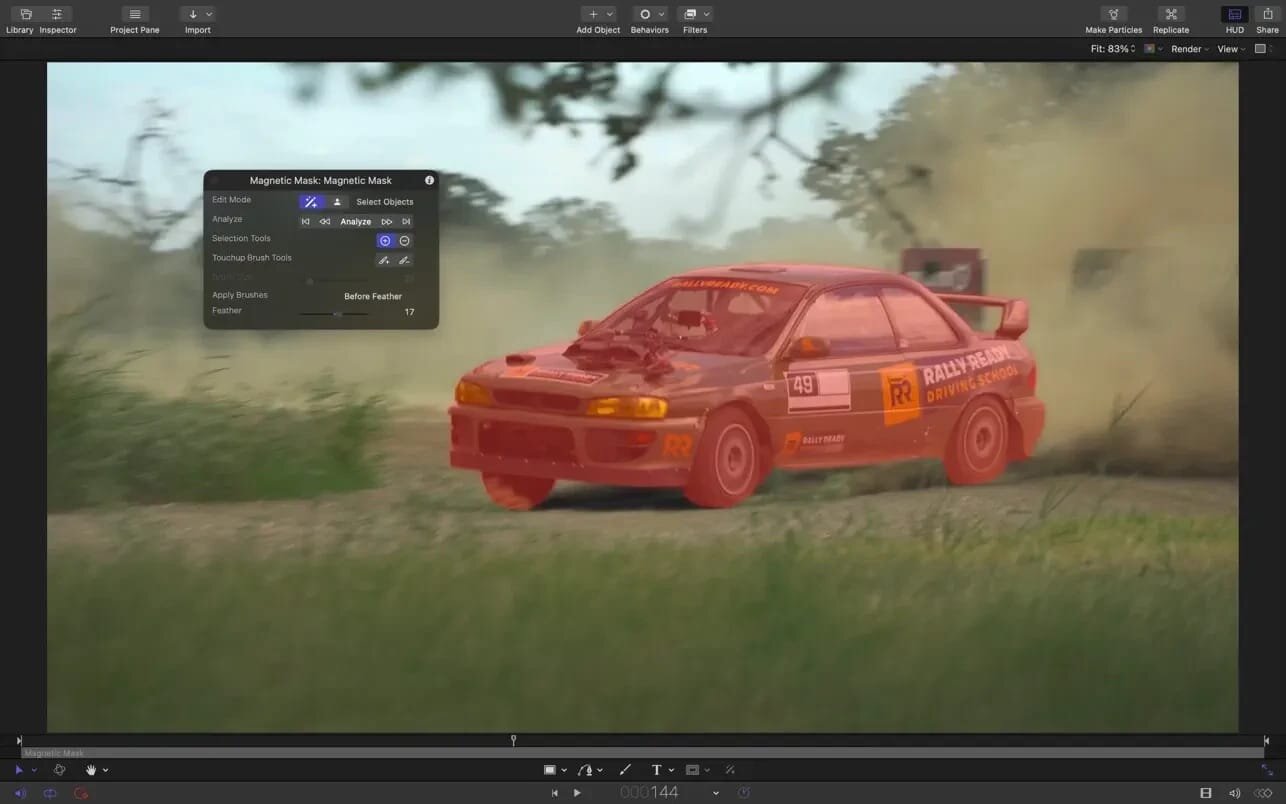
- Masking: draw masks and adjust control points for rotoscoping with professional masking tools.
- Tracking: machine learning detects faces or objects and matches their movement, with several tracking analysis types to choose from.
- Neon filter: add a neon glow to text, shapes, video, stills and more.
- FxPlug plug-ins: extend Motion with third-party plug-ins for advanced tracking, advanced motion graphics and other tasks.
Working in 3D space
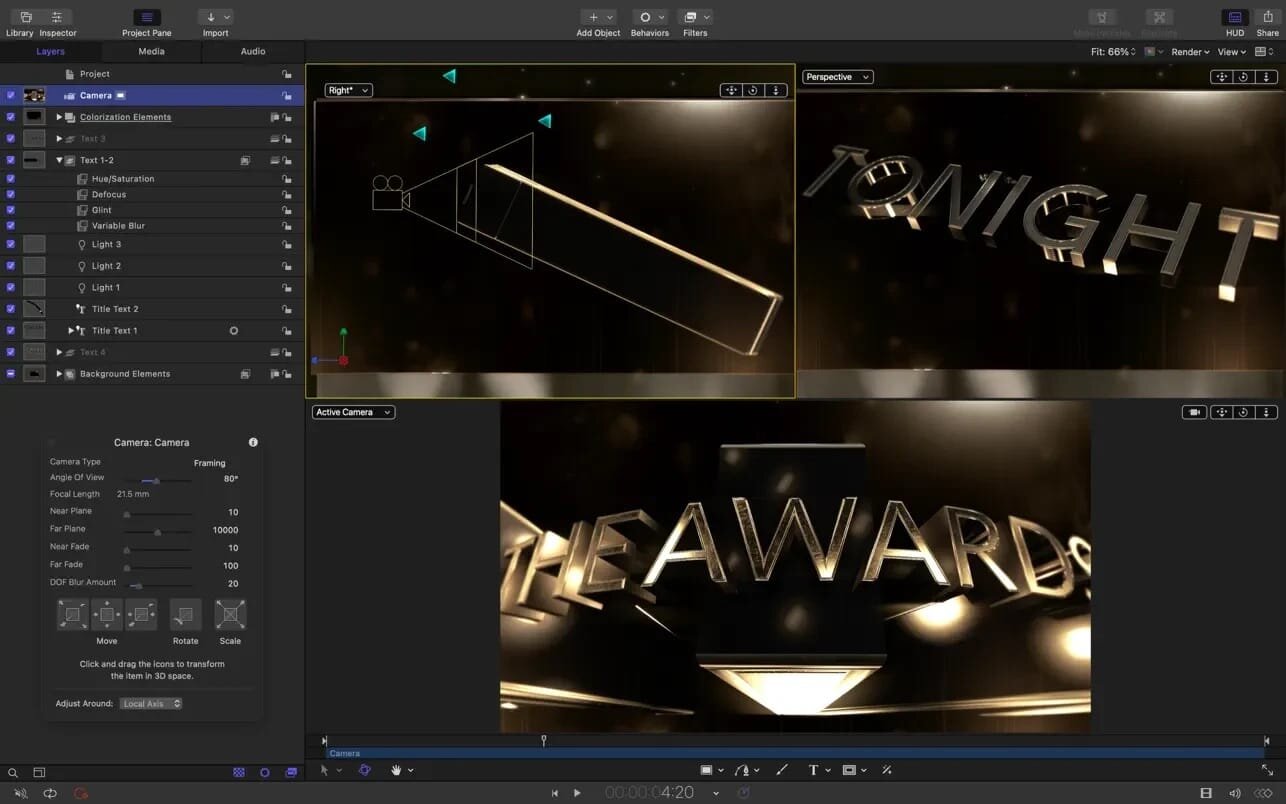
Add a camera to move a flat composition into 3D, then light it and place objects around it.
- Cameras: step from 2D into 3D space by adding them to your project.
- 360° scenes: create 3D scenes inside a 360° project for realistic 360° environments.
- Shadows: set up realistic shadows that animate dynamically as cameras and lights move.
- Reflective surfaces: turn any shape, video plane or paint stroke into a reflective surface.
- 3D objects: import third-party USDZ objects or use one of 60 premade objects in the Motion Library.
Color and performance
Import wide color HDR images and view them on supported Mac computers. When you export, choose between standard Rec. 709 and wide Rec. 2020 color space. Motion is also optimized for the latest generation of Apple silicon.
New in Motion 7.0
Motion 7.0 includes new features, enhancements, and fixes.
New features for Motion in Apple Creator Studio
Built-in MotionVFX:
- 3D object tracking
- Lens flares
- Animated graphics from static images
- Stylized visual effects
Advanced Image Tools
- Generate high-quality images from a text description right in your project, apply quick edits, and adjust the style.
- Open an image from your project in Pixelmator Pro to use advanced editing tools, then see your changes in Motion.
New features for Motion (one-time purchase) and Motion in Apple Creator Studio
- Creative and Animation Enhancements
- Animate your graphics with more precise keyframe easing options in the Canvas and Keyframe Editor to fine-tune speed, position, scale, and more.
- Add dynamic visual distortion to your graphics and video using the new Displacement filter, featuring customizable refraction, chromatic aberration, and preset styles.
Bug Fixes
- Fixes an issue that prevented using the Space bar to pan in the Keyframe Editor.
- Fixes an issue where adjusting curve handles in the Keyframe Editor could cause the view to jump when Auto-Scale was disabled.
- Fixes an issue where choosing Ease Both on a keyframe caused its curve setting to display incorrectly in the Keyframe Editor.
- Fixes an issue where adding keyframes across multiple selected layers could cause Motion to stop responding.
- Fixes an issue where moving an animated object before its first keyframe could unexpectedly change the shape of an animation path.
- Fixes an issue where onscreen controls failed to display motion paths created by Behaviors.
- Improves performance and responsiveness when scrubbing clips with a Magnetic Mask applied.
- Fixes an issue where replicators did not display at full HDR brightness when using Automatic color processing.
- Fixes an issue that could cause Motion to quit when adding the Unstabilize tracking behavior to a clip.
- Fixes an issue that could cause Motion to quit when opening a project that contains missing text styles.
- Improves touch responsiveness and drawing accuracy when using Motion on an iPad with Sidecar.
- Includes stability and performance improvements.
Comments
No comments yet. Be the first.