

Compressor Creator Studio 6.0
Video Encoding and Format Conversion for Mac
Screenshots
Click to enlarge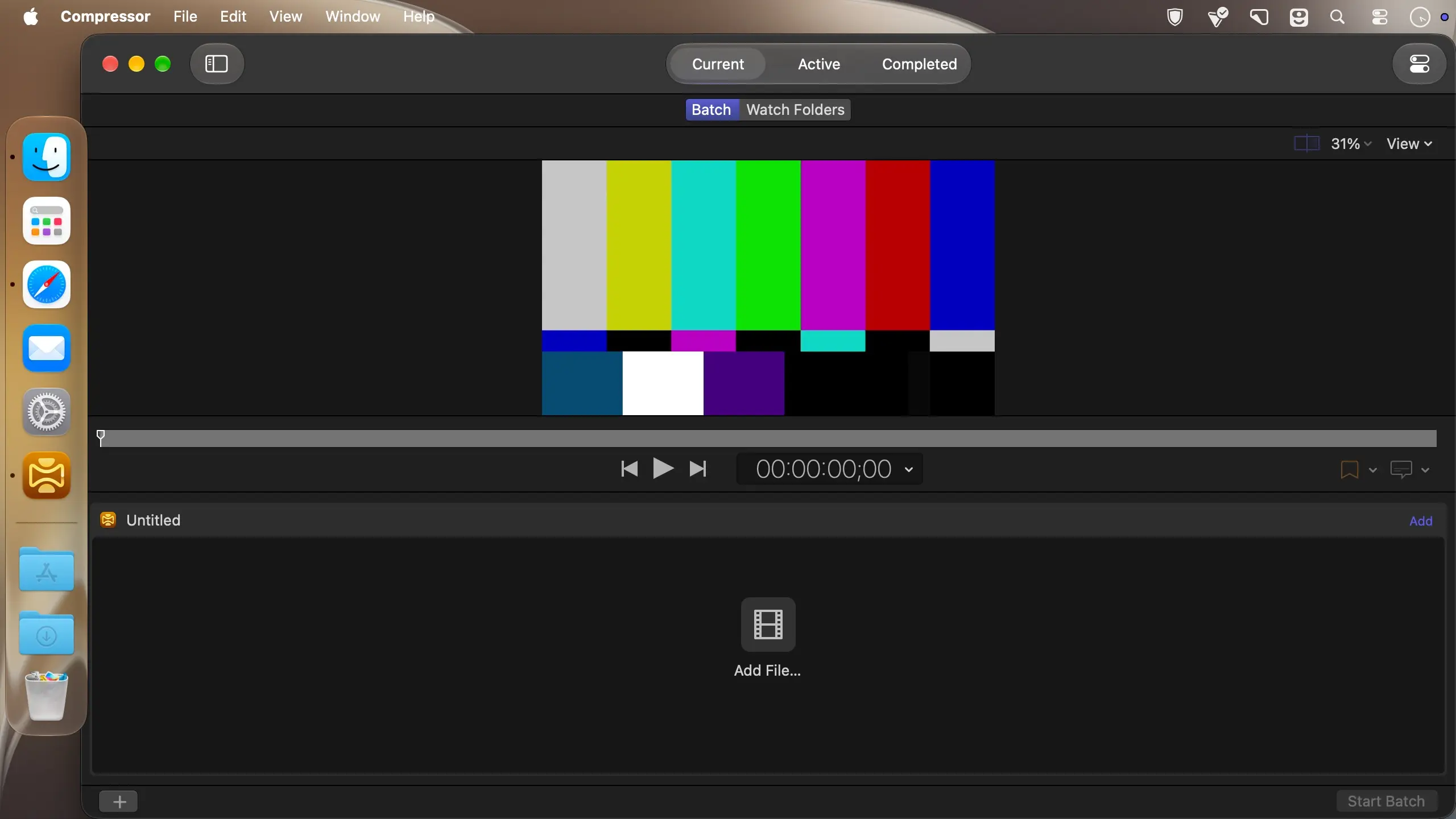
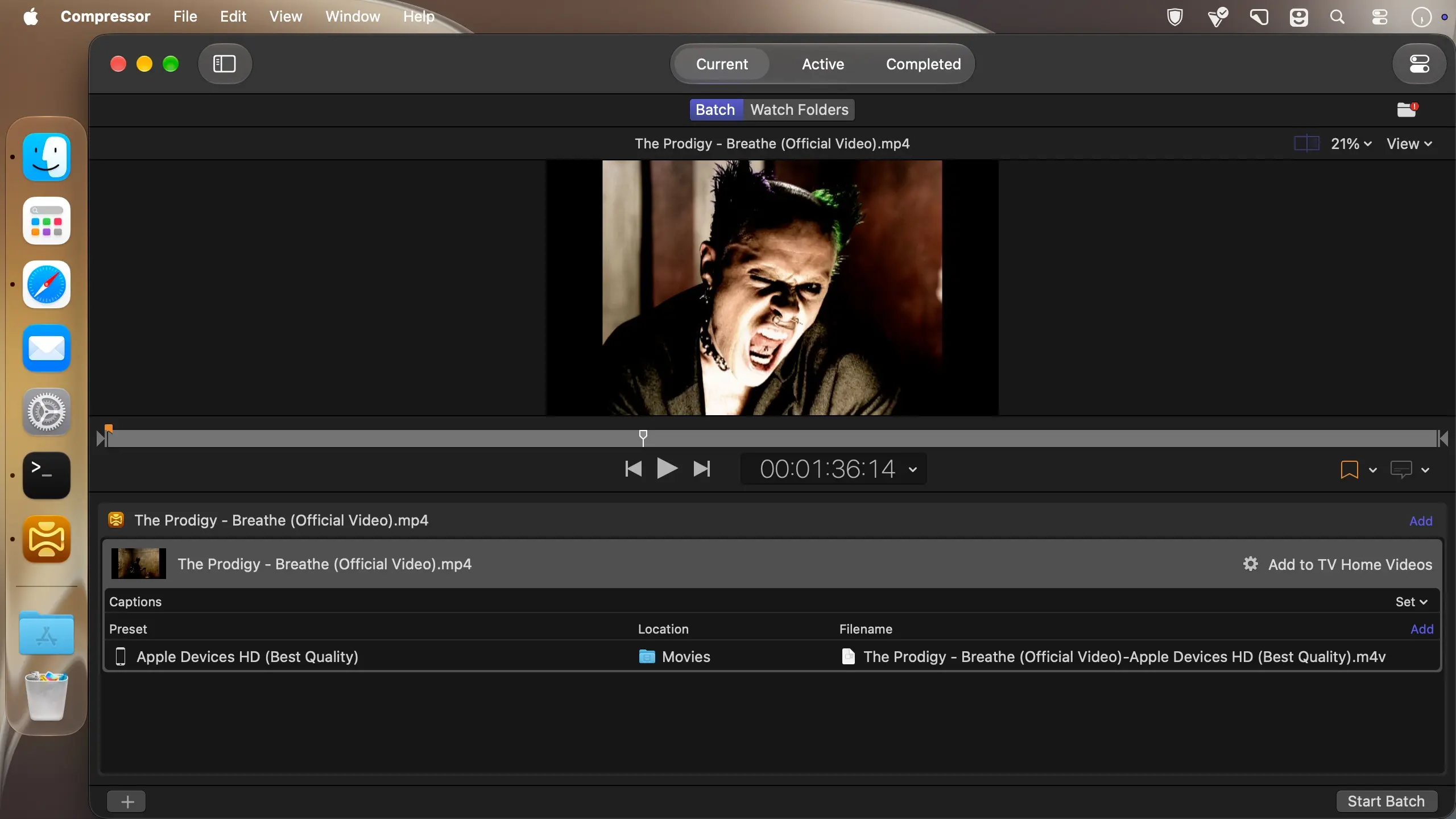
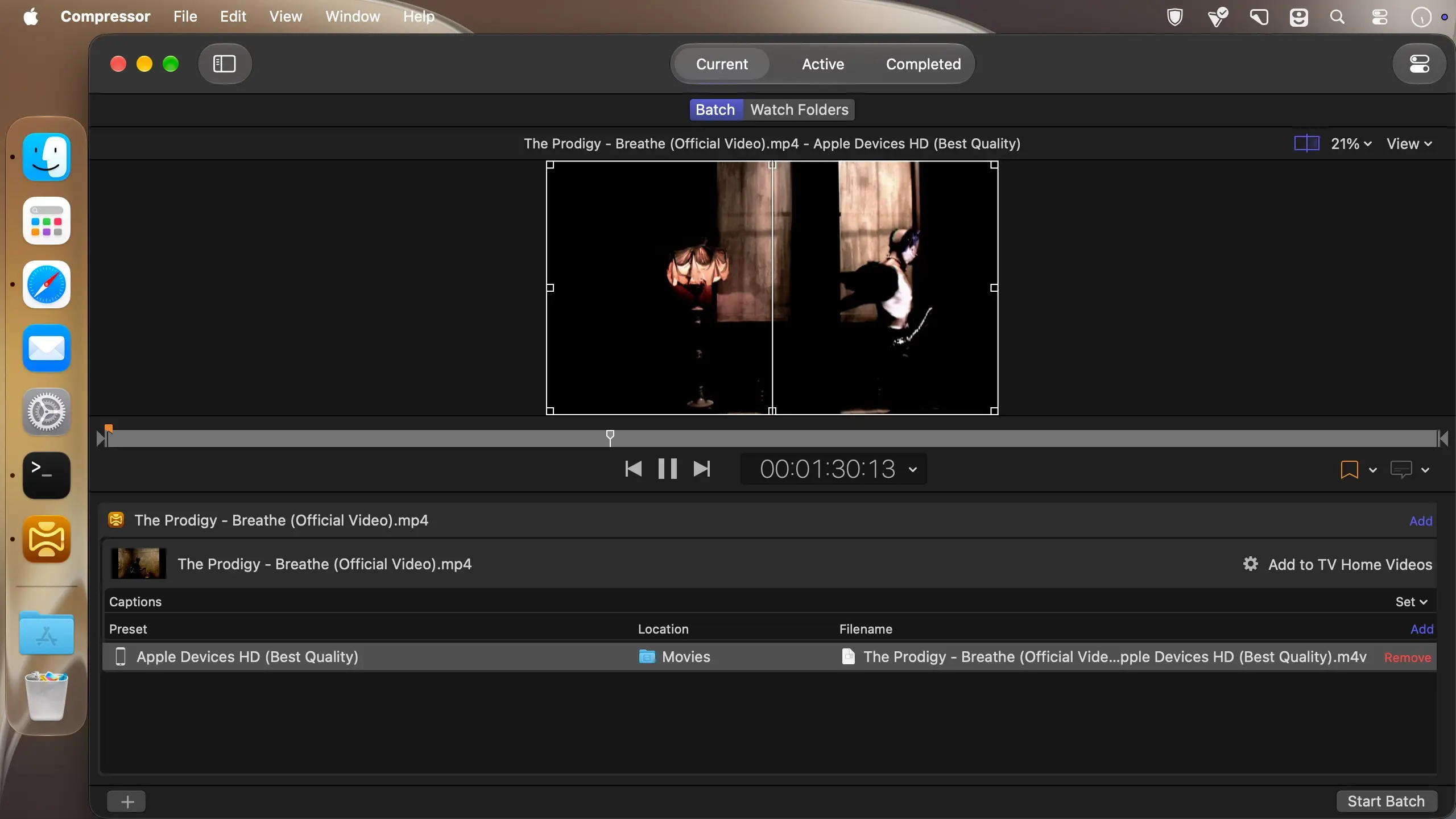
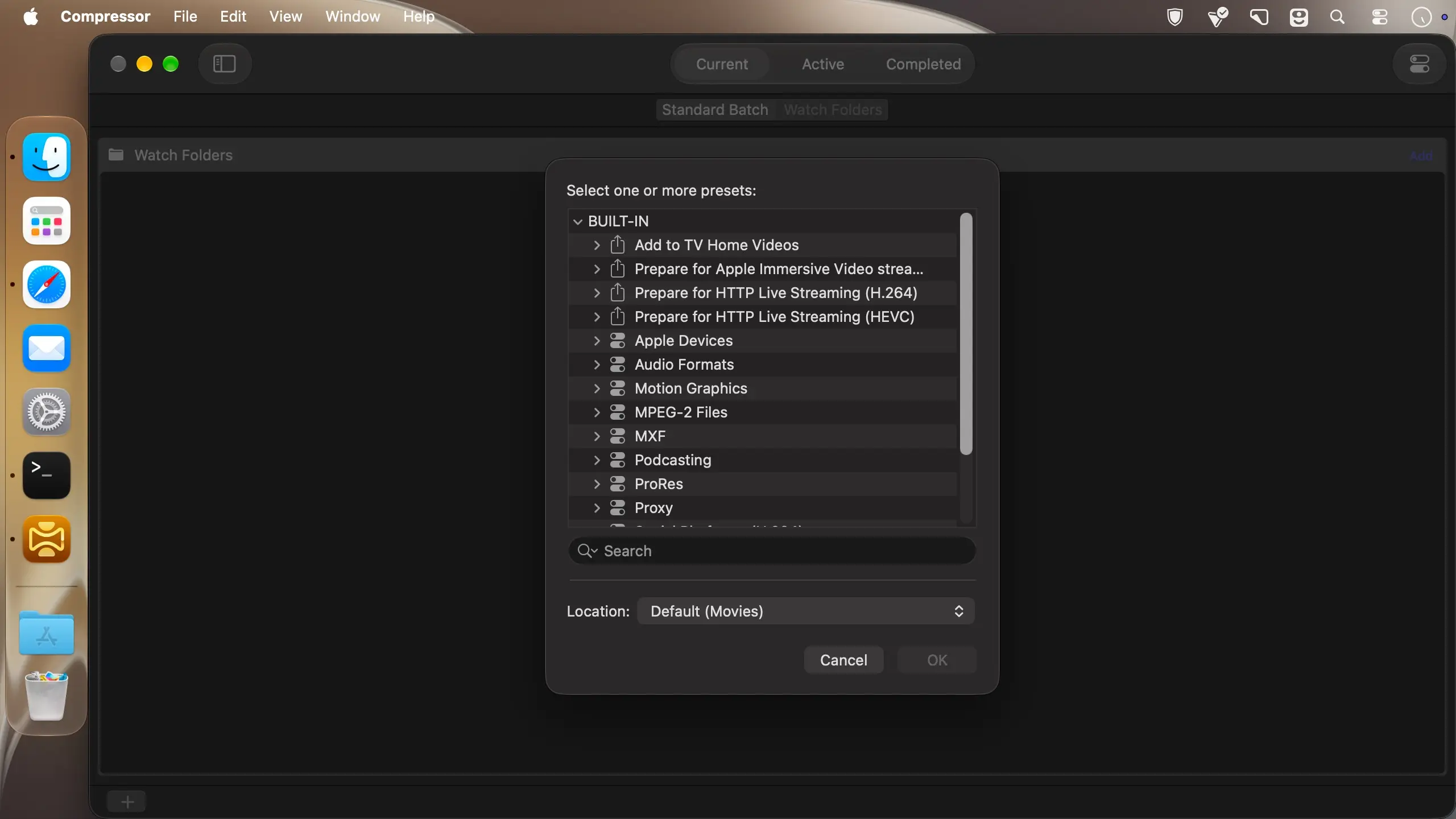
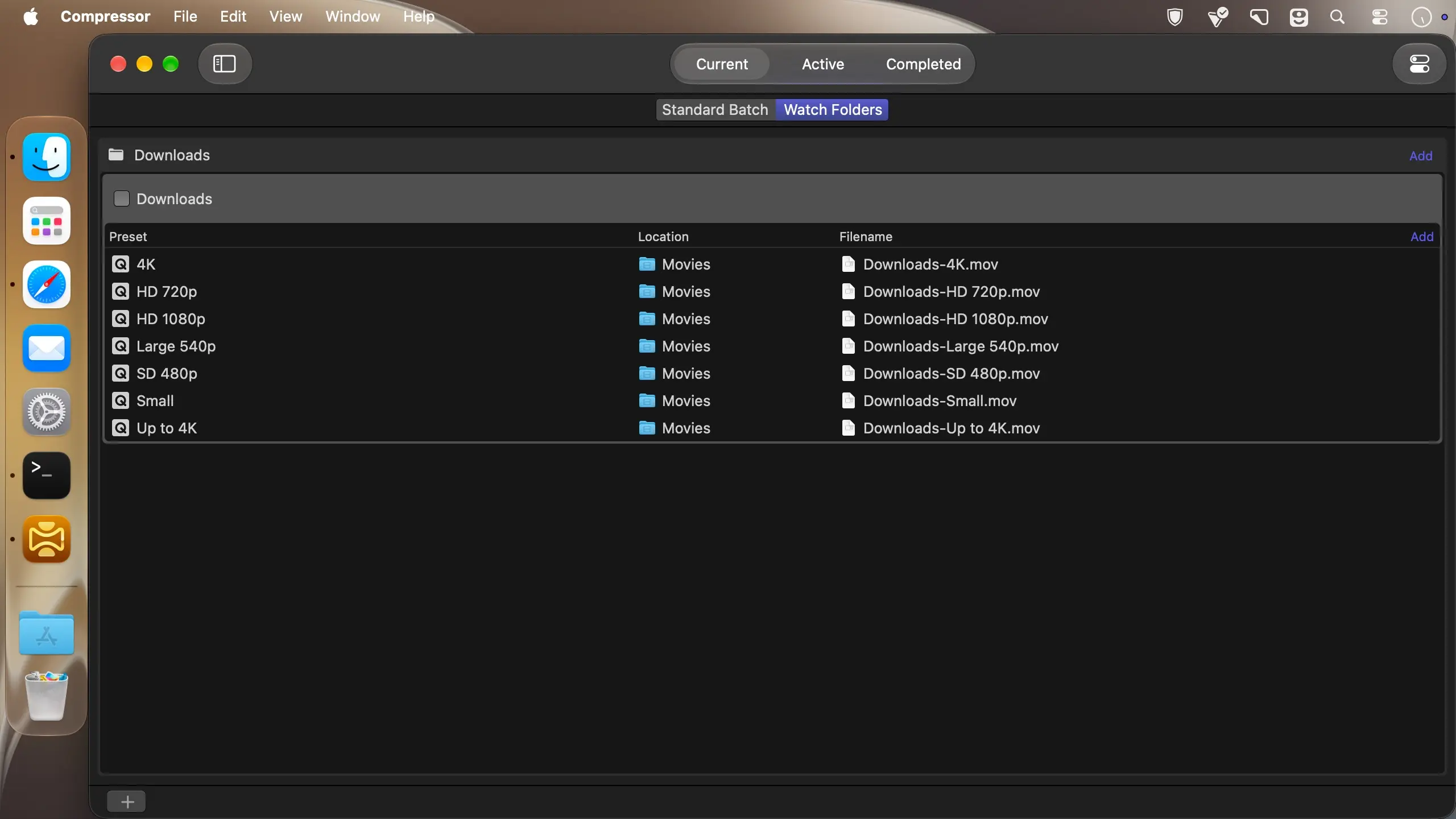
Compressor handles the encoding and conversion work that comes after the edit. Send a project from Final Cut Pro or Motion, adjust the output settings, convert between formats and frame rates, or assemble a package for the iTunes Store without leaving one Mac app.
Encoding for Final Cut Pro and Motion
- Custom encoding settings: create your own output settings for files coming from Final Cut Pro and Motion.
- Batch processing: queue a large number of files and encode them in a single run.
- Watched folders: videos added to selected folders in the file system are encoded automatically.
- Spatial video: encode stereoscopic spatial video and deliver it directly to Apple Vision Pro.
- Cinematic mode: encode videos recorded with iPhone in Cinematic mode.
- Apple silicon: optimized for the latest generation of Apple silicon.
Format conversion and color
- Format conversion: move files between formats, such as NTSC to PAL, SD to HD, or progressive to interlaced.
- Color spaces: import wide color video and deliver it in Rec. 601, Rec. 709, or the wider Rec. 2020 color space.
- HDR delivery: control color space conversion and HDR metadata, and output P3 D65 PQ, Rec. 2020 HLG, or Rec. 2020 PQ.
- Log footage: convert log-encoded video to SDR and HDR color spaces with built-in camera LUTs for Panasonic, Sony, Canon, Blackmagic, Nikon, and ARRI, or load your own camera LUT.
- Effects: apply custom LUTs, a timecode overlay, or a watermark.
- Speed and frame rate: speed video up, slow it down, or change the frame rate so the duration matches a required runtime.
- RAW media: convert ProRes RAW and ProRes RAW HQ to other professional file formats, and play or transcode Canon Cinema RAW Light.
Formats, image sequences, and captions
- Output formats: encode to HEVC, MV-HEVC, H.264, MXF, and ProRes.
- Image sequences: import Targa, DPX, TIFF, PSD, PNG, or OpenEXR sequences and encode them with any setting.
- Closed captions: create, view, adjust, and deliver captions in CEA-608, SRT, and iTT formats.
iTunes Store packages
- Package assembly: import and organize your movie, trailer, closed captions, audio descriptions, and subtitles into an iTunes Store-compliant package for an Apple-certified iTunes delivery partner.
- Sync check: audition the video with any audio, caption, or subtitle track to verify sync.
- Error detection: built-in checks point out problems in the package before you submit it.
- HDR packaging: deliver HDR video as P3 D65 PQ, Rec. 2020 HLG, or Rec. 2020 PQ for HDR10.
- Dolby Vision: link a Dolby Vision graded video file to a Dolby Vision XML inside the package.
*** You need to disable the System Integrity Protection (SIP) to perform the selected Application.
Version 6.0
- Encode videos recorded with Cinematic mode effects*
- Stability improvements and bug fixes
Also Recently Added:
- Convert video with Cinematic mode effects recorded in Final Cut Camera to previous Cinematic mode format*
- Create HEVC MPEG-4 files to upload to social platforms with new export presets, including 10-bit options recommended for HDR content
* Requires macOS 27 or later
Comments
No comments yet. Be the first.
Information
Visitors in the group Guests cannot leave comments on this publication.