

Downie 4.13.1
Downie: Mac video downloader for HD and 4K offline viewing
Screenshots
Click to enlarge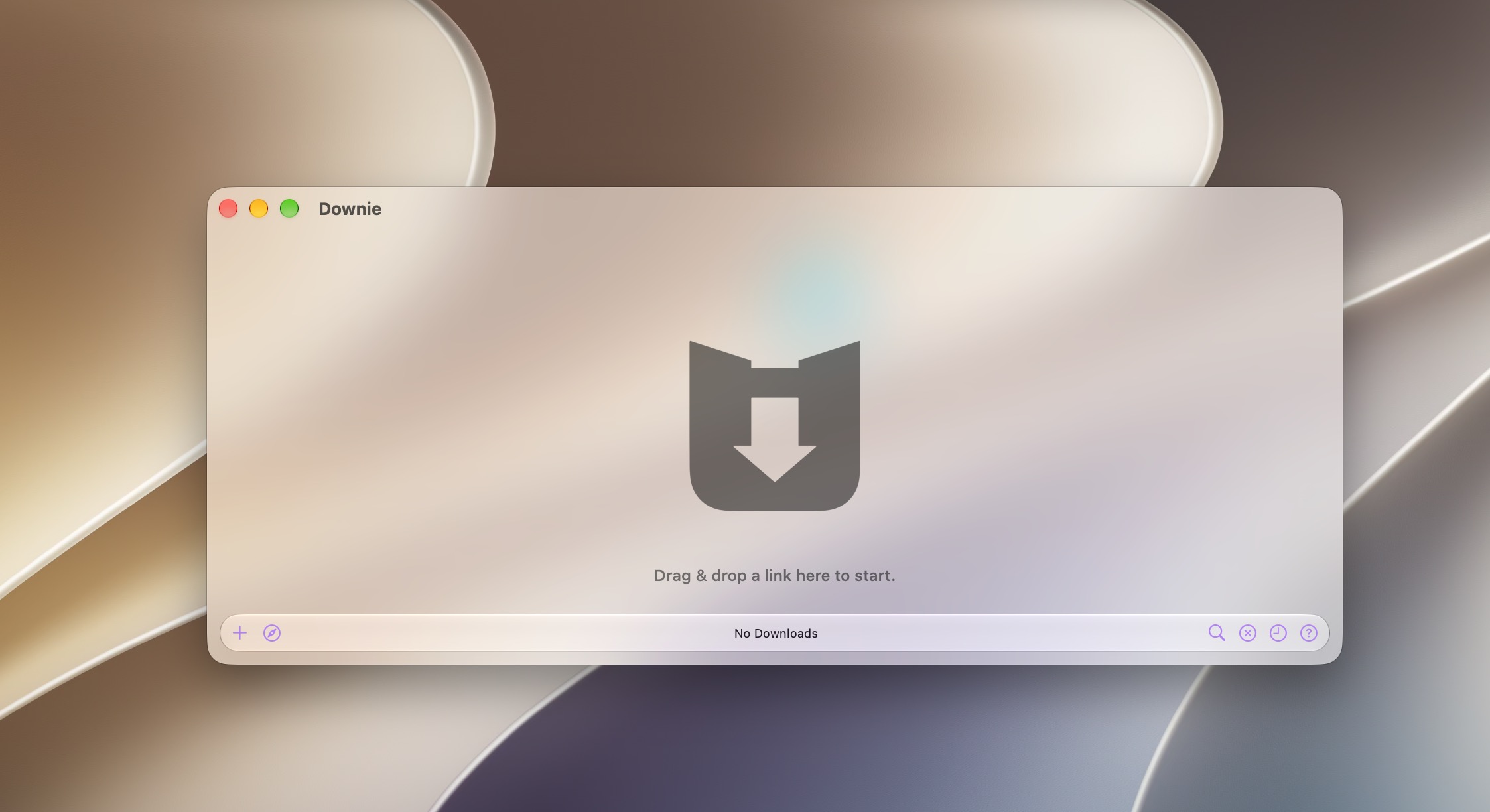
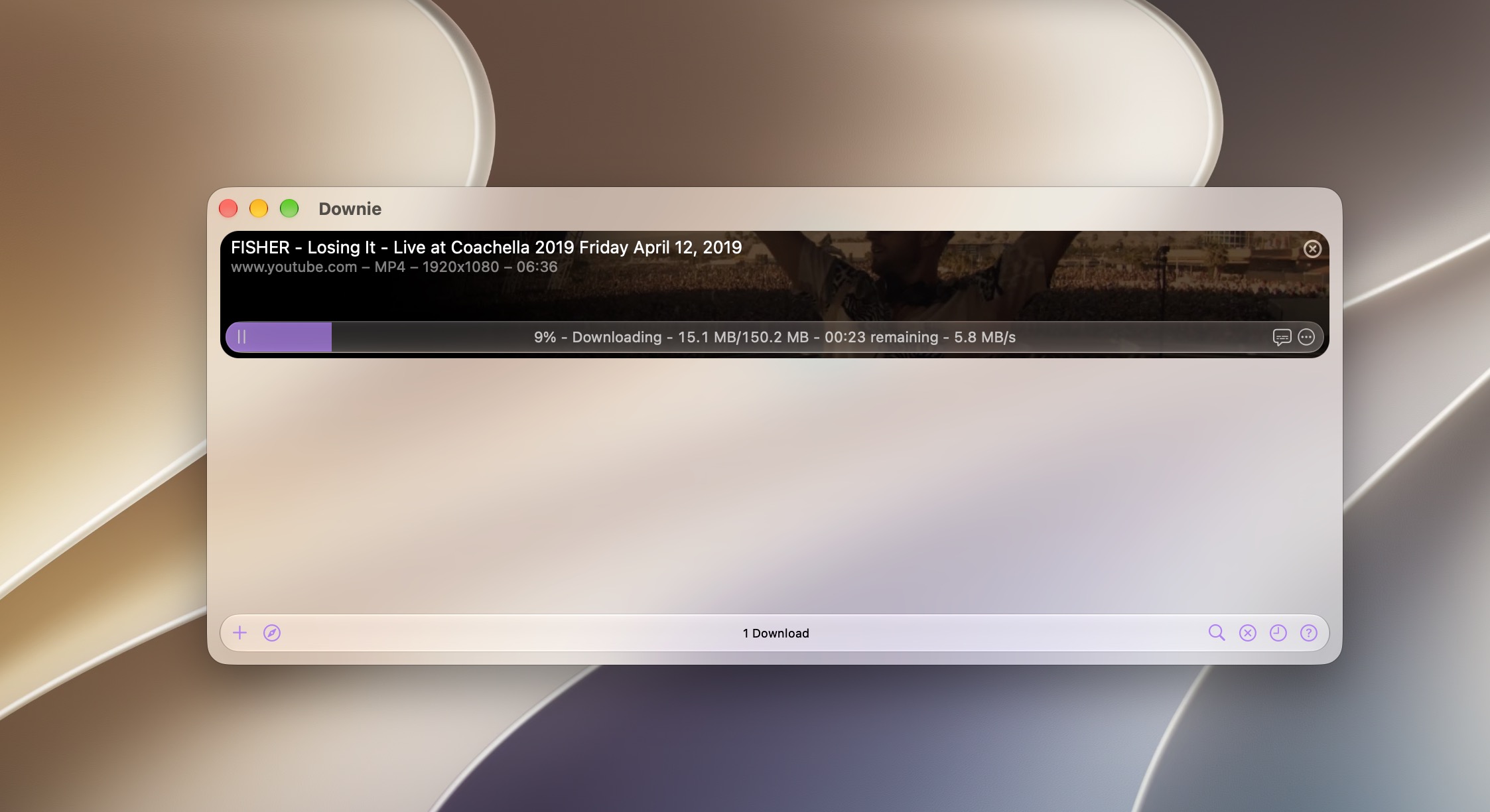
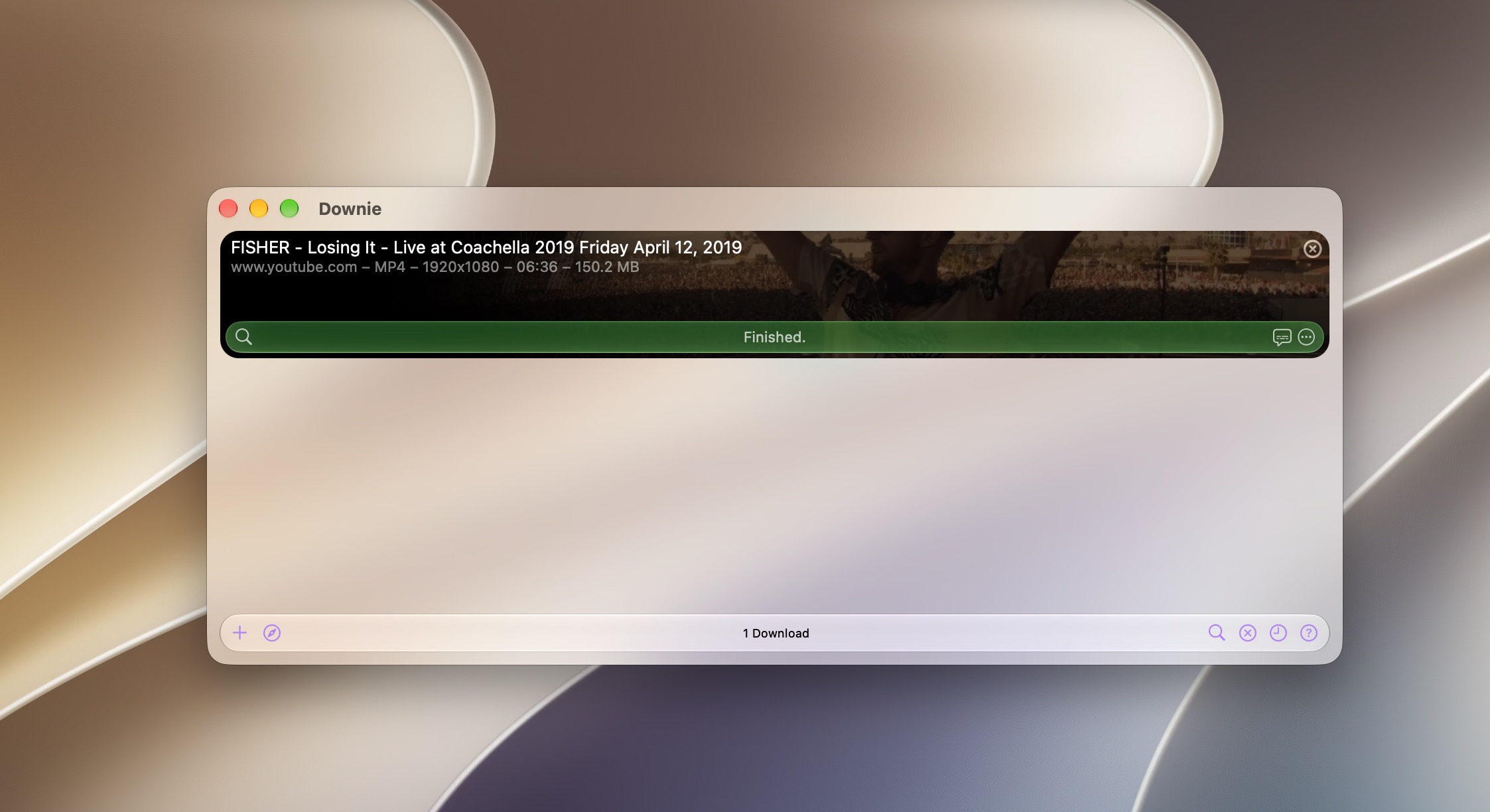
Downie is a powerful video downloader for Mac that makes it easy to save online videos for offline playback. Download content directly to your Mac, avoid buffering and interruptions, and watch your videos anytime with your favorite media player.
Simply drag and drop a video URL onto Downie’s window or Dock icon. The link is added instantly to your download queue, where you can organize, remove, and start downloads with just a click.
Powerful, flexible, and easy to use
- Support for 1,000+ websites
Download videos from YouTube, Vimeo, Dailymotion, Youku, and many other popular platforms. Support is continuously expanded through regular updates. - High-quality downloads
Save videos in HD and up to 4K resolution when available. - Customizable output
Choose your preferred download folder and adjust file settings in Preferences. - Built-in post-processing
Automatically convert downloads to MP4 or extract audio tracks for convenient playback on your devices. - iCloud history sync
Keep your download history synchronized across your Macs and help prevent duplicate downloads. - Regular updates
Frequent updates add support for new websites, improve compatibility, fix issues, and introduce new features. - Built-in browser extraction
For websites without direct support, use Downie’s built-in browser to navigate to the video and let Downie detect it automatically. - Browser extensions
Send videos to Downie directly from Safari, Chrome, or Firefox without leaving your browser.
With its intuitive workflow, broad website support, and powerful customization options, Downie gives you a fast and convenient way to save online video for offline viewing.
Downie 4.13.1
- Improved: bbc.co.uk, instagram.com, naver.com, nbc.com, youtube.com.
- Fixed: An issue where Downie could create malformed SRT file.
- Fixed: Downie now correctly identifies Opus audio and does not re-encode it to Vorbis with WebM downloads.
Comments2
Information
Visitors in the group Guests cannot leave comments on this publication.