

Final Cut Pro Creator Studio 13.0
Video editing software for Mac, with beat-synced cuts
Screenshots
Click to enlarge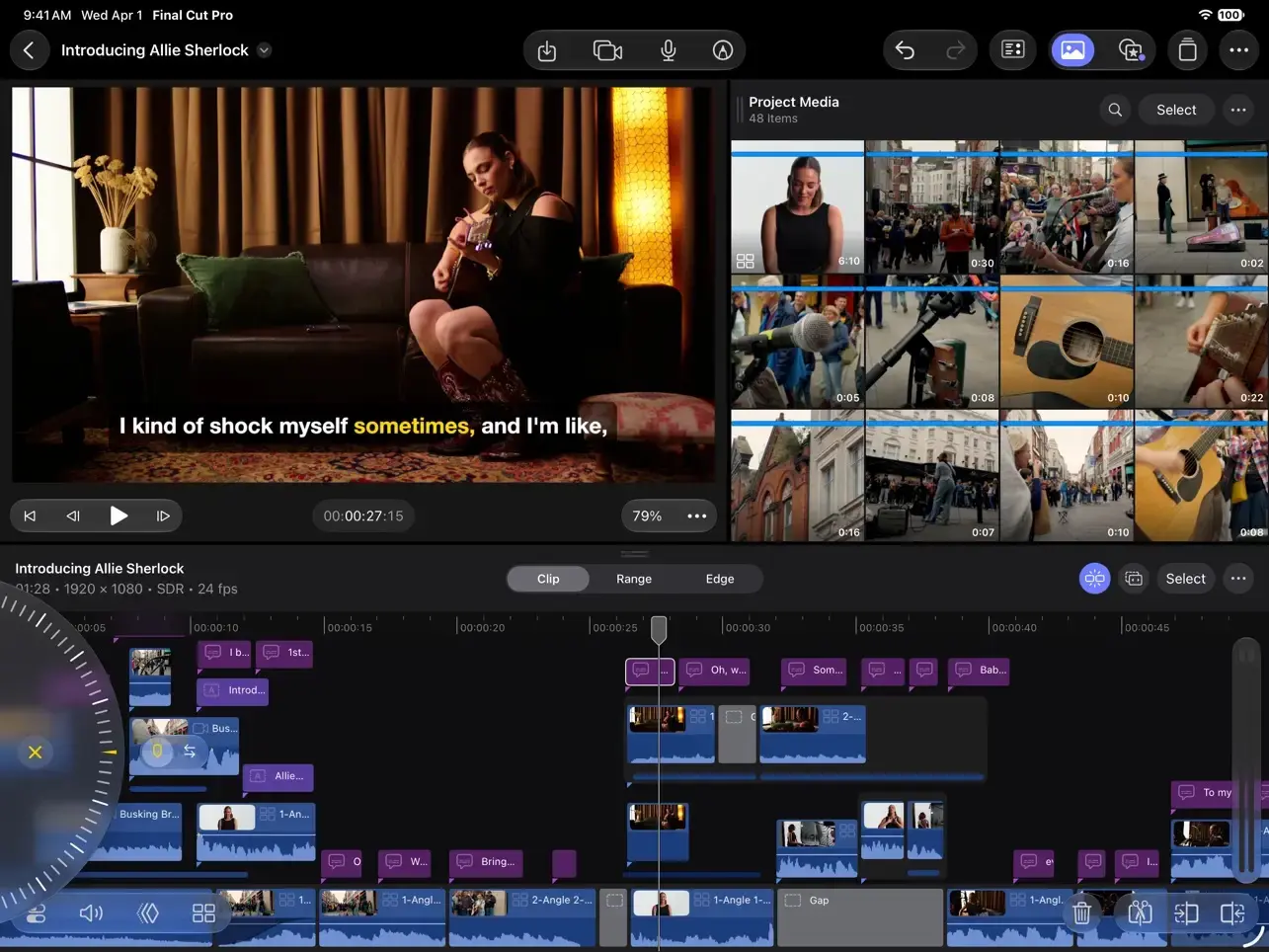
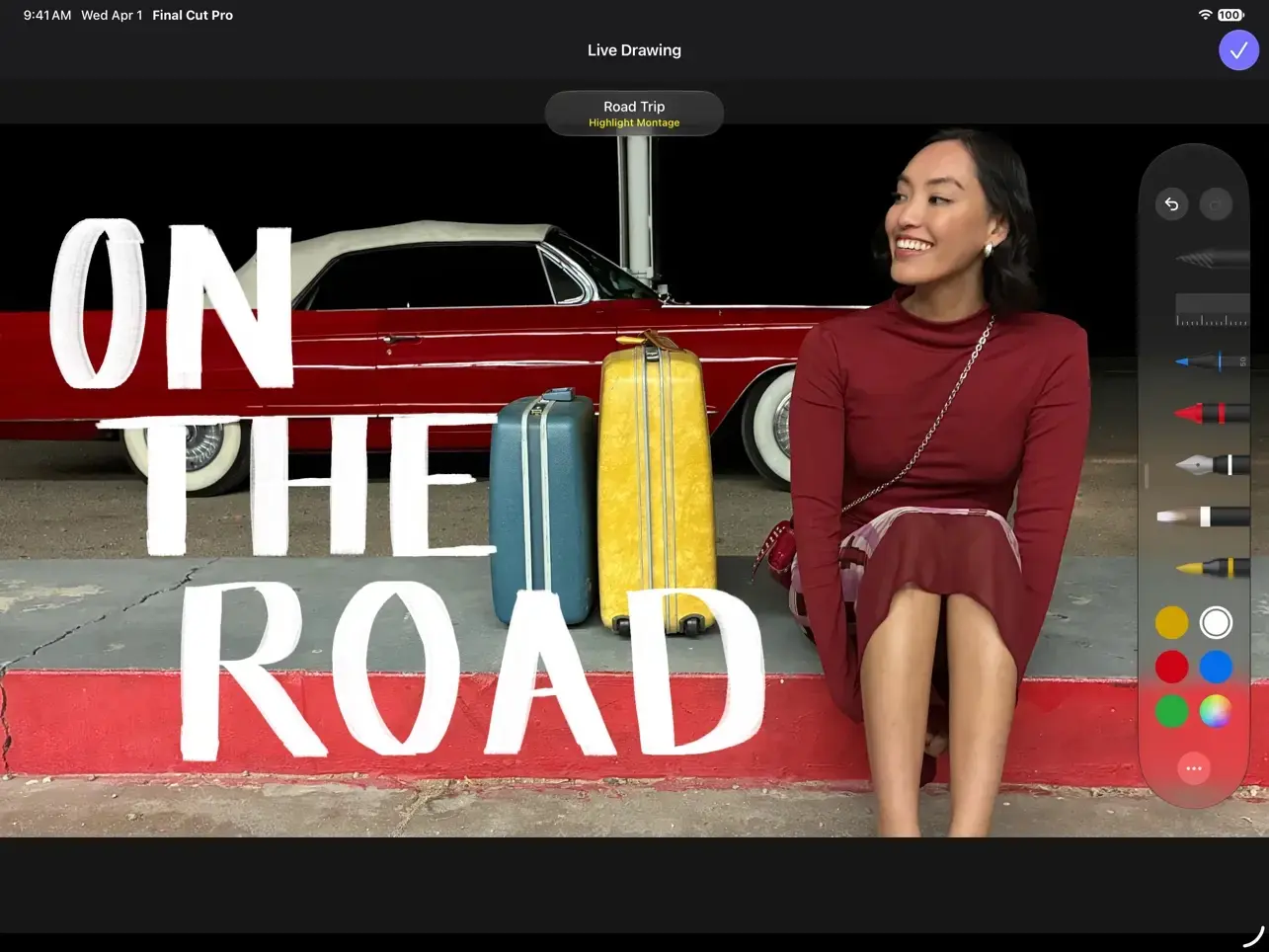
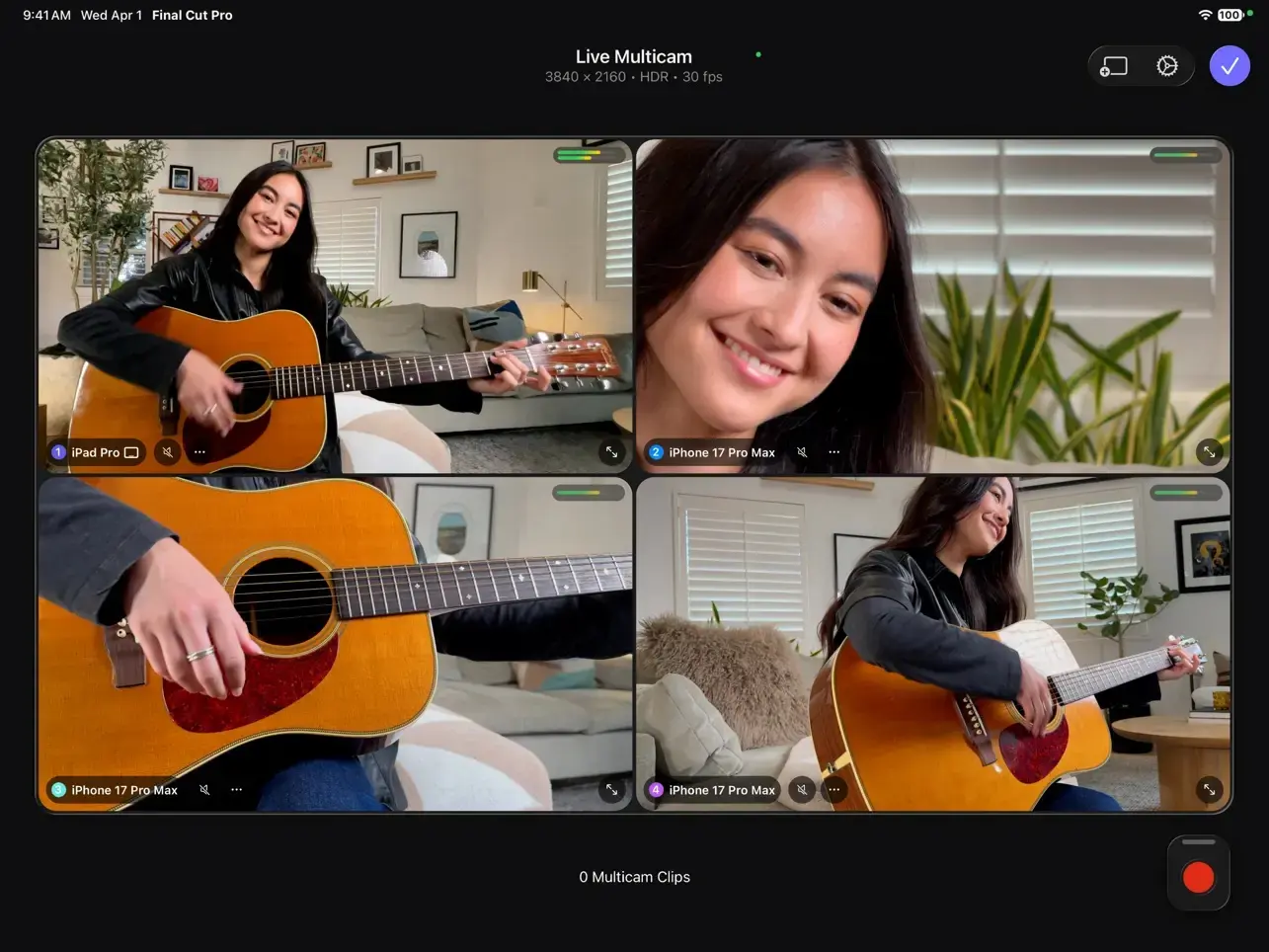
Final Cut Pro Creator Studio 13 is a video editor for Mac that covers the whole job, from sorting raw clips to adding titles and music. You cut on the Magnetic Timeline, find the right shot with search tools, and finish with built-in graphics, transitions and soundtracks. It's part of Apple Creator Studio, a collection that also includes Logic Pro, Pixelmator Pro, Motion, Compressor and MainStage.
Editing and finding footage
Move a clip, trim a shot or delete a take, and the rest of the project adjusts around it. Search helps when you remember what was said or shown but not which clip it was in.
- Magnetic Timeline: clips reflow around your edits, so rearranging a sequence doesn't leave gaps or push audio out of sync.
- Intelligent search: locate a specific soundbite or visual in your library without scrubbing through every clip.
- Enhance Light and Color: automatically improves the brightness and color of a clip that looks flat or dim.
- Auto Crop: analyzes your footage and adjusts the framing for vertical, square and other aspect ratios.
Cutting to music
Drop in a song and the app shows you where its bars and beats fall, so cuts land on the rhythm instead of near it.
- Beat Detection: analyzes any song to reveal its bars and beats, and lets you snap edits to them.
- Montage Maker: builds a highlights video from your footage and sets it to your music.
Titles, color and soundtracks
The app ships with a library of finishing material, so a rough cut can become a presentable video without leaving the project.
- Titles and graphics: dynamic titles, lower thirds, bumpers and transitions to customize.
- Color presets: apply a ready-made look, then adjust it to suit the shot.
- Soundtracks: music that adjusts to the length of your edit, so you don't have to trim a track to fit.
Version 13.0
- Tap into the Content Hub, a library of Apple-curated stock videos, photos, and backgrounds to finish your edits or spark new projects
- Generate stunning images from a text description right in your project, apply quick edits, and adjust the style*
- Open an image from your timeline in Pixelmator Pro to use advanced editing tools, then see your changes in Final Cut Pro
- Keep timeline clips in place by disconnecting them from the primary storyline
- Animate your footage with more precise keyframe easing options to fine-tune speed, position, scale, and more
- Generate captions and search transcripts in 23 new supported languages**
Also Recently Added:
- Edit videos with Cinematic mode effects recorded in Final Cut Camera to adjust focus points and depth of field**
- Focus on your edits with a redesigned Liquid Glass interface that adapts to your content and expands your timeline
Comments
No comments yet. Be the first.