

RenameMe 2.3.0
Screenshots
Click to enlarge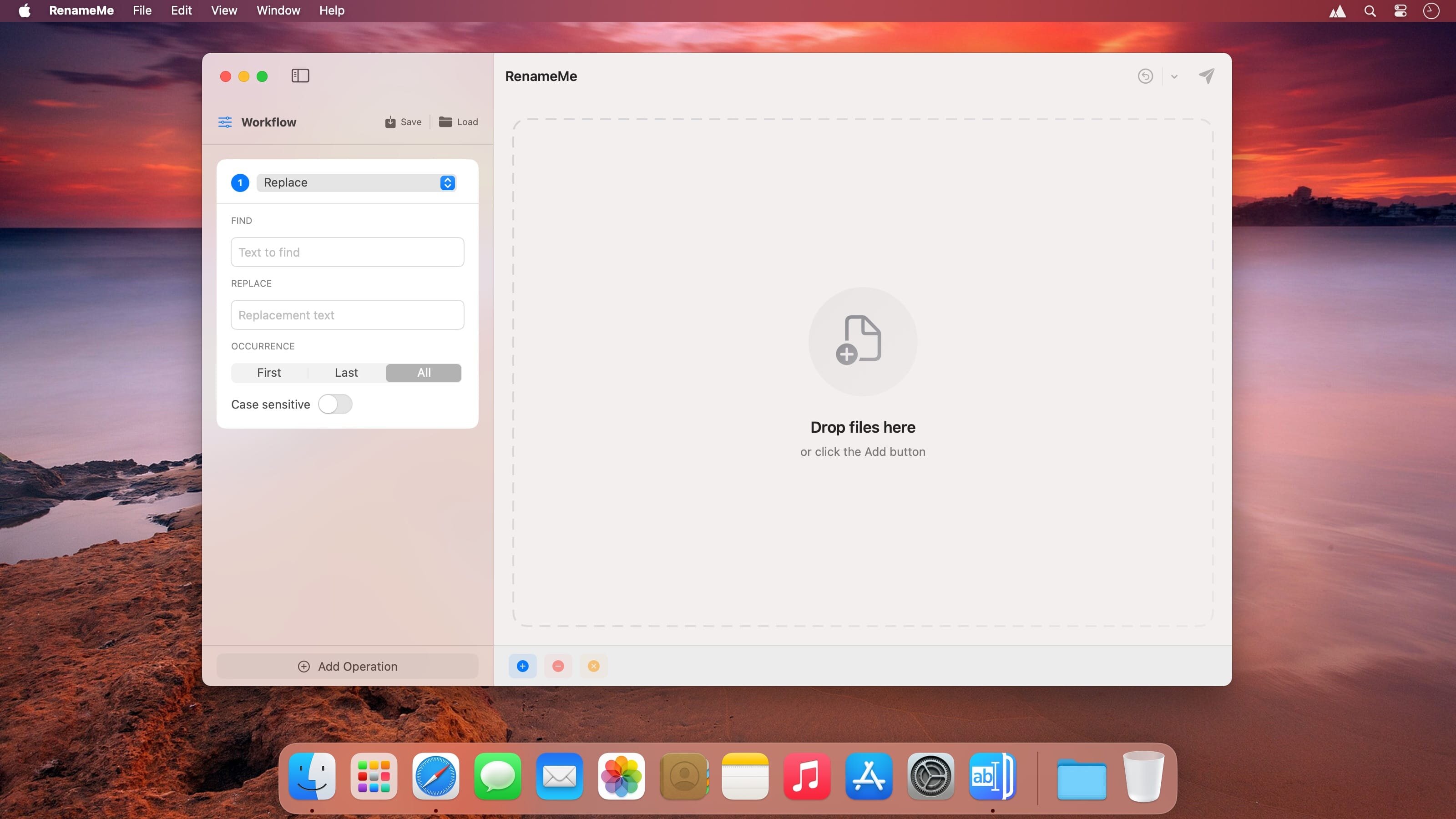
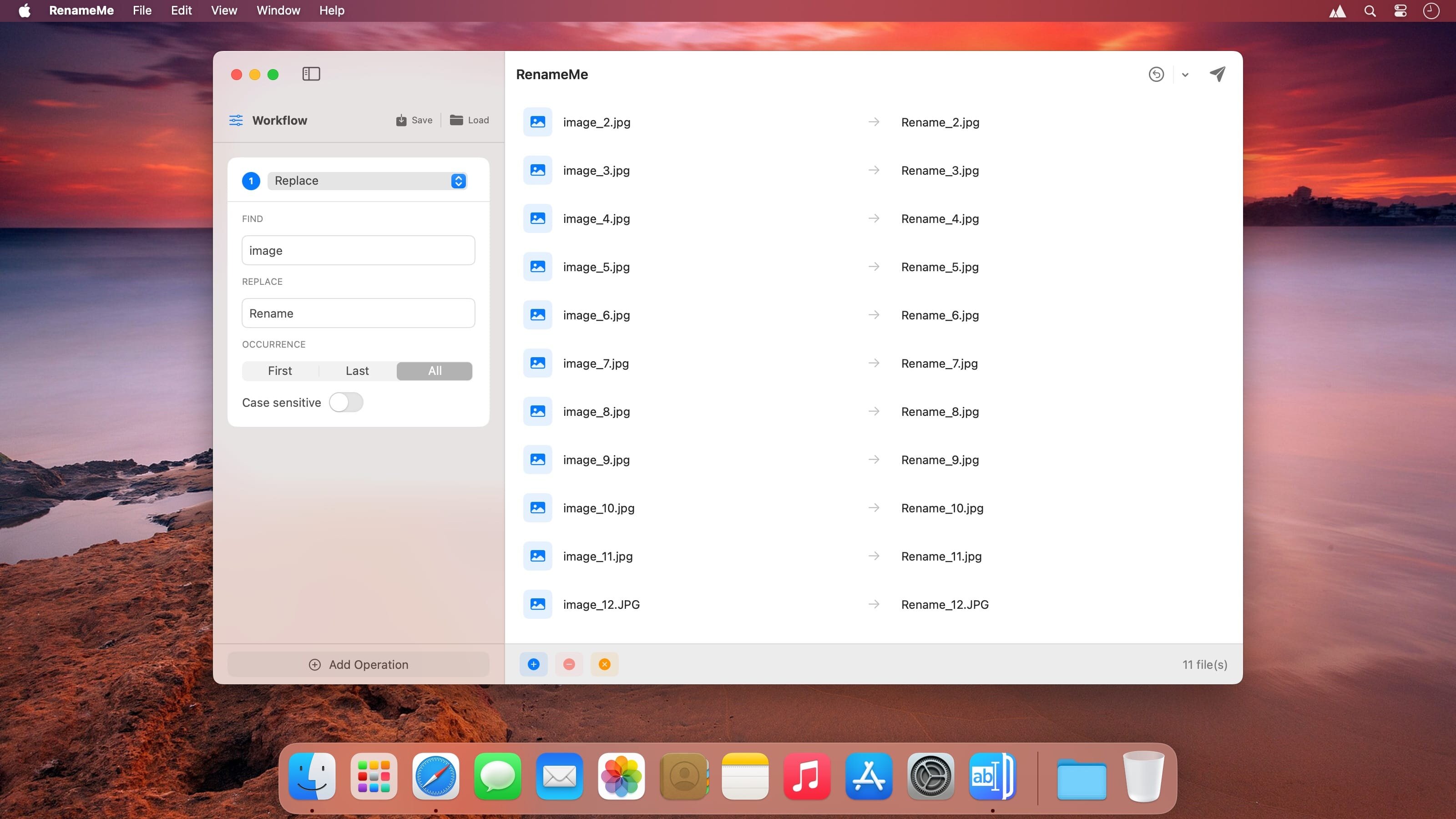
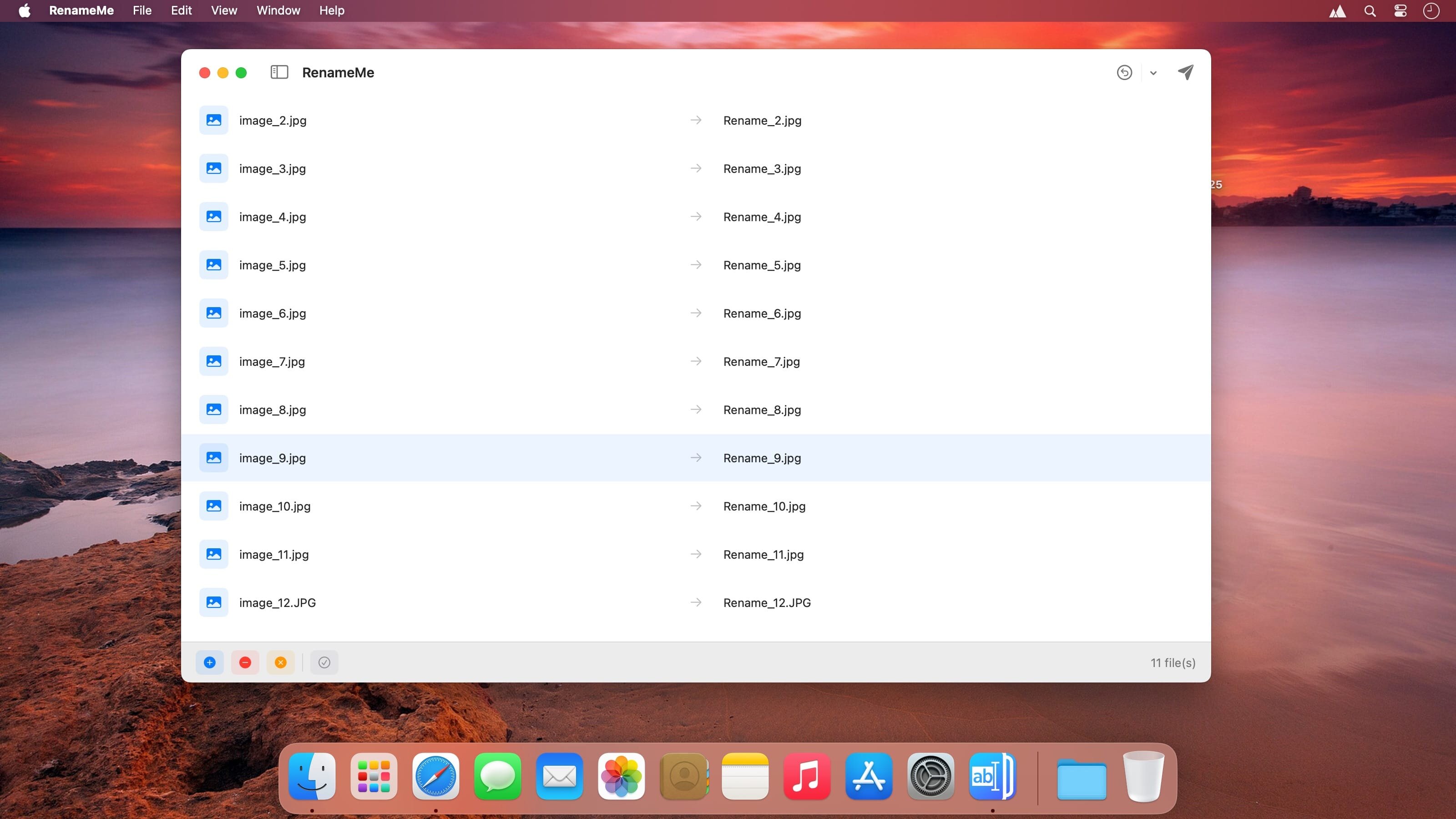
RenameMe is a lightweight Mac app designed to help you rename dozens or even hundreds of files at once—quickly, safely, and without the usual hassle. It lets you stack multiple renaming actions into a single workflow, preview results live before applying changes, and save your favorite workflows for repeat use—making bulk renaming feel effortless.
Key features
- Stackable operations: Chain multiple actions (e.g., replace text → change case → add prefix/suffix → trim characters) in one run.
- Live preview: View original and new names side-by-side and spot conflicts or issues before committing.
- Saved workflows: Save custom workflows for repetitive tasks, and use built-in presets such as Photo Organization and Web‑Safe Names.
- Smart sequencing: Add sequential numbering with custom padding and positioning—ideal for organizing photos, documents, and collections.
- Powerful operations (incl. regex): Perform text replacement, case changes, trimming, regex-based patterns, and more across multiple operation types.
- Full undo support: Instantly undo renames and restore previous states using the app’s undo history.
Version 2.3:
- Release notes were unavailable when this listing was updated.
Comments
No comments yet. Be the first.
Information
Visitors in the group Guests cannot leave comments on this publication.