
A Better Finder Rename 12.35
Check new names first, then rename multiple files on Mac
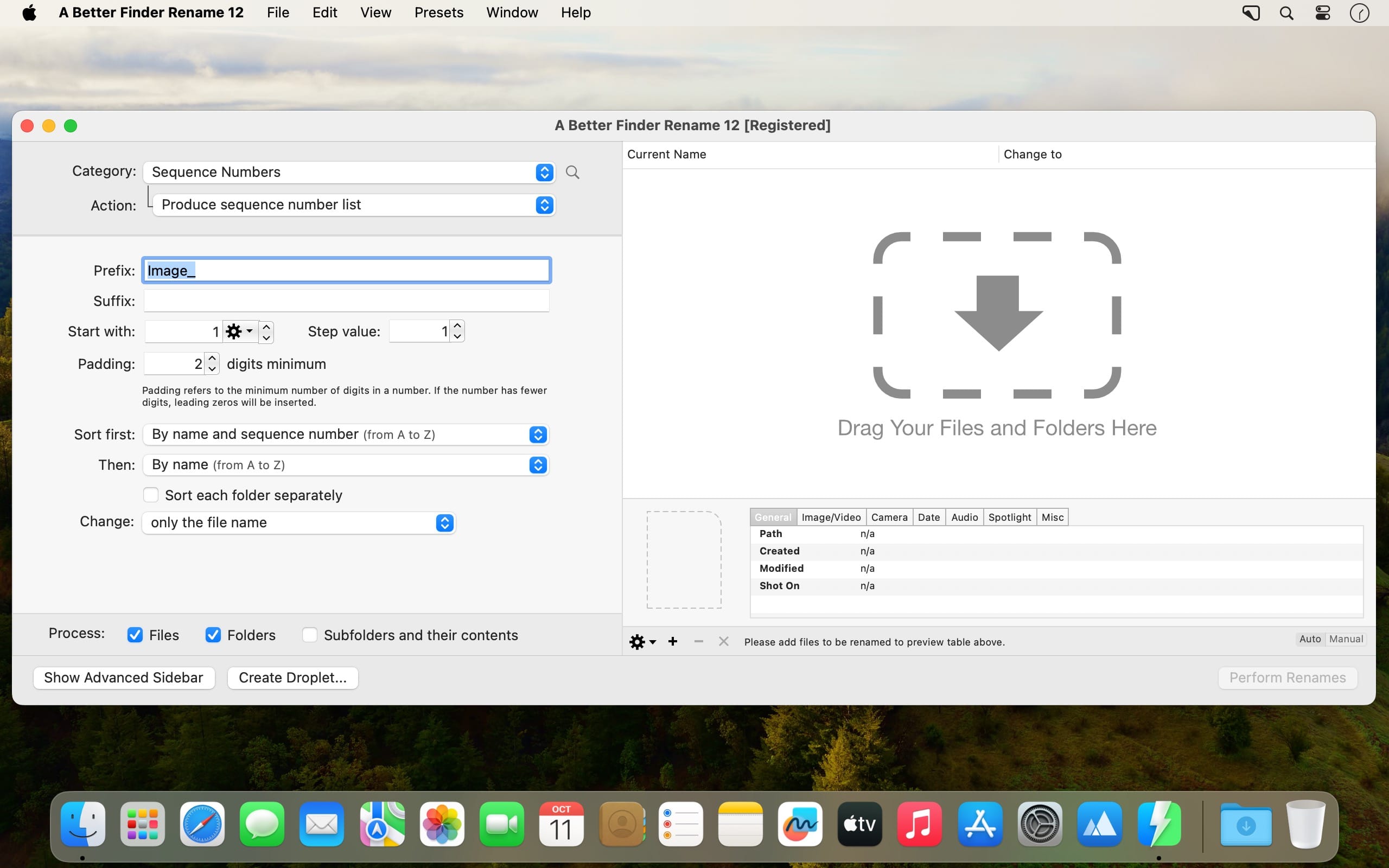
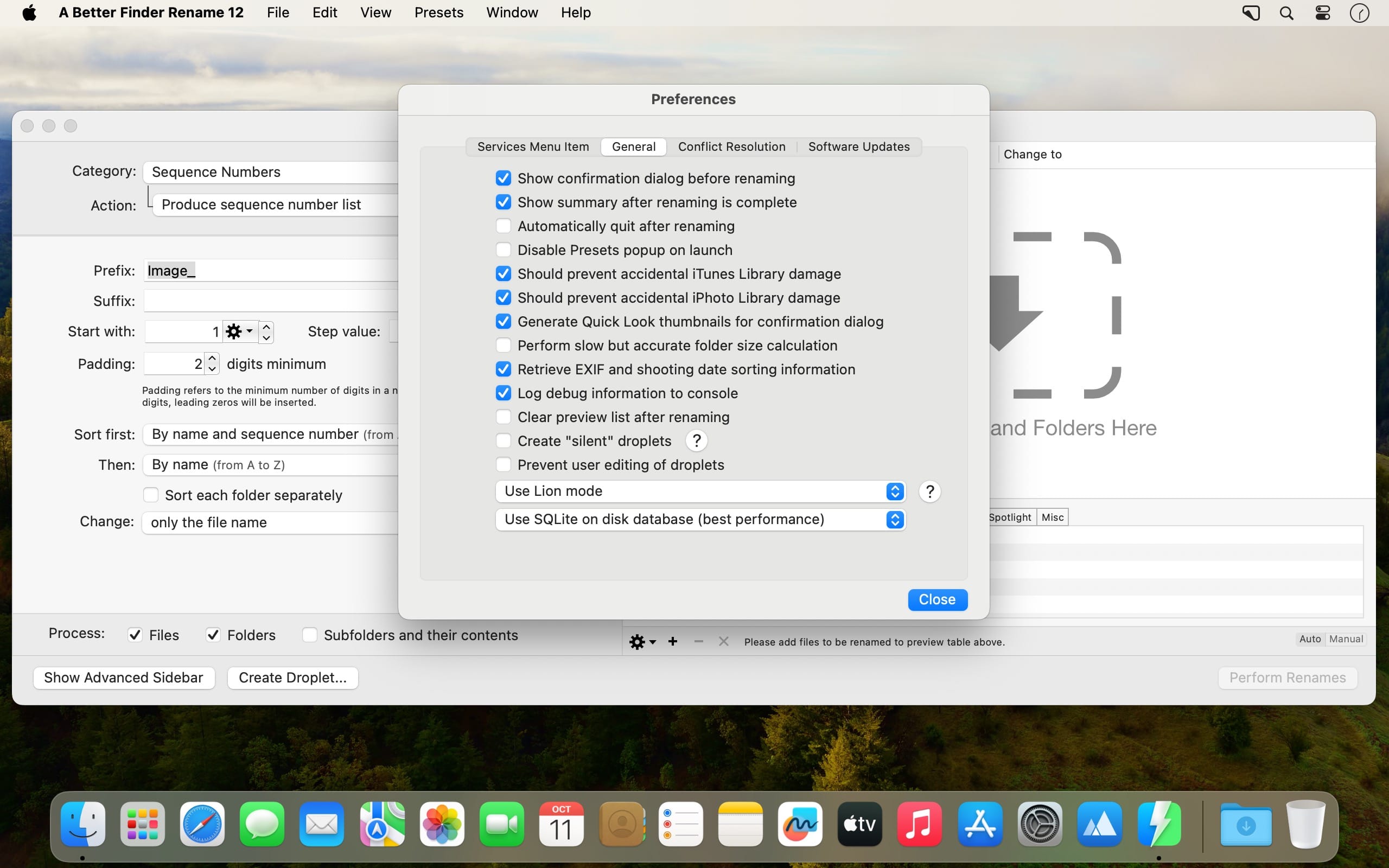
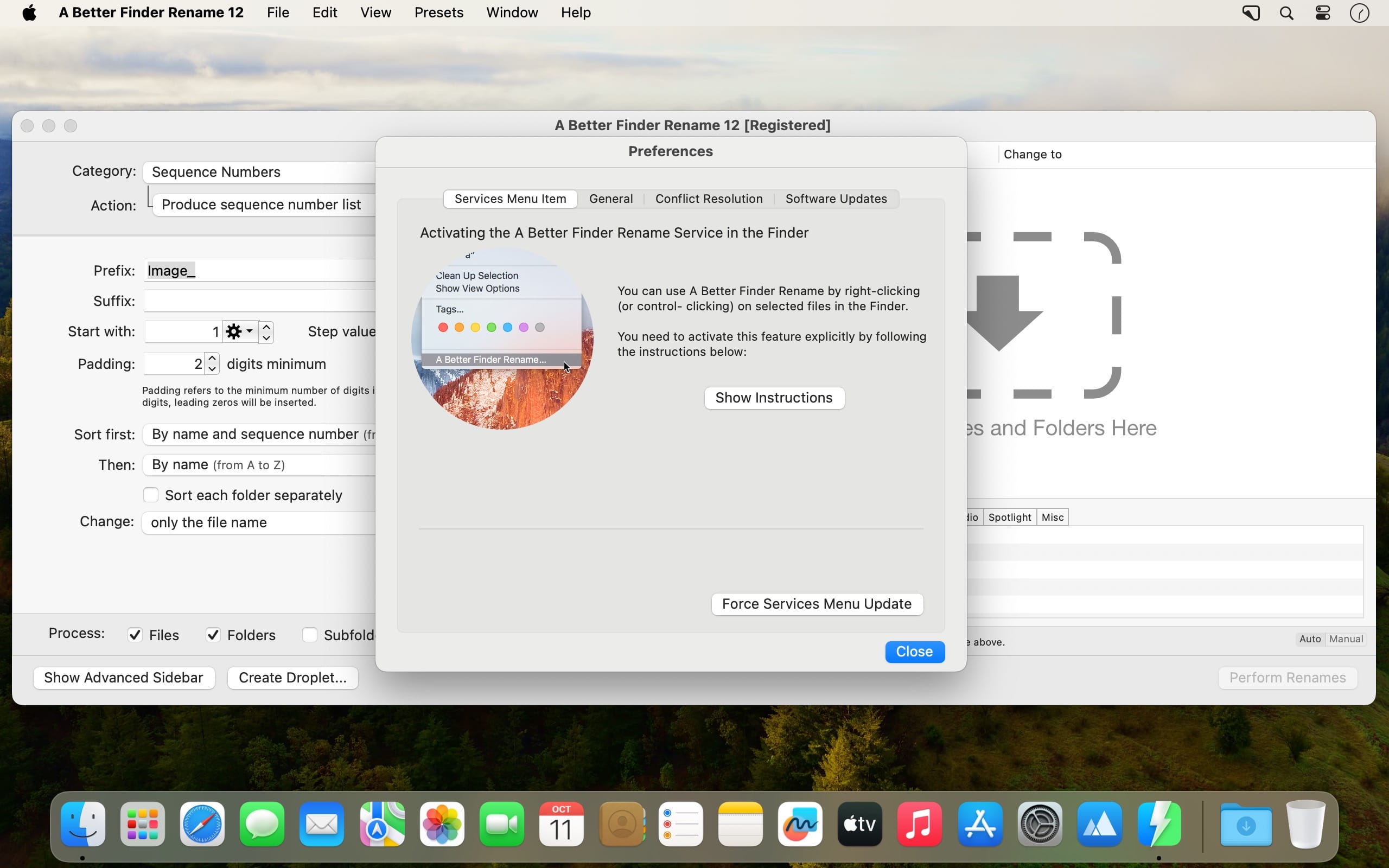
Finder can't rename a pile of files at once, so you end up fixing names one by one. A Better Finder Rename 12 is a batch file renamer for Mac that applies one renaming pattern to all of them. The real-time preview shows every new name before anything changes, so a bad pattern never touches your files.
- You build the pattern on the left and see the file list with its new names on the right.
- Need more than one rule? The Multi-Step drawer applies several to the same files in one pass.
- Actions are sorted by category, including text, characters, character position and ranges, conversions, truncations, date and time, and path components.
- Each action has its own options, so you can adjust the pattern until it matches how you name things.
- Folders can be renamed too, and the same template can run through every sub-folder.
- Droplets save a renaming setup so a task you repeat often runs automatically.
Version 12.35
The new version:
- newly created Re-arrange using regular expression actions now use the modern regular expression engine by default; existing presets and droplets keep the engine they were saved with
- the modern re-arrange action now requires the pattern to match the entire file name and builds the new name from the substitution alone, exactly as the legacy engine and the help describe
- both modern regular expression actions accept \1 to \9 as aliases for $1 to $9
- the preview table shows one capture group column per group in the pattern, keeps those columns at equal widths, and restores the previous column layout when leaving regular expression mode
- adds support for the <CameraMake> and <CameraModel> tags for DJI videos (Osmo Action, Mavic and others), which store the camera model outside the standard metadata fields
Improvements & Bug Fixes
- the modern replace action now ignores zero-length matches, as the legacy action always did
- fixes the <CameraModel> tag coming up empty for video files
This is the first version to require macOS 15 Sequoia or later. Version 12.34 remains available for macOS 13 Ventura and macOS 14 Sonoma.
Frequently asked questions
How do I install the app?
Mount the image, drag the app into the "Applications" folder and launch it. If the system blocks the launch, allow it in "System Settings → Privacy & Security".
The app is damaged or won't launch
Reinstalling from a fresh image usually helps. Make sure your macOS version matches the one listed in the compatibility specs.
How do I update?
Download the new version from the site and install it over the current one — your settings will be preserved.
The download link doesn't work
Try a mirror or a download manager. For large files the browser often drops the connection.
How do I completely remove the app?
Use an uninstaller utility — it cleans up the service files that remain after moving the app to the trash.





Choose a download source
A Better Finder Rename 12.35 · 15.68 MB
Previous versions
A Better Finder Rename 12.35
Previous versions are available to registered users.
Comments 1