

Canvas X Draw 26.0.3
Vector drawing and photo editing in one document
Screenshots
Click to enlarge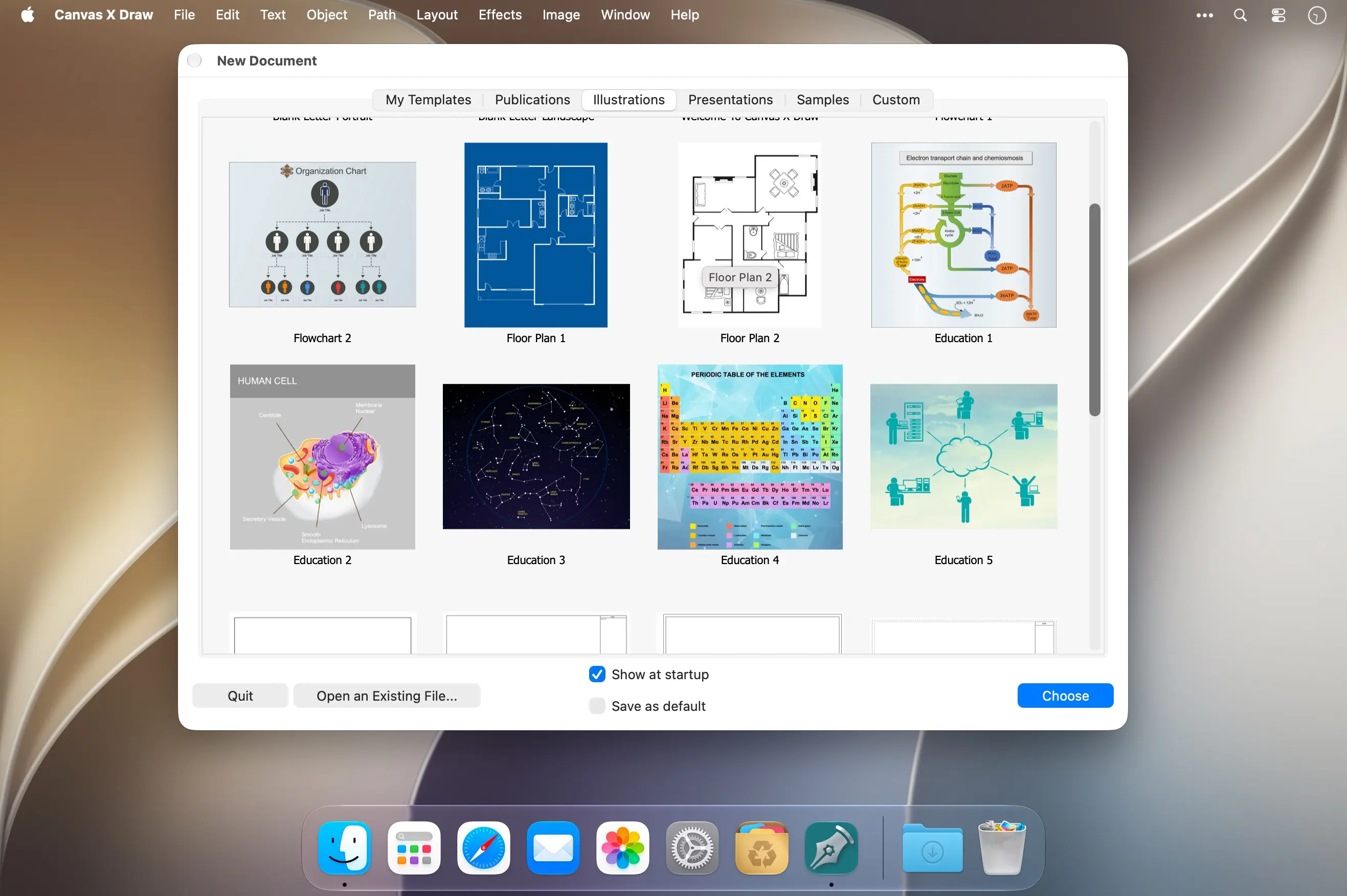
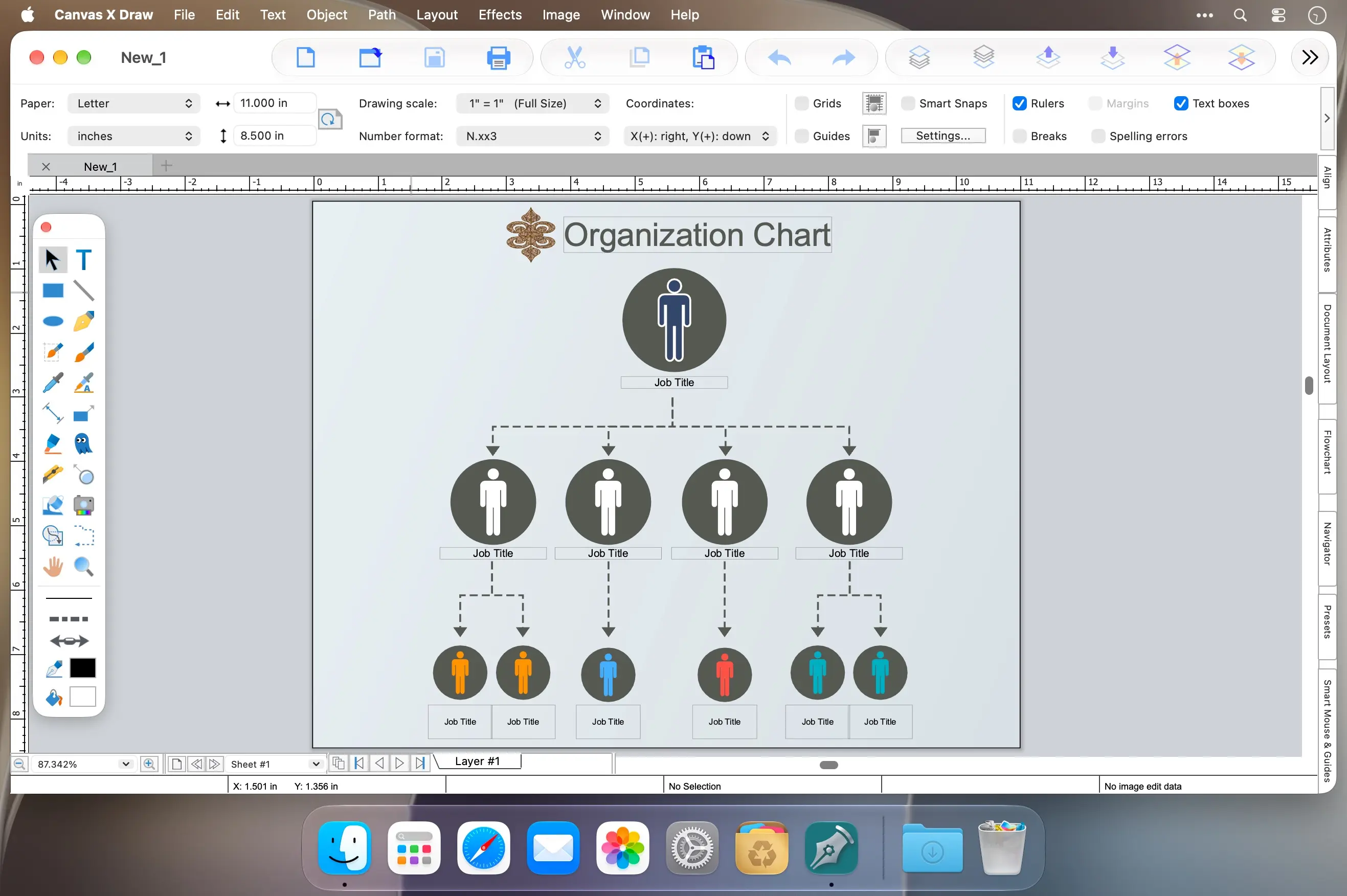
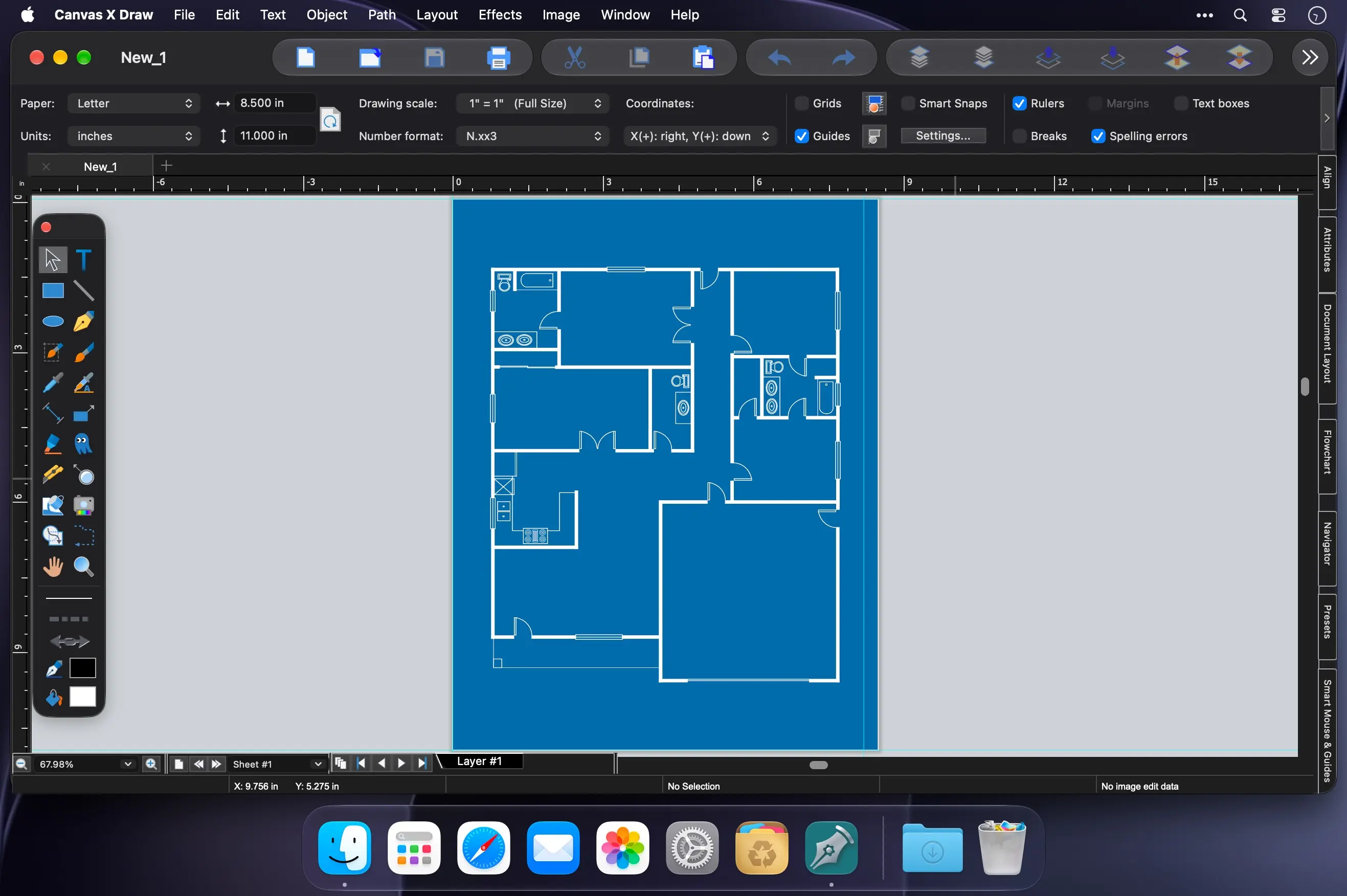
Canvas Draw brings vector illustration, raster image editing, and technical drawing together in one app for your Mac. Combine text, images, objects, and effects in a single document to create marketing materials, technical illustrations, and floor plans with confidence. It's made for small business owners, designers, illustrators, and professionals who need to communicate visually.
From brand visuals to step-by-step instructions
Illustrate complex procedures, processes, and workflows quickly with built-in templates and more than 2,000 symbols. Create assembly, maintenance, and repair instructions, design logos and typography, or produce scale drawings with precise measurements and placement, all without switching between apps.
- Vector and raster tools: paint, draw, select, retouch, color correct, and clone in one integrated design environment.
- Templates and symbols: built-in templates and over 2,000 symbols to illustrate procedures and workflows fast.
- Mechanical documentation: create assembly, maintenance, and repair instructions.
- Tables: create and customize tables, copy data directly from Excel or other sources, and adjust cell borders, size, and appearance, or make borders invisible.
- Technical drawing: blueprints, floor plans, scale drawings, and architectural designs.
- Precision tools: snap objects into exact positions, draw from center points, define scale, align objects, and display sizes.
- Annotations: add labels, callouts, and comments.
- Flowcharts: build flowchart diagrams for processes and workflows.
- Real estate visuals: blow up specific areas, create 3D vector and text objects, and trace features to convert them into paths.
- Image composites: combine images, touch them up, and apply transparency effects and filters.
- File compatibility: work with a wide range of file formats.
Download Canvas Draw and turn your ideas, products, and spaces into clear, professional visuals.
Version 26.0.3:
- Release notes were unavailable when this listing was updated.
Comments
No comments yet. Be the first.