
Boxy SVG 4.114.1
Vector graphics editor for clean, web-ready SVG files
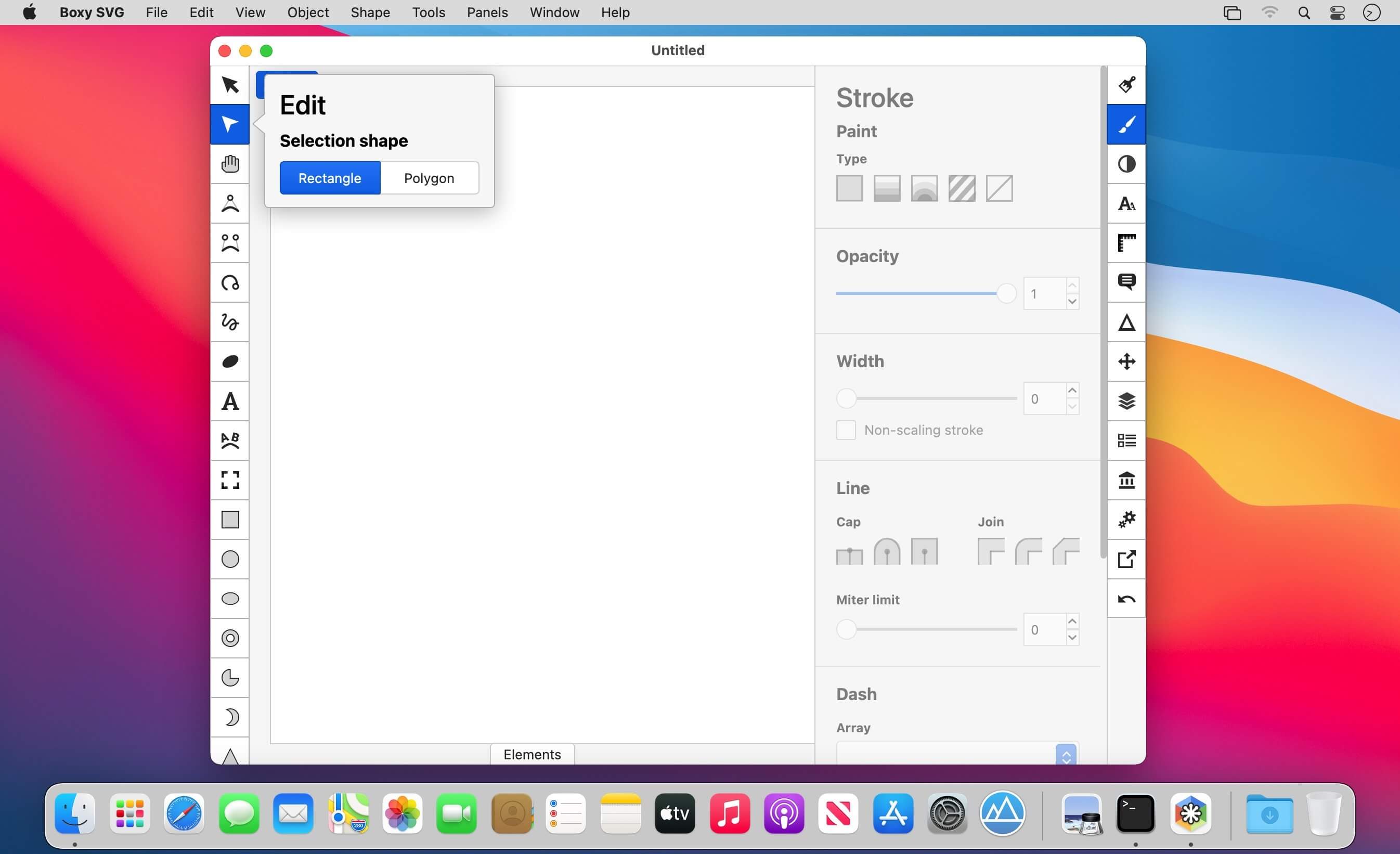
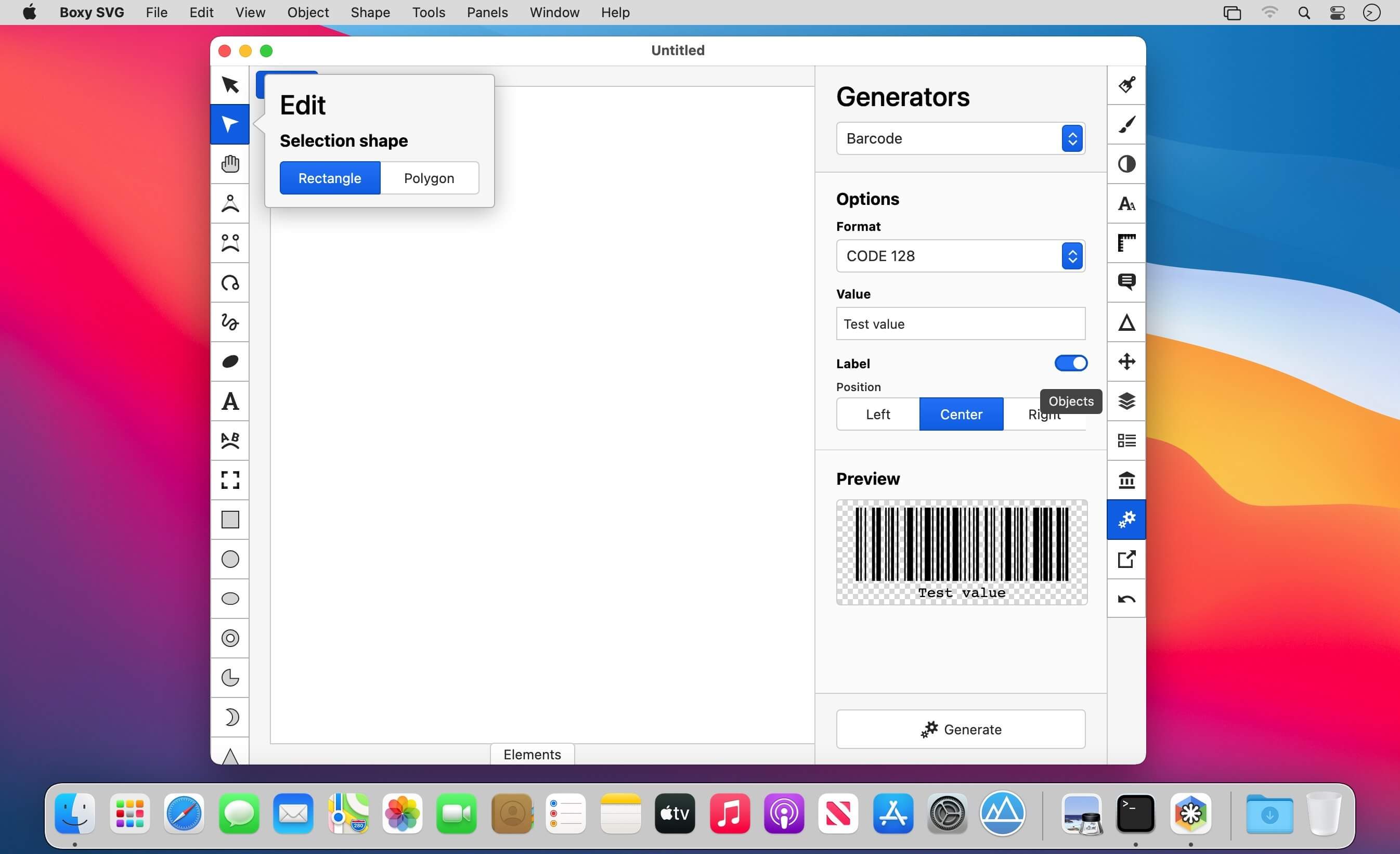
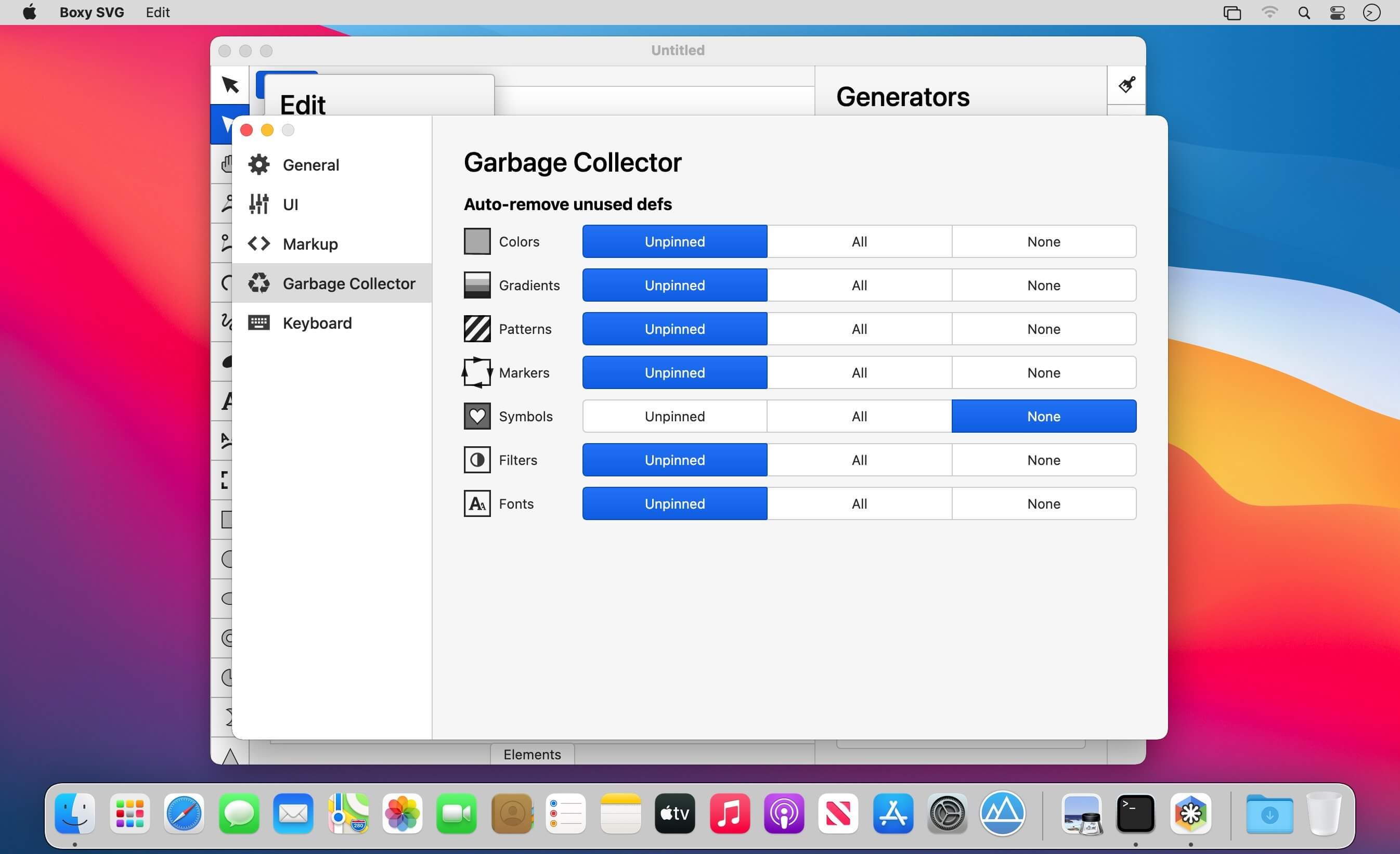
Boxy SVG is a vector graphics editor that's easy enough for beginners and powerful enough for professional designers and developers.
Create icons, banners, charts, and illustrations in SVG, the standard format for sharp, scalable graphics on the web and beyond.
Designed to Feel Familiar
A clean, intuitive interface that anyone who has used a professional design app will pick up right away. Edit shapes, transforms, colors, and more directly on the canvas.
Draw with Precision
- Manual guides, smart guides, and grid
- Path operations: unite, intersect, subtract, exclude, close, reverse, and more
- Arrange objects with align, rotate, flip, order, and group
- Over 100 commands with customizable keyboard shortcuts
Thousands of Free Assets Built In
- Open Clip Art Library: thousands of free stock vector graphics
- Google Fonts: hundreds of free fonts, ready to use
Save and Export Your Way
- Save as SVG or compressed SVGZ
- Export to PNG, JPG, WebP, PDF, and HTML5
Built for Web Developers
- Chromium-based rendering engine, so what you see matches the browser
- SVG and CSS code inspector, similar to Chrome DevTools
- Clean SVG output that preserves IDs, classes, titles, and metadata
- Edit SVG sprites directly
Boxy SVG: vector graphics, made simple.
Version 4.114.1
- Improved: Show sticky headers when scrolling animation picker widget
- Fixed: Animation picker widget should not show two vertical scrollbars
- Fixed: Exporting to PDF fails if the SVG file does not have viewport defined
- Fixed: Exported PDF files have wrong size
- Fixed: "File > New from preset" sets wrong change counter in Electron-based apps
- Fixed: "File > New from clipboard" command fails in Electron-based apps
Frequently asked questions
How do I install the app?
Mount the image, drag the app into the "Applications" folder and launch it. If the system blocks the launch, allow it in "System Settings → Privacy & Security".
The app is damaged or won't launch
Reinstalling from a fresh image usually helps. Make sure your macOS version matches the one listed in the compatibility specs.
How do I update?
Download the new version from the site and install it over the current one — your settings will be preserved.
The download link doesn't work
Try a mirror or a download manager. For large files the browser often drops the connection.
How do I completely remove the app?
Use an uninstaller utility — it cleans up the service files that remain after moving the app to the trash.



Choose a download source
Boxy SVG 4.114.1 · 233.14 MB
Previous versions
Boxy SVG 4.114.1
Previous versions are available to registered users.