Comic Life 4.2.2
Comic Life — photo comic maker and comic book creator
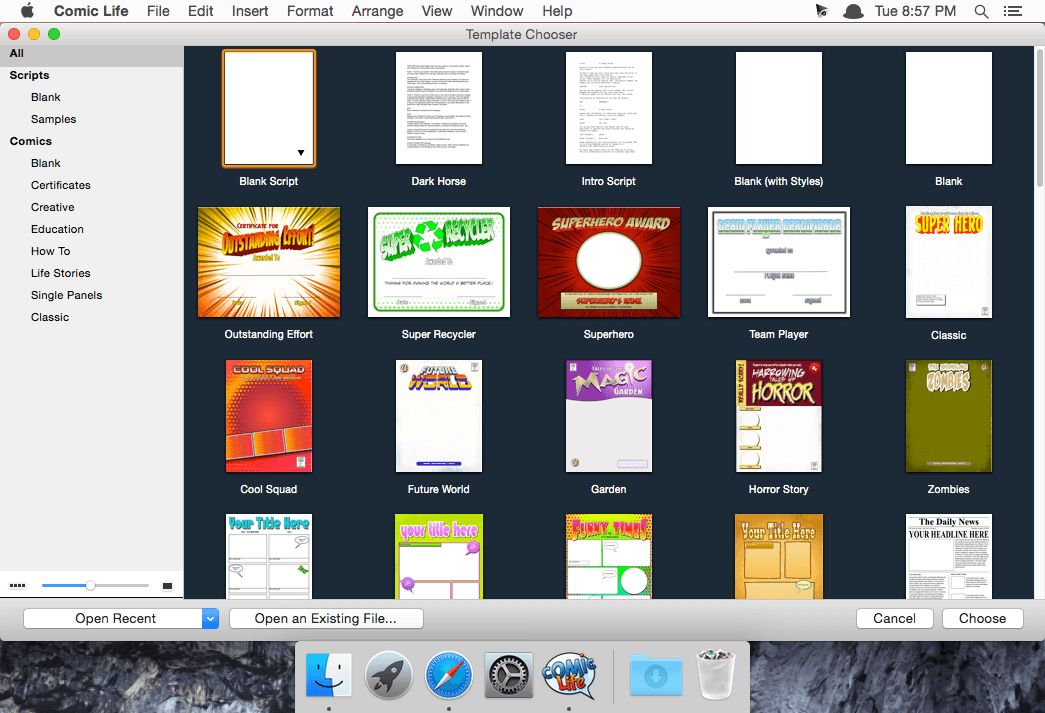
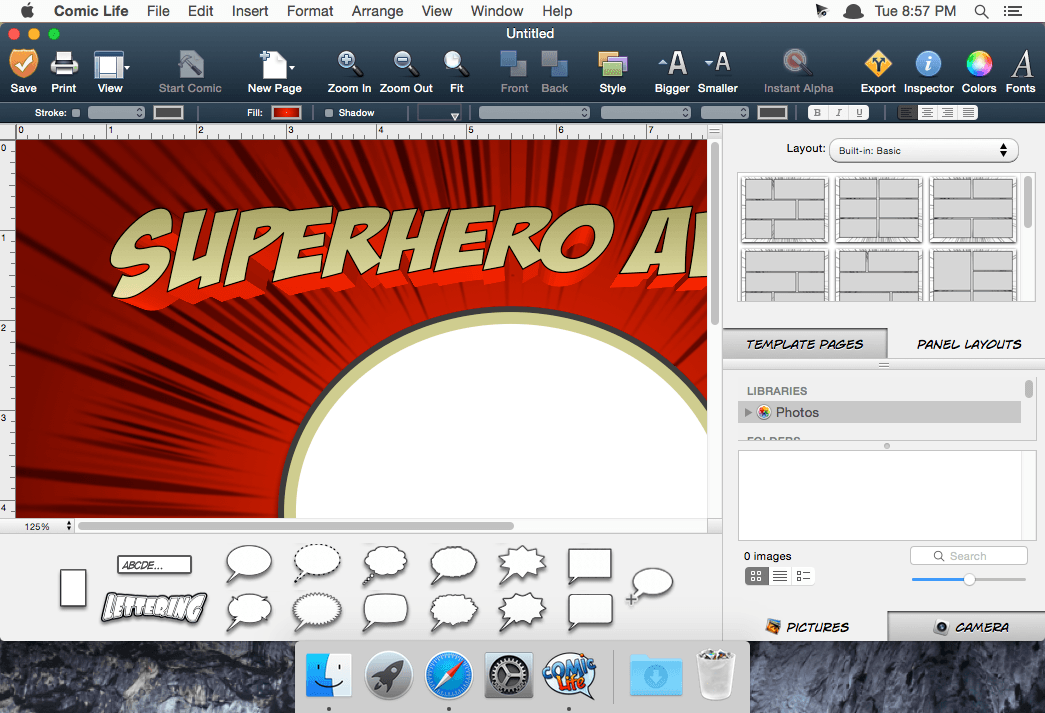
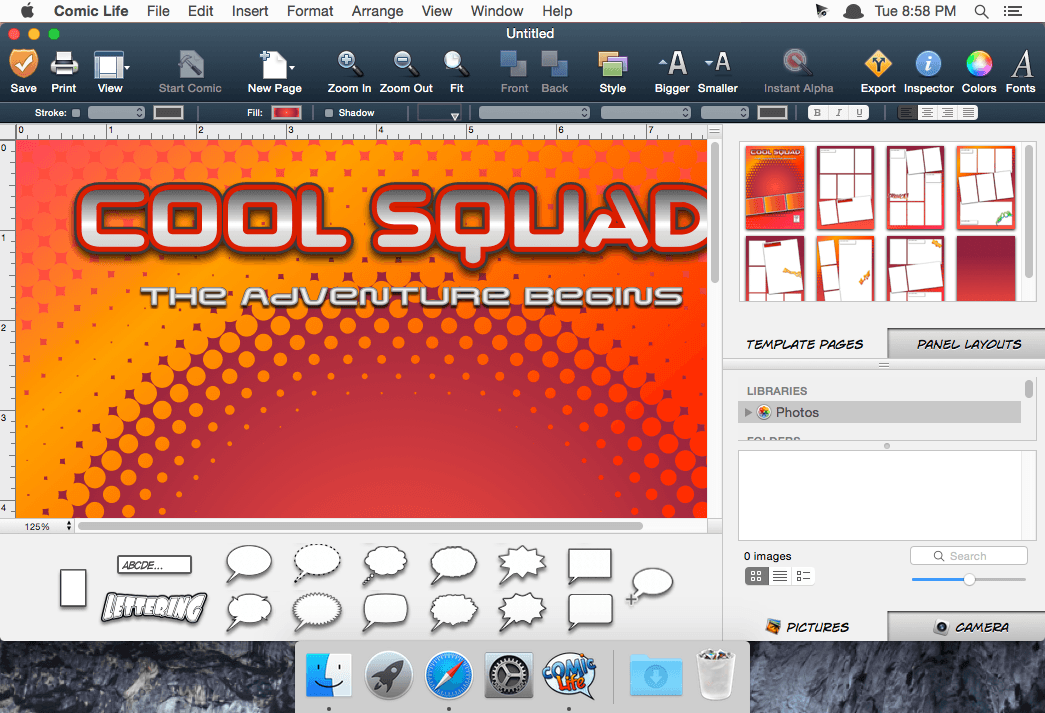
Turn your photos and ideas into comic books, storyboards, school projects, flyers, presentations, and more with Comic Life.
Whether you’re telling a personal story, creating a comic with friends, or bringing a classroom project to life, Comic Life gives you the tools to make every page memorable. Combine your photos with customizable panels, captions, speech balloons, lettering, templates, and creative effects to build polished photo comics without complicated design software.
Create comics your way
- Choose from 35 eye-catching templates to get started quickly.
- Arrange photos, panels, captions, balloons, and lettering with an intuitive drag-and-drop interface.
- Add dialogue, narration, sound effects, titles, and other comic-style elements.
- Use built-in photo filters to give your images a distinctive look.
- Remove backgrounds and place characters in new scenes.
- Add motion blur and dynamic backgrounds to emphasize movement and action.
- Customize layouts, colors, fonts, and comic elements to match your story.
Plan your story with Script
- Use the integrated script editor to develop your plot and organize your ideas before designing your pages. Script can identify different text elements and display helpful icons as you write. When your story is ready, simply drag text from the script into your comic layout and preview your creation as you go.
Share your finished creations
- When your comic is complete, export it as a PDF, image file, ePub, or CBR e-book. You can also share your work by email or Facebook.
- From unforgettable photo stories to school assignments and internet memes, Comic Life makes it easy to create comics that look great and tell your story.
Version 4.2.2:
- Various bug fixes and Ul improvements.
Frequently asked questions
How do I install the app?
Mount the image, drag the app into the "Applications" folder and launch it. If the system blocks the launch, allow it in "System Settings → Privacy & Security".
The app is damaged or won't launch
Reinstalling from a fresh image usually helps. Make sure your macOS version matches the one listed in the compatibility specs.
How do I update?
Download the new version from the site and install it over the current one — your settings will be preserved.
The download link doesn't work
Try a mirror or a download manager. For large files the browser often drops the connection.
How do I completely remove the app?
Use an uninstaller utility — it cleans up the service files that remain after moving the app to the trash.





Choose a download source
Comic Life 4.2.2 · 88.29 MB
Previous versions
Comic Life 4.2.2
Previous versions are available to registered users.