
Typinator 10.2
Typinator — Text Expansion Software for Faster, More Accurate Typing
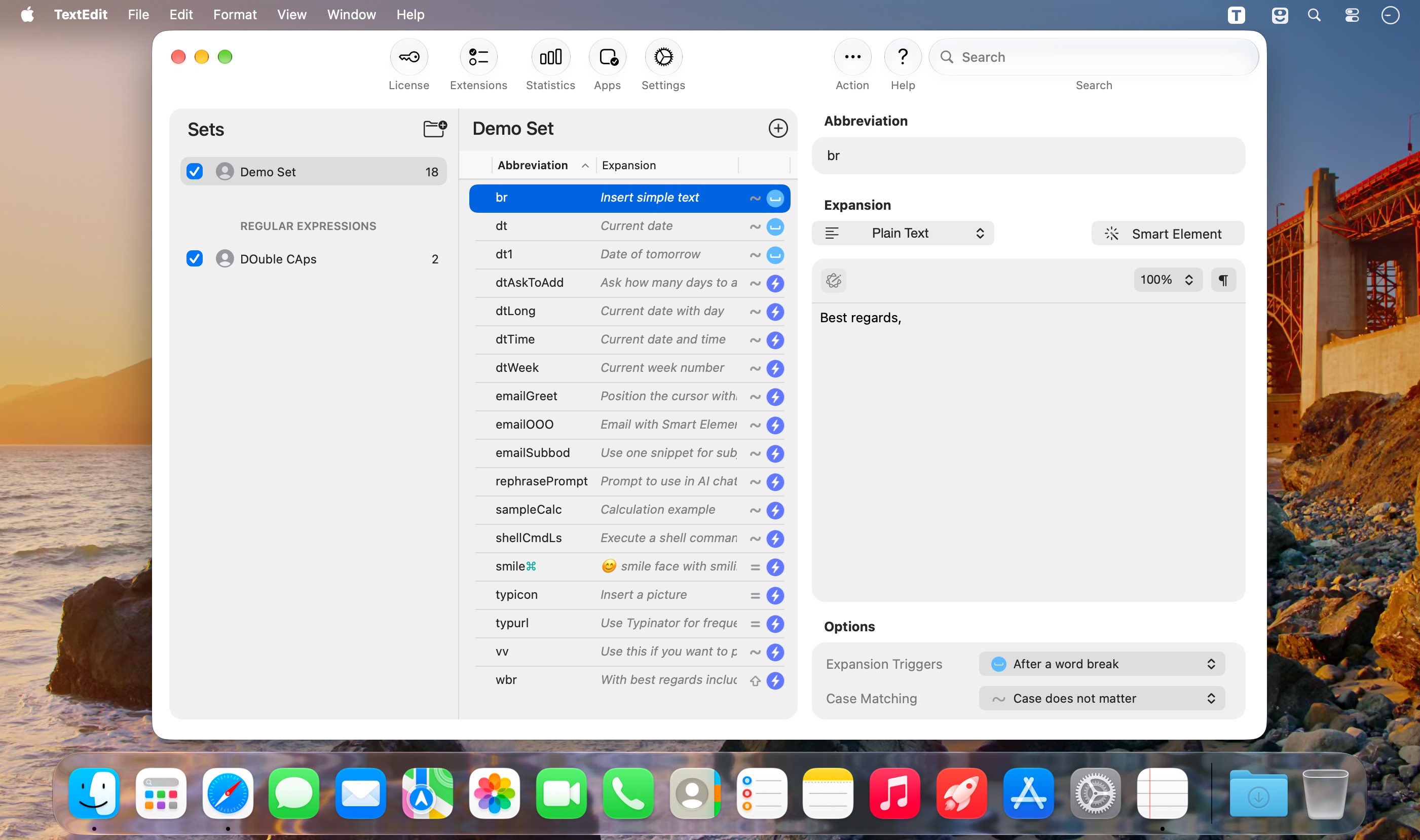
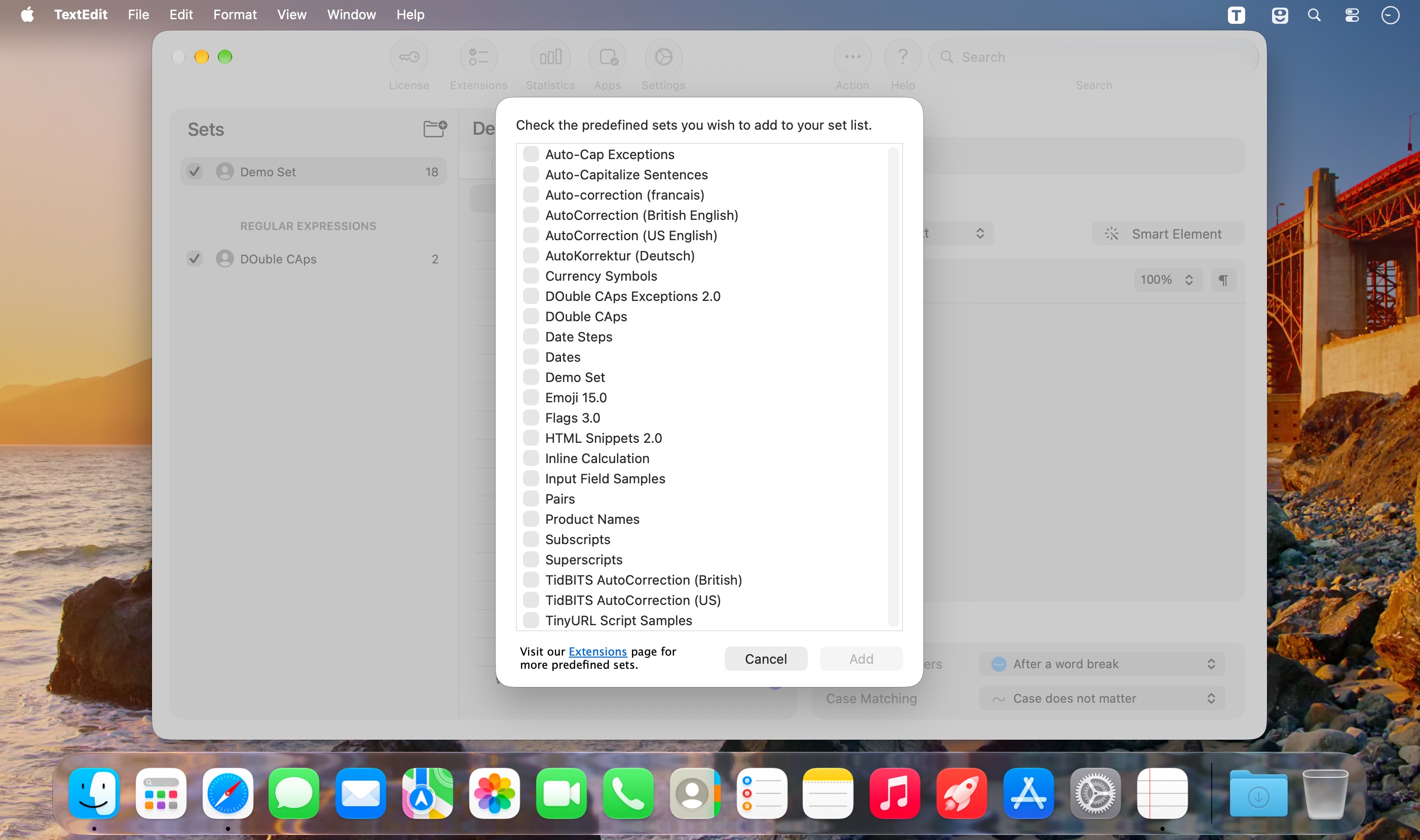
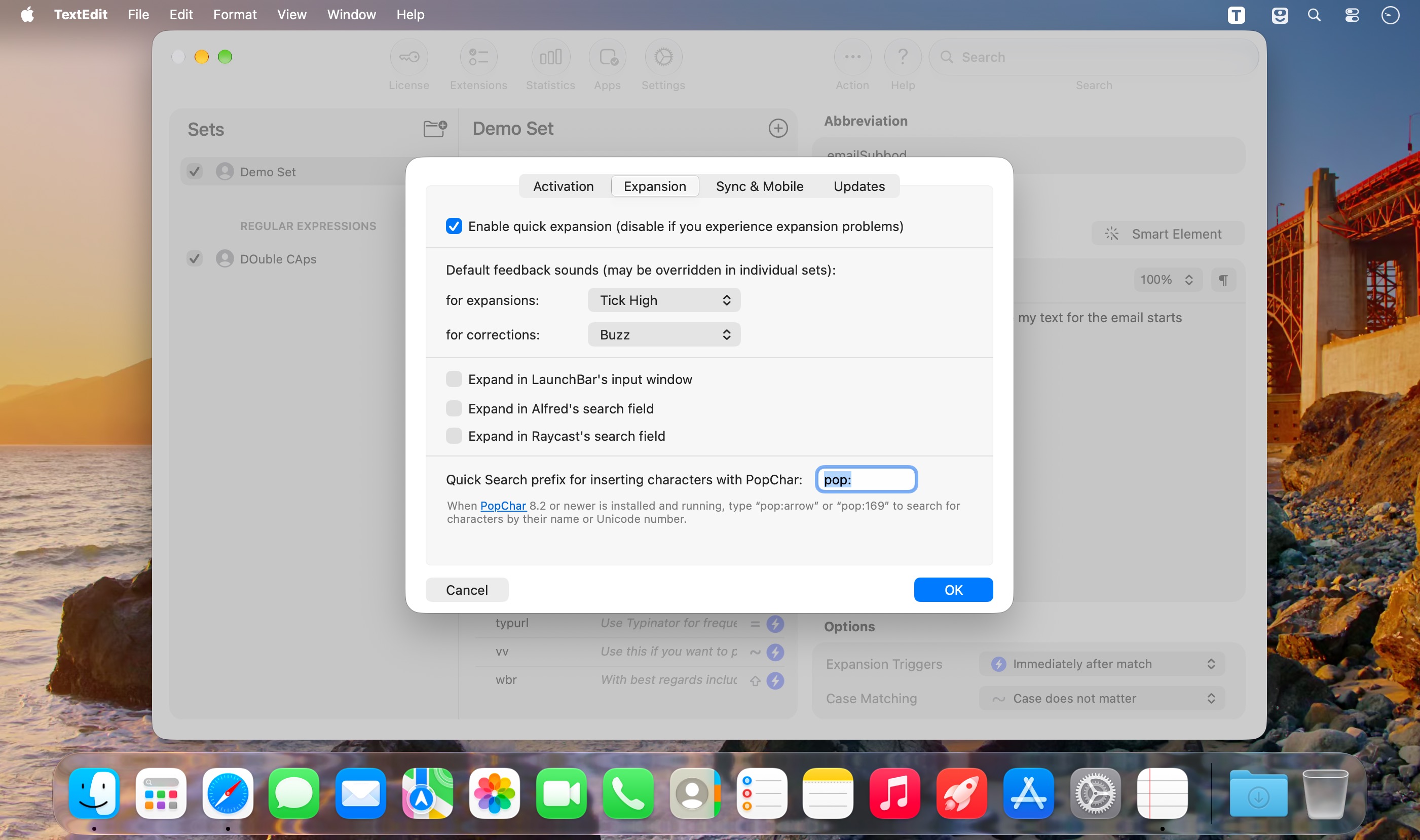
Turn repetitive typing into instant shortcuts and save hours every week. Typinator lets you insert text, images, dates, formulas, code, and AI prompts with just a few keystrokes—wherever you type.
Create your own snippets or get started with ready-made abbreviation sets. Replace copy-and-paste with fast, reliable text expansion and eliminate repetitive work, typos, and inconsistencies.
Use Typinator to:
- Insert frequently used text instantly
- Create shortcuts for emails, messages, signatures, templates, and forms
- Automatically correct typos as you type
- Standardize brand names, technical terms, and company-specific language
- Expand dates, images, formulas, code, and AI prompts
- Share snippet sets with your team
- Keep your abbreviations available across Mac, iPhone, and iPad
Typinator works system-wide across macOS and iOS, online or offline. Use it in Safari, Chrome, Mail, Outlook, Teams, Slack, Notion, Obsidian, ChatGPT, Claude, Gemini, Google Workspace, LinkedIn, WhatsApp, Zendesk, HubSpot, Atlassian, Jira, and virtually any other app.
Fast, flexible, and private—with zero latency, even with large snippet libraries.
Join more than 100,000 individuals and teams using Typinator to type less, work faster, and communicate consistently.
Version 10.2:
Improvements:
- Smarter secure-input detection — Typinator now more reliably identifies which application is currently holding secure input
- Improved sync reliability with clearer error reporting
- Faster switching, creating, and editing of large abbreviation sets
- Faster Quick Search in very large collections, with improved support for external monitors
- Faster, smoother app startup
- Quick Define remembers your last selected abbreviation set
- Improved input-field dialogs on Macs with multiple displays
Bug fixes:
- Various bug fixes and stability improvements based on user feedback
Frequently asked questions
How do I install the app?
Mount the image, drag the app into the "Applications" folder and launch it. If the system blocks the launch, allow it in "System Settings → Privacy & Security".
The app is damaged or won't launch
Reinstalling from a fresh image usually helps. Make sure your macOS version matches the one listed in the compatibility specs.
How do I update?
Download the new version from the site and install it over the current one — your settings will be preserved.
The download link doesn't work
Try a mirror or a download manager. For large files the browser often drops the connection.
How do I completely remove the app?
Use an uninstaller utility — it cleans up the service files that remain after moving the app to the trash.





Choose a download source
Typinator 10.2 · 35.95 MB
Previous versions
Typinator 10.2
Previous versions are available to registered users.