
Glow 3.1.0
Glow: macOS menu bar manager for clean, customizable icons
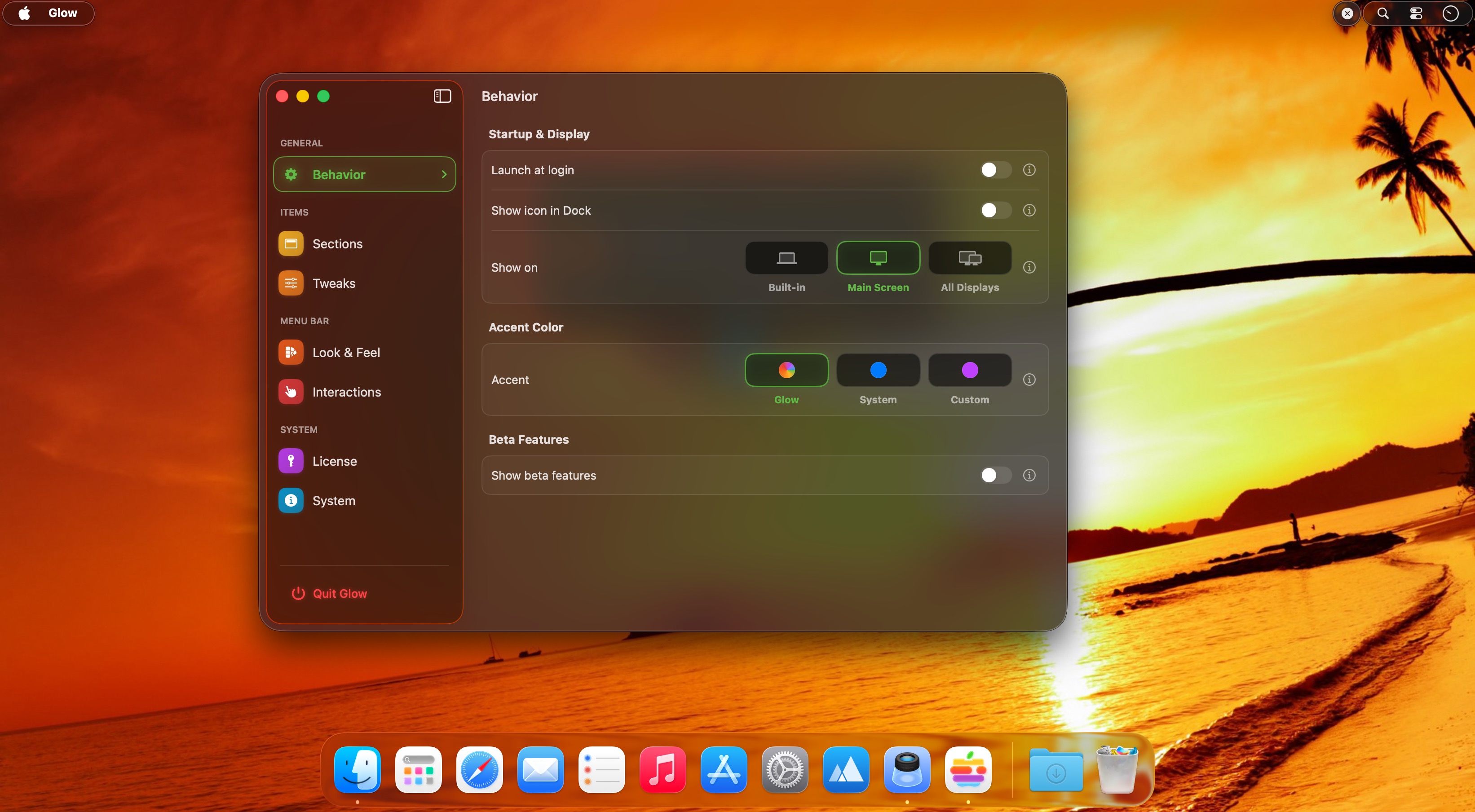
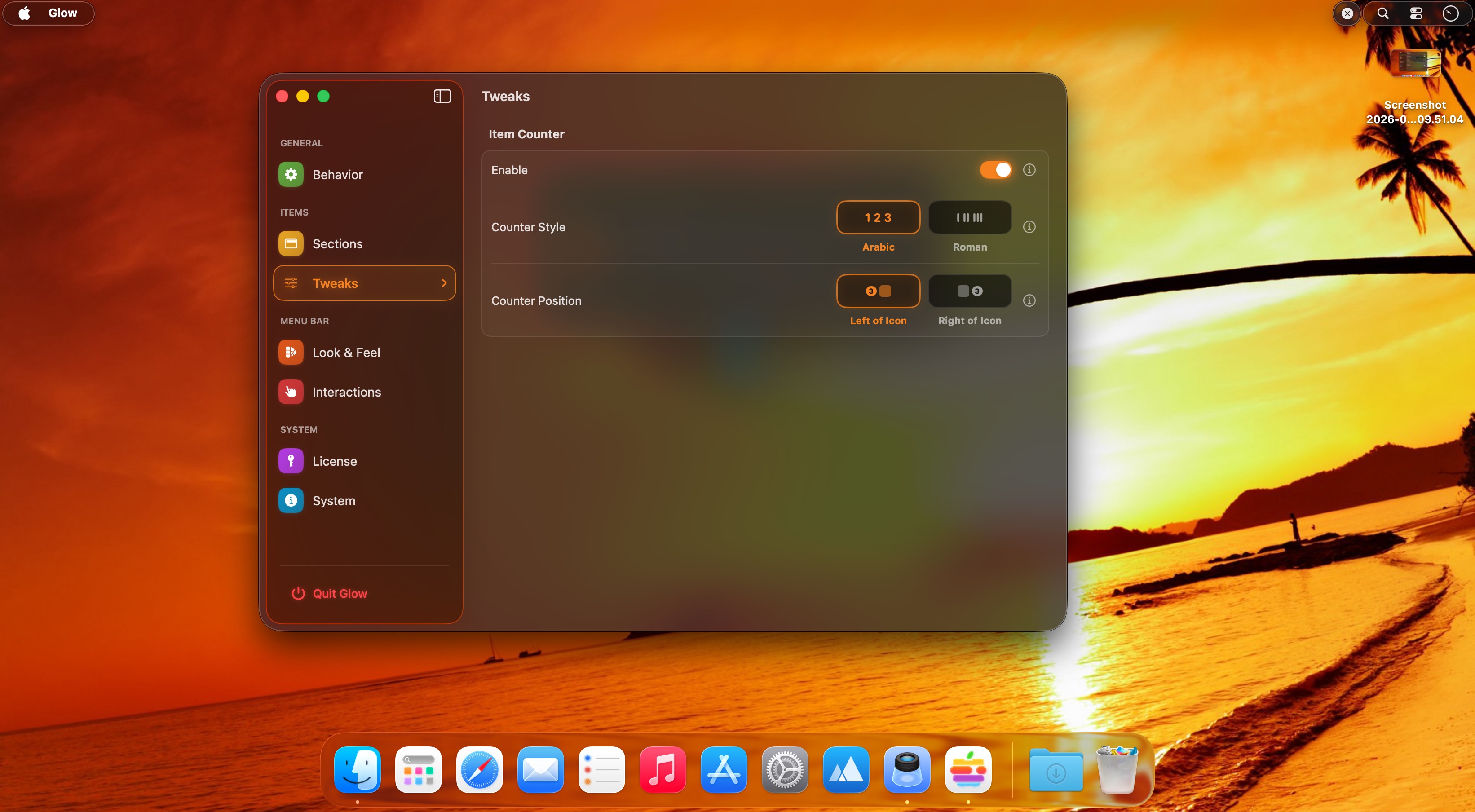
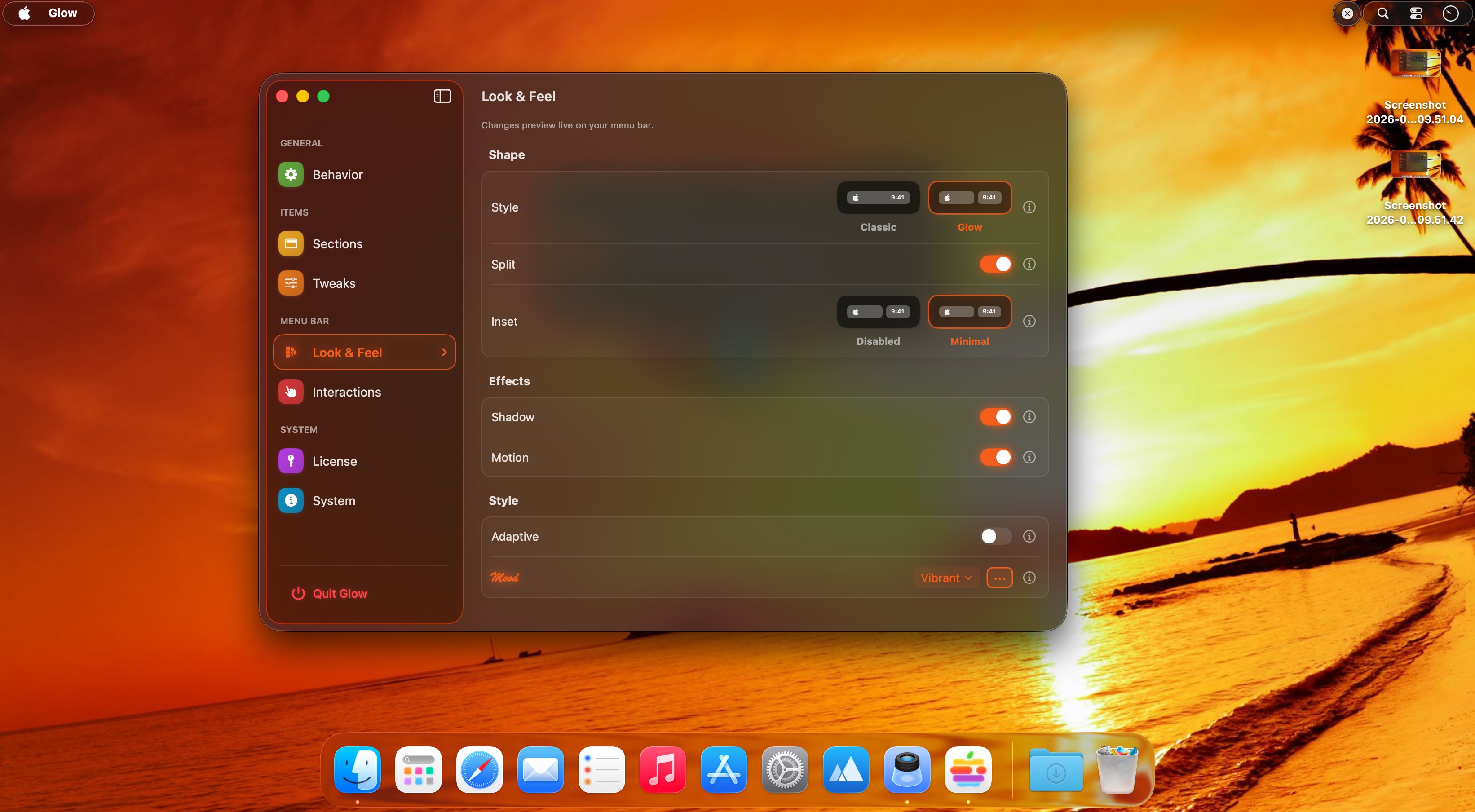
Glow — Polished macOS Menu Bar Manager
Keep your macOS menu bar clean, elegant, and effortlessly customizable.
- Fluid reveal gesture: Hide menu bar icons behind a smooth, liquid-glass animation that feels native to the OS.
- Aesthetic syncing: Automatically match the menu bar tone to your live wallpaper for seamless visual harmony.
- Instant customization: Tweak spacing, borders, and styles with real-time previews — adjustments apply instantly.
- Clutter-free access: Keep only the icons you need visible while keeping everything else just a gesture away.
- Designed for polish: Subtle motion and refined visuals make the menu bar feel intentionally crafted, not cluttered.
Glow is a refined organizer that declutters your menu bar while elevating its look and feel.
Version 3.1:
- A redesigned welcome experience and more reliable menu bar appearance.
Frequently asked questions
How do I install the app?
Mount the image, drag the app into the "Applications" folder and launch it. If the system blocks the launch, allow it in "System Settings → Privacy & Security".
The app is damaged or won't launch
Reinstalling from a fresh image usually helps. Make sure your macOS version matches the one listed in the compatibility specs.
How do I update?
Download the new version from the site and install it over the current one — your settings will be preserved.
The download link doesn't work
Try a mirror or a download manager. For large files the browser often drops the connection.
How do I completely remove the app?
Use an uninstaller utility — it cleans up the service files that remain after moving the app to the trash.





Choose a download source
Glow 3.1.0 · 11.74 MB
Previous versions
Glow 3.1.0
Previous versions are available to registered users.