
UPDF 2.5.6
UPDF: AI PDF Editor for Editing, Annotating, and Converting PDFs
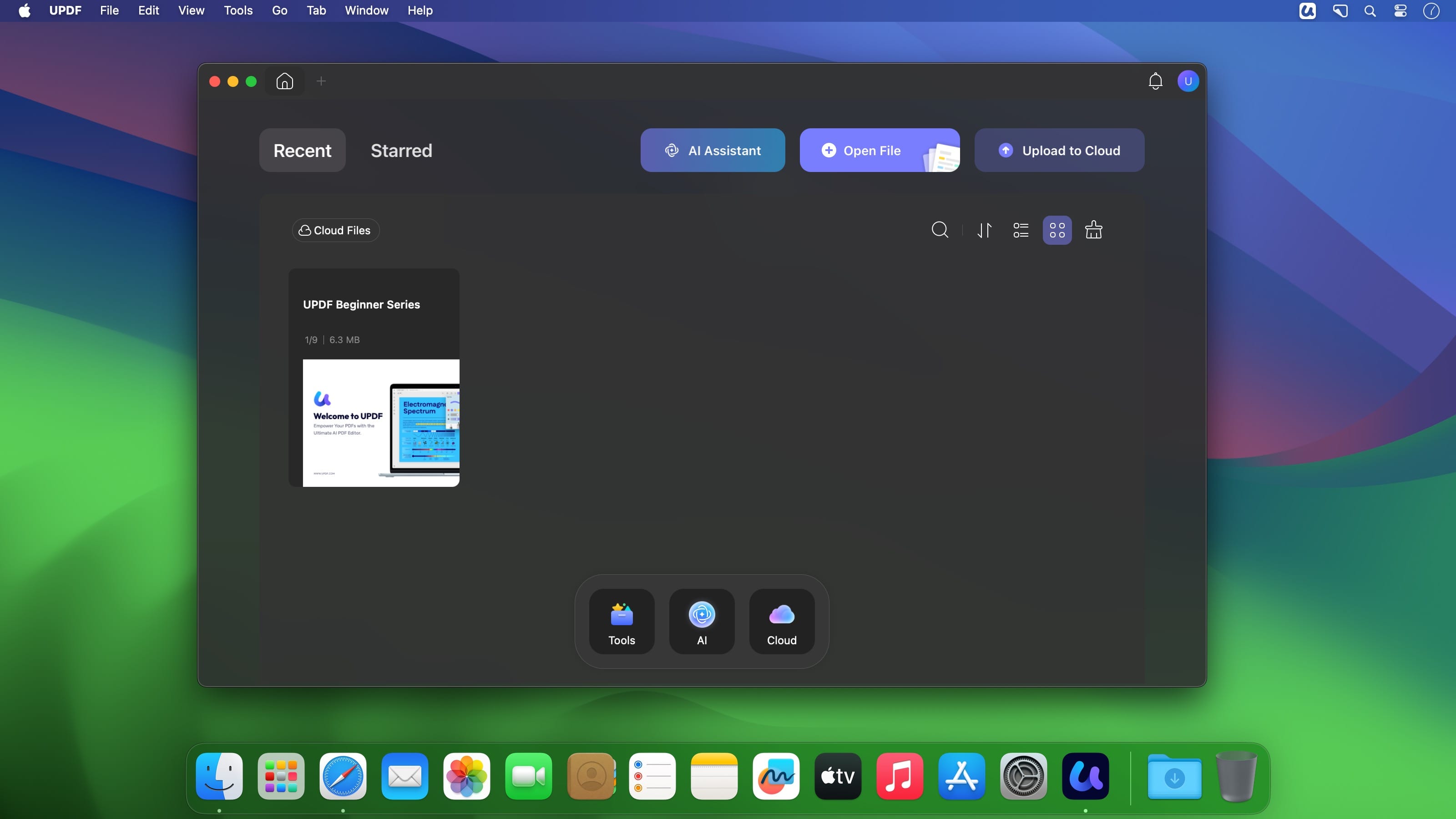
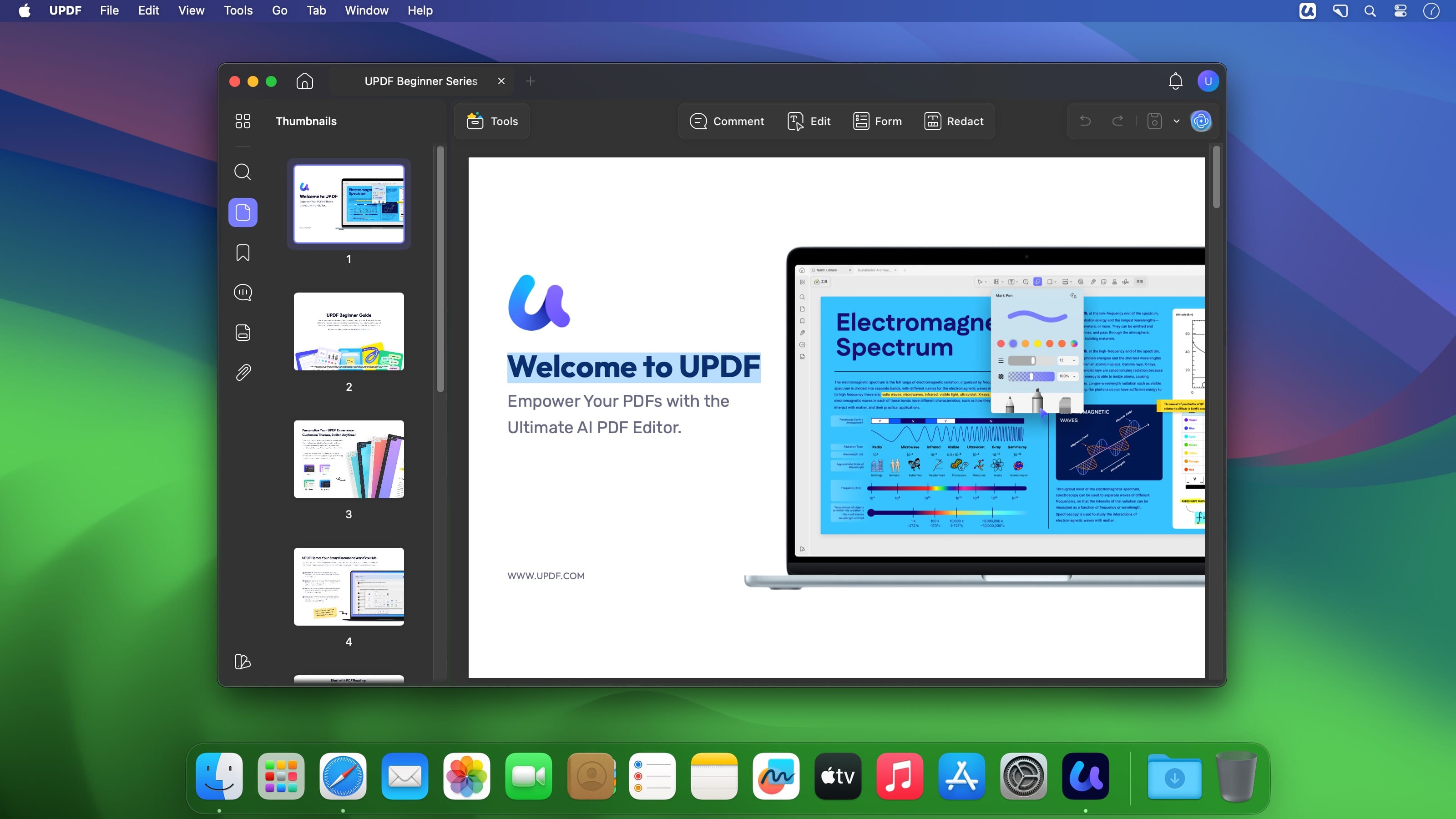
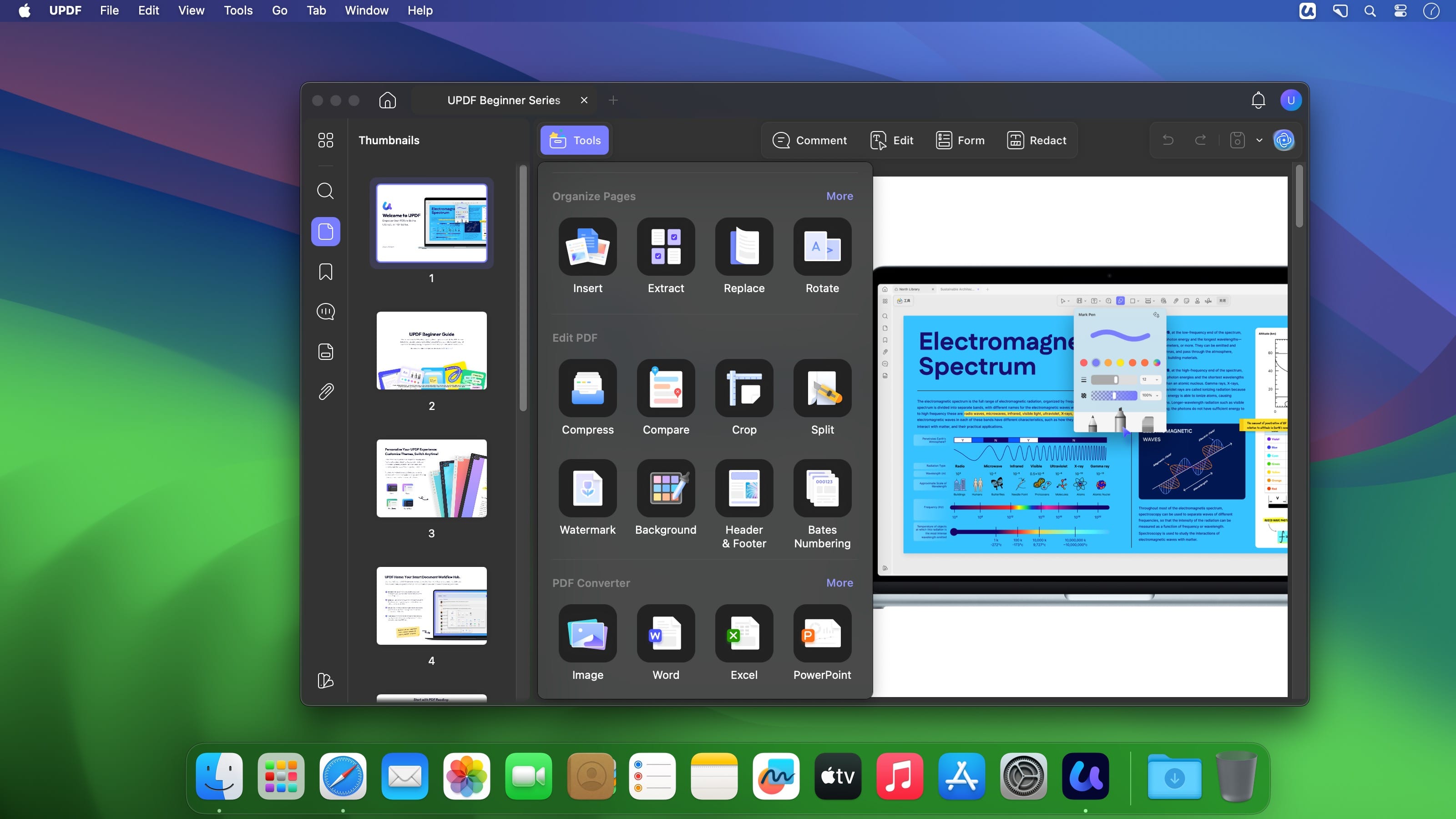
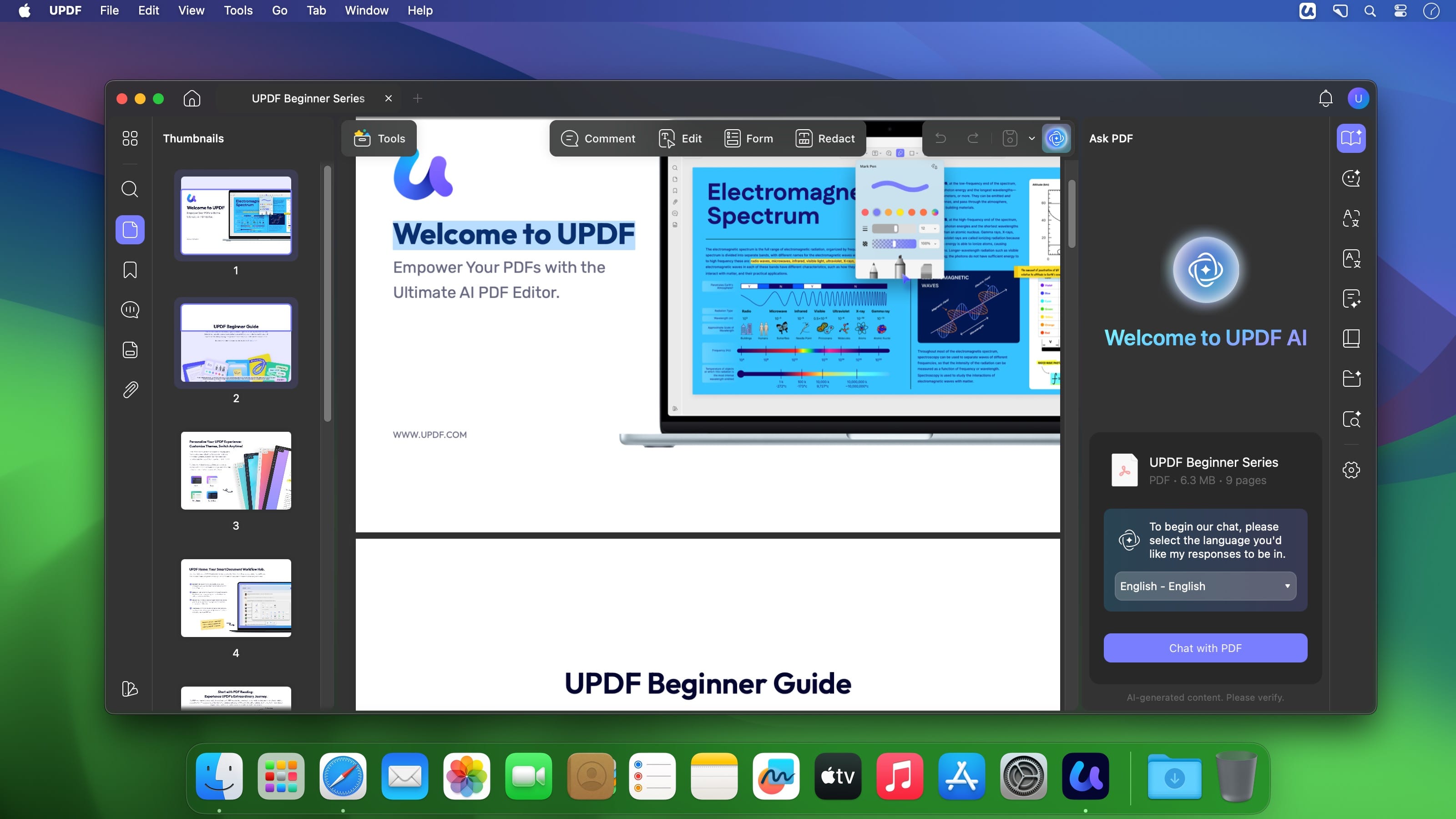
UPDF is an AI PDF editor and PDF editing software for chatting, annotating, converting, OCR, signing, and managing documents across devices.
FEATURES
AI Assistant
- Powered by GPT-4.1 and Full DeepSeek (R1).
- AI chat with your PDF to summarize, translate full PDFs without losing format, and get answers related to the PDFs.
- Convert PDFs to mind maps.
- Chat with images and ask any questions about the images.
- Ask any prompts and get answers from AI.
Edit PDFs
- Edit text in PDF to change the properties of the text, such as the color, font, size, etc.
- Edit images in PDF to change the size, crop, rotate, extract, replace, delete, etc.
- Add or remove links to the web or a page.
Annotate PDFs
- Highlight, underline, strikethrough, or squiggly the text in PDFs.
- Add sticky notes, text boxes, text comments, text callouts, or shapes to PDFs.
- Free-hand drawing within a PDF.
- Add stamps, stickers, and signatures to PDFs.
- Measure PDF.
UPDF Cloud
- Sync files across different devices and platforms.
OCR
- Convert scanned PDFs or images into searchable and editable PDFs or vice versa.
- Can recognize text in 38 languages.
Convert PDFs
- Convert PDFs to: DOCX, XLSX, and PPTX.
- Convert PDFs to image: PNG, JPEG, BMP, TIFF, and GIF.
- Convert PDFs to TXT, RTF, CSV, HTML, and XML.
Organize PDF Pages
- Insert, replace, extract, split, rotate, remove, and reorder the pages in PDFs
- Crop or extend page margins.
- Split a long single page into multiple pages.
Protect PDFs
- Add an open or permission password to protect PDFs from opening, copying, editing, and printing.
Prepare Form
- Create fillable PDF forms by adding interactive form fields.
- Fill PDF forms and add an e-signature.
- Add digital signatures to prove the sender’s identity.
Batch Process PDFs
- Support batch process to convert, merge, OCR, compress, print, create, insert, and encrypt PDFS
- Support batch process to add or remove backgrounds, watermarks, header & footer, and Bates numbering in multiple PDFs
- Batch Remove text markup, measurements, stamps, form fields, and signatures.
Read and Print PDFs
- View PDF single page or two-page view/scrolling.
- Text-to-speech.
- Search and find text.
- Slideshow PDF.
- Support light and dark mode.
- Add and manage bookmarks.
- Print PDFs.
Create PDFs
- Create a blank PDF with different backgrounds or from Word/Excel/PPT/image/CAJ/Paperwork/selection capture/window capture/screen capture/clipboard/scanner.
MORE
- Share PDF via link, QR code, or email.
- Compare PDFs.
- Redact sensitive information in PDF.
- Add, edit, or remove watermarks from PDFs.
- Edit the background for PDFs.
- Edit the header and footer from PDFs.
- Save as PDF/A.
- Flatten PDFs.
Version 2.5.6
New:
- Customize the rotation of images and text more freely.
- Split across documents when batch printing double-sided PDFs.
- Control PDF/A document detection with a new toggle.
- Control digital signature detection with a new toggle.
- Select and delete multiple items in the Comment and Form lists.
- Manually adjust the crop box in Remove White Margins mode.
Improved:
- Improved tone rewriting and polishing in AI editing.
Fixed:
- Fixed several reported issues to improve overall product stability.
Frequently asked questions
How do I install the app?
Mount the image, drag the app into the "Applications" folder and launch it. If the system blocks the launch, allow it in "System Settings → Privacy & Security".
The app is damaged or won't launch
Reinstalling from a fresh image usually helps. Make sure your macOS version matches the one listed in the compatibility specs.
How do I update?
Download the new version from the site and install it over the current one — your settings will be preserved.
The download link doesn't work
Try a mirror or a download manager. For large files the browser often drops the connection.
How do I completely remove the app?
Use an uninstaller utility — it cleans up the service files that remain after moving the app to the trash.

Choose a download source
UPDF 2.5.6 · 129.78 MB
Previous versions
UPDF 2.5.6
Previous versions are available to registered users.