SignFlow - eSign PDF Editor 1.1.1
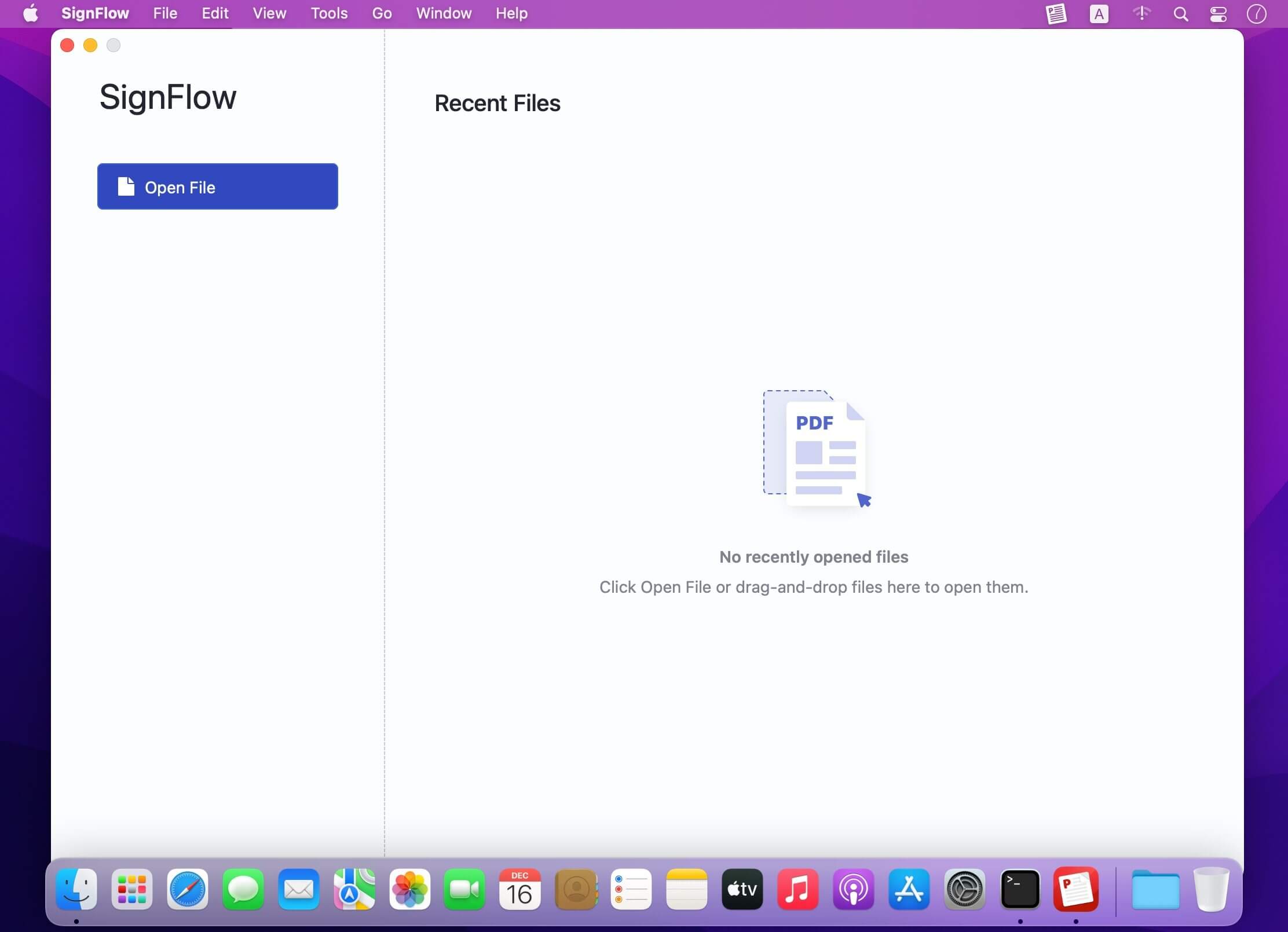
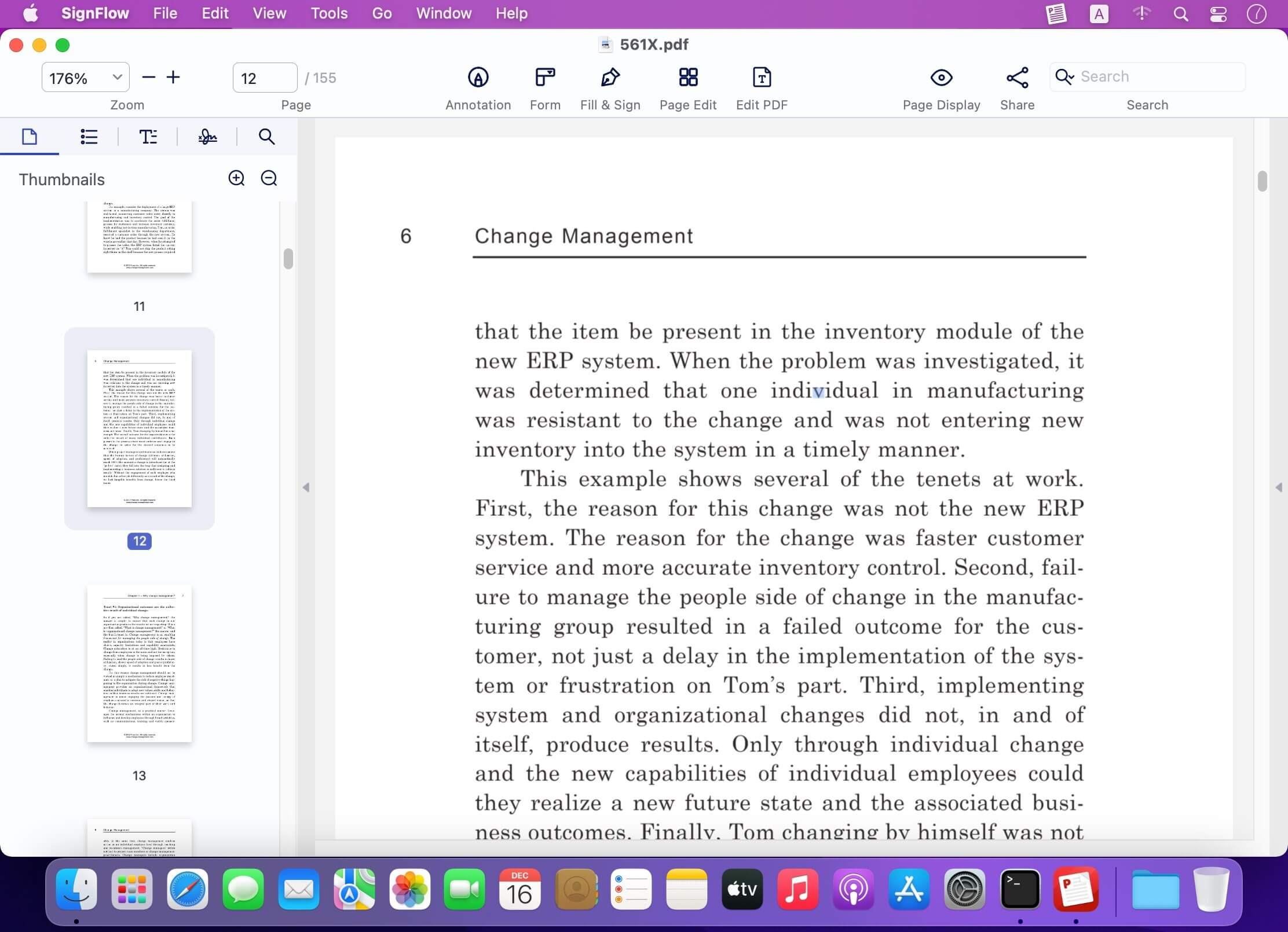
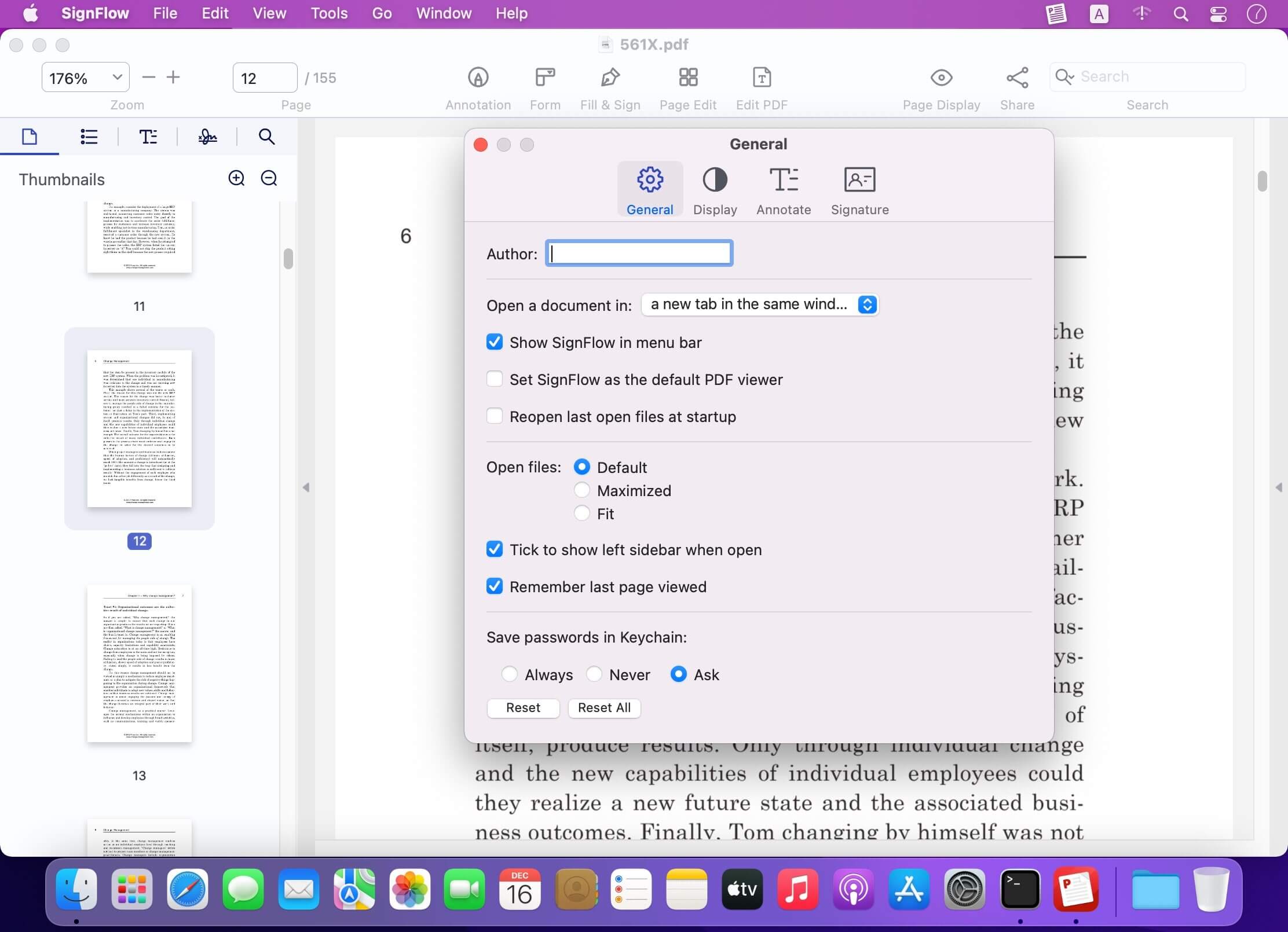
SignFlow is a fast eSignature PDF editor that lets you digitally sign PDF documents, fill, read, edit and comment PDFs, making your editing and signing workflow smooth.
Simple but mighty! SignFlow makes reading, annotating, editing, e-sign, organizing, filling, secure PDFs effortless!
Packed with essential PDF tools, SignFlow is your best PDF files partner.
SignFlow allows you to apply a legally-binding digital signature in PDFs, and it provides an effortless PDF solution for you to create, edit and fill out PDF forms. You can edit text in PDFs like word, manage and edit PDF pages, annotate and view your PDFs.
Read PDF
- Open PDF files from the Finder and view multiple files in one tab simultaneously. Support Drag & Drop
- Reading modes: view file in full-screen, page-fit, book mode, read mode, continuous and page break
- Customize and personalize toolbar to provide easy access to frequently-used features
- Quickly navigate PDF files by page thumbnails or outlines
- Switch themes from light mode, dark mode, sepia mode and reseda mode to please your eyes
Markup / Annotation Expert
- Markup, highlight, underline, strikeout text in PDFs
- Annotate PDF, add comment, text box, anchored note, freehand drawing, stamps, insert shapes(rectangle, circle, line, arrow), hyperlink, etc.
- Add/edit links. Target link to a specific page in page number, external website(URL) and email
- Apply standard business stamps(like APPROVED) or create custom dynamic seals and digital identity stamps with an automatic date
Digital Sign PDFs
- e-Signing documents. Apply a certificate-based signature(p12) on a document with a digital ID
- Create a self-signed digital ID for a legal signature to protect electronic documents against fraud
- Customize the e signature appearance. You can personalize signing information like signer name, date, reason, logo and more
- eSign PDF documents, no signee and signable pdf files limits
- Sign PDF or add digital signature with no need to sign up an account
Organize / Edit Pages
- Manage pages of a document such as reorganize, renumber, insert, extract, rotate and delete pages.
- Insert a blank page or borrow pages from another PDF into the existing PDF
- Extract pages or drag selected pages out to create a new PDF
- Rotate and delete pages in a PDF
Edit PDF Text
- PDF text editing like Word. You can replace, add, change or delete texts in PDFs. Font attributes (font size&text color) are changeable
Form Creator & PDF Filler
- Create and edit fillable PDF forms with interactive fields, such as text fields, checkboxes, radio buttons, list boxes, combo boxes, and etc.
- Form editor allows you to group form fields and align form elements as you need
- Work with static PDF forms created in Adobe Acrobat
Secure & Share PDF
- Set a password and permissions to protect PDFs from being opened, copied, edited, moved, printed by unauthorized users
- Save and share your files (original PDF, Flattened PDF) to others
Version 1.1
- PDF Redaction tools allow you to make your private information stay private by blacking out certain personal contents easily.
- PDF Editor supports to modify, add, delete contents in PDF documents. Its text tool to add new text content is also available.
- Fix bugs and optimize performance.
Frequently asked questions
How do I install the app?
Mount the image, drag the app into the "Applications" folder and launch it. If the system blocks the launch, allow it in "System Settings → Privacy & Security".
The app is damaged or won't launch
Reinstalling from a fresh image usually helps. Make sure your macOS version matches the one listed in the compatibility specs.
How do I update?
Download the new version from the site and install it over the current one — your settings will be preserved.
The download link doesn't work
Try a mirror or a download manager. For large files the browser often drops the connection.
How do I completely remove the app?
Use an uninstaller utility — it cleans up the service files that remain after moving the app to the trash.

Choose a download source
SignFlow - eSign PDF Editor 1.1.1 · 22.68 MB