
MacClean 3.6.1
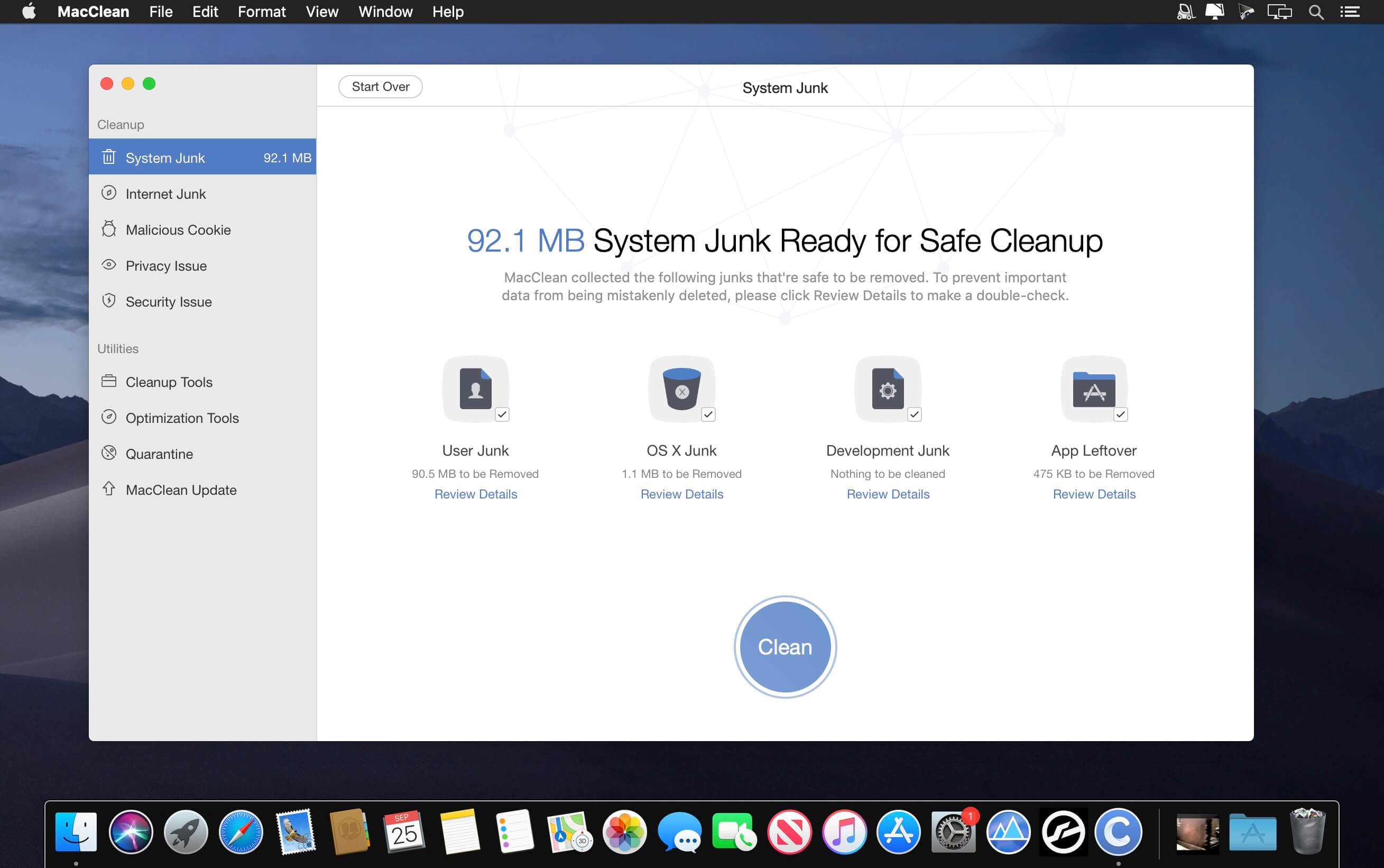

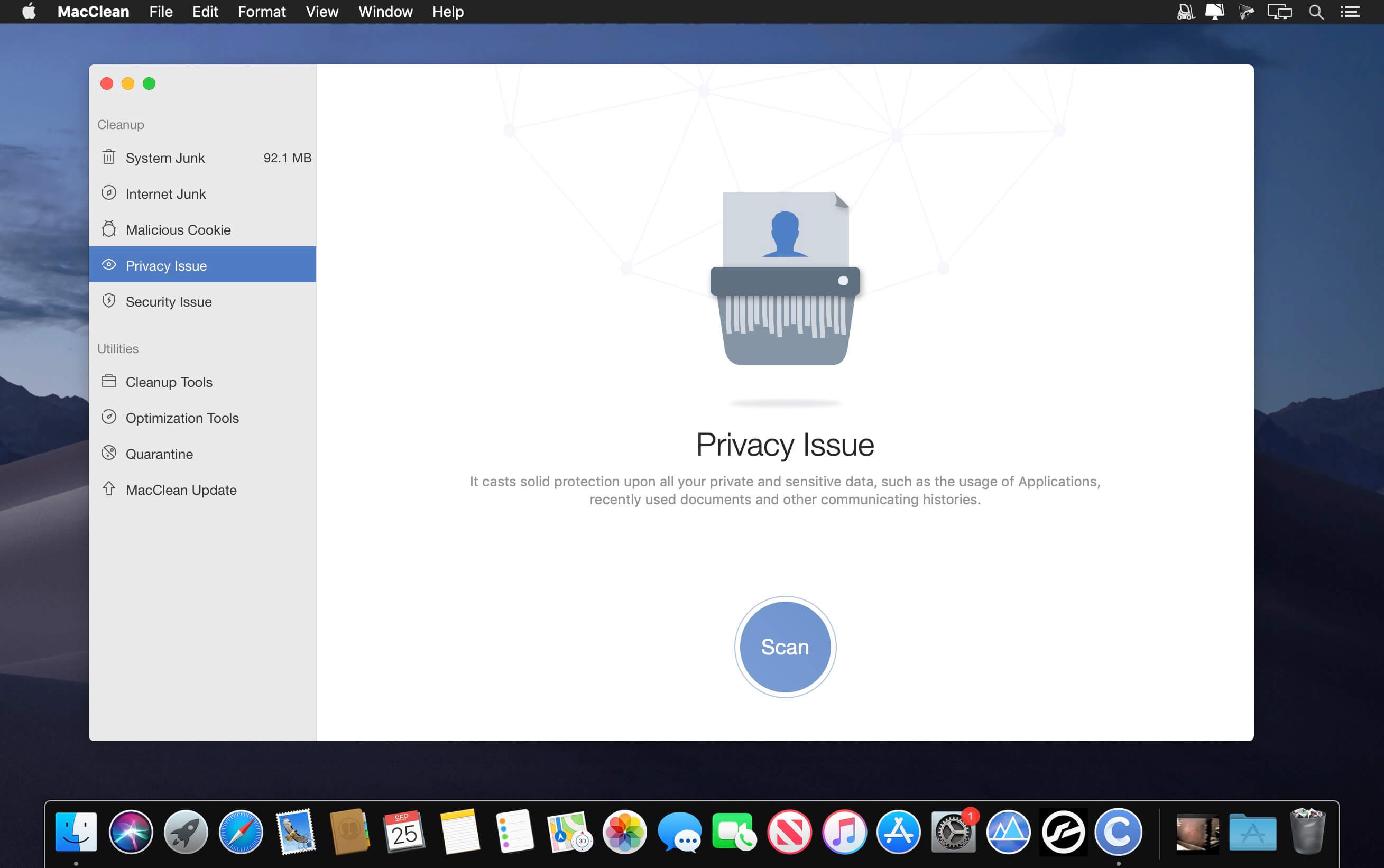
MacClean 3, an easy-to-use yet free Mac utility, comes to initiate a new round of spring cleaning on your Mac with the features of cleanup, optimization, privacy care and security protection. It cares more about your Mac security by deep scanning the malicious threats in your Mac, so that you can enjoy a cleaner and safer working environment.
Features
- Clean up and free up space on Mac -- MacClean 3 scans out all safe-to-remove junks generated in your system, such as caches, log files, app leftovers, temp files, development junks, etc. It also gives a bunch of cleanup utilities to help you do cleaning with old and large files, useless duplicates, unused language files, etc.
- Keep your Mac stay at top performance -- With a set of Mac optimizing and maintenance tools, MacClean 3 removes gigabytes of unused image copies in Photos, redundant Binary junks, and unused background extensions.
- Protect all your privacy from prying eyes - MacClean 3 erases your traces and cleans up cookies, cashes, sessions, history, saved passwords and other website data from Safari, Chrome, Firefox and Opera. It also removes your deleted iMessages and FaceTime history to ensure the security for you.
- Protect your Mac from being attacked -- It comes to give you full protection against security threats, such as malicious cookies, malware, spyware, worms, scareware, adware, etc. You’ll always be safe from potential risks with MacClean 3.
Version 3.6.1:
- Release notes were unavailable when this listing was updated.
Frequently asked questions
How do I install the app?
Mount the image, drag the app into the "Applications" folder and launch it. If the system blocks the launch, allow it in "System Settings → Privacy & Security".
The app is damaged or won't launch
Reinstalling from a fresh image usually helps. Make sure your macOS version matches the one listed in the compatibility specs.
How do I update?
Download the new version from the site and install it over the current one — your settings will be preserved.
The download link doesn't work
Try a mirror or a download manager. For large files the browser often drops the connection.
How do I completely remove the app?
Use an uninstaller utility — it cleans up the service files that remain after moving the app to the trash.





Choose a download source
MacClean 3.6.1 · 11.22 MB
Previous versions
MacClean 3.6.1
Previous versions are available to registered users.