
OS Cleaner Pro 12.5.16
For the Health of your Mac! (Perfect support for macOS Big Sur)
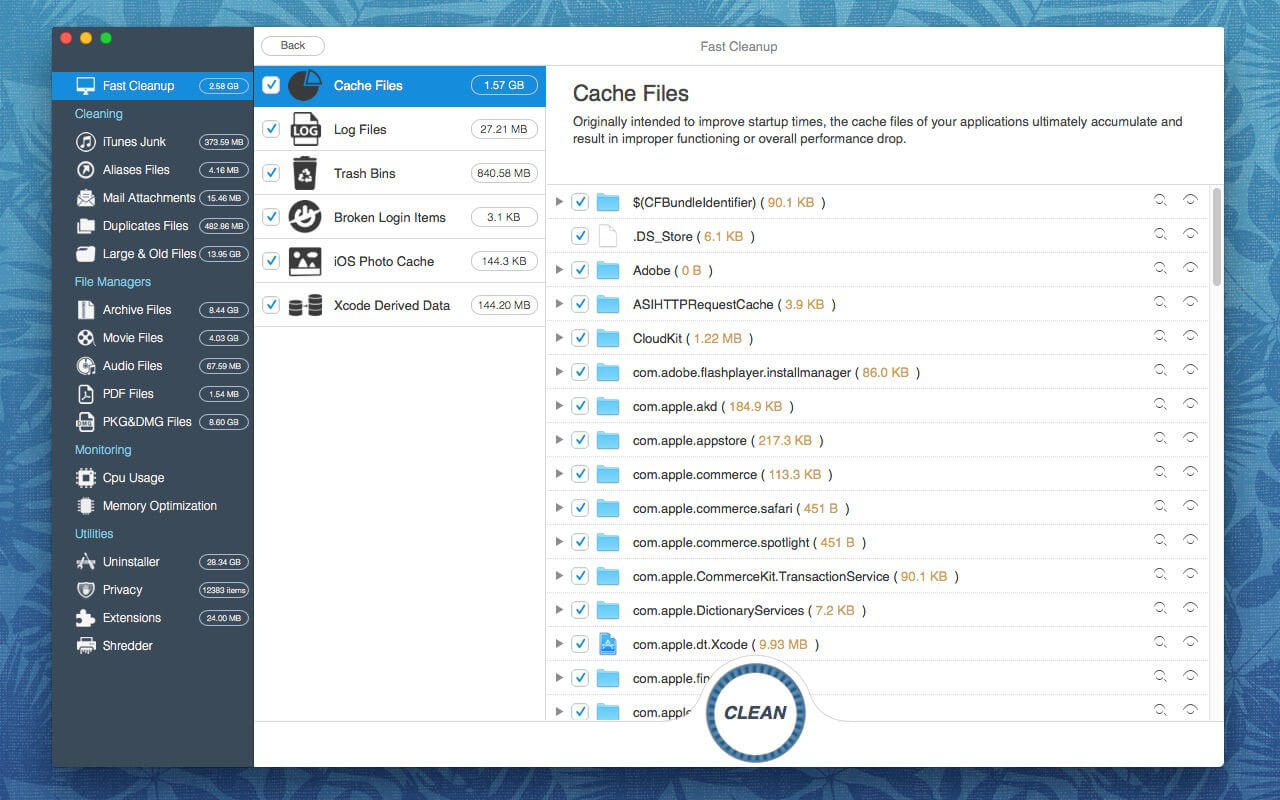
OS Cleaner scans every inch of your system, removes gigabytes of junk with just two clicks, and helps you maintain your Mac’s healthy.
Scan & Monitor --Free
1. Scan and list all the useless files.
2. Monitoring CPU and Memory.
3. Fast Cleanup
Clean your system to achieve maximum performance and free up a lot of disk space.
Additional Tools --Free
1. Startup items
View the items loaded at Startup and installed Services.
2. App Viewer
Display applications information such as copyright, application version, application size, required operating system, etc.
3. Arp Cache
Clear or Flush Arp Cache in OS X
4. Crashed Applications
View your list of crashed applications and remove diagnostic reports to free more space.
5. Running apps
List all running applications.
6. Empty Folders
Remove unnecessary empty folders to keep your os system clean!
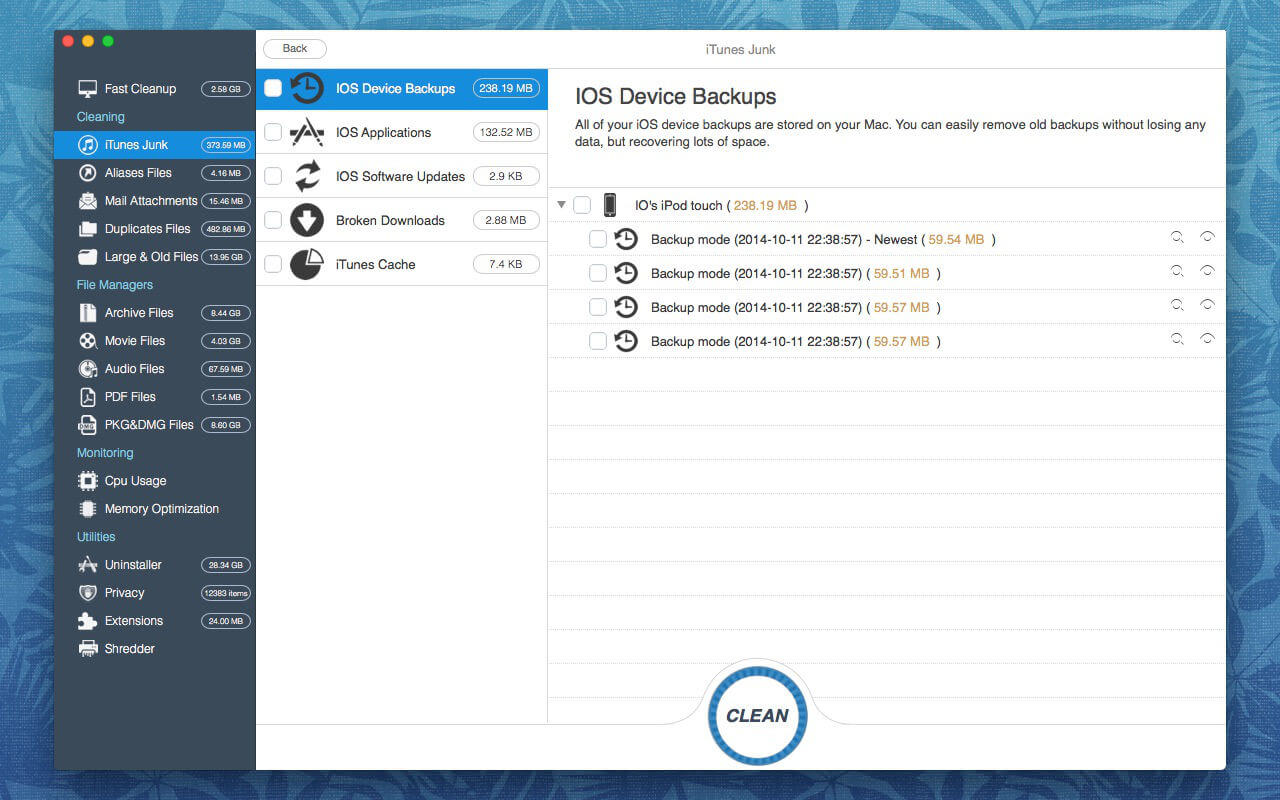
7. iTunes Junk
Clean outdated IOS device backups, software updates, and other iTunes supporting data.
Clean & Uninstaller & Privacy & Extensions --(In-app purchase required)
1. Clean up the useless files.
- Unwanted archive, movie, pdf, pkg, etc
- Unwanted aliases and broken alias files.
- Email downloads and attachments
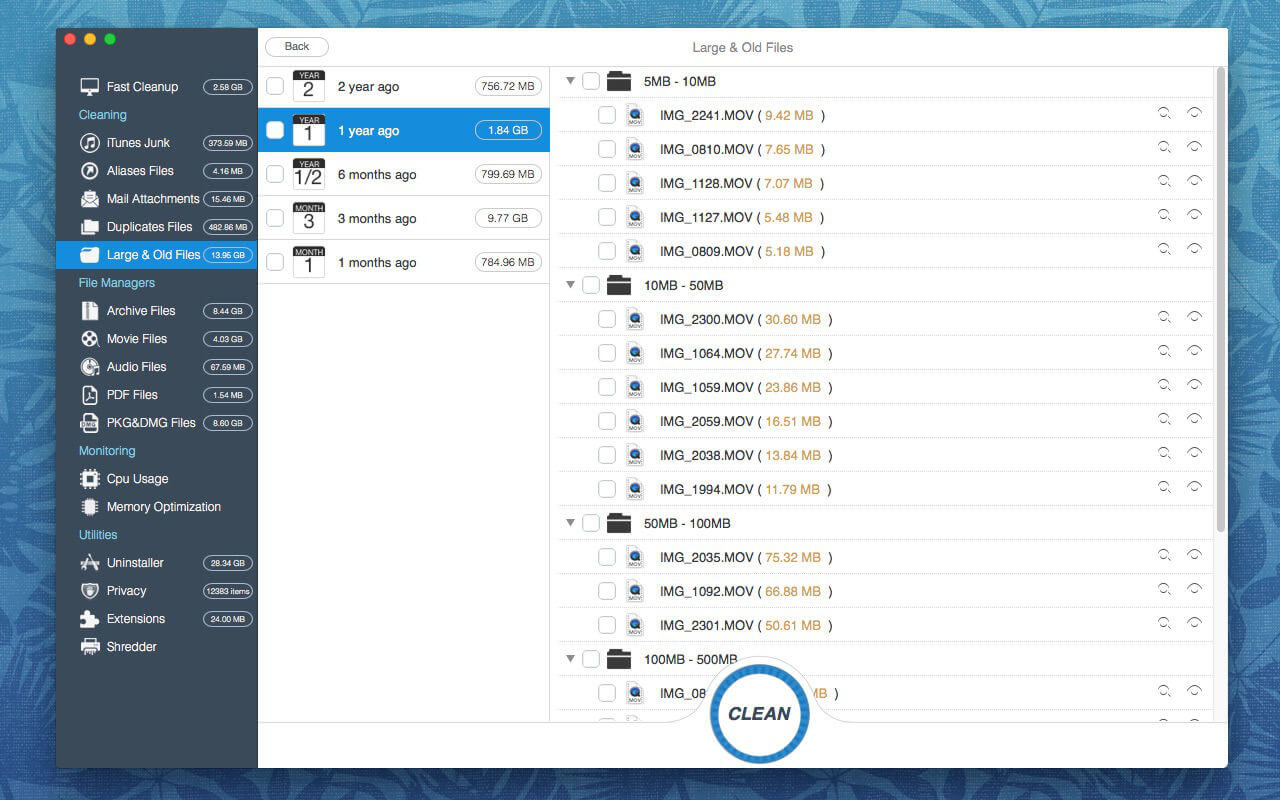
- Duplicate Files, Large & Old Files
2. Uninstaller (Remove entire applications, including all of their associated files. Or resets applications to initial state.)
3. Privacy (Easily clean up your chat history from Messages. and Instantly remove your browsing history, along with traces of your online and offline activity.)
4. Extensions (Remove any of your undesired browser extensions, internet plugins, spotlight plugins, preference panes and screen savers safely.)
Version 12.5.16
Additional features added:
- List login items. (When you log in, automatically opened items)
- List of updatable applications.
Frequently asked questions
How do I install the app?
Mount the image, drag the app into the "Applications" folder and launch it. If the system blocks the launch, allow it in "System Settings → Privacy & Security".
The app is damaged or won't launch
Reinstalling from a fresh image usually helps. Make sure your macOS version matches the one listed in the compatibility specs.
How do I update?
Download the new version from the site and install it over the current one — your settings will be preserved.
The download link doesn't work
Try a mirror or a download manager. For large files the browser often drops the connection.
How do I completely remove the app?
Use an uninstaller utility — it cleans up the service files that remain after moving the app to the trash.





Choose a download source
OS Cleaner Pro 12.5.16 · 9.85 MB
Previous versions
OS Cleaner Pro 12.5.16
Previous versions are available to registered users.