
EaseUS CleanGenius 5.0.0
Easy Mac maintenance utility to make your Mac run faster and perform better. Rescue slow Mac machines – clean Mac, free up disk space and speed up your Mac computer in only 1 minute.
100% Safe and Easy
This Mac cleaner and system optimizing utility helps to clean up junk files or large useless files in a safe way and easily boost Mac performance with just few of clicks
Quick and Efficient
EaseUS CleanGenius for Mac can efficiently clean away any unwanted files that occupy much disk space at high speed to make your Mac faster than ever
Cost-Effective
EaseUS Mac optimizing software does a list of Mac maintenance work at little cost and makes your MacBook or iMac run healthily with great capability
Mac Cleaner
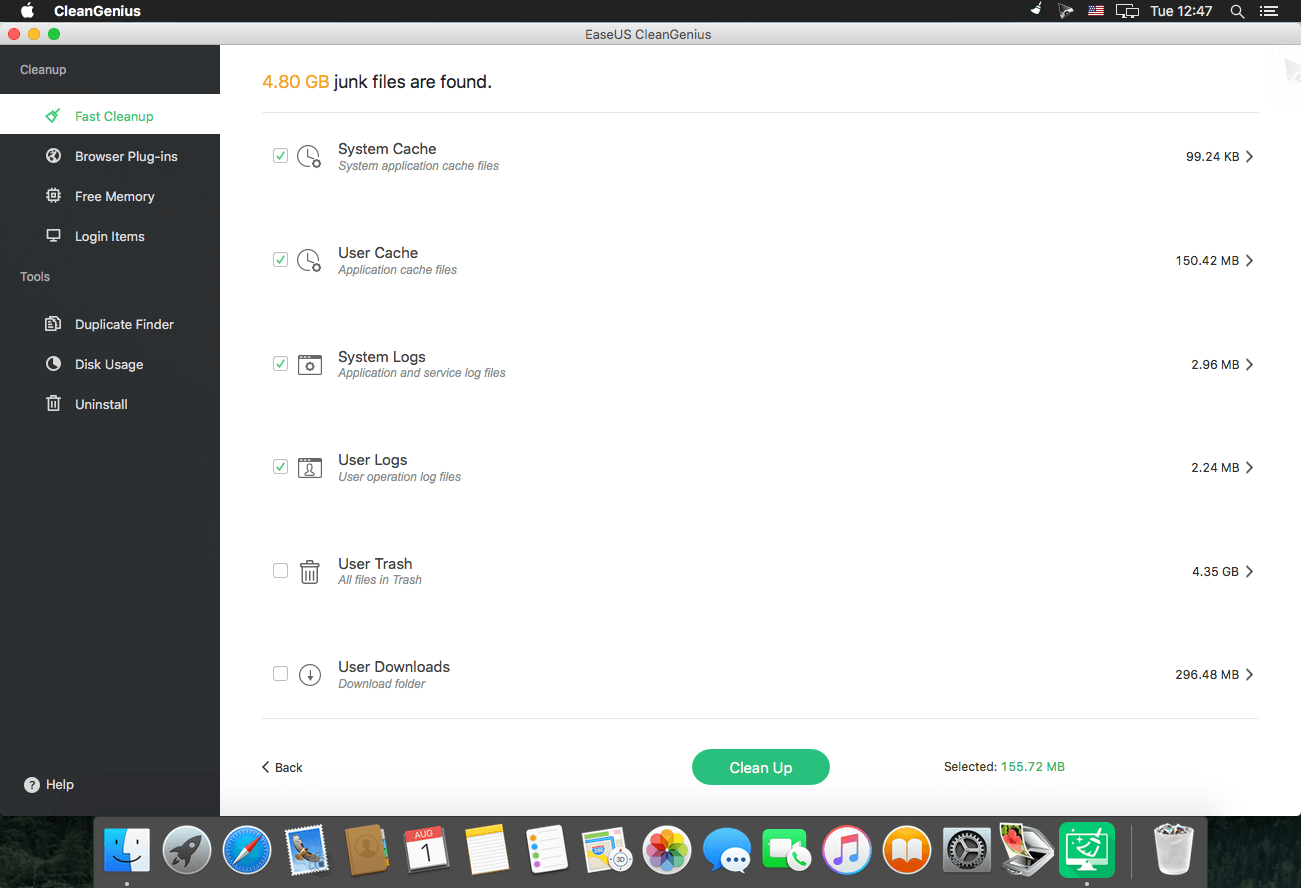
EaseUS CleanGenius for Mac cleans up all junk files, large files, or useless files to free up much more disk space on Mac hard drive. Never make your Mac slow down by system caches, cookies, user caches, system logs, user logs, downloads, trash, Safari internet cache, etc. At the same time, always keep your privacy protected.
Clean up Browser Plug-ins
Remove browser plug-ins, extensions, cookies and caches from popular web browser like Safari, Google Chrome or Firefox while it will not remove the bookmarks and history.
Free Memory
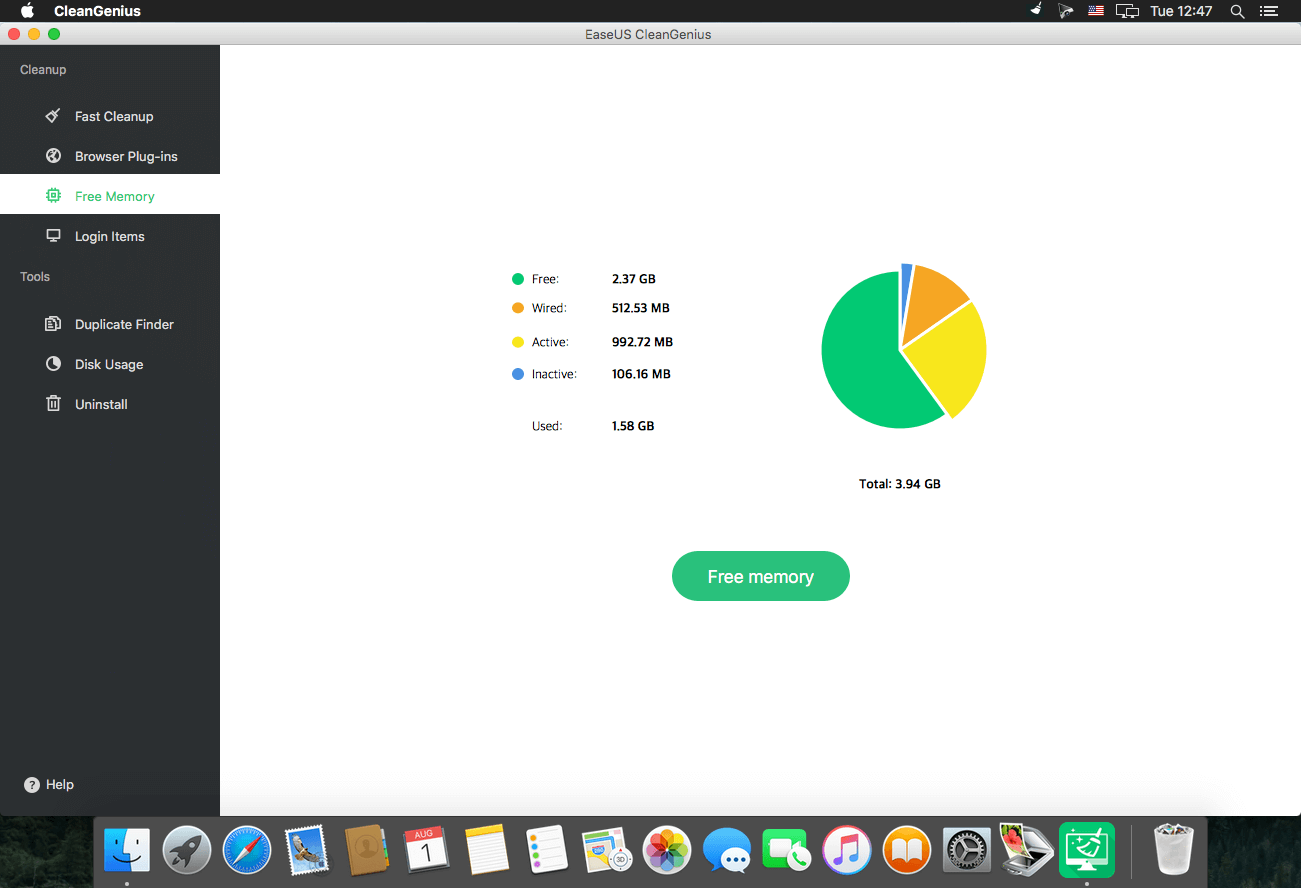
Free up RAM in your Mac that running applications are occupied and slowing down the system in the process. Make the best usage of your internal memory to speed up system running.
Startup Optimization
Easy optimizing software for Mac allows users to decide whether applications start automatically every time you launch your Mac and keep control on all startup items to run your Mac much more smoothly. Also you can also schedule and set up the shutdown time of your Mac computers and apps.
Duplicate Finder
EaseUS Mac optimizing software can easily find duplicate files or identical copies exactly at fast speed. Accumulated file copies occupy much disk space to impede Mac operation. Removing such kind of duplicate files makes sense for better disk usage and higher Mac performance without low disk problems.
App Uninstaller
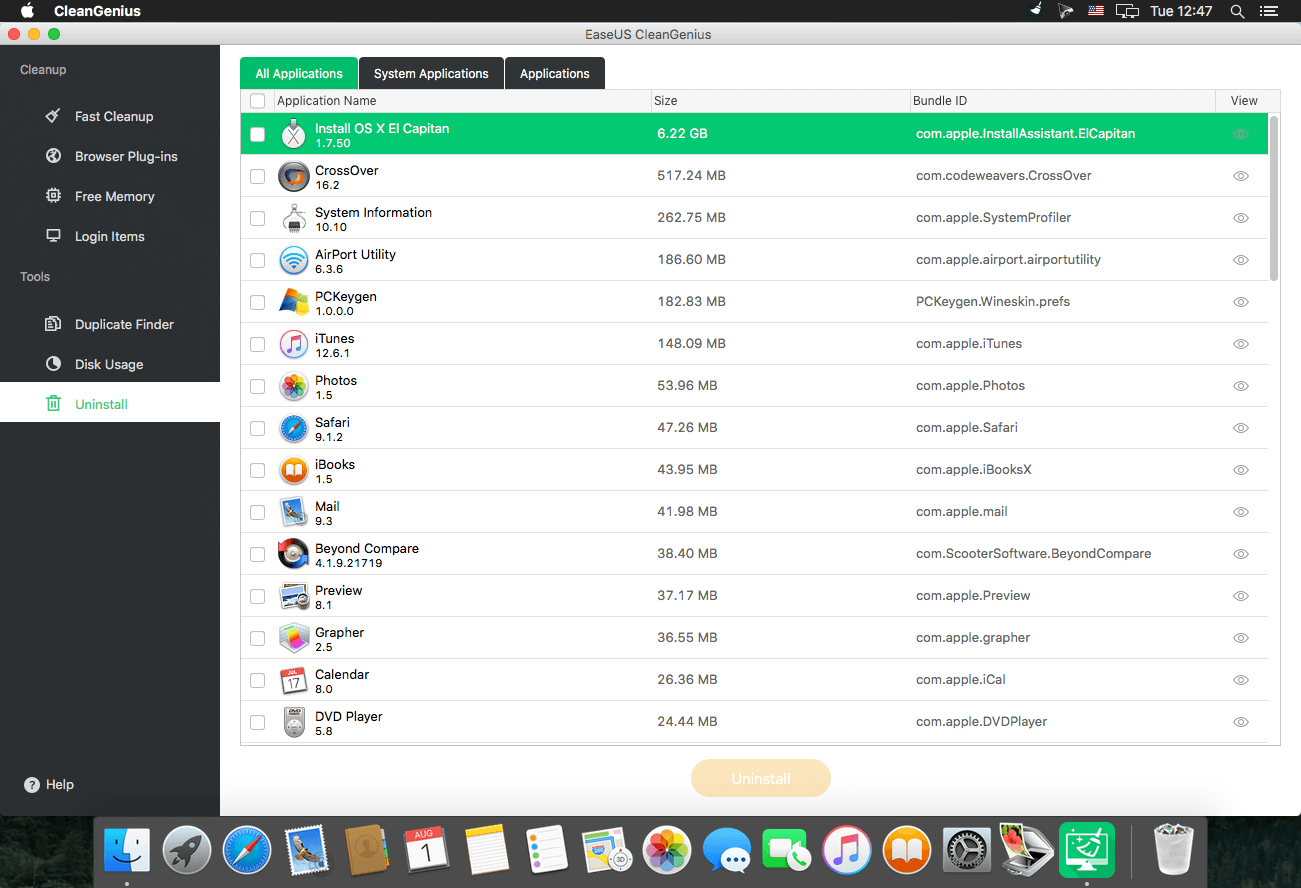
EaseUS Mac cleaning and optimizing tool helps to uninstall futile applications and manage disk space efficiently. Just drag your useless apps into Trash, along with all caches, logs and preferences completely and make your disk usage well-organized.
SCREENSHOTS
Frequently asked questions
How do I install the app?
Mount the image, drag the app into the "Applications" folder and launch it. If the system blocks the launch, allow it in "System Settings → Privacy & Security".
The app is damaged or won't launch
Reinstalling from a fresh image usually helps. Make sure your macOS version matches the one listed in the compatibility specs.
How do I update?
Download the new version from the site and install it over the current one — your settings will be preserved.
The download link doesn't work
Try a mirror or a download manager. For large files the browser often drops the connection.
How do I completely remove the app?
Use an uninstaller utility — it cleans up the service files that remain after moving the app to the trash.
VersionEaseUS CleanGenius 5.0.0
DeveloperEaseUS
CompatibilitymacOS 10.7 or later, 64-bit processor
LanguageEnglish
IncludesPre-K'ed





Information
Visitors in the group Guests cannot leave comments on this publication.
Choose a download source
EaseUS CleanGenius 5.0.0 · 1.29 MB