
MacBooster 5.0.5
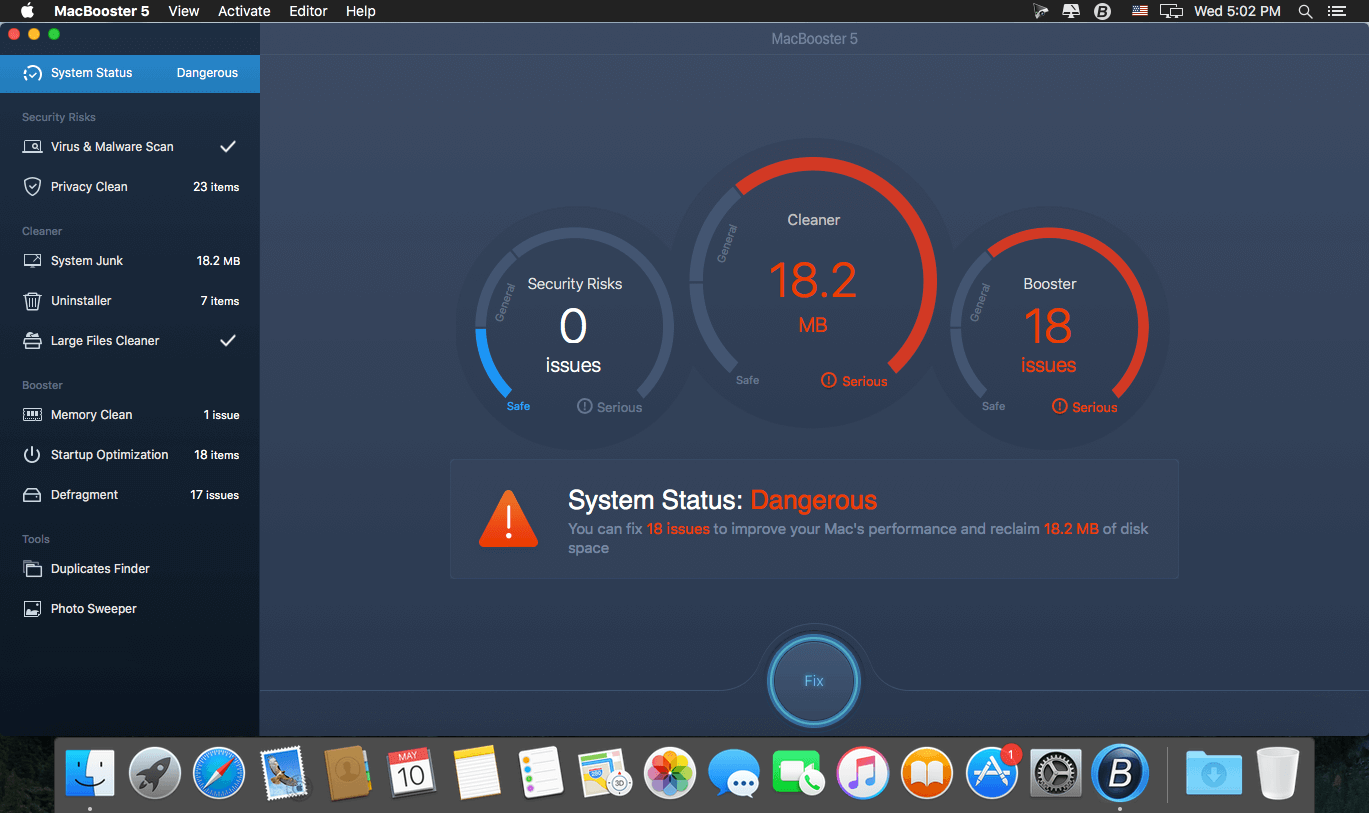
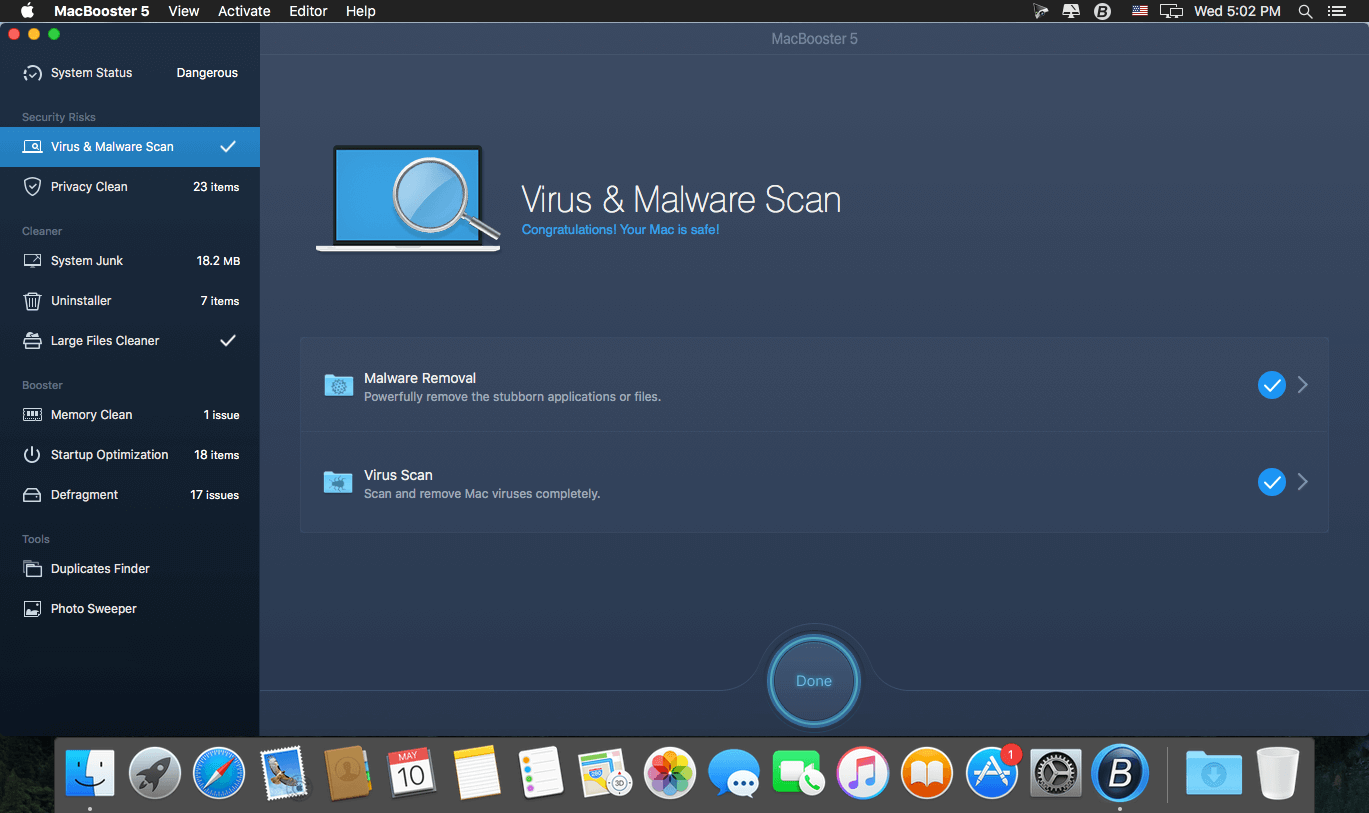
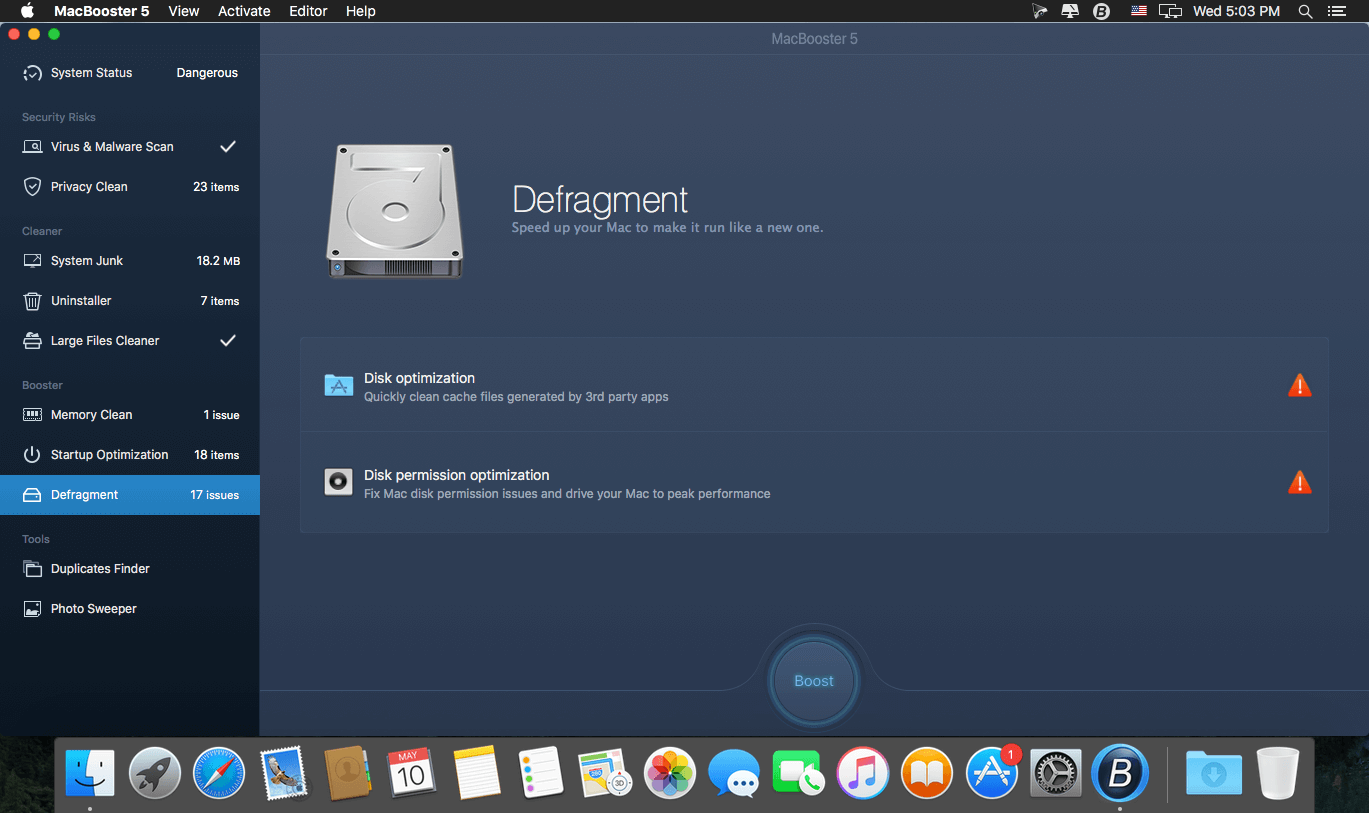
A very simple yet powerful application that makes it very easy to clean and optimize your Mac and to protect your privacy and security while online. MacBooster is a simple and user-oriented Mac application designed from scratch to provides you with all the tools required to speed up and fine tune your Mac.
- System Status: Explore the status of your Mac by running a full scan.
- Realtime Protection : Thoroughly prevent the leaking of your privacy.
- Privacy Clean: Explore the status of your Mac by running a full scan.
- Extensions Manager: Manage all your extensions to speed up your browsers.
- Crafted New Mini : One-click to clean junk, memory, and Trash.
- Security Center: Quickly and deeply analyze the security status of your Mac. Safely remove the threats to make your Mac stay safe.
- System Cleanup: Scan every corner of your system, find out junk files to keep your hard disk from being wasted.
- Performance Boost: Speed up your Mac to make it run like new.
- Clean Memory: Clean to regain more available RAM and make application start faster.
- Startup Optimization: Manage your startup items to optimize the OS X boot speed.
- Uninstaller: Help get rid of unwanted apps or leftover files.
- Duplicates Finder: Locate and remove the duplicated files on your Mac quickly.
- Large Files Cleaner: Find and remove the large files you no longer need to free up more space.
- File Eraser: Securely delete unwanted files without having them being recoverable.
- Photo Sweeper: Effectively and quickly find similar or duplicated photos. Keep the most beautiful ones.
Version 5.0.0:
- New UI - redesigned for better interactive experience.
- Defragment - new feature to optimize and fix your disks with one click.
- Booster - added Memory Cleaner to simplify the speed-up process.
- Mini - added realtime monitor for network speed and notification for scan and fix result.
- Security Risks - reintegrated and optimized for more secure Mac.
- Cleaner - supported cleaning to iTunes backups, broken login items, iTunes cache.
- Tools - enhanced Duplicated Finder and Photo Sweeper.
- Updated multiple languages.
Frequently asked questions
How do I install the app?
Mount the image, drag the app into the "Applications" folder and launch it. If the system blocks the launch, allow it in "System Settings → Privacy & Security".
The app is damaged or won't launch
Reinstalling from a fresh image usually helps. Make sure your macOS version matches the one listed in the compatibility specs.
How do I update?
Download the new version from the site and install it over the current one — your settings will be preserved.
The download link doesn't work
Try a mirror or a download manager. For large files the browser often drops the connection.
How do I completely remove the app?
Use an uninstaller utility — it cleans up the service files that remain after moving the app to the trash.
VersionMacBooster 5.0.5
DeveloperIObit
CompatibilityOS X 10.7 or later, 64-bit processor
LanguageEnglish
IncludesK'ed by TNT





Information
Visitors in the group Guests cannot leave comments on this publication.
Choose a download source
MacBooster 5.0.5 · 28.5 MB