
HitPaw Photo AI 3.1.0
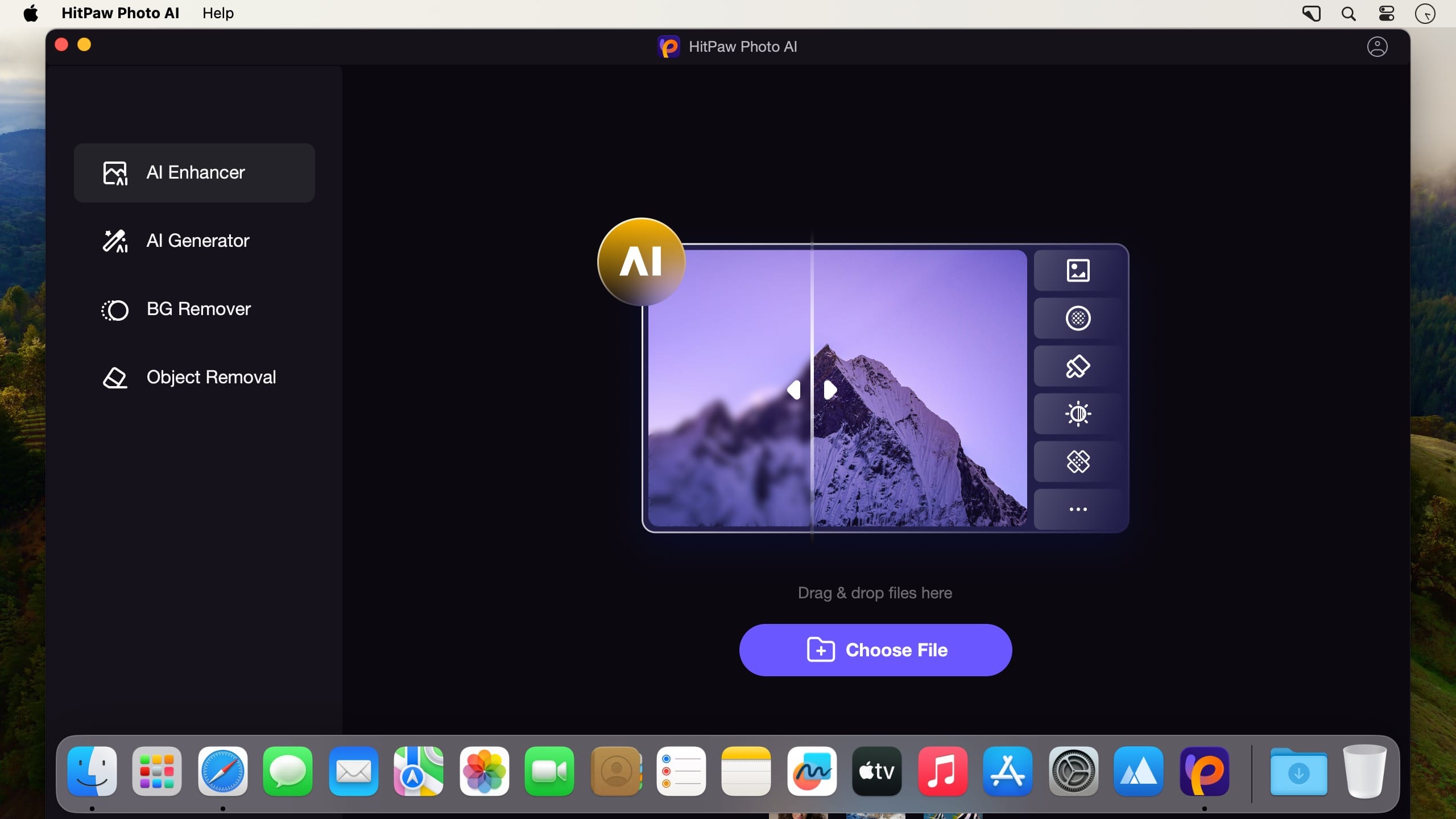
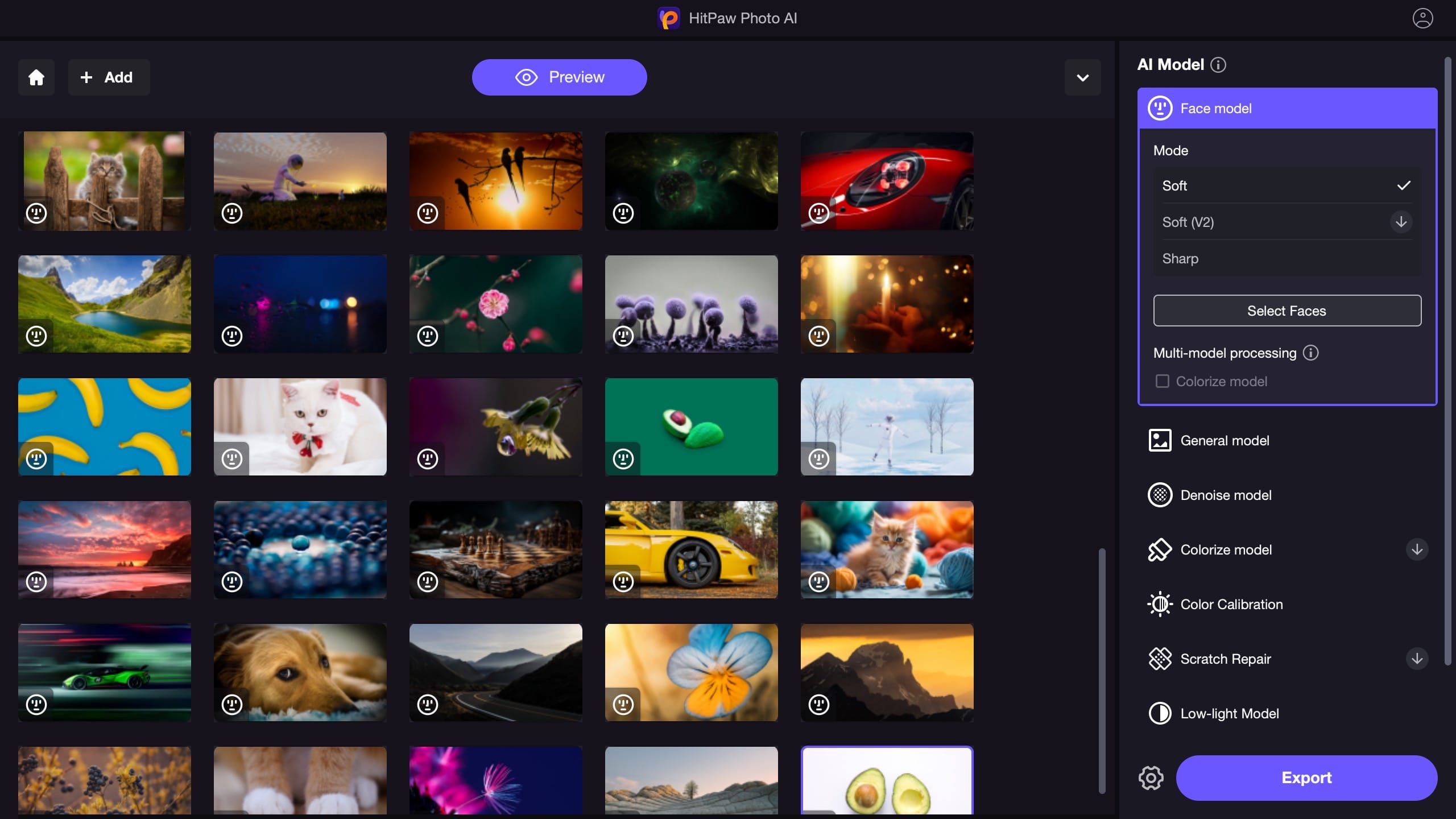
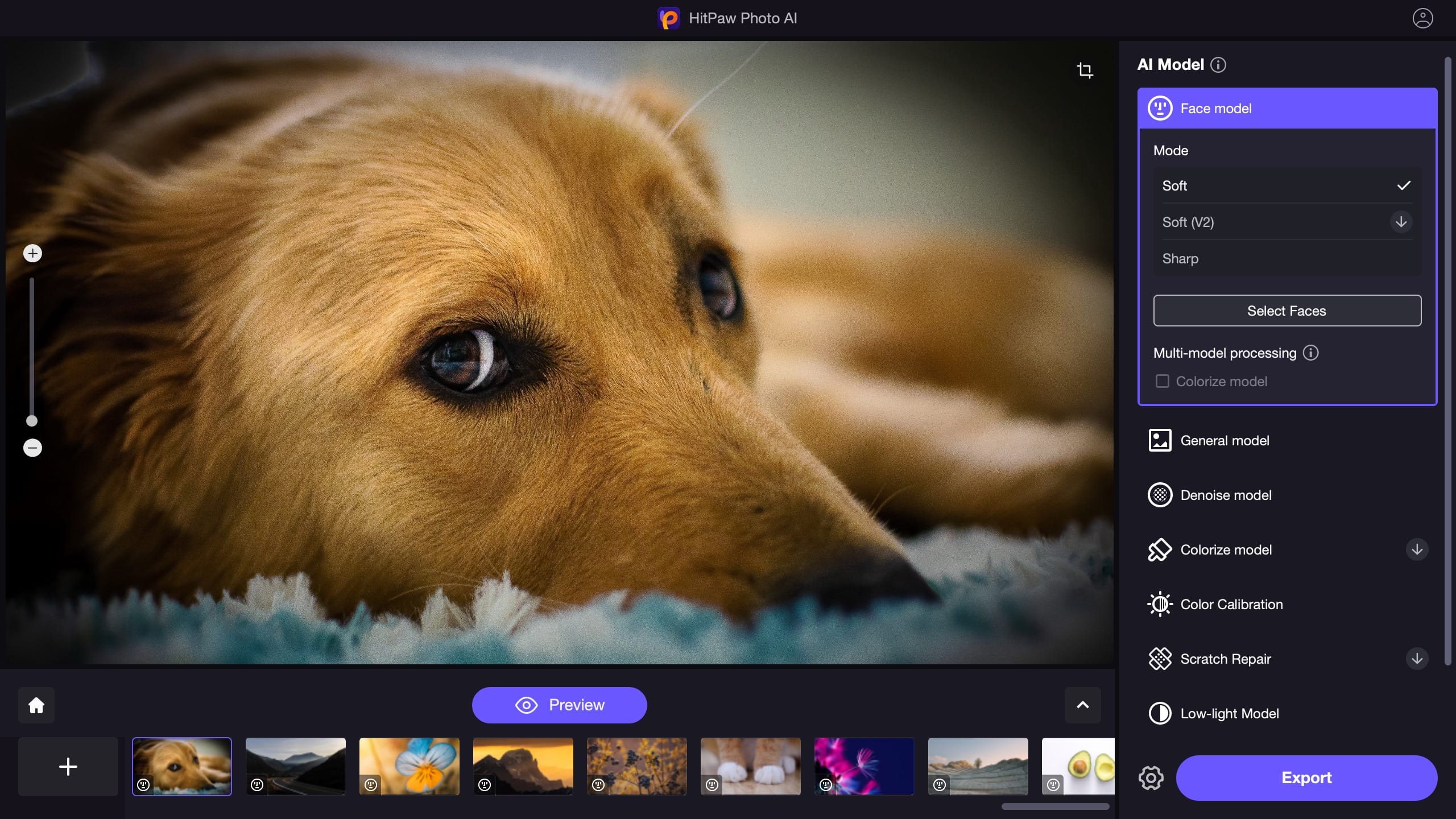
The best AI image enlarger to make pictures less blurry and enlarge images without quality loss. This Pro-level image quality enhancer with 4 AI models are available to sharpen images and improve photo resolution in any occasion.
Choose general model to enhance images of real scene, such as landscape and building. This best AI image upscaler can also upscale images quality to make animals or flowers clearer.
This best AI face enhancer provides a face model to remove blemishes and wrinkles, making your face flawless. It also can help you to fix the blurry part of the portrait.
HitPaw AI helps you to restore old photos and colorize black and white photos to bring old photos back to life with one-click. You can easily reapir old photos and make them vivid ones.
Use denoise model to automatically remove noise from high-ISO and low lighting images with the powerful AI noise reduction technology. It can be used to depixelate image or upscale anime photo as well.
- The best AI image enhancer available for Mac
- One-click to automatically enhance image quality and resolution
- Easily make pictures less blurry and remove noise of pictures
- Enlarge and upscale images without quality loss at all
Version 3.1.0:
- Release notes were unavailable when this listing was updated.
Frequently asked questions
How do I install the app?
Mount the image, drag the app into the "Applications" folder and launch it. If the system blocks the launch, allow it in "System Settings → Privacy & Security".
The app is damaged or won't launch
Reinstalling from a fresh image usually helps. Make sure your macOS version matches the one listed in the compatibility specs.
How do I update?
Download the new version from the site and install it over the current one — your settings will be preserved.
The download link doesn't work
Try a mirror or a download manager. For large files the browser often drops the connection.
How do I completely remove the app?
Use an uninstaller utility — it cleans up the service files that remain after moving the app to the trash.


Choose a download source
HitPaw Photo AI 3.1.0 · 823.83 MB
Previous versions
HitPaw Photo AI 3.1.0
Previous versions are available to registered users.