
File Peek 1.0.3
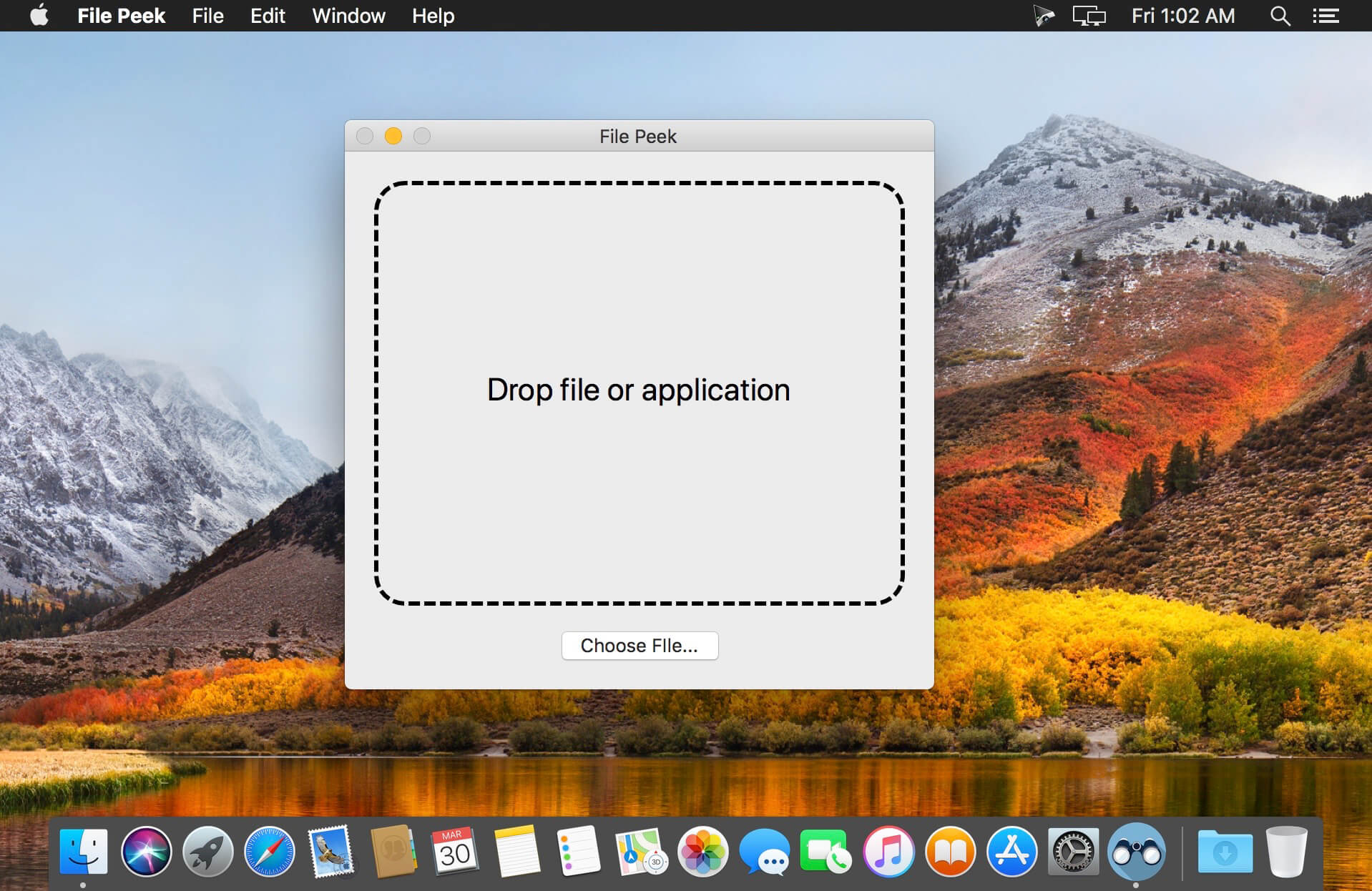
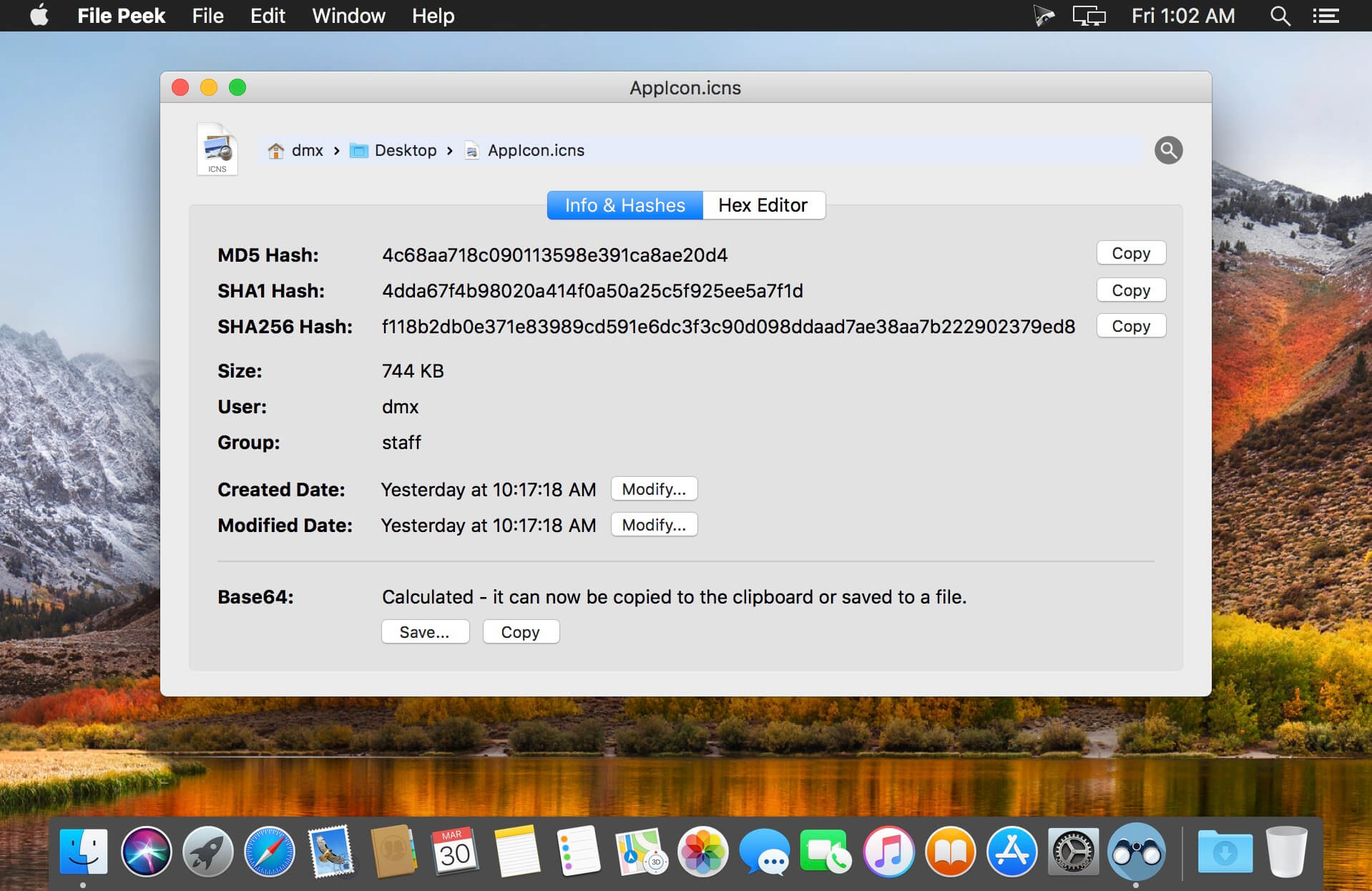
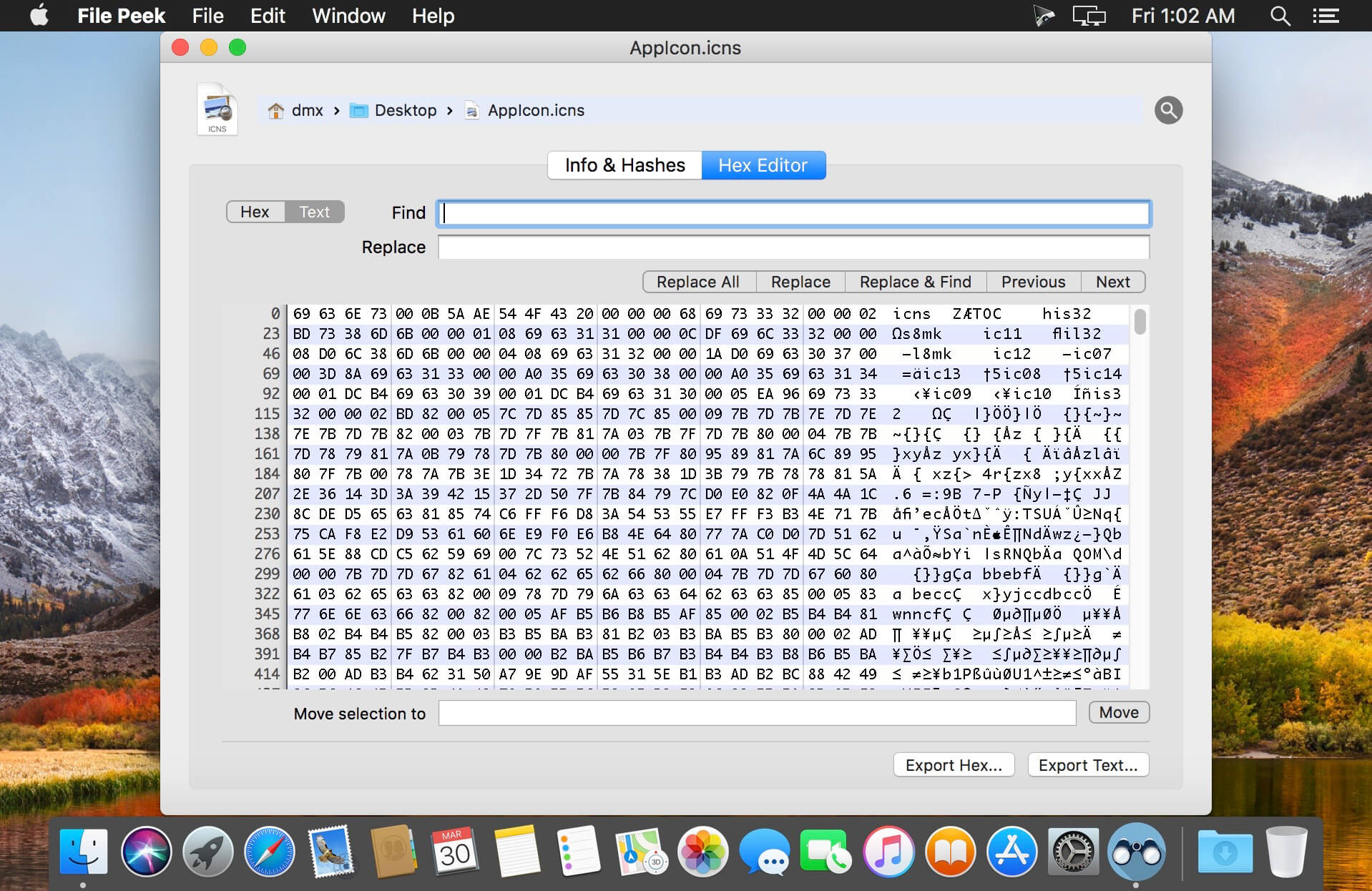
Use the built-in hex editor, get MD5, SHA1, SHA256 hashes and Base64 with one click, or change the modified and created dates.
The built-in hex editor supports find/replace for easy modifying and search as well as exporting the contents to a new text or hex file. Use the one-click copy for getting a file hash or Base64 encoding for whatever use you need.
Included features:
- MD5, SHA1 and SHA256 hashes.
- Base64 encoding.
- Built-in full hex viewer/editor with find and replace.
- Export the file contents as text or hex.
- View and change Created Date and Modified Date.
- View file Size, Group and Owner.
- Easily drag & drop, use the File menu or the dock icon to open files.
- Includes "Open in File Peek" service shortcut.
- Supports viewing details of multiple files at once.
Version 1.0.3
- [New] Added ability to export a file's contents as either text or hex.
- [New] Saving is now shown as sheets instead of dialogs.
- [Fixed] Issue where the Find/Replace buttons were cut-off on macOS 10.13.
- [Fixed] Issue where the app would try to update the UI on a background thread.
Frequently asked questions
How do I install the app?
Mount the image, drag the app into the "Applications" folder and launch it. If the system blocks the launch, allow it in "System Settings → Privacy & Security".
The app is damaged or won't launch
Reinstalling from a fresh image usually helps. Make sure your macOS version matches the one listed in the compatibility specs.
How do I update?
Download the new version from the site and install it over the current one — your settings will be preserved.
The download link doesn't work
Try a mirror or a download manager. For large files the browser often drops the connection.
How do I completely remove the app?
Use an uninstaller utility — it cleans up the service files that remain after moving the app to the trash.
VersionFile Peek 1.0.3
DeveloperTunabelly Software Inc.
CompatibilityOS X 10.10 or later, 64-bit processor
LanguageEnglish
IncludesK'ed by TNT


Information
Visitors in the group Guests cannot leave comments on this publication.
Choose a download source
File Peek 1.0.3 · 6.92 MB