
FileWard 1.5.4
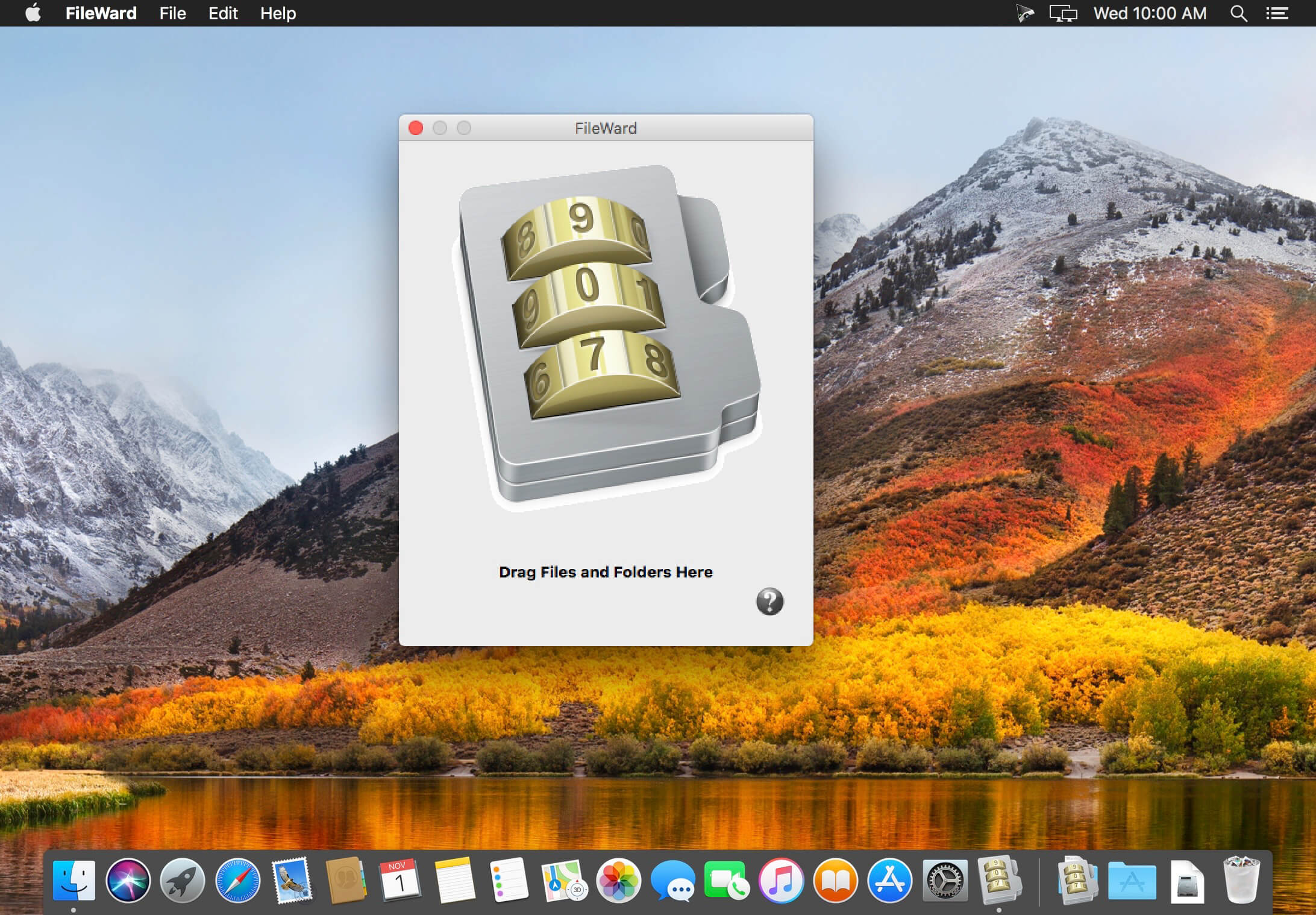
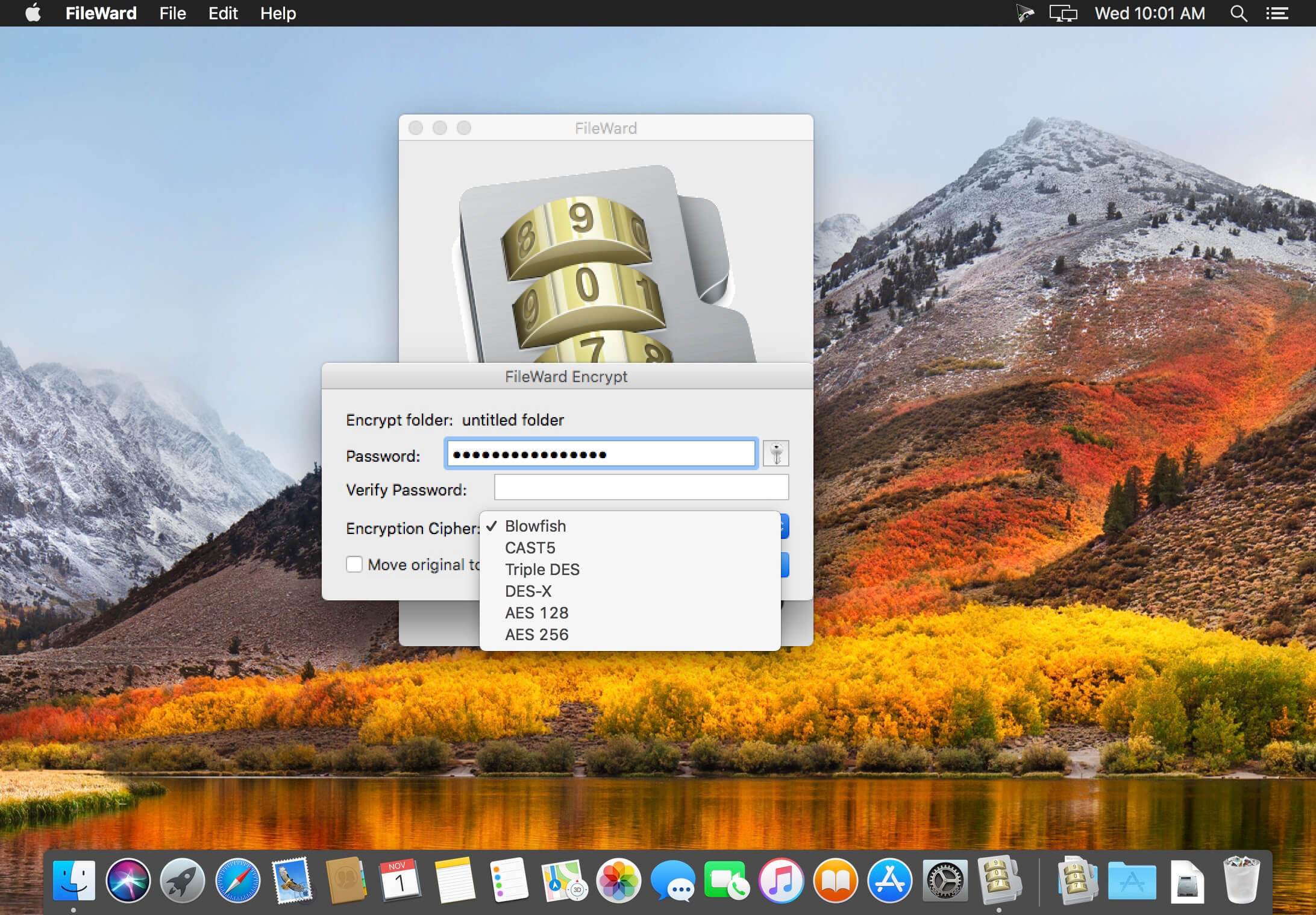

FileWard is a handy tool designed to bring high strength data encryption to Macintosh users. FileWard uses the cryptography libraries of OpenSSL to make six industrial strength encryption ciphers available in an easy to use drag and drop application.
Simply drop a file or folder into FileWard to encrypt it, or double click to decrypt it. FileWard also brings convenient high strength encryption to the clipboard allowing you to encrypt any clipboard contents including text, pictures, spreadsheets, whatever! In short, if you can copy it to the clipboard, FileWard can encrypt it. FileWard even lets you encrypt binary files directly to the clipboard. With FileWard, state of the art encryption of files and data is finally made simple.
Features
- Attractive, easy to use interface.
- Six high strength encryption ciphers.
- Based on OpenSSL for robust cryptographic performance.
- Open source encryption code for easy peer review.
- Simple Drag and Drop encryption of files and folders.
- Automatic compression of encrypted files.
- Encrypt contents of the clipboard.
- Encrypt binary files directly to the clipboard.
- Verify integrity of encrypted files.
- Create SHA1 file checksums.
- Verify SHA1 file checksums.
- Verify MD5 file checksums.
- Access the OS X Password Assistant.
- Includes Finder plugin.
- Illustrated Documentation.
- Universal Binary.
Version 1.5.3:
- Update for macOS 10.12 Sierra
- Minor optimizations and improvements
Frequently asked questions
How do I install the app?
Mount the image, drag the app into the "Applications" folder and launch it. If the system blocks the launch, allow it in "System Settings → Privacy & Security".
The app is damaged or won't launch
Reinstalling from a fresh image usually helps. Make sure your macOS version matches the one listed in the compatibility specs.
How do I update?
Download the new version from the site and install it over the current one — your settings will be preserved.
The download link doesn't work
Try a mirror or a download manager. For large files the browser often drops the connection.
How do I completely remove the app?
Use an uninstaller utility — it cleans up the service files that remain after moving the app to the trash.
VersionFileWard 1.5.4
DeveloperNorthern Softworks
CompatibilityOS X 10.7 or later
LanguageEnglish
IncludesKG




Information
Visitors in the group Guests cannot leave comments on this publication.
Choose a download source
FileWard 1.5.4 · 17.68 MB