
Paragon Firewall – Network Monitor 2.0

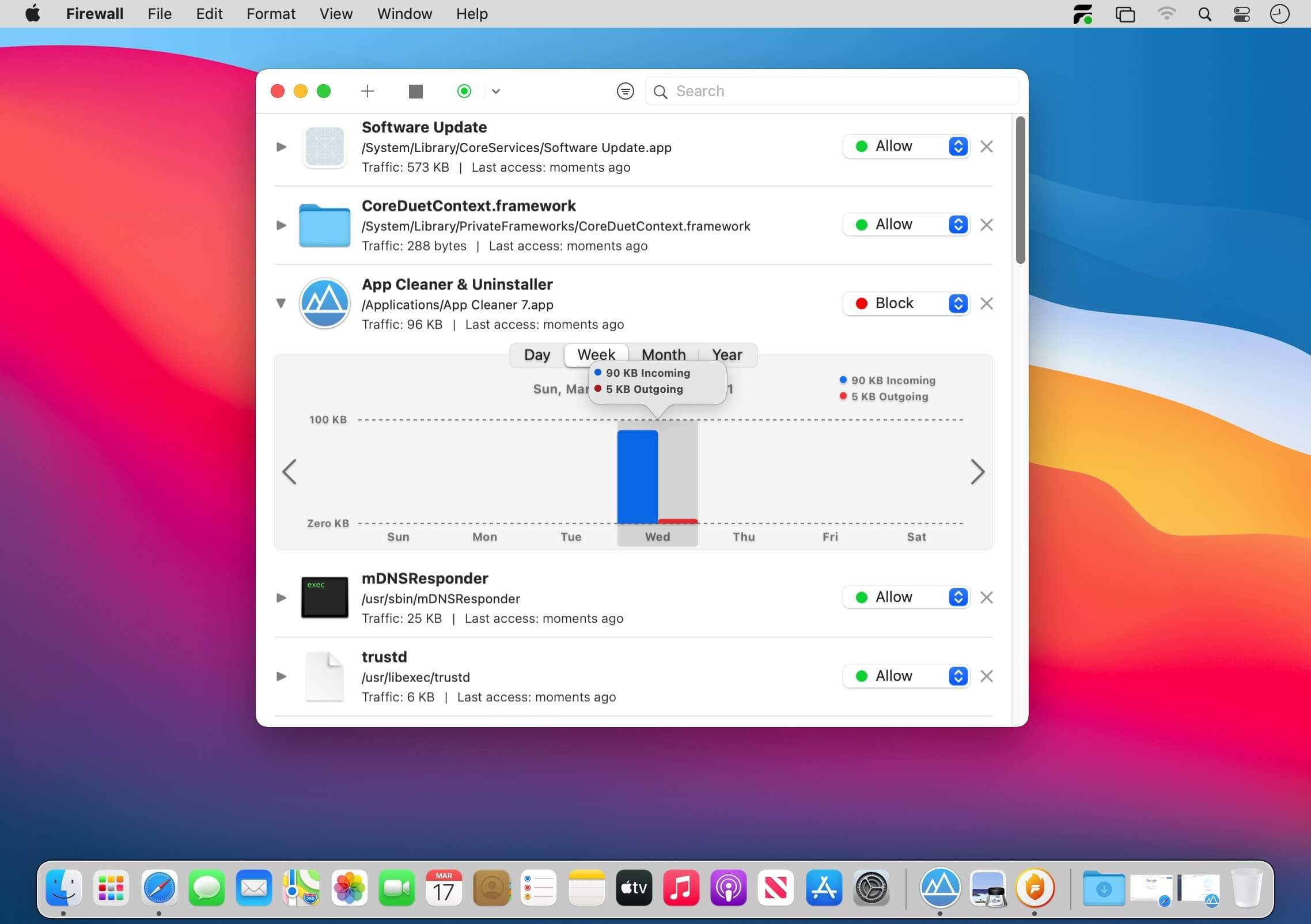
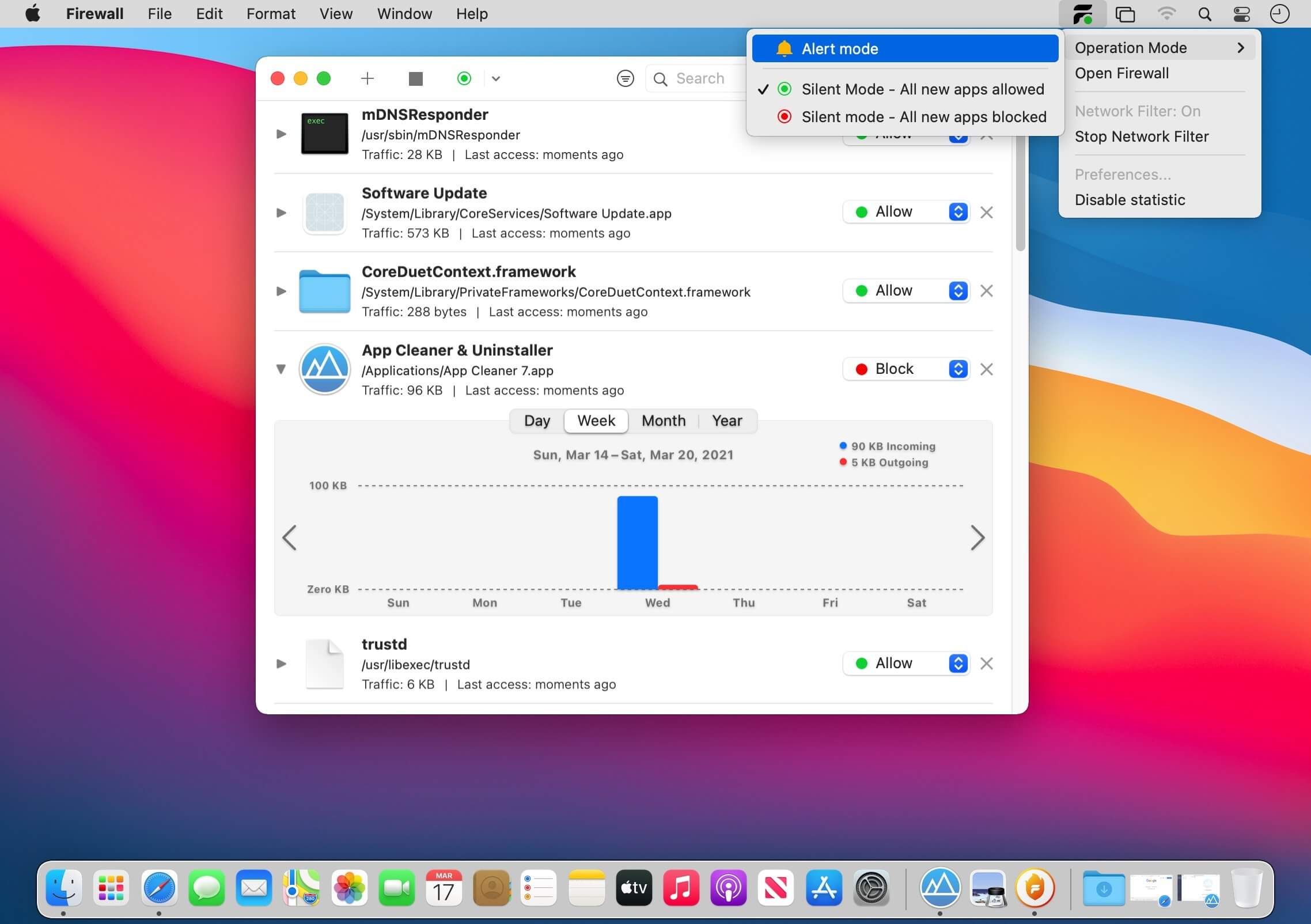
The Firewall – Network Monitor application gives you the full control over your Mac, protects the privacy of your computer, prevents unwanted network connections. Full Network Transparency!
Network Monitor
- Discloses outgoing, incoming connections to your Mac
- Keeps records of the applications’ actions
- Reveals hidden services running on the computer
- Protects your Mac with Firewall
- Blocks unknown connections
- Informs about new network activities of applications
- Personalized Firewall Filter rules
- Optional Filter modes available: Silent, Alert, and Non-distractive Operation
Version 2.0
- Added statistics on incoming / outgoing traffic for each process
- Bug fixes and improvements
Frequently asked questions
How do I install the app?
Mount the image, drag the app into the "Applications" folder and launch it. If the system blocks the launch, allow it in "System Settings → Privacy & Security".
The app is damaged or won't launch
Reinstalling from a fresh image usually helps. Make sure your macOS version matches the one listed in the compatibility specs.
How do I update?
Download the new version from the site and install it over the current one — your settings will be preserved.
The download link doesn't work
Try a mirror or a download manager. For large files the browser often drops the connection.
How do I completely remove the app?
Use an uninstaller utility — it cleans up the service files that remain after moving the app to the trash.
VersionParagon Firewall – Network Monitor 2.0
DeveloperParagon Software GmbH
CompatibilitymacOS 10.15 or later
LanguageEnglish, German, Japanese, Simplified Chinese, Spanish, Traditional Chinese
IncludesK'ed by HCiSO





Choose a download source
Paragon Firewall – Network Monitor 2.0 · 3.87 MB
Comments 1