
4K Image Compressor Pro 1.5.0
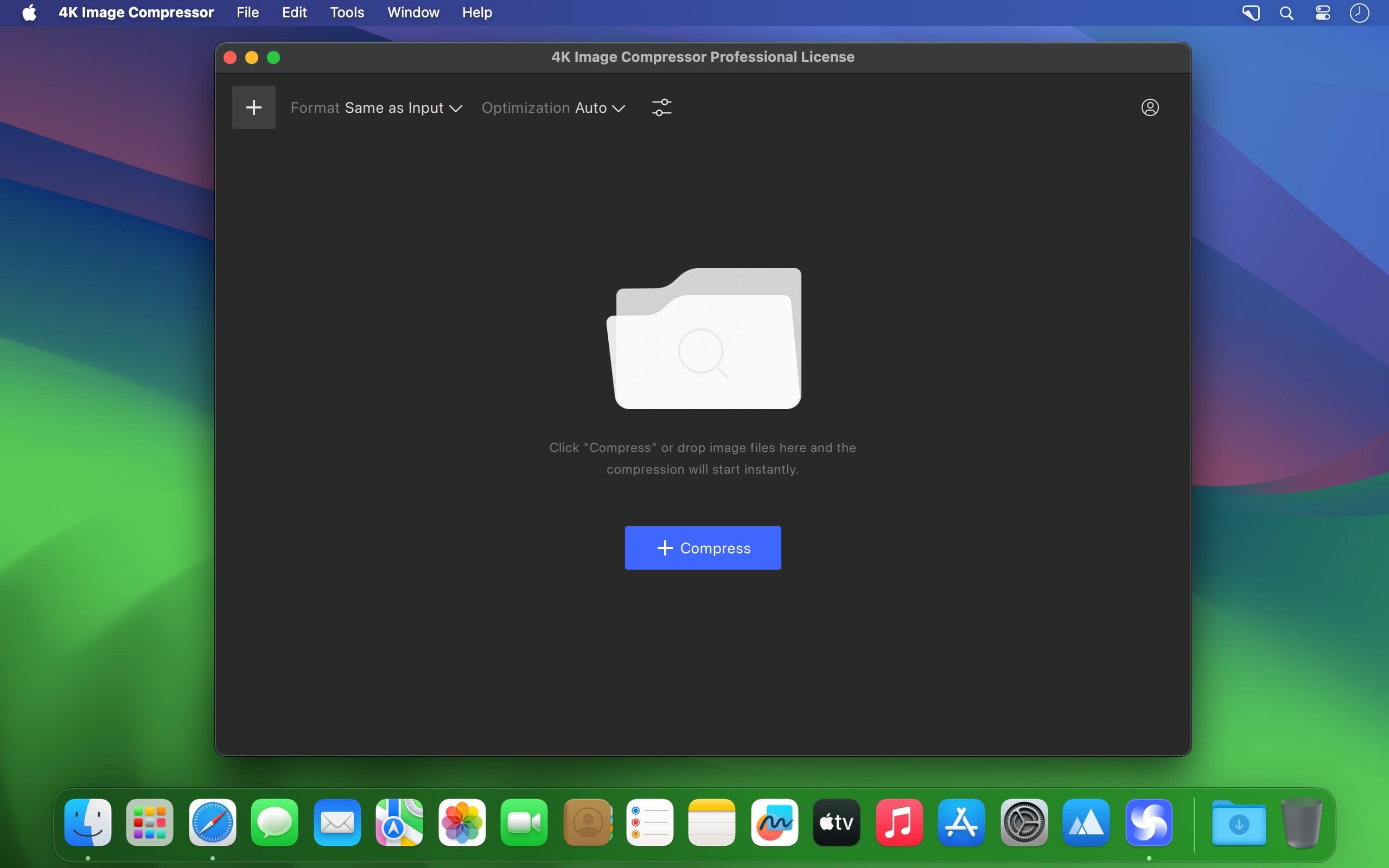
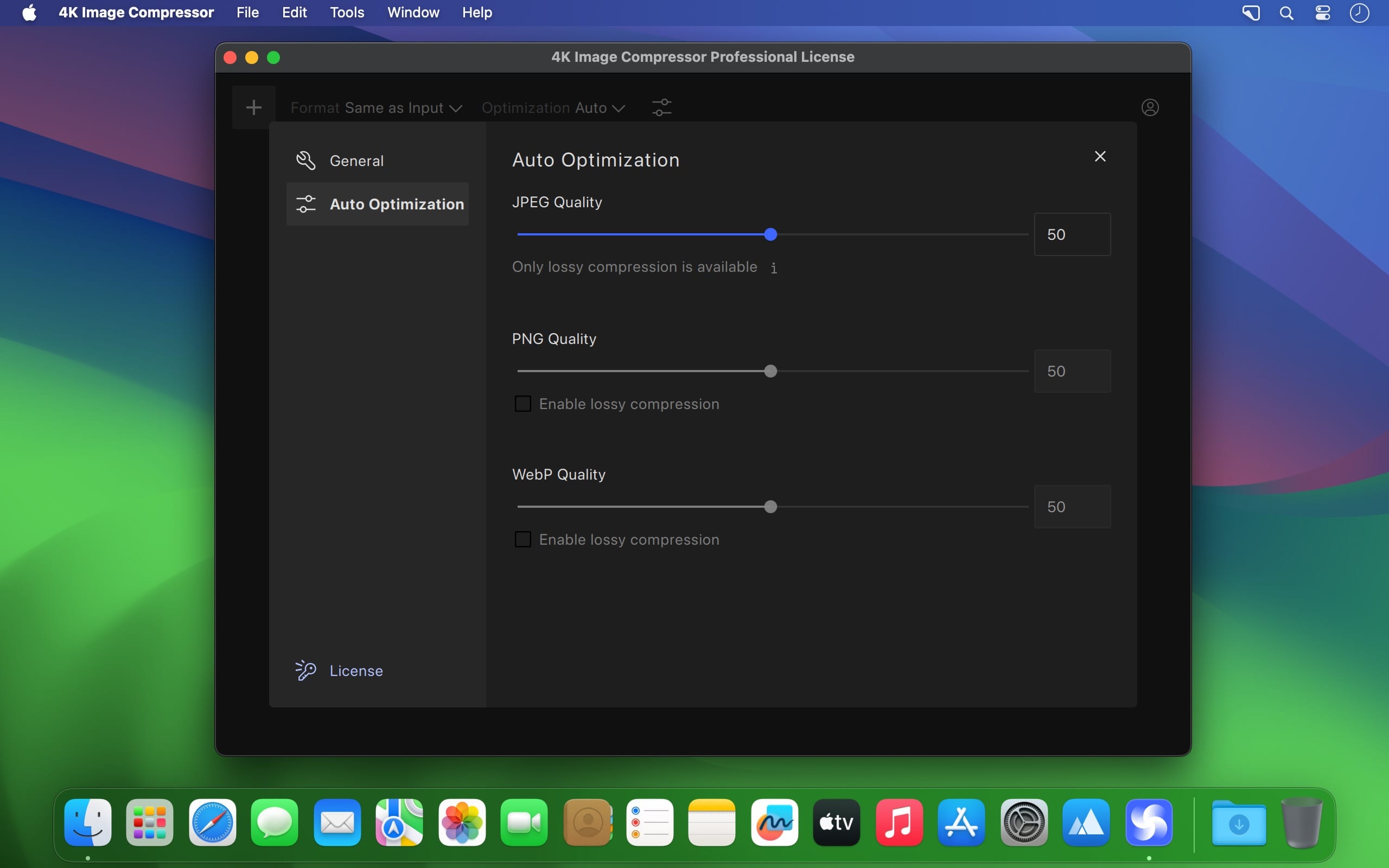
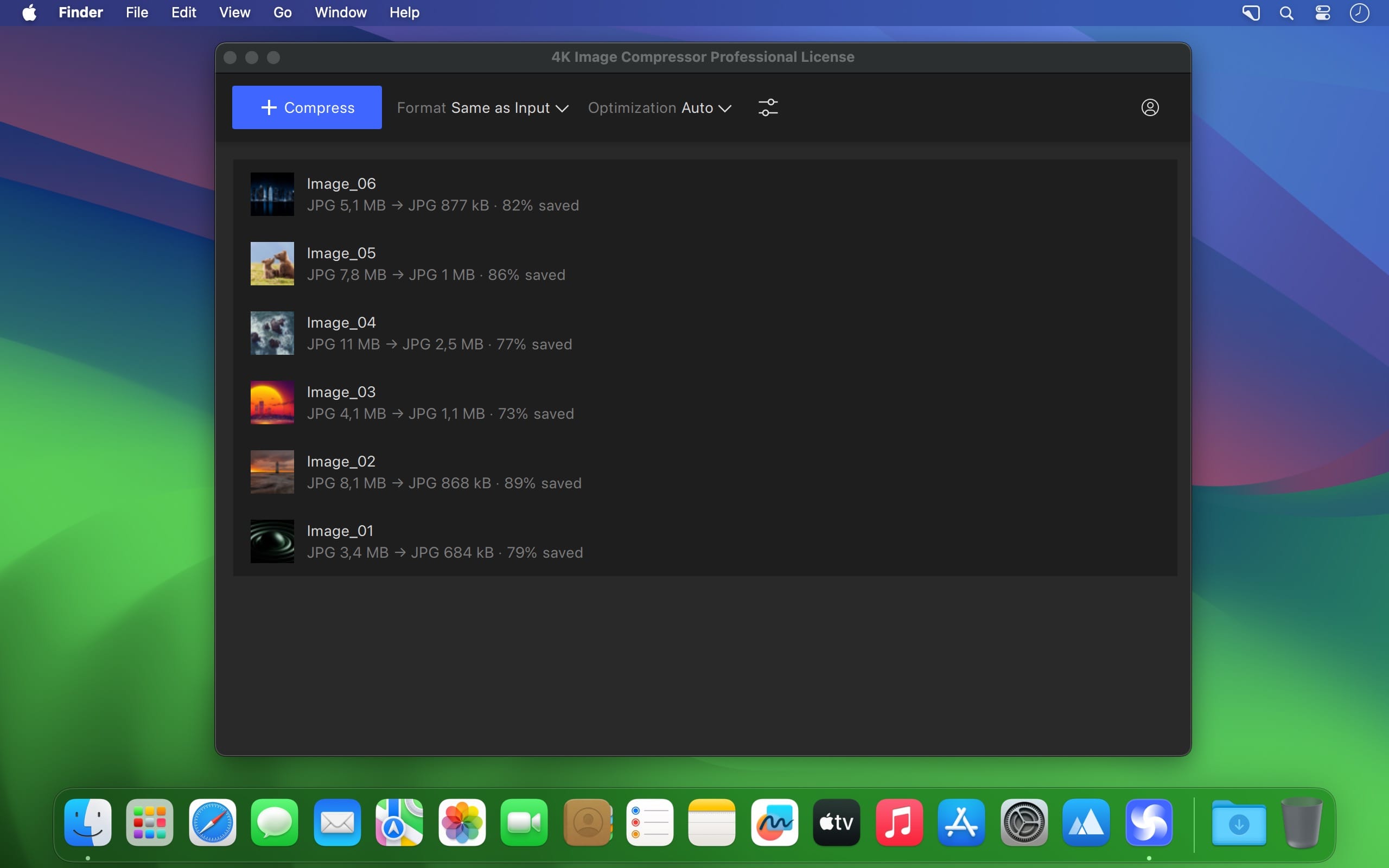
Resize JPEG, PNG, and WEBP Easily. Compress files to the size you need. Save storage space and easily share images on social media. Improve your website’s loading time. Optimize image file size without sacrificing quality
Web Developers and Designers
Speed up website loading time and secure higher search engine rankings. Improve user experience and reduce bandwidth costs.
Photographers
Compress high-resolution images to make them easier to store. Share your work with clients and online followers faster.
Social Media Users
Bypass the file size restrictions of many social media platforms. Post your photos in a smaller size and with adequate quality.
Mobile App Developers
Ensure that your application runs quickly and smoothly. Compress the images that degrade the application performance.
Version 1.5.0:
- Release notes were unavailable when this listing was updated.
Frequently asked questions
How do I install the app?
Mount the image, drag the app into the "Applications" folder and launch it. If the system blocks the launch, allow it in "System Settings → Privacy & Security".
The app is damaged or won't launch
Reinstalling from a fresh image usually helps. Make sure your macOS version matches the one listed in the compatibility specs.
How do I update?
Download the new version from the site and install it over the current one — your settings will be preserved.
The download link doesn't work
Try a mirror or a download manager. For large files the browser often drops the connection.
How do I completely remove the app?
Use an uninstaller utility — it cleans up the service files that remain after moving the app to the trash.



Choose a download source
4K Image Compressor Pro 1.5.0 · 33.3 MB