
Social Media Lab - Templates 1.3.1
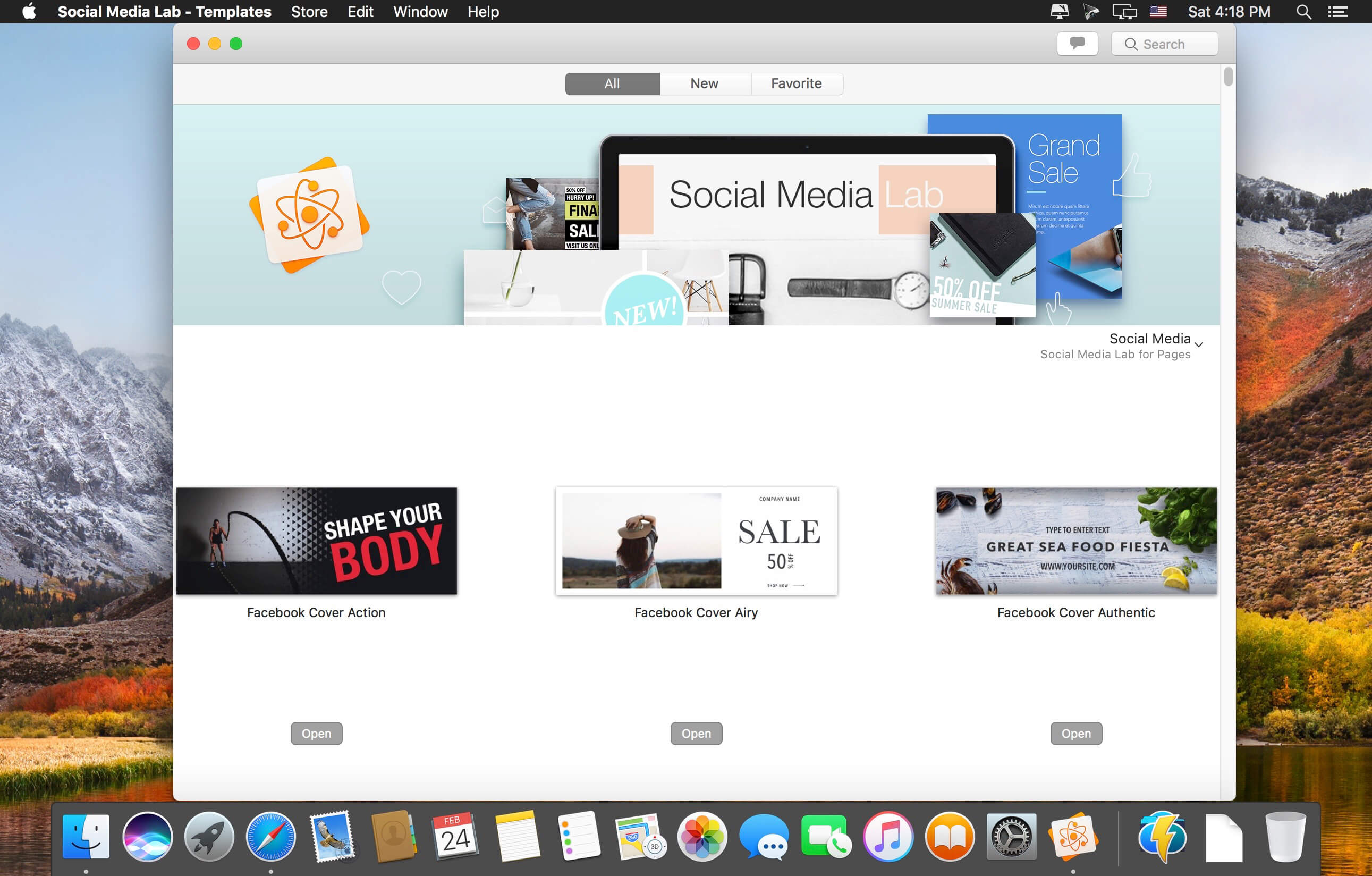
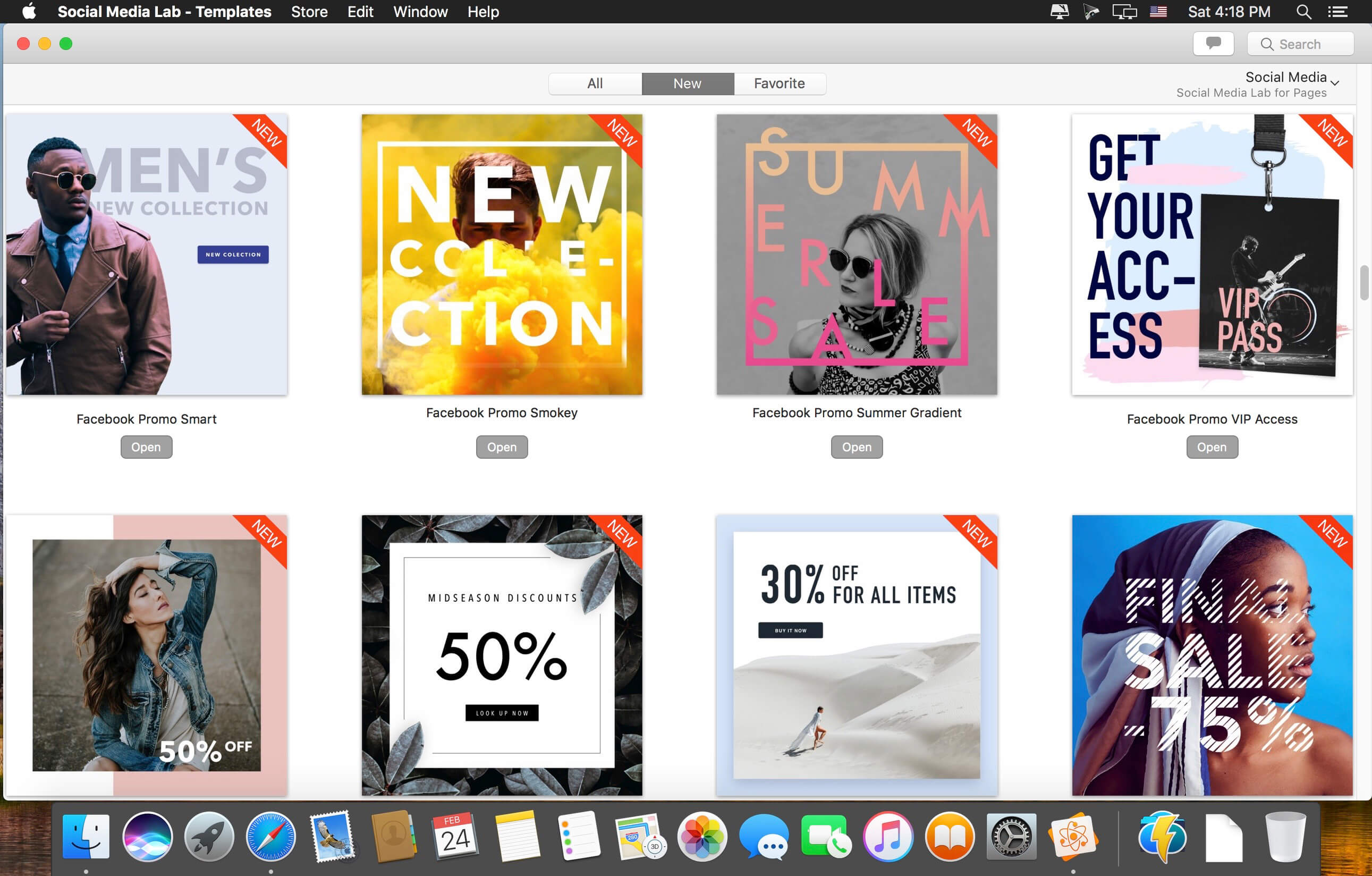
Social media communication has never been easier! Jumsoft’s Social Media Lab for Pages offers a rich collection of hundreds of beautiful and stylish templates for your social media posts - promote your business, communicate sales, customize and use the provided images to your liking!
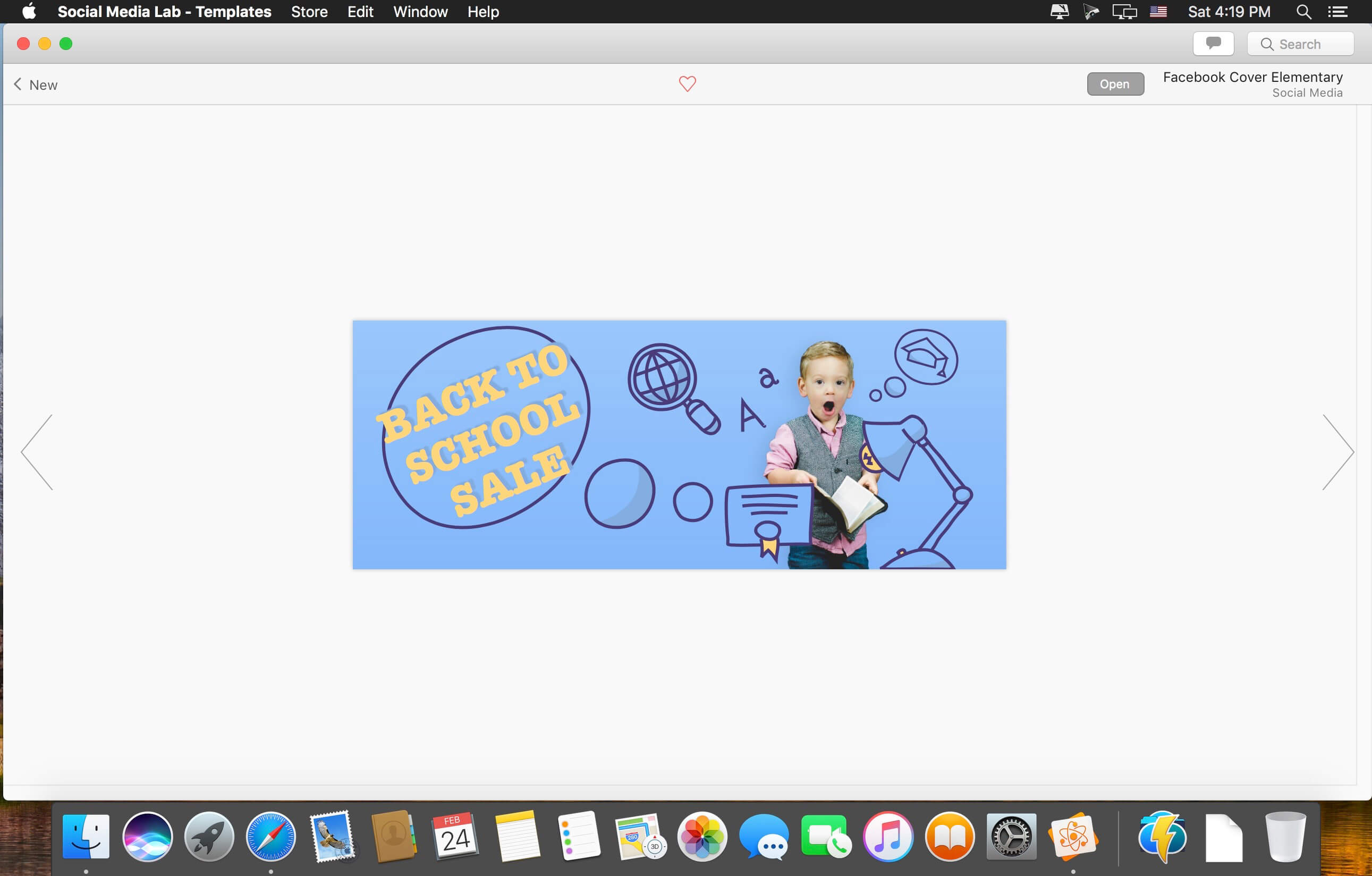
This pack offers everything you need to start and keep up your social media communication. Give your personal or business page an identity with hundreds of professionally designed highly-adaptable logos and connect with your audiences on all major social media platforms with stylish templates for banners, covers, sales, promos - conveniently optimized for Facebook, Twitter, Instagram, and Pinterest. We have also included dozens or handy blog headers based on some of the most popular blogging topics, so you can pick up the one you like, edit the title, tweak the font, and have a perfect blog header in mere minutes!
All templates feature images with conveniently customizable text-boxes to make every post truly yours. Unleash your creativity and feel free to adapt the images to other platforms or customize them to match your particular taste! It’s all up to you!
*** Apple Pages 6.0 or later is recommended.
Version 1.3
- macOS Mojave support;
- macOS Mojave Dark Mode integration;
- New, beautiful banners for all content categories;
- Content management improvements to speed up new content downloads.
Frequently asked questions
How do I install the app?
Mount the image, drag the app into the "Applications" folder and launch it. If the system blocks the launch, allow it in "System Settings → Privacy & Security".
The app is damaged or won't launch
Reinstalling from a fresh image usually helps. Make sure your macOS version matches the one listed in the compatibility specs.
How do I update?
Download the new version from the site and install it over the current one — your settings will be preserved.
The download link doesn't work
Try a mirror or a download manager. For large files the browser often drops the connection.
How do I completely remove the app?
Use an uninstaller utility — it cleans up the service files that remain after moving the app to the trash.
VersionSocial Media Lab - Templates 1.3.1
DeveloperJumsoft
CompatibilityOS X 10.11 or later, 64-bit processor
LanguageEnglish, French, German, Italian, Japanese, Korean, Russian, Simplified Chinese, Spanish
IncludesK'ed by TNT




Information
Visitors in the group Guests cannot leave comments on this publication.
Choose a download source
Social Media Lab - Templates 1.3.1 · 2.36 GB
Previous versions
Social Media Lab - Templates 1.3.1
Previous versions are available to registered users.