
Wing Pro 10.0.5
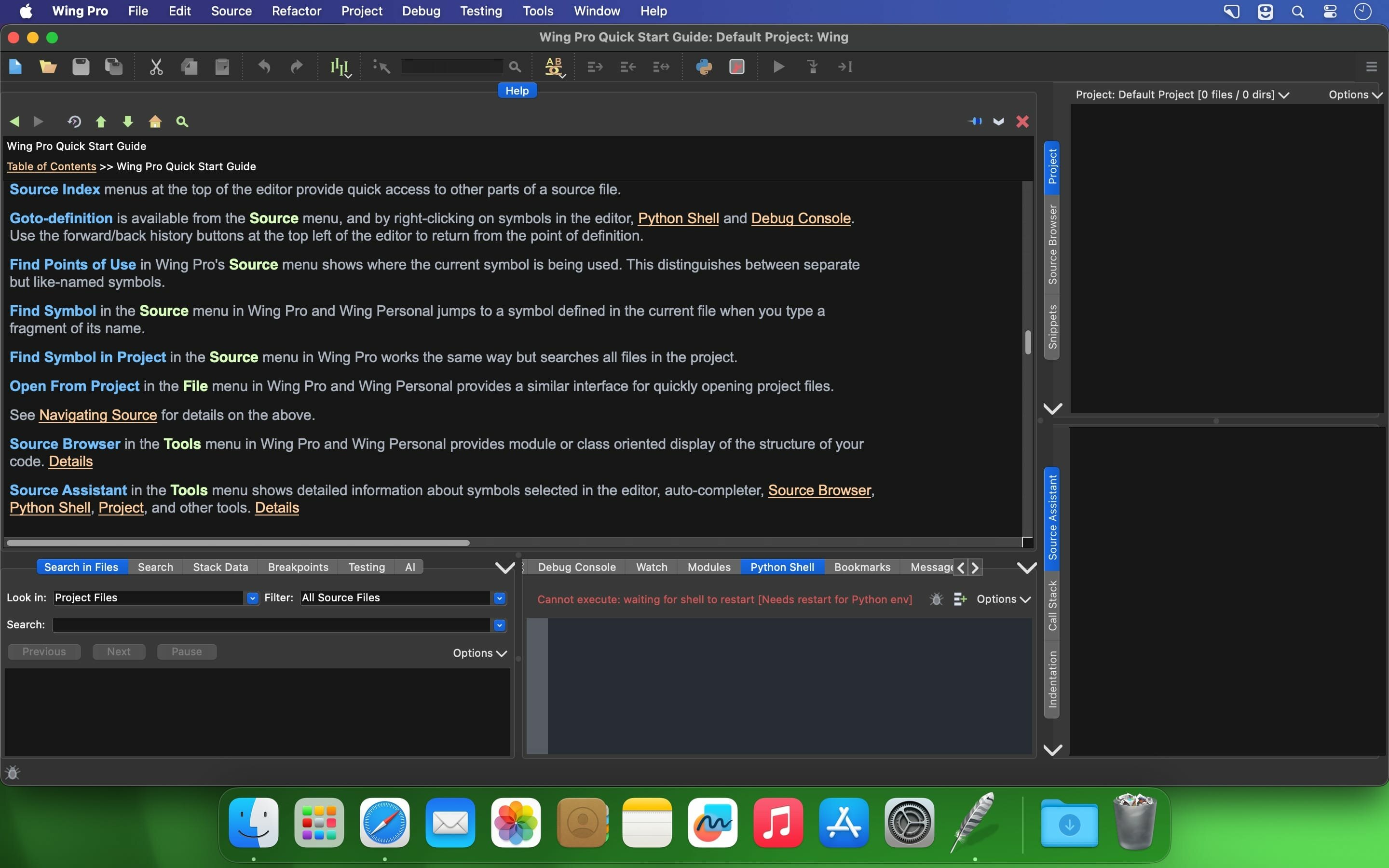
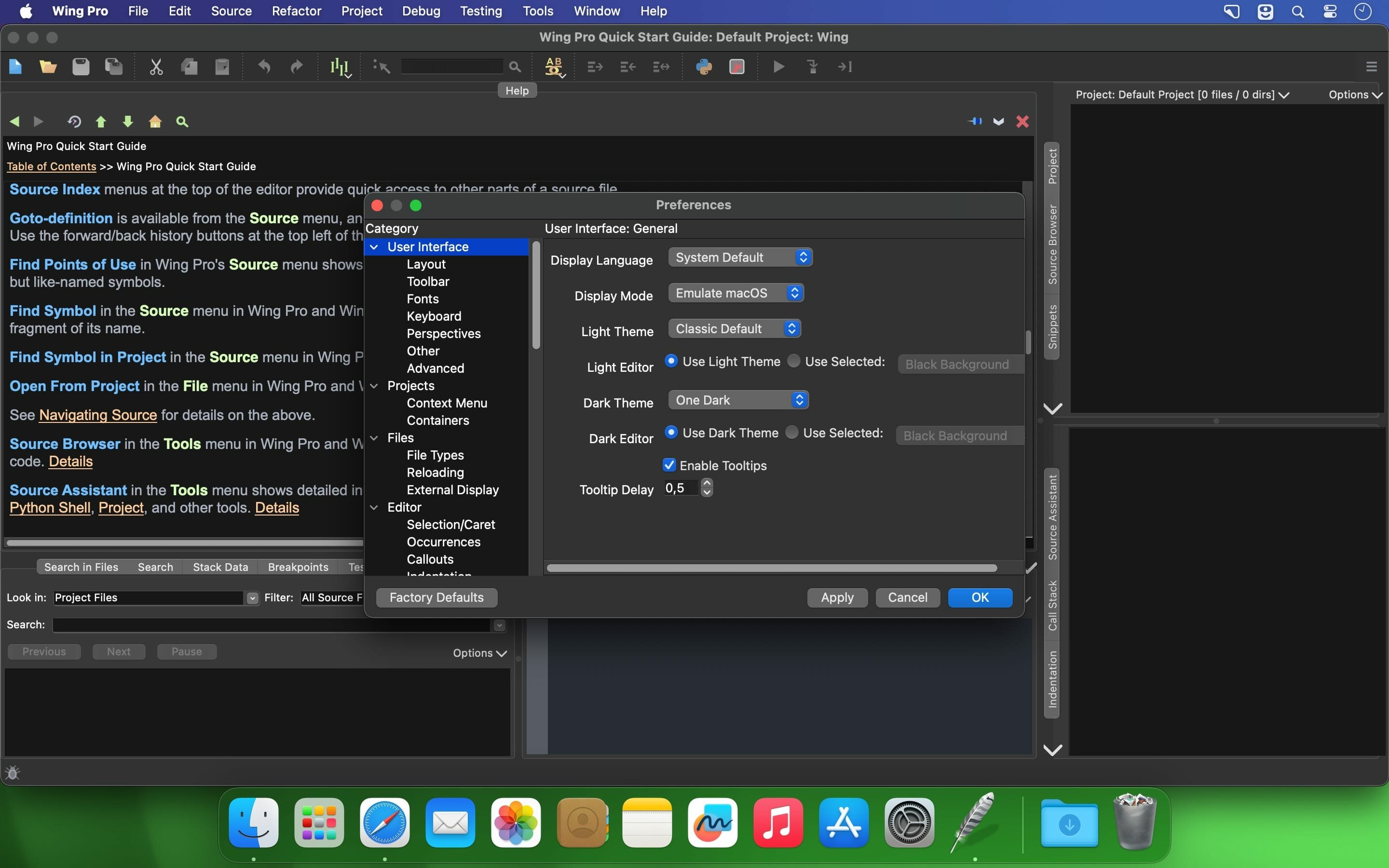

Wing IDE Professional provides powerful debugging, editing, code intelligence, and search capabilities that reduce development and debugging time, cut down on coding errors, and make it easier to understand and navigate Python code.
Unlike many competing technologies, Wing IDE Professional and Python let you concentrate on building your application-specific functionality.
Wing IDE Professional is available on macOS, Windows, Linux, and some other platforms.
Version 10.0.5:
Features
- Add support for running the IDE on arm64 Linux
Changes
- Change default OpenAI model to the lower cost and better performing gpt-4o
Bug Fixes
- Update German language localization
- Allow setting AI request costs per 1000 tokens above 1 and below .01 currency unit
- Fix failures seen in some revision control operations when language is not English
- Updated all empty and fuzzy strings for French, Russian, and Spanish UI translations
- using AI but left them as 'fuzzy' so they won't show up in the UI until reviewed
- Corrected supported platforms documentation for macOS to 11+
Frequently asked questions
How do I install the app?
Mount the image, drag the app into the "Applications" folder and launch it. If the system blocks the launch, allow it in "System Settings → Privacy & Security".
The app is damaged or won't launch
Reinstalling from a fresh image usually helps. Make sure your macOS version matches the one listed in the compatibility specs.
How do I update?
Download the new version from the site and install it over the current one — your settings will be preserved.
The download link doesn't work
Try a mirror or a download manager. For large files the browser often drops the connection.
How do I completely remove the app?
Use an uninstaller utility — it cleans up the service files that remain after moving the app to the trash.





Choose a download source
Wing Pro 10.0.5 · 138.08 MB